
Rolling Upgrade
Follow the steps below to perform an ODP Rolling upgrade.
Steps
- On the Ambari UI, navigate to the Admin -> Versions page and click Upgrade.
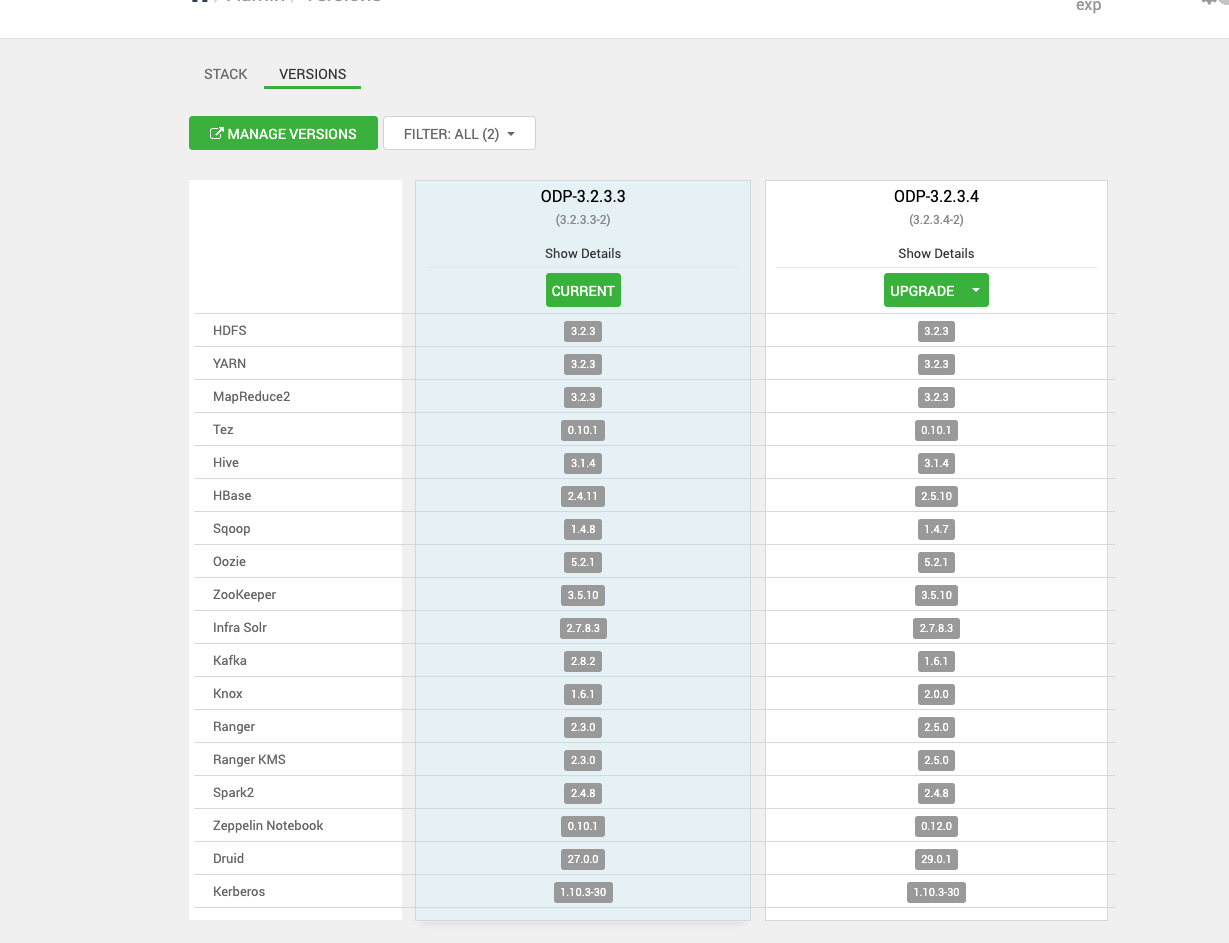
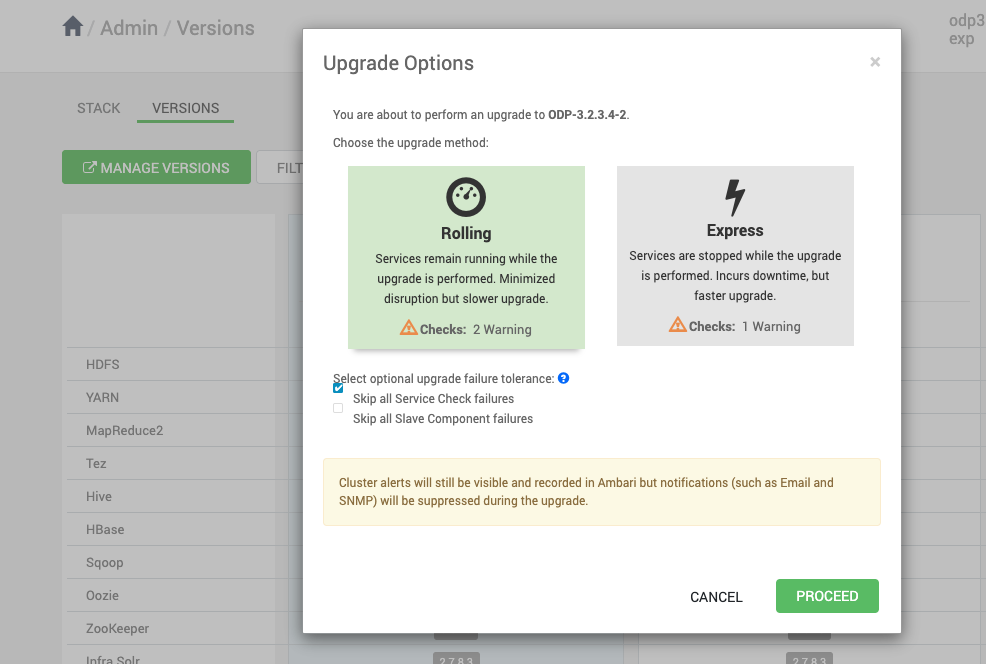
- Upon selecting the Upgrade option:
- The Rolling and Express options appear on the screen.
- Select Rolling and click Proceed.
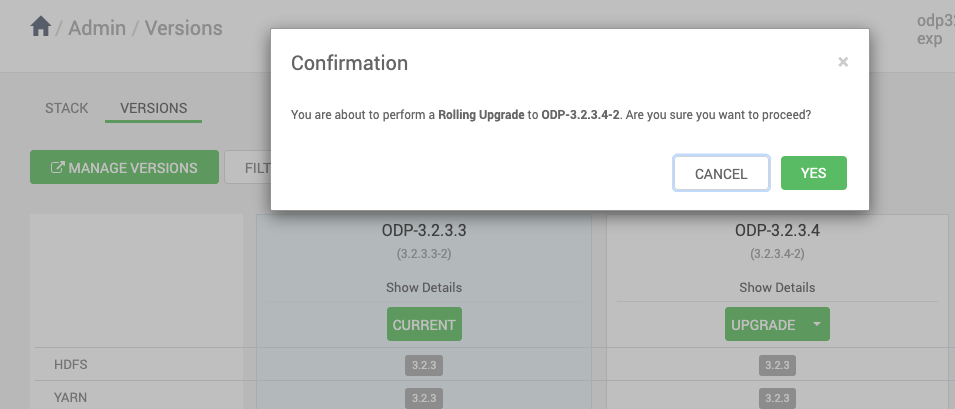
- Click Yes to proceed with the upgrade.
Info
Make sure to take all the Database backups.
Below is the progress of the upgrade process.
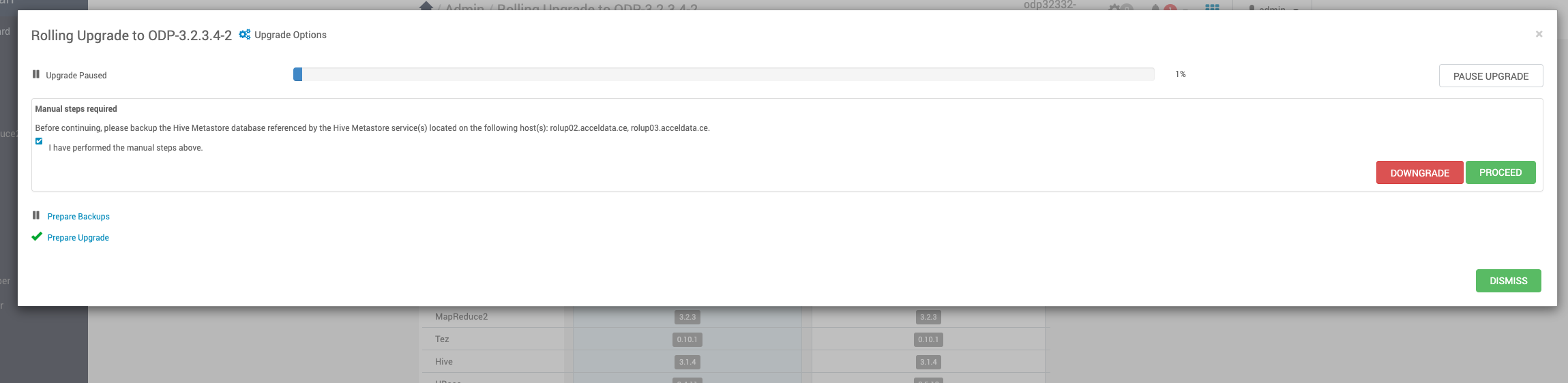
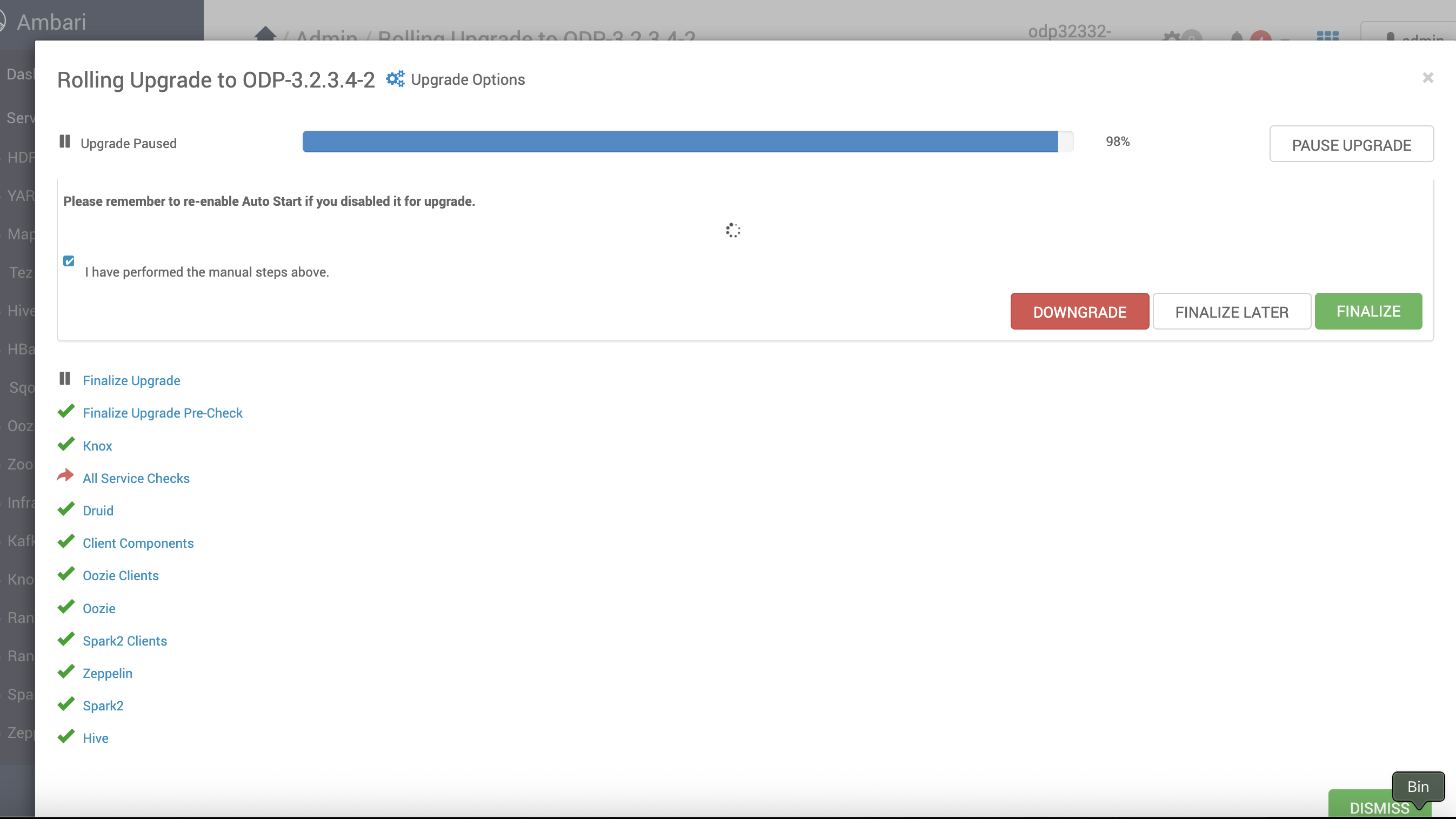
- Resume the Upgrade: Navigate back to the upgrade paused state and resume it.
Info
If required, pause the upgrade, restart the Zeppelin manually, and resume the upgrade.
- Finalize the Upgrade.
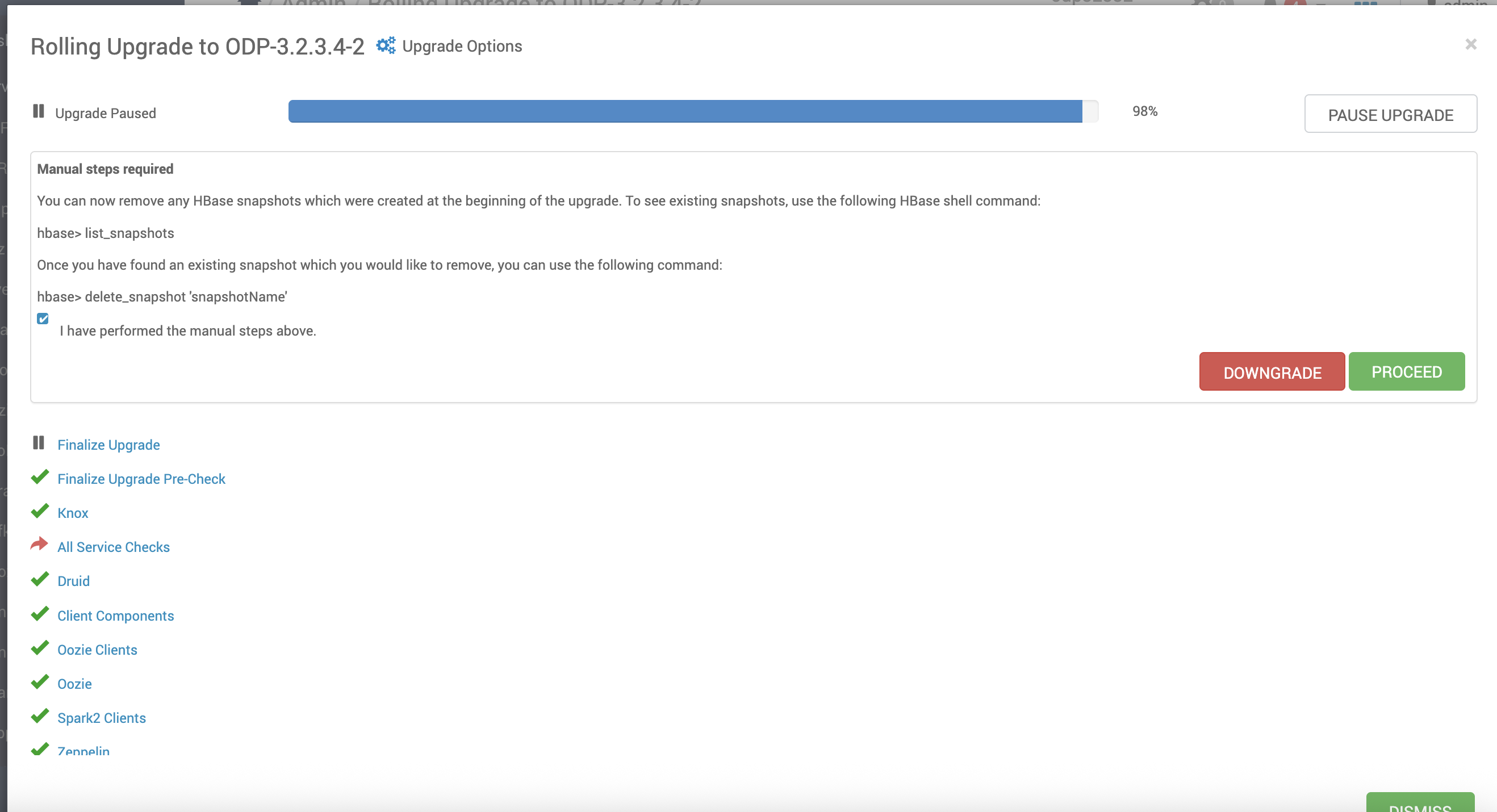
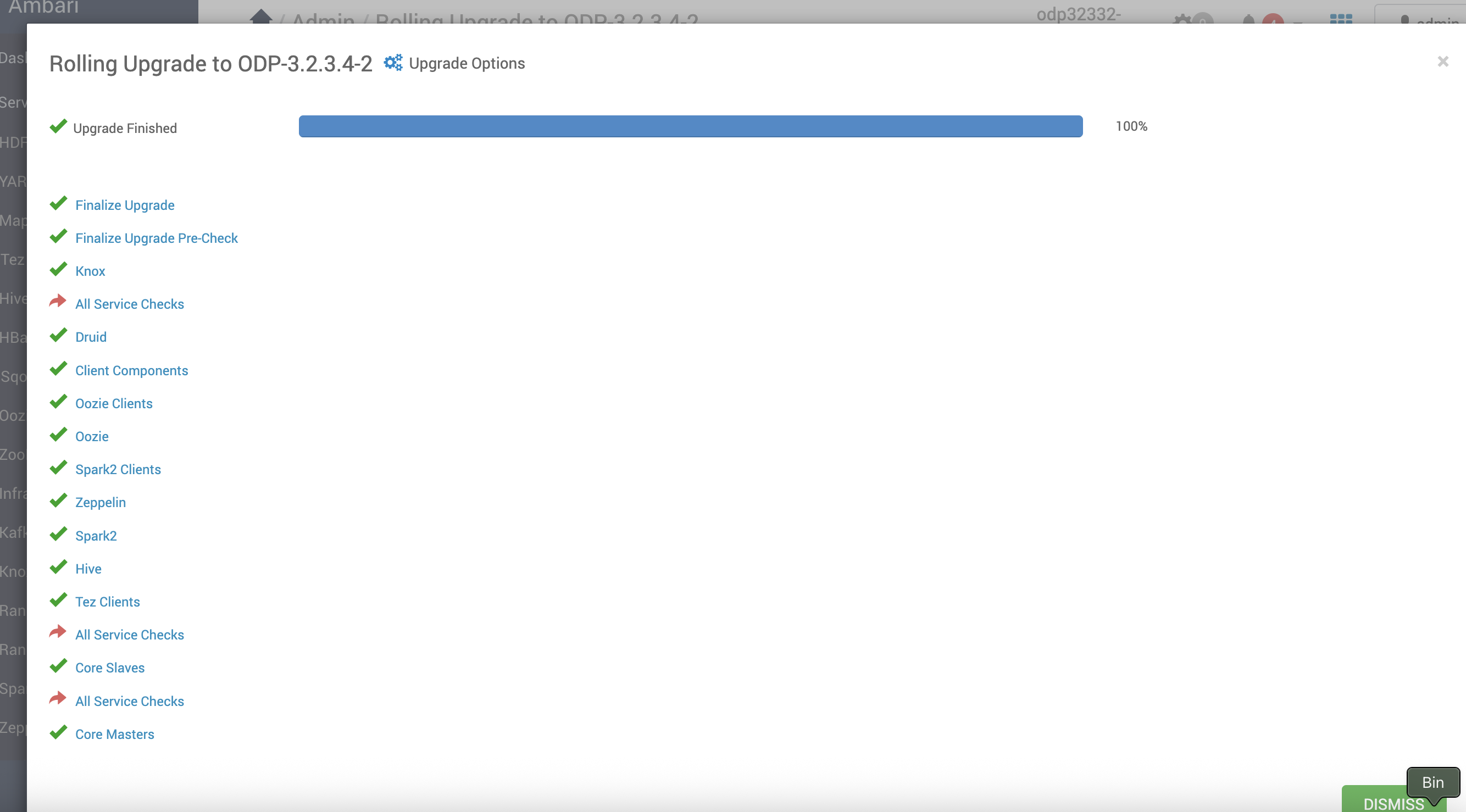
- After the Upgrade, verify the current ODP version.
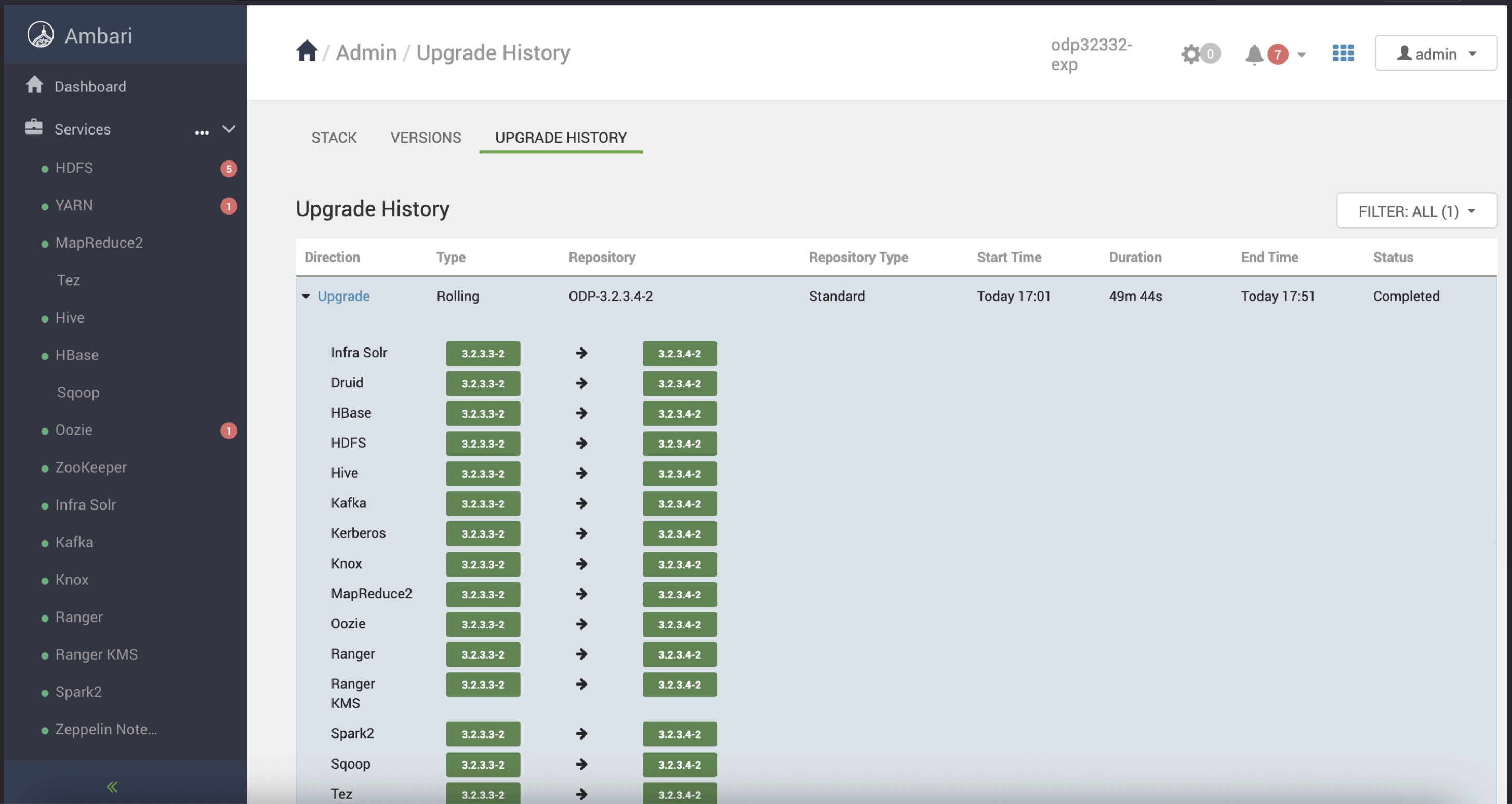
Upgrade History
You can view the upgrade history to review completed upgrades and their statuses.
Sanity Checks for Services
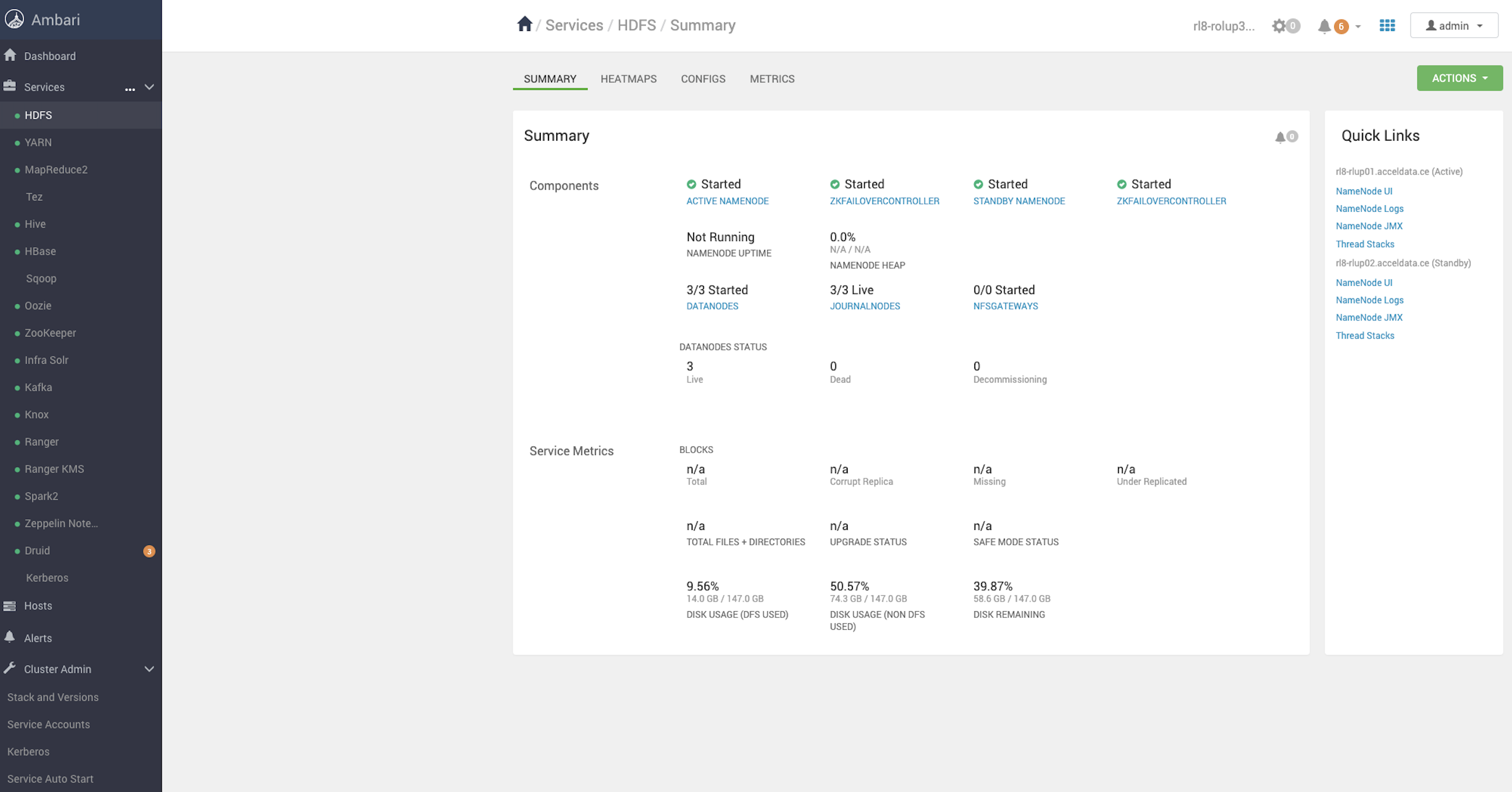
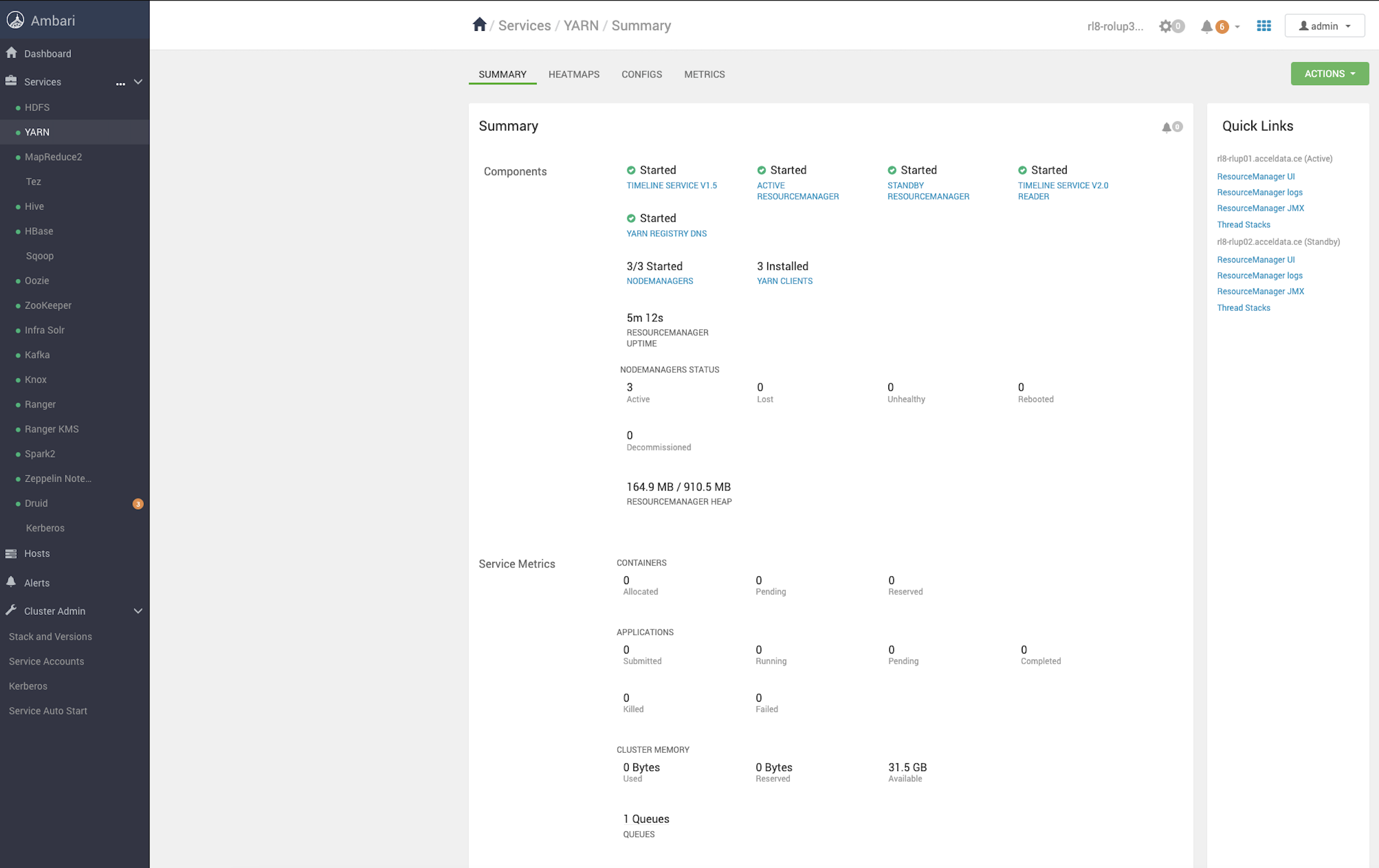
Verify the health status of all services to ensure they are running as expected.
Have a suggestion?