To install Apache Airflow management pack (mpack) for Python3.11 and RHEL8 with Postgres15, perform the following steps:
Install Python3.11 and create symlinks:
Install and setup Postgres15:
Update PostgreSQL configuration files:
Edit
/var/lib/pgsql/15/data/postgresql.conf:
Uncomment the following lines:
Edit
/var/lib/pgsql/15/data/pg_hba.conf:
Add the following line:
Restart PostgreSQL:
Install
google-re2package andpsycopg2-binary:
If the package is not installed, download it and then install it. After running the below command, you will get a wheel package like google_re2-1.1.20240501-1-cp39-cp39-manylinux_2_24_x86_64.manylinux_2_28_x86_64.whl:
Ensure that you have set up the repository for Airflow before proceeding with the Airflow service installation through Ambari.
Install Mpack:
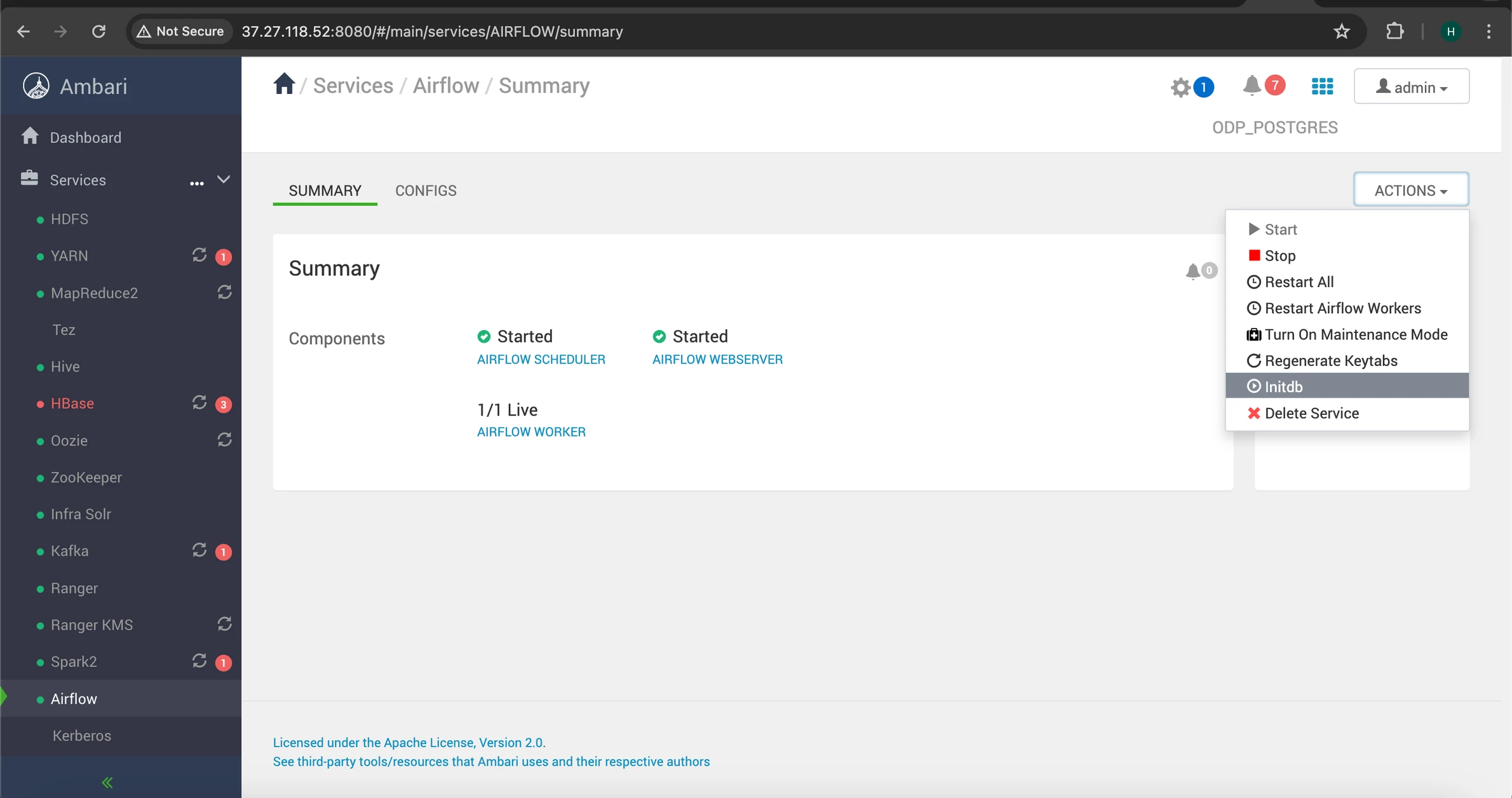
Refer to the screenshots below for guidance on installing the service via Ambari UI:
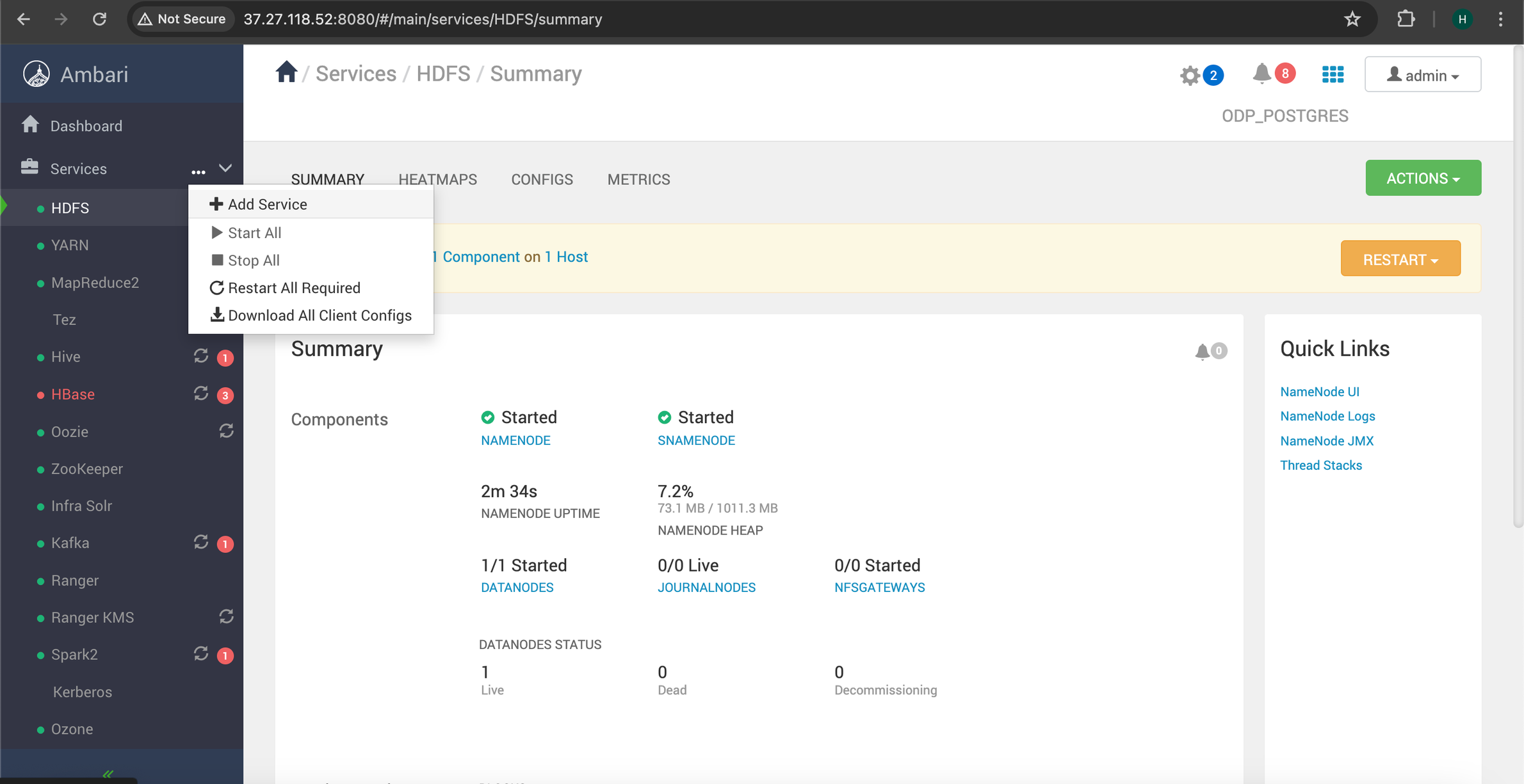
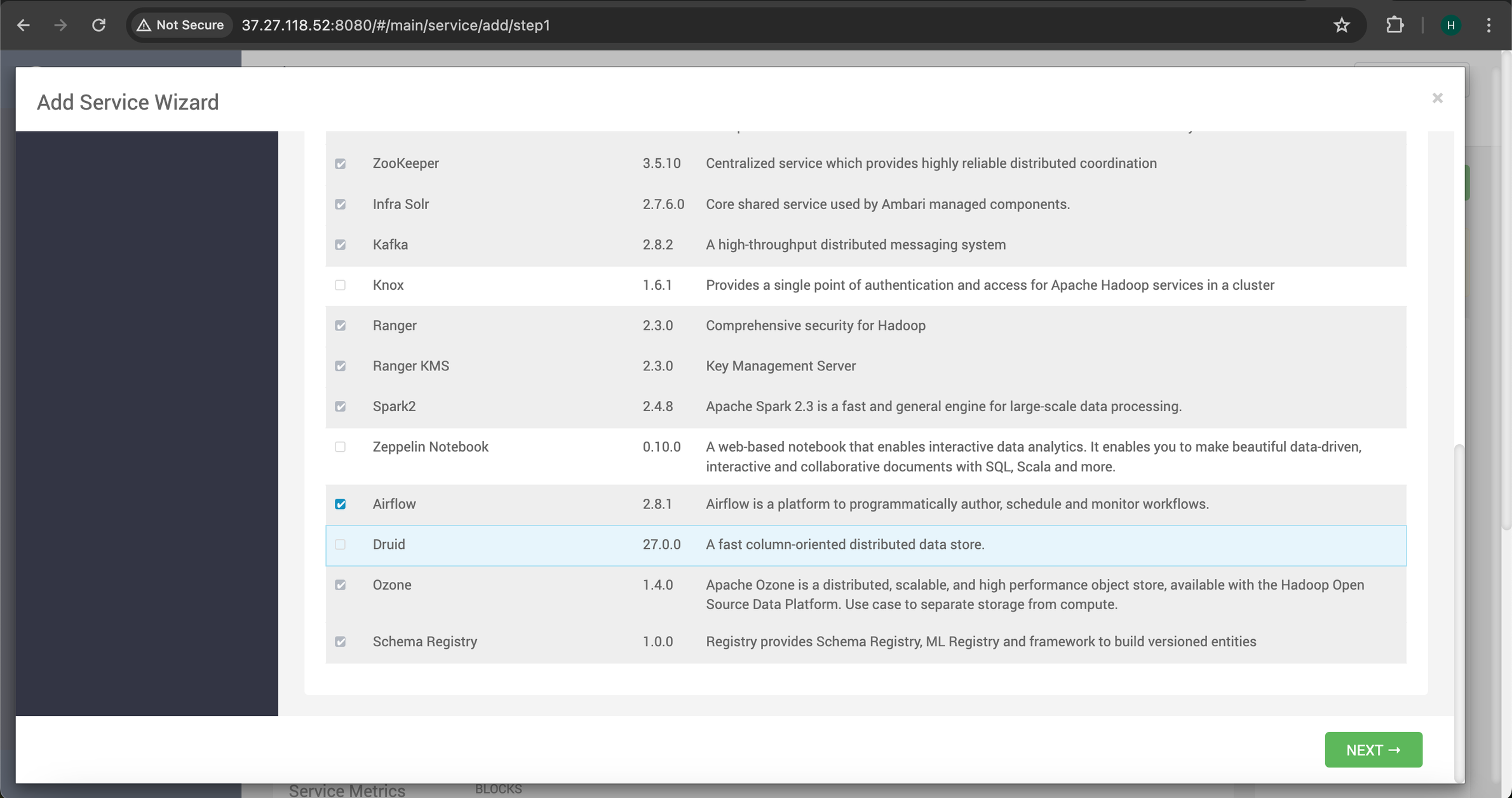
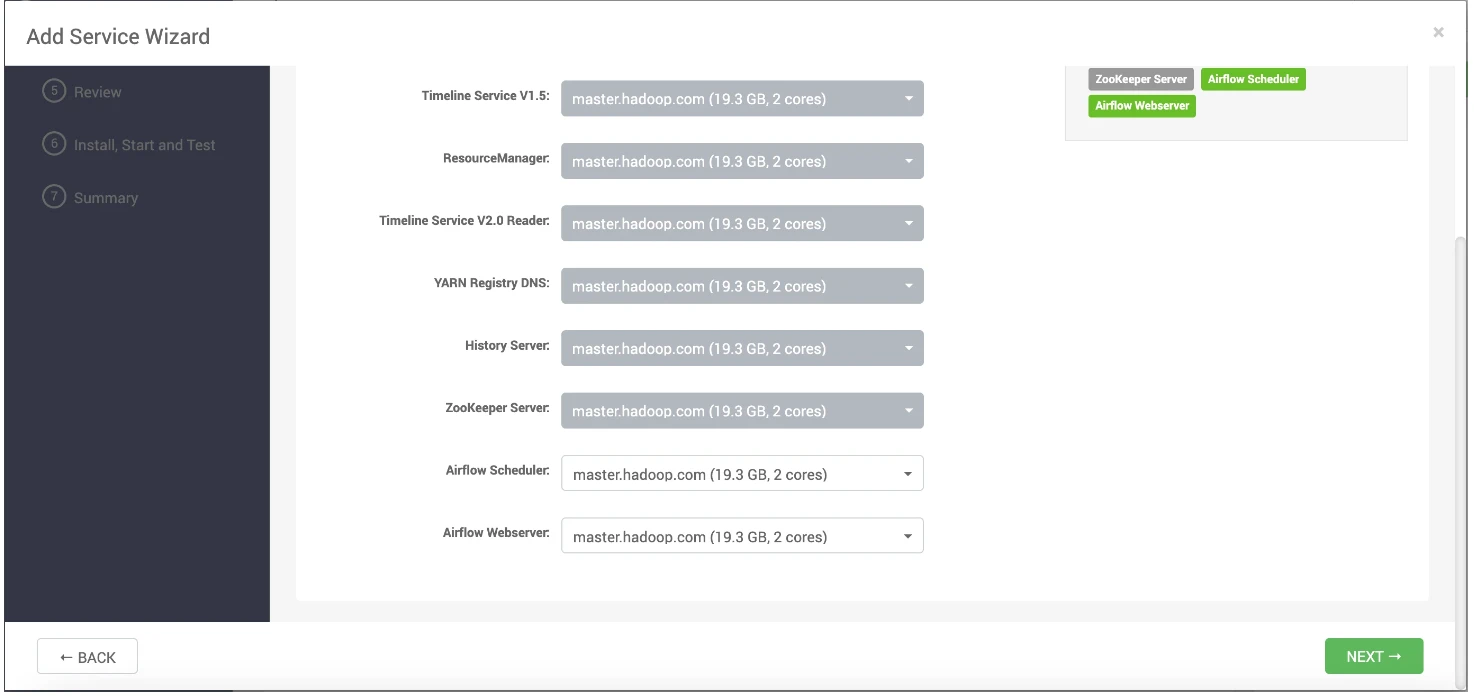
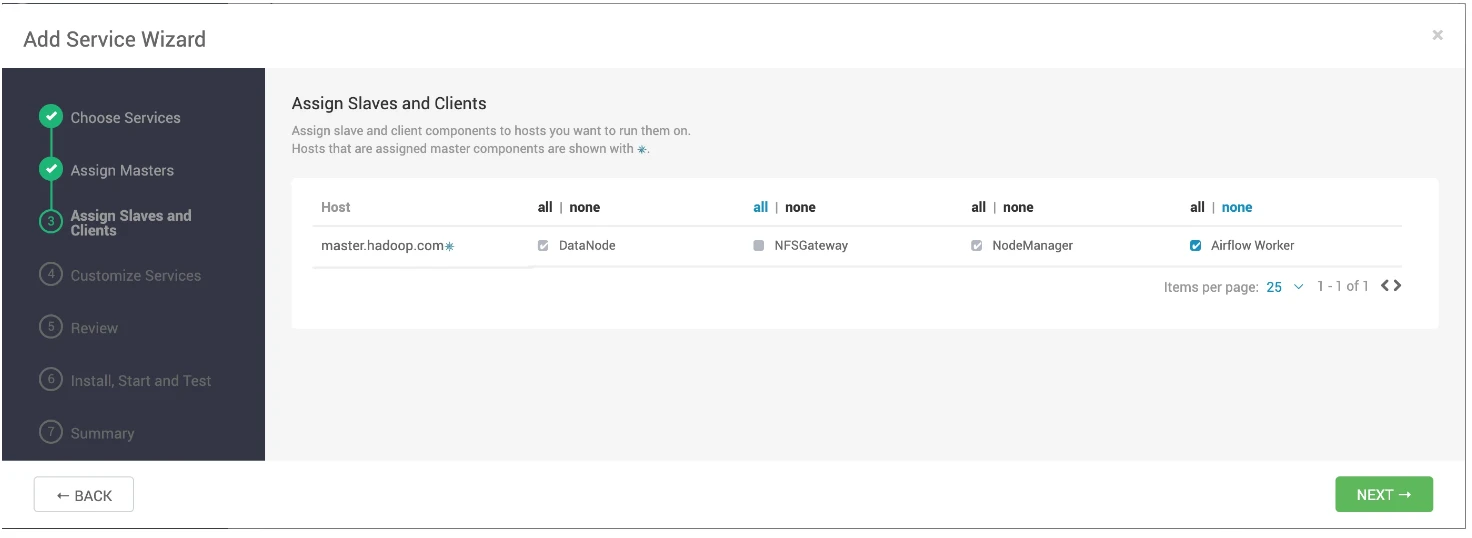
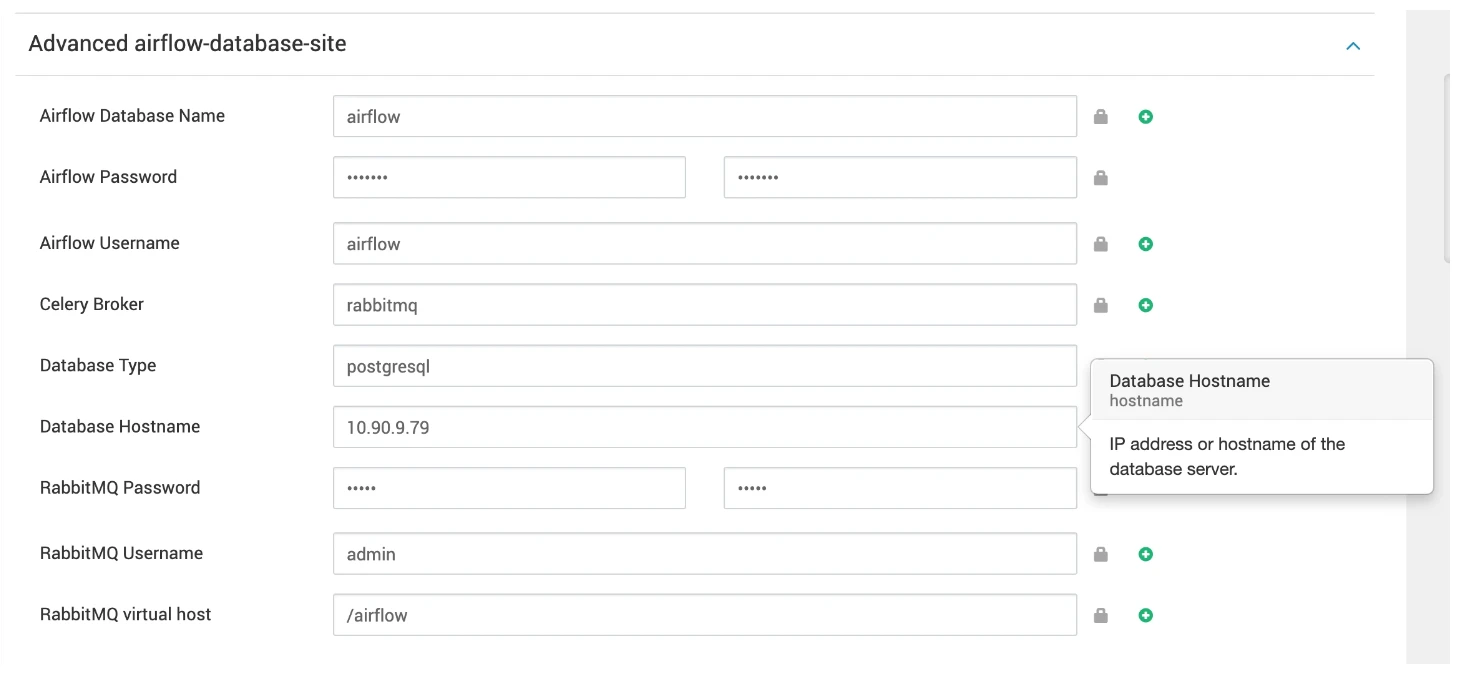
Follow the Airflow configurations steps provided in the Apache Airflow Installation using Mpack on Ambari guide.
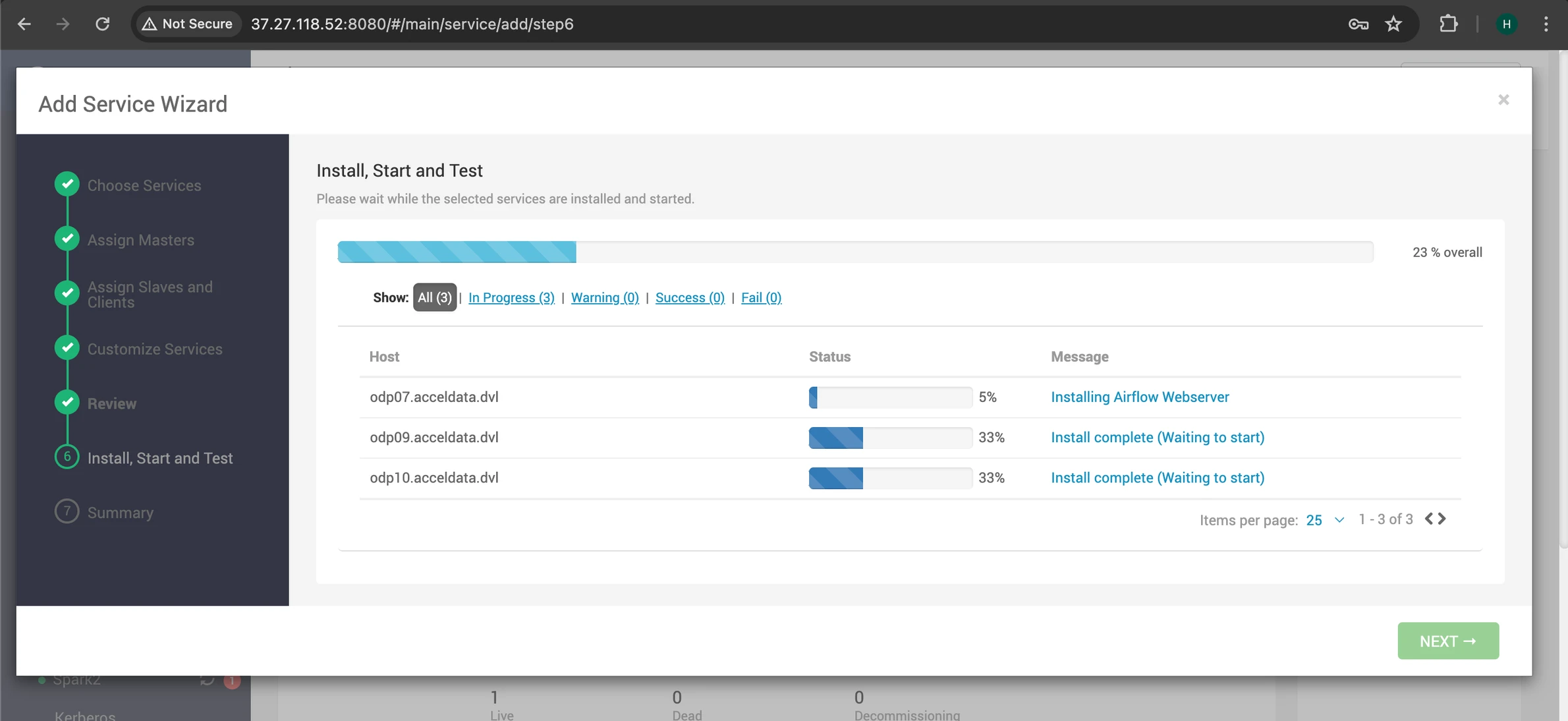
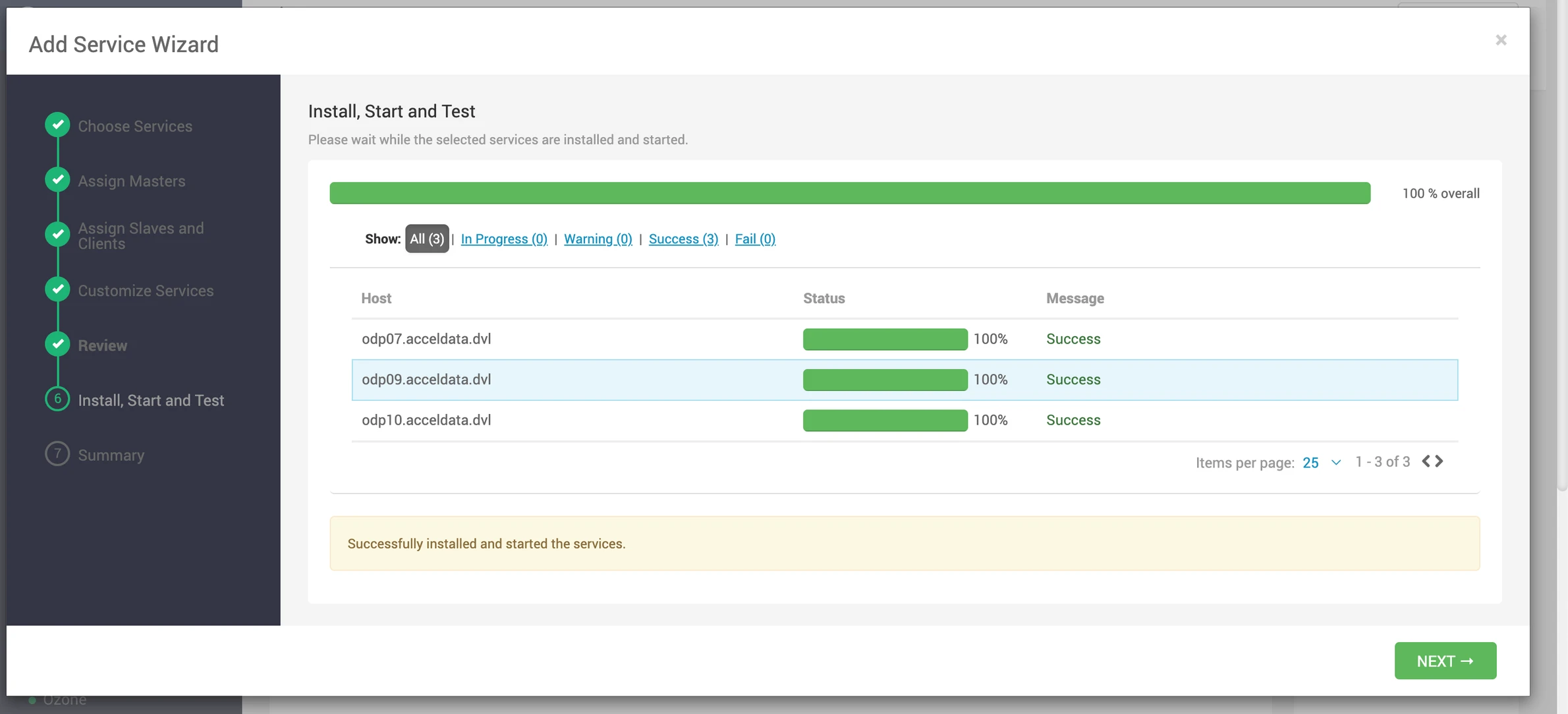
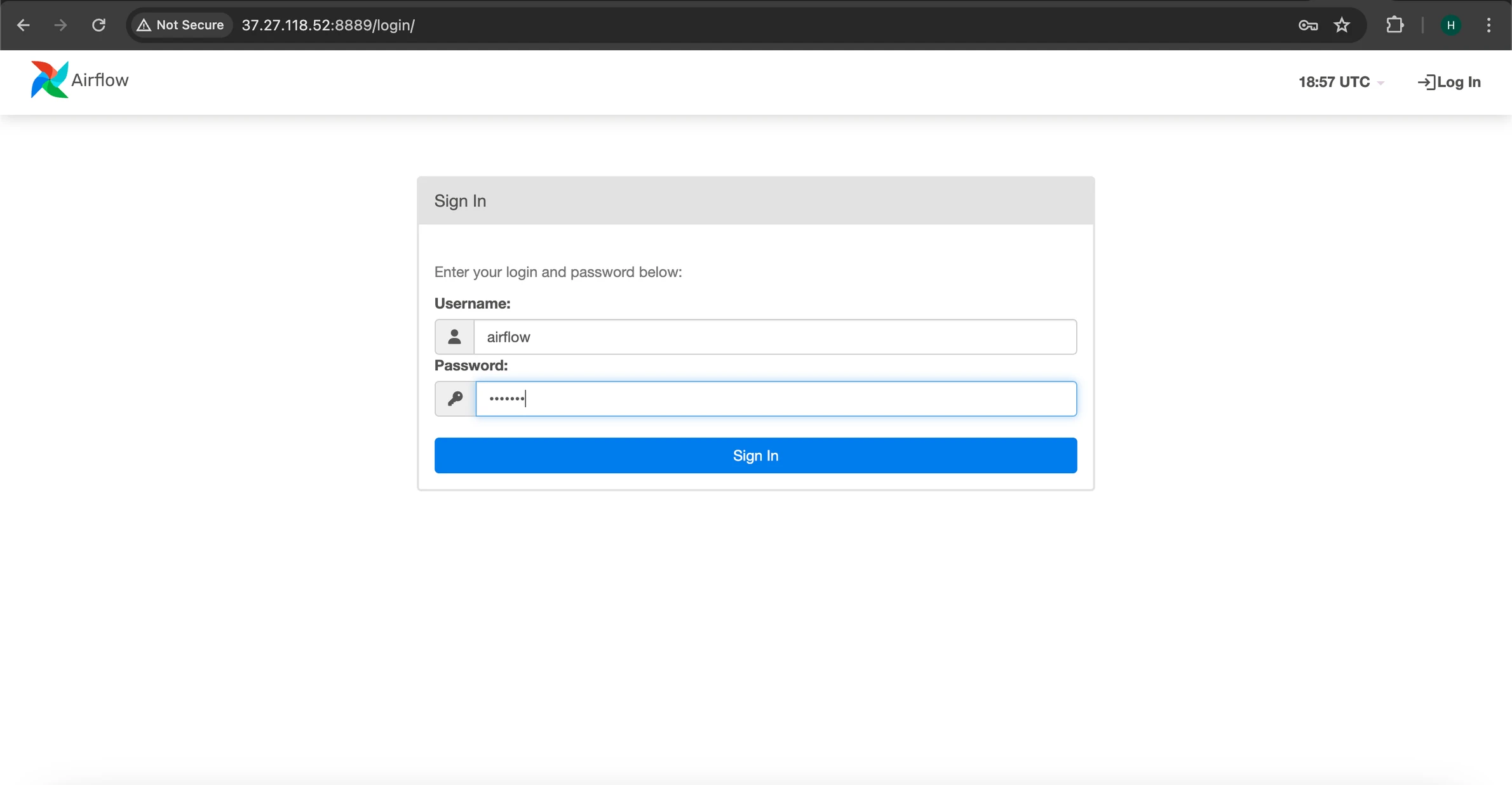
Access the Airflow UI using your Airflow credentials, in this case we are using 'airflow' as the username and password.