
Title
Create new category
Edit page index title
Edit category
Edit link
Installing Knox on ODP
After installing the Knox service via the Ambari UI and activating the Knox plugin in Ranger (if not done already), execute the following steps to assess Knox functionality.
Demo LDAP Server
Start Demo Knox LDAP server from the actions menu in Knox.
Proxy Users in HDFS
Update the following configs in custom core-site in HDFS:
xxxxxxxxxxhadoop.proxyuser.knox.groups=*hadoop.proxyuser.knox.hosts=*Attempt the given curl command:
xxxxxxxxxxcurl -iku admin:admin-password "https://$(hostname -f):8443/gateway/default/webhdfs/v1/?op=LISTSTATUS"This command is expected to fail unless you have disabled Audit to SOLR in the Knox configuration.
Disable Audit to SOLR
On disabling Audit to SOLR in the Knox configuration, the API calls must function as expected.
In Python3 clusters the following command returns http 404 error as advanced topology is not in format (becomes binary string, wont get parsed properly to application). Update the advanced topology and then rerun the following. The result should be as expected:
root@newreleaseub1:~# curl -iku admin:admin-password "https://$(hostname -f):8443/gateway/default/webhdfs/v1/?op=LISTSTATUS"HTTP/1.1 200 OKDate: Mon, 11 Dec 2023 19:32:31 GMTSet-Cookie: KNOXSESSIONID=node01mitiwazsjo0gskicoox7x3v933.node0; Path=/gateway/default; Secure; HttpOnlyExpires: Thu, 01 Jan 1970 00:00:00 GMTSet-Cookie: rememberMe=deleteMe; Path=/gateway/default; Max-Age=0; Expires=Sun, 10-Dec-2023 19:32:31 GMT; SameSite=laxDate: Mon, 11 Dec 2023 19:32:31 GMTCache-Control: no-cacheExpires: Mon, 11 Dec 2023 19:32:31 GMTDate: Mon, 11 Dec 2023 19:32:31 GMTPragma: no-cacheX-Content-Type-Options: nosniffX-FRAME-OPTIONS: SAMEORIGINX-XSS-Protection: 1; mode=blockContent-Type: application/json;charset=utf-8Transfer-Encoding: chunked {"FileStatuses":{"FileStatus":[{"accessTime":0,"blockSize":0,"childrenNum":3,"fileId":16395,"group":"hadoop","length":0,"modificationTime":1701708150259,"owner":"yarn","pathSuffix":"app-logs","permission":"1777","replication":0,"storagePolicy":0,"type":"DIRECTORY"},{"accessTime":0,"blockSize":0,"childrenNum":1,"fileId":17307,"group":"hdfs","length":0,"modificationTime":1701680533763,"owner":"hdfs","pathSuffix":"apps","permission":"755","replication":0,"storagePolicy":0,"type":"DIRECTORY"},{"accessTime":0,"blockSize":0,"childrenNum":2,"fileId":16392,"group":"hadoop","length":0,"modificationTime":1701680011525,"owner":"yarn","pathSuffix":"ats","permission":"755","replication":0,"storagePolicy":0,"type":"DIRECTORY"},{"accessTime":0,"blockSize":0,"childrenNum":1,"fileId":16415,"group":"hdfs","length":0,"modificationTime":1701680420023,"owner":"hdfs","pathSuffix":"atsv2","permission":"755","replication":0,"storagePolicy":0,"type":"DIRECTORY"},{"accessTime":0,"blockSize":0,"childrenNum":1,"fileId":16398,"group":"hdfs","length":0,"modificationTime":1701680020018,"owner":"mapred","pathSuffix":"mapred","permission":"755","replication":0,"storagePolicy":0,"type":"DIRECTORY"},{"accessTime":0,"blockSize":0,"childrenNum":2,"fileId":16400,"group":"hadoop","length":0,"modificationTime":1701680083247,"owner":"mapred","pathSuffix":"mr-history","permission":"777","replication":0,"storagePolicy":0,"type":"DIRECTORY"},{"accessTime":0,"blockSize":0,"childrenNum":1,"fileId":16404,"group":"hdfs","length":0,"modificationTime":1701680022069,"owner":"hdfs","pathSuffix":"odp","permission":"755","replication":0,"storagePolicy":0,"type":"DIRECTORY"},{"accessTime":0,"blockSize":0,"childrenNum":1,"fileId":16389,"group":"hdfs","length":0,"modificationTime":1701680004677,"owner":"hdfs","pathSuffix":"ranger","permission":"755","replication":0,"storagePolicy":0,"type":"DIRECTORY"},{"accessTime":0,"blockSize":0,"childrenNum":127,"fileId":17548,"group":"hadoop","length":0,"modificationTime":1701719034844,"owner":"spark","pathSuffix":"spark2-history","permission":"777","replication":0,"storagePolicy":0,"type":"DIRECTORY"},{"accessTime":0,"blockSize":0,"childrenNum":0,"fileId":21891,"group":"hdfs","length":0,"modificationTime":1701706404538,"owner":"hdfs","pathSuffix":"system","permission":"755","replication":0,"storagePolicy":0,"type":"DIRECTORY"},{"accessTime":0,"blockSize":0,"childrenNum":12,"fileId":16386,"group":"hdfs","length":0,"modificationTime":1701718929865,"owner":"hdfs","pathSuffix":"tmp","permission":"777","replication":0,"storagePolicy":0,"type":"DIRECTORY"},{"accessTime":0,"blockSize":0,"childrenNum":15,"fileId":16387,"group":"hdfs","length":0,"modificationTime":1702303725817,"owner":"hdfs","pathSuffix":"user","permission":"755","replication":0,"storagePolicy":0,"type":"DIRECTORY"},{"accessTime":0,"blockSize":0,"childrenNum":2,"fileId":17315,"group":"hdfs","length":0,"modificationTime":1701705629173,"owner":"hdfs","pathSuffix":"warehouse","permission":"755","replication":0,"storagePolicy":0,"type":"DIRECTORY"}]}}Update Advanced Topology
In Knox configurations, update or add the URL's based on the hostname at your end for the services as shown below:
In this release, we've identified a minor formatting issue with the configuration under 'Advanced Topology.' Rest assured, there's no cause for concern. We've provided an updated configuration below, which includes additional services and their corresponding URLs for your convenience.
xxxxxxxxxx<topology> <gateway> <provider> <role>authentication</role> <name>ShiroProvider</name> <enabled>true</enabled> <param> <name>sessionTimeout</name> <value>30</value> </param> <param> <name>main.ldapRealm</name> <value>org.apache.hadoop.gateway.shirorealm.KnoxLdapRealm</value> </param> <param> <name>main.ldapRealm.userDnTemplate</name> <value>uid={0},ou=people,dc=hadoop,dc=apache,dc=org</value> </param> <param> <name>main.ldapRealm.contextFactory.url</name> <value>ldap://{{knox_host_name}}:33389</value> </param> <param> <name>main.ldapRealm.contextFactory.authenticationMechanism</name> <value>simple</value> </param> <param> <name>urls./**</name> <value>authcBasic</value> </param> </provider> <provider> <role>identity-assertion</role> <name>Default</name> <enabled>true</enabled> </provider> <provider> <role>authorization</role> <name>XASecurePDPKnox</name> <enabled>true</enabled> </provider> </gateway> <service> <role>NAMENODE</role> <url>{{namenode_address}}</url> </service> <service> <role>JOBTRACKER</role> <url>rpc://{{rm_host}}:{{jt_rpc_port}}</url> </service> <service> <role>WEBHDFS</role> {{webhdfs_service_urls}} </service> <service> <role>WEBHCAT</role> <url>http://{{webhcat_server_host}}:{{templeton_port}}/templeton</url> </service> <service> <role>OOZIE</role> <url>http://{{oozie_server_host}}:{{oozie_server_port}}/oozie</url> </service> <service> <role>OOZIEUI</role> <url>http://{{oozie_server_host}}:{{oozie_server_port}}/oozie/</url> </service> <service> <role>WEBHBASE</role> <url>http://{{hbase_master_host}}:{{hbase_master_port}}</url> </service> <service> <role>HIVE</role> <url>http://{{hive_server_host}}:{{hive_http_port}}/{{hive_http_path}}</url> </service> <service> <role>RESOURCEMANAGER</role> <url>http://{{rm_host}}:{{rm_port}}/ws</url> </service> <service> <role>DRUID-COORDINATOR-UI</role> {{druid_coordinator_urls}} </service> <service> <role>DRUID-COORDINATOR</role> {{druid_coordinator_urls}} </service> <service> <role>DRUID-OVERLORD-UI</role> {{druid_overlord_urls}} </service> <service> <role>DRUID-OVERLORD</role> {{druid_overlord_urls}} </service> <service> <role>DRUID-ROUTER</role> {{druid_router_urls}} </service> <service> <role>DRUID-BROKER</role> {{druid_broker_urls}} </service> <service> <role>ZEPPELINUI</role> {{zeppelin_ui_urls}} </service> <service> <role>ZEPPELINWS</role> {{zeppelin_ws_urls}} </service> <service> <role>YARNUI</role> <url>http://newreleaseub2.acceldata.ce:8088</url> </service> <service> <role>AMBARIUI</role> <url>http://newreleaseub1.acceldata.ce:8080</url> </service> <service> <role>AMBARIWS</role> <url>ws://newreleaseub1.acceldata.ce:8080</url> </service> <service> <role>RANGER</role> <url>http://newreleaseub1.acceldata.ce:6080</url> </service> <service> <role>RANGERUI</role> <url>http://newreleaseub1.acceldata.ce:6080</url> </service> <service> <role>HDFSUI</role> <version>2.7.0</version> <url>http://newreleaseub1.acceldata.ce:50070</url> </service> <service> <role>SOLR</role> <version>6.0.0</version> <url>http://newreleaseub1.acceldata.ce:8886/solr</url> </service> </topology>Additionally, modify the gateway.dispatch.whitelist in the Advanced gateway-site section of the Knox configuration to use regular expressions as illustrated below:
For hostnames resembling newreleaseub1.acceldata.ce:
xxxxxxxxxx^https?:\/\/(.+\.acceldata\.ce):[0-9]+\/?.*$For hostnames resembling odp01.ubuntu.ce:
xxxxxxxxxx^https?:\/\/(.+\.ubuntu\.ce):[0-9]+\/?.*$Setup Ambari SSO
Generate the Certificate
root@newreleaseub1:/usr/odp/3.2.3.0-2/knox/bin# ./knoxcli.sh export-cert --type PEMSLF4J: Class path contains multiple SLF4J bindings.SLF4J: Found binding in [jar:file:/usr/odp/3.2.3.0-2/knox/bin/../dep/slf4j-reload4j-1.7.35.jar!/org/slf4j/impl/StaticLoggerBinder.class]SLF4J: Found binding in [jar:file:/usr/odp/3.2.3.0-2/knox/bin/../dep/slf4j-log4j12-1.7.30.jar!/org/slf4j/impl/StaticLoggerBinder.class]SLF4J: See http://www.slf4j.org/codes.html#multiple_bindings for an explanation.SLF4J: Actual binding is of type [org.slf4j.impl.Reload4jLoggerFactory]Certificate gateway-identity has been successfully exported to: /usr/odp/3.2.3.0-2/knox/data/security/keystores/gateway-identity.pemDisplay the contents using cat as you'll require them in the next step.
Ambari Server Setup SSO
Restart the Ambari server.
LDAP Setup and Sync
To setup LDAP, perform the following:
Sync LDAP as shown below:
Restart the Ambari server and clear all cookies after setting up LDAP or SSO in the browser.
- Perform UI checks for the following services
UI Checks
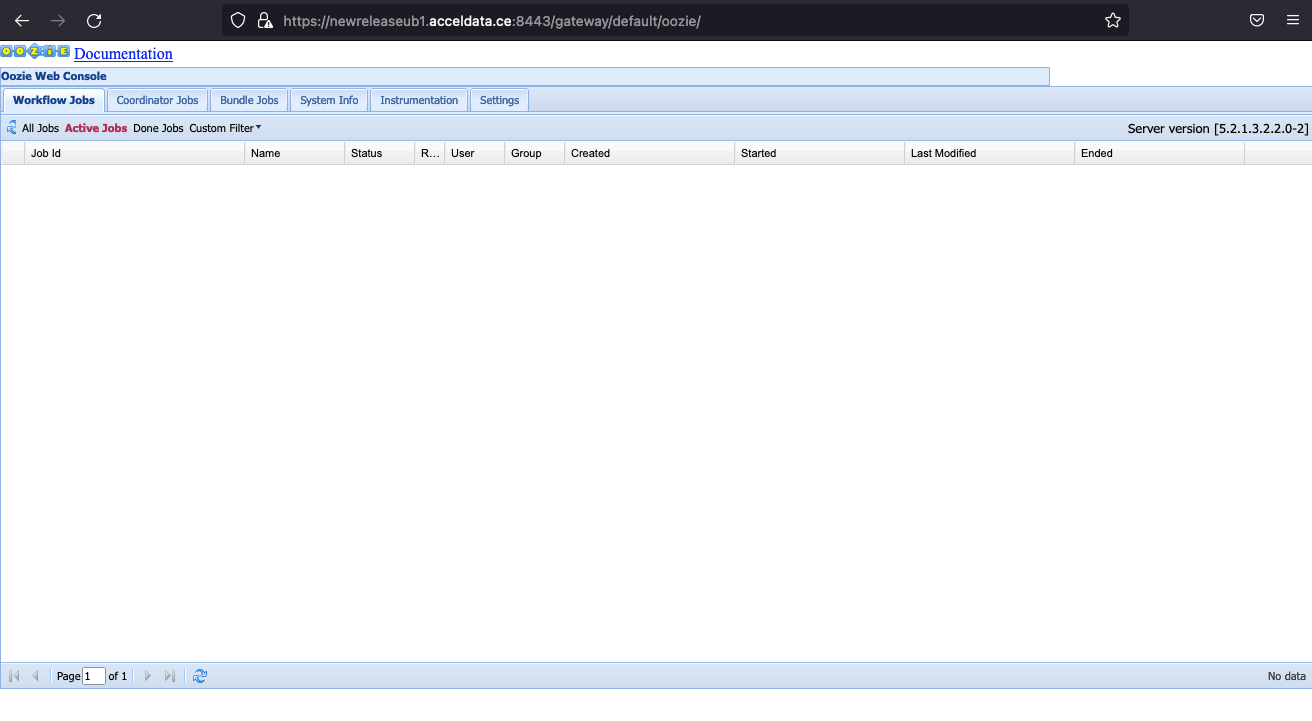
Oozie
Added the following configs in Oozie configuration to move forward:
Oozie UI URL
HDFS
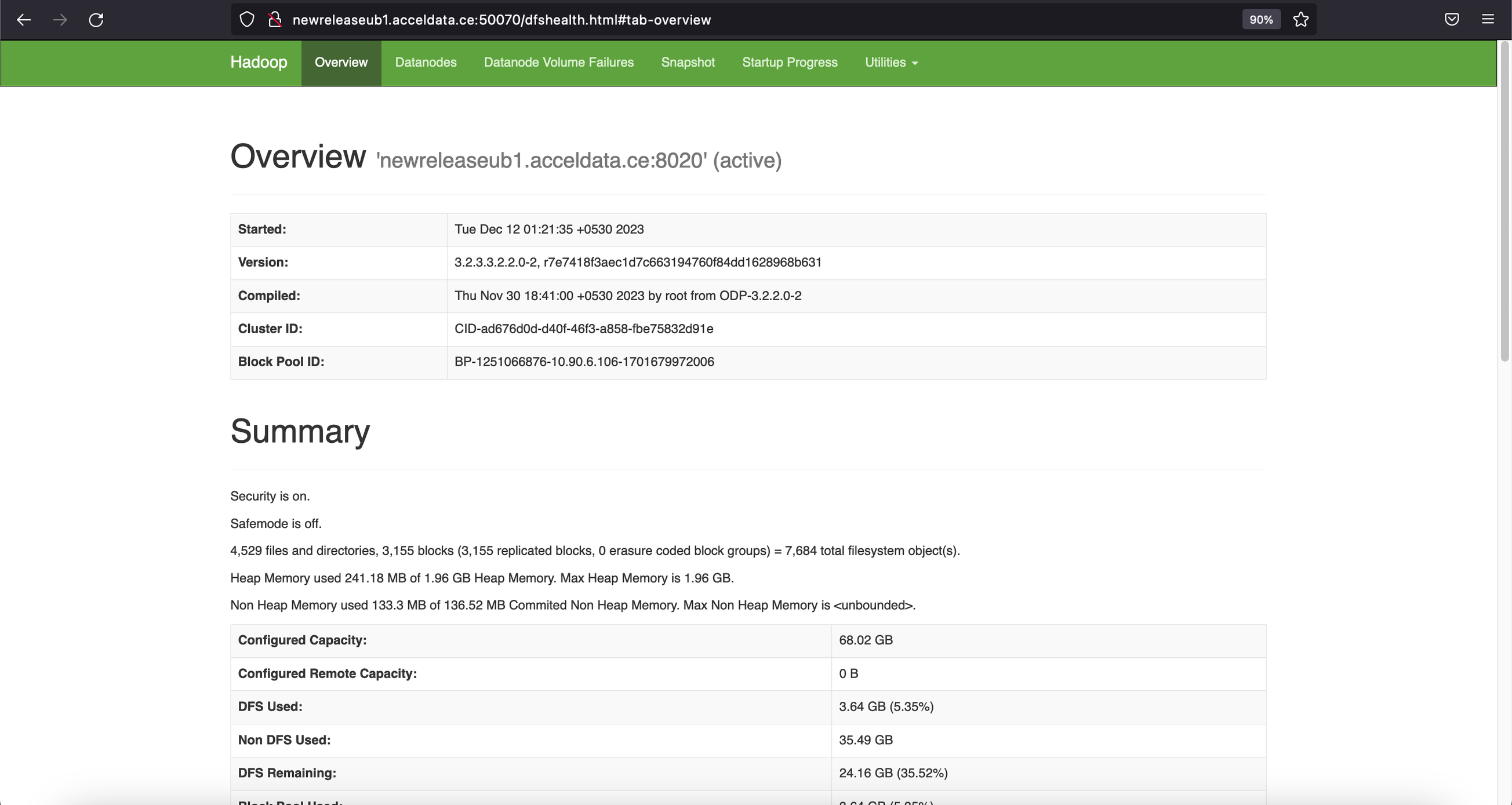
HDFS UI URL
Yarn
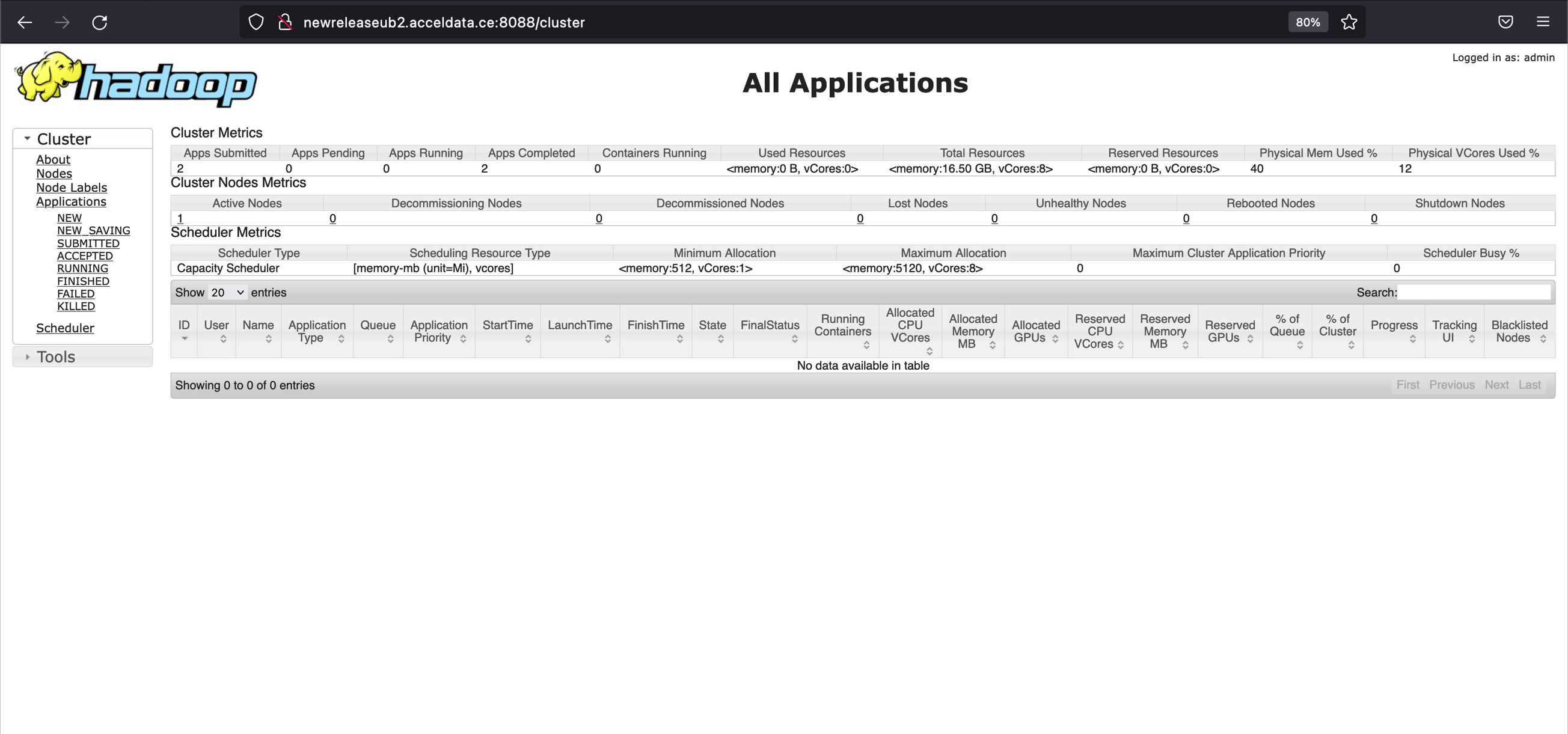
Yarn UI URL
Troubleshooting
If the service UI, when accessed in incognito mode (similar to attempting to log in without cookies) in Chrome, redirects to the Knox login page again, include the following configuration (add the last parameter section) in the Advanced knoxsso-topology under the service attribute:
This will set the cookie property as mentioned above. After restarting the service and clearing old cookies in the browser, the UIs should also function correctly in Chrome.
Knox Uninstallation
To uninstall Knox, perform the following:
- Disable SSO setup on Ambari by doing the following:
Restart your Ambari server.
- Stop and delete the Knox service from the Ambari UI:
- To revert to the older quicklinks and other configurations added by Knox, the simplest approach is to roll back the version in the configurations of all services associated with Knox to an earlier version used just before Knox was introduced. Alternatively, if you have incorporated other required configurations into the service, you can remove these configurations by searching for the specified keywords in each of the services.
For HDFS, YARN, and MapReduce, navigate to Advanced Ambari configs and remove the following configurations:
For Ranger and Oozie, go to Advanced Ambari configs and remove the following configurations:
Additionally, check other services where additional Knox configurations may have been added.