
Search
To install Apache Airflow management pack (mpack) for Python 8 and RHEL 8 with Postgres15, perform the following steps:
Install Python 3.8 and create symlinks:
sudo ln -sf /usr/bin/python3.8 /usr/bin/python3
sudo ln -sf /usr/bin/pip3.8 /usr/bin/pip3
Install and setup Postgres15:
sudo -u postgres psql
CREATE DATABASE airflow;
CREATE USER airflow WITH PASSWORD 'airflow';
ALTER ROLE airflow SET client_encoding TO 'utf8';
ALTER ROLE airflow SET default_transaction_isolation TO 'read committed';
ALTER ROLE airflow SET timezone TO 'UTC';
GRANT ALL PRIVILEGES ON DATABASE airflow TO airflow;
\c airflow
GRANT ALL ON SCHEMA public TO airflow;
\q
Update PostgreSQL configuration files:
Edit
/var/lib/pgsql/15/data/postgresql.conf:
vi /var/lib/pgsql/15/data/postgresql.conf
Uncomment the following lines:
listen_addresses = '*'
port = 5432
Edit
/var/lib/pgsql/15/data/pg_hba.conf:
vi /var/lib/pgsql/15/data/pg_hba.conf
Add the following line:
host airflow airflow 37.27.118.52/32 md5
Restart PostgreSQL:
sudo systemctl restart postgresql-15
Install package
psycopg2-binary:
pip3 install psycopg2-binary
Install Mpack:
ambari-server install-mpack --mpack=ambari-mpacks-airflow-2.8.1.tar.gz --verbose
Refer to the screenshots below for guidance on installing the service via Ambari UI:
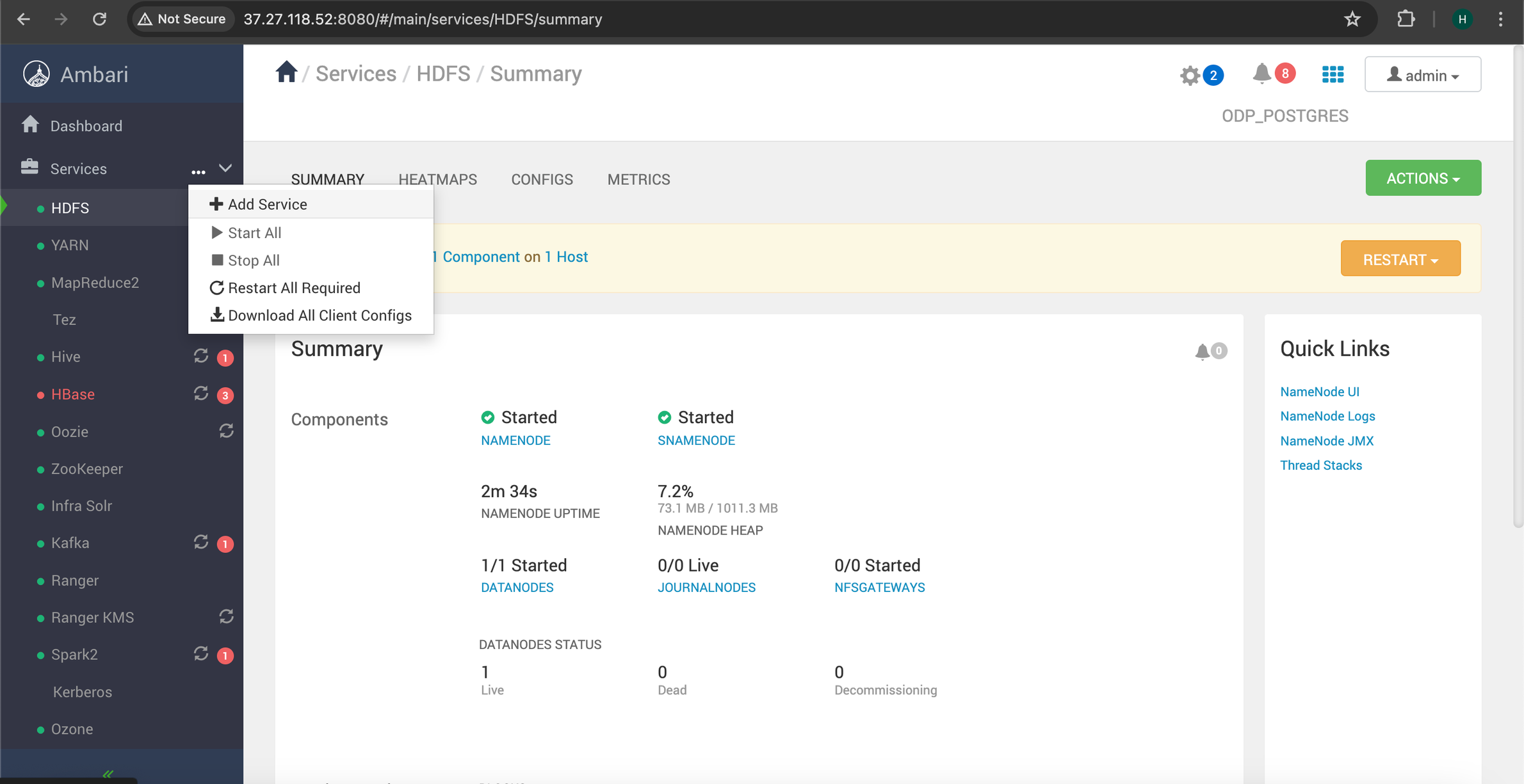
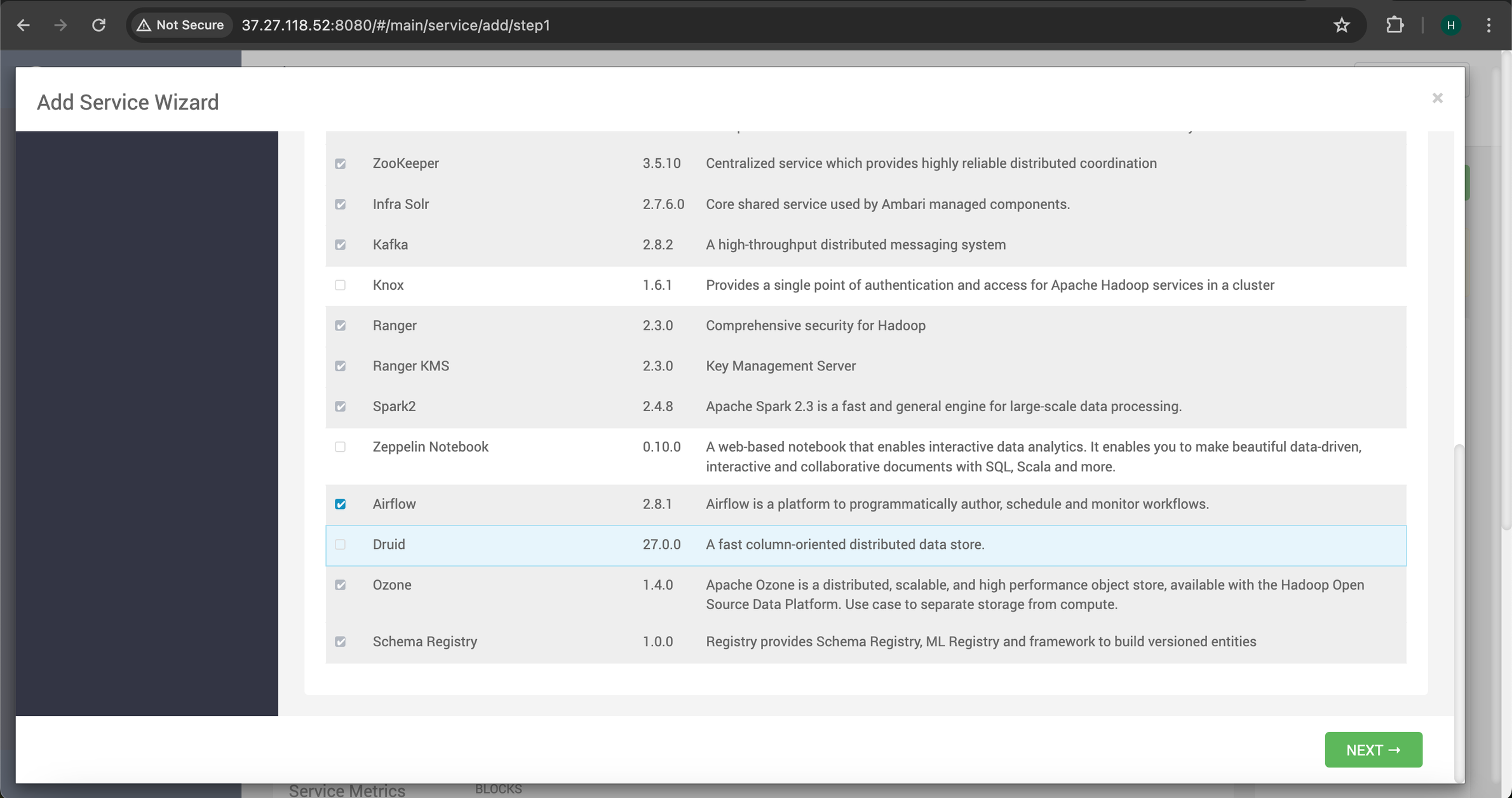
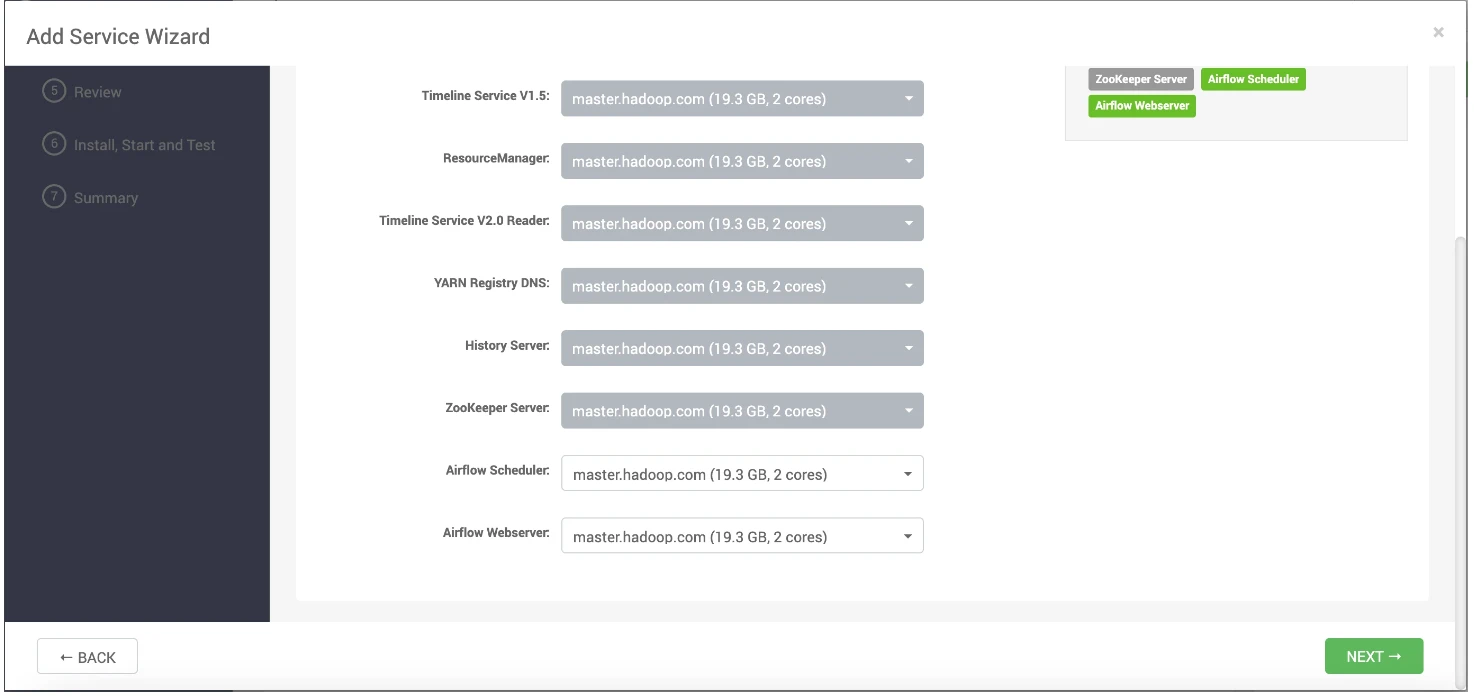
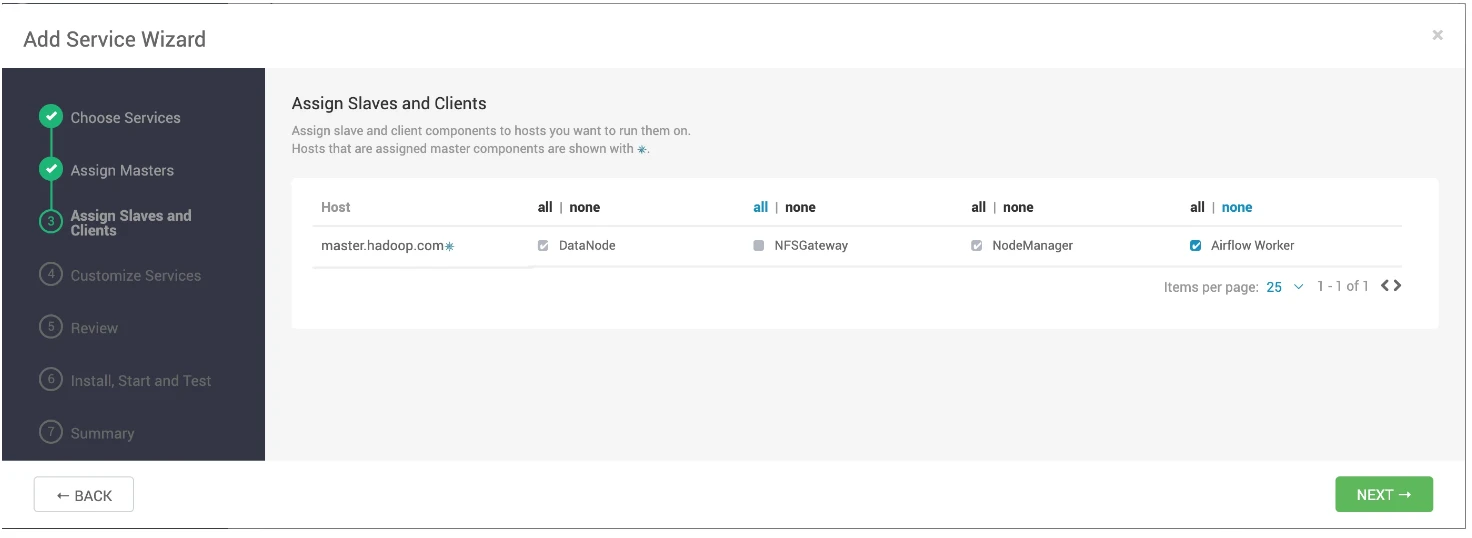
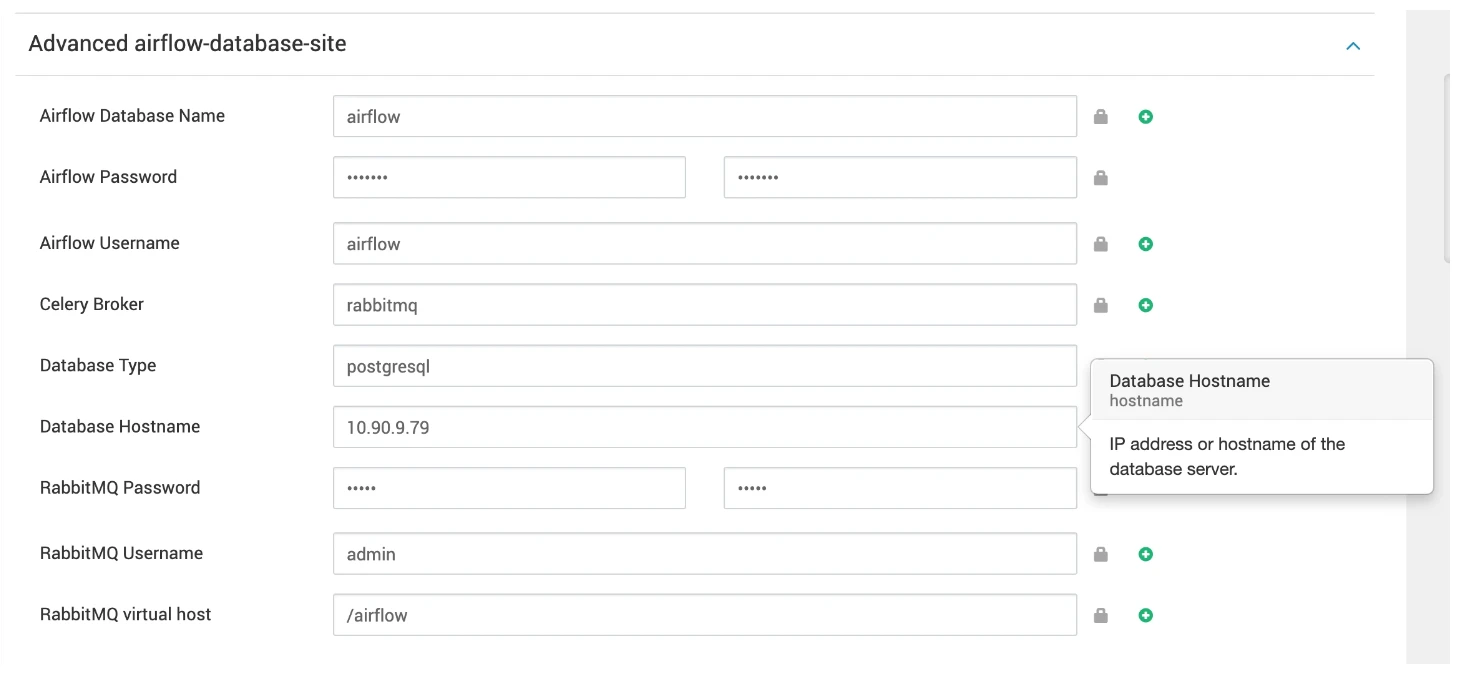
Follow the Airflow configurations steps provided in the Apache Airflow Installation using Mpack on Ambari guide.
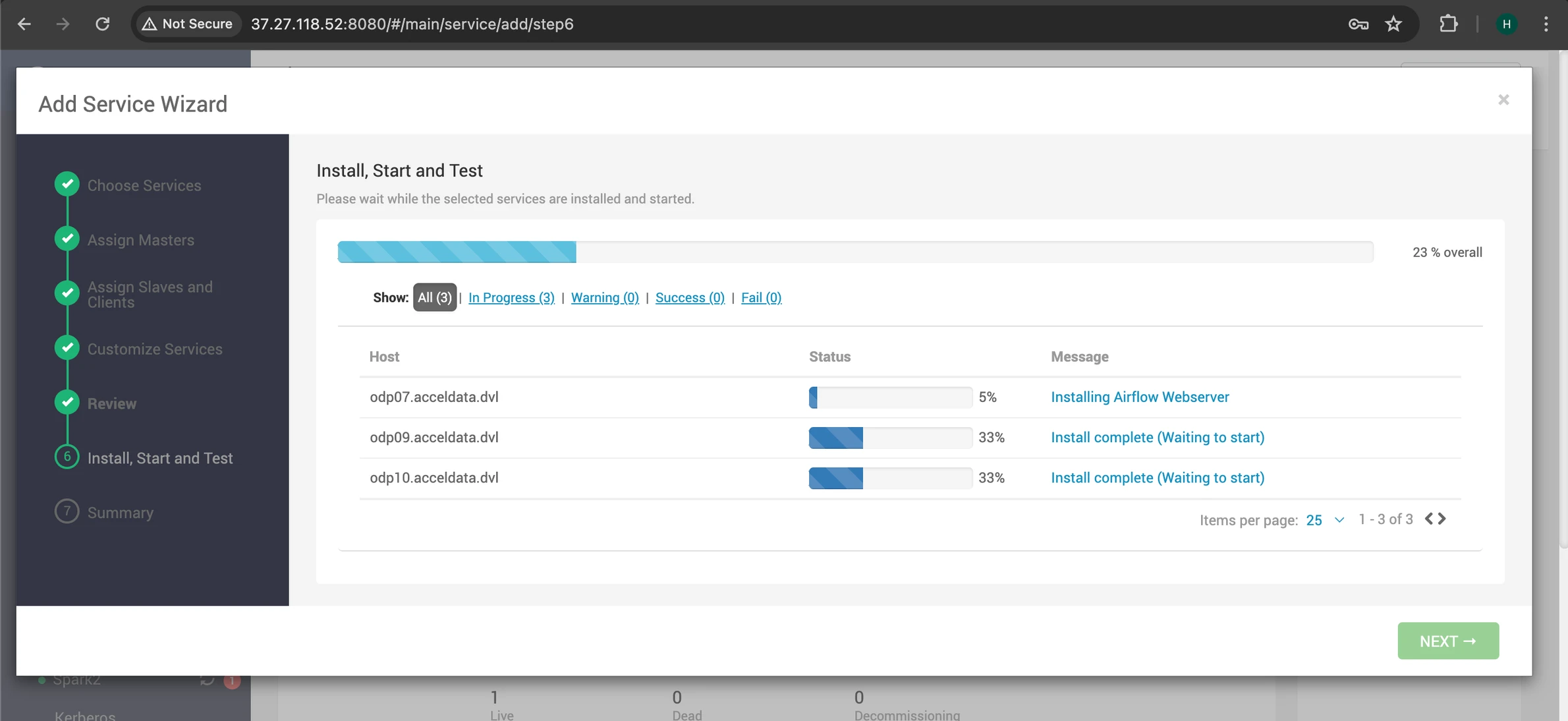
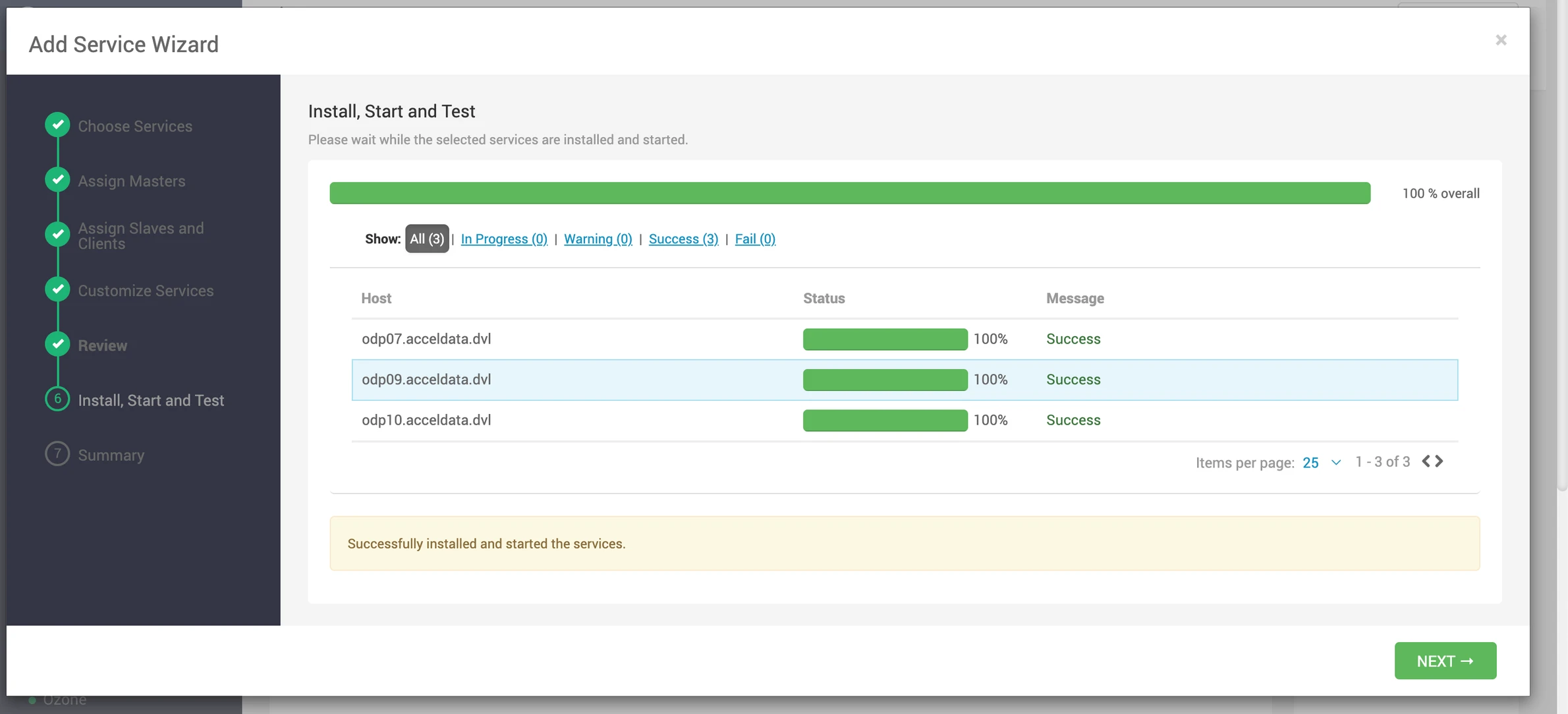
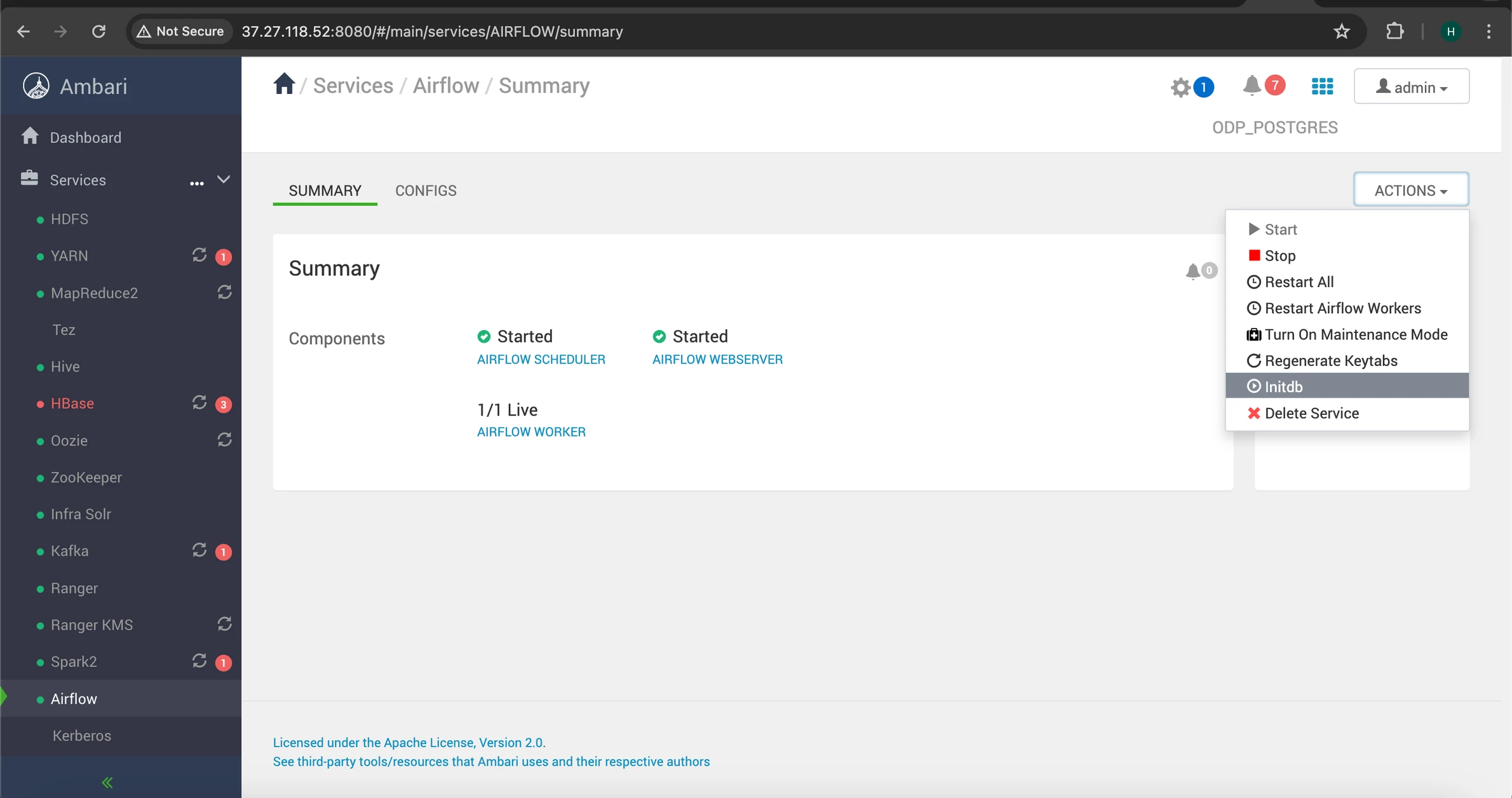
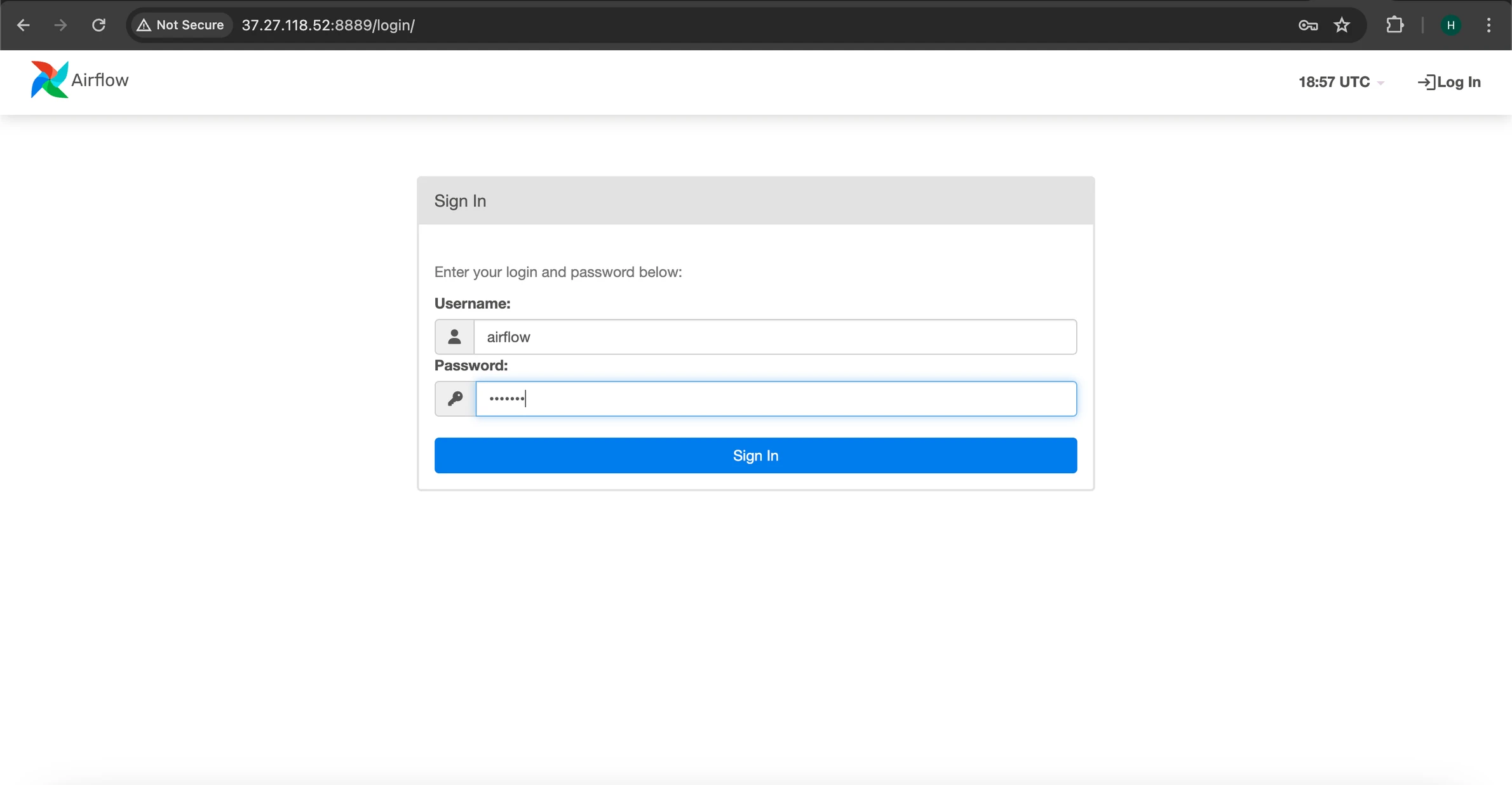
Access the Airflow UI using your Airflow credentials, in this case we are using 'airflow' as the username and password.
Was this page helpful?