
Search
Once an incident is generated and displayed on the Incidents page, Acceldata recommends prioritizing and addressing Critical Incidents followed by High, Medium, and Low Incidents to ensure timely investigation and mitigation and minimize potential impacts on your ecosystem.
Following are the two scenarios using which you can prioritize and investigate the incidents:
Scenario 1:
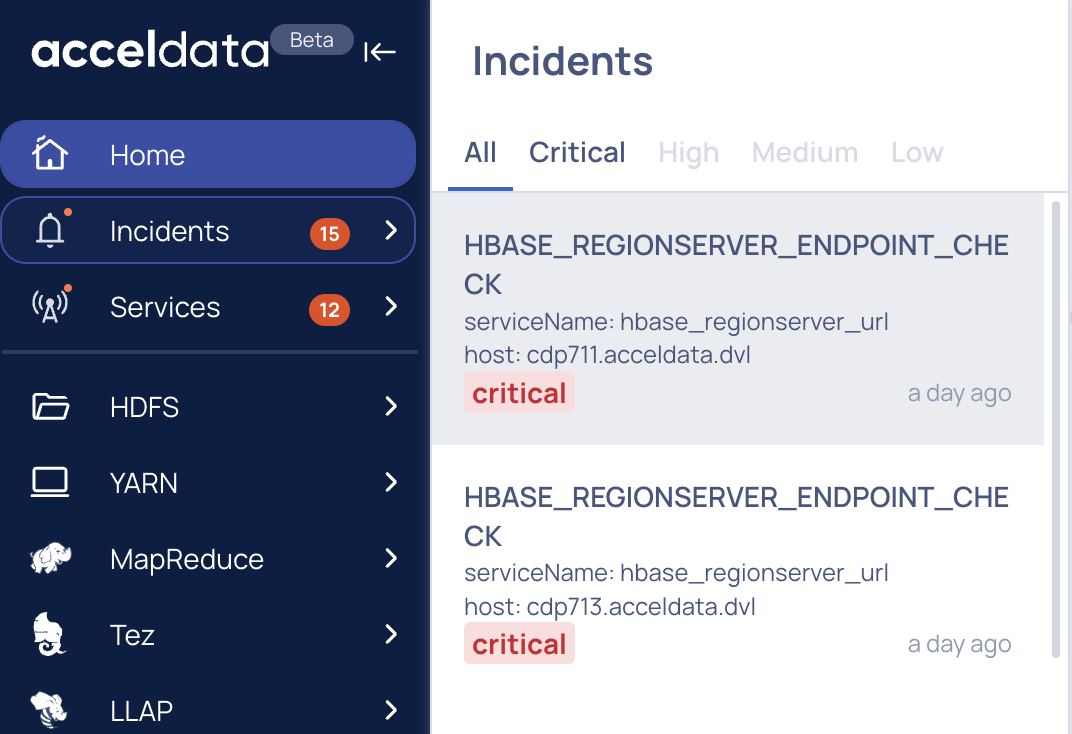
- Log in to the Pulse UI, and click the bell icon on the left-side navigation bar. The Incidents pane displays a list of incidents categorized by severity levels, including Critical, High, Medium, and Low.
- Click on the Incident. The incident details appear on the screen. You can investigate and find out the root cause of an incident.
Scenario 2:
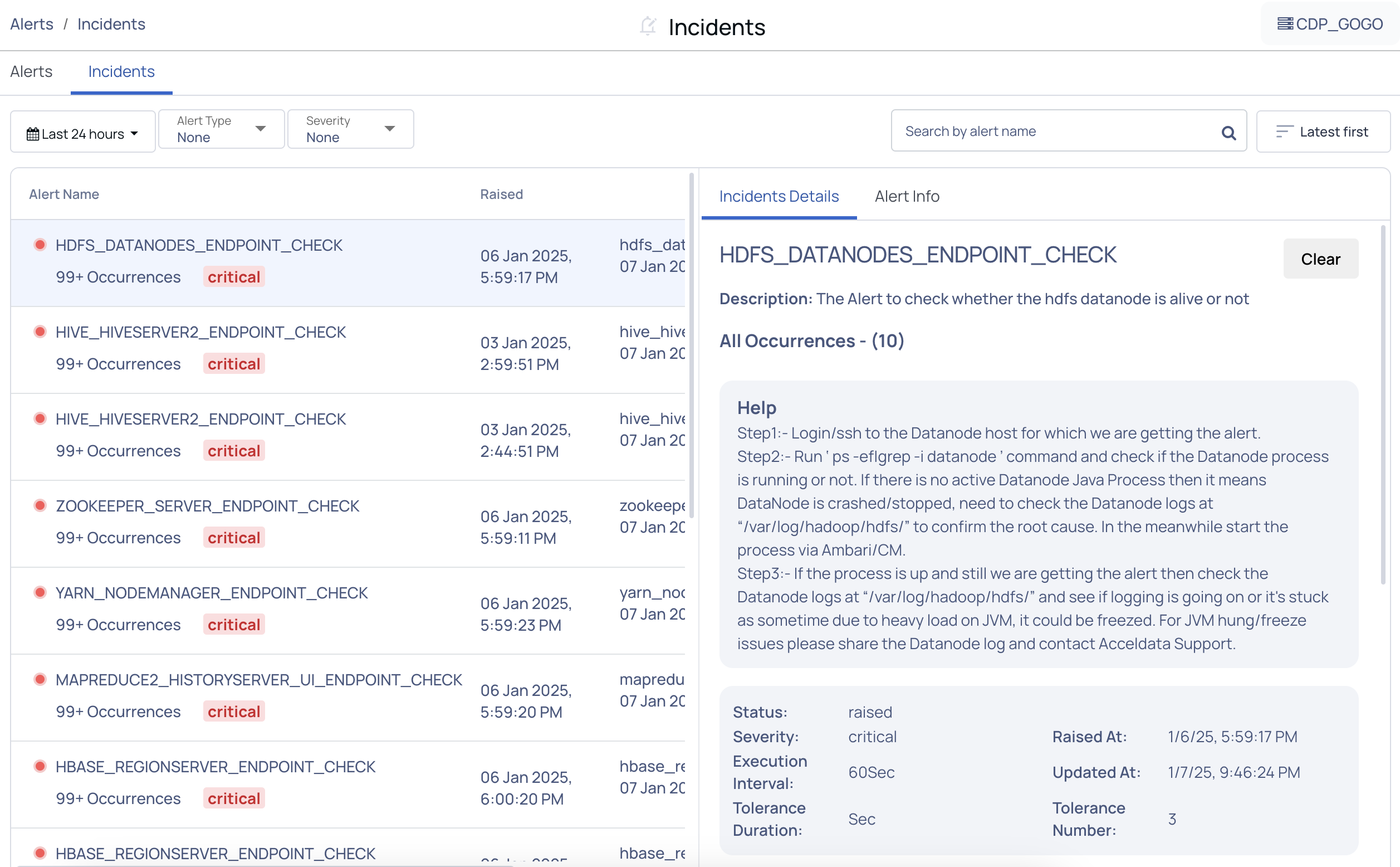
- Log in to the Pulse UI, navigate to Incident Analytics, and click on it. The Incidents page appears on the screen.
- On the Incidents page, filter the Incidents based on the Severity type Critical first, followed by High, Medium, and Low.
- Click on one of the alerts to check the respective Incident details on the left pane.
For details about investigating an Incident, see Investigate Incidents.
Was this page helpful?