
Schedule Action Plan
This page describes scheduling and executing action plans.
Steps:
- In Pulse UI, go to Actions > Actions.
- On the Actions page, click Create Action.
- On the Create Action page, go to the Schedule section.
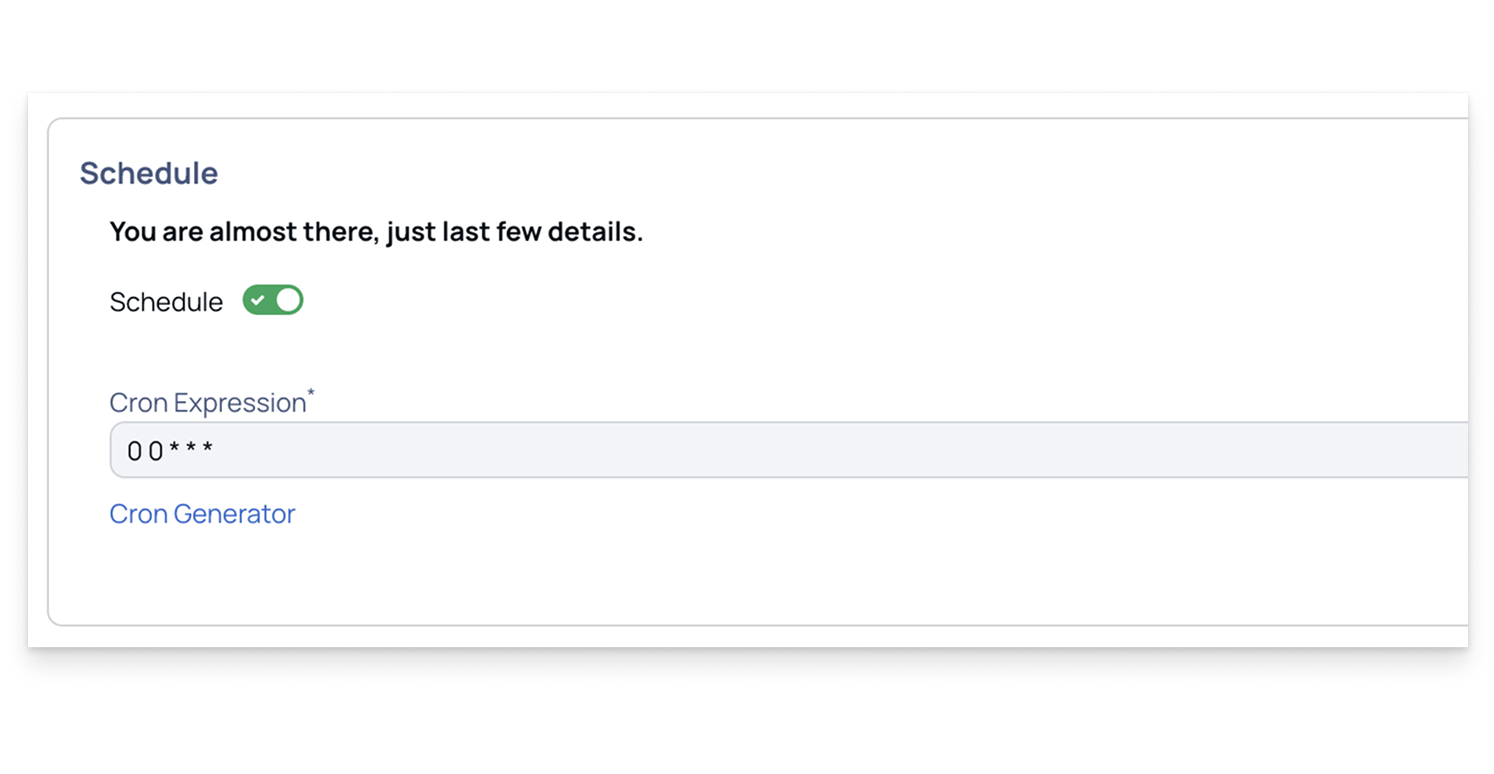
- In the Schedule section:
- Enable the option to schedule an action plan.
- Once enabled, you can either manually enter a Cron Expression or use the Cron Generator to create one by specifying minutes, hours, days, and other parameters.
Have a suggestion?