
Search
This page describes configuring hosts to specify where actions must run.
Steps:
In Pulse UI, go to Actions > Actions.
On the Actions page, click Create Action.
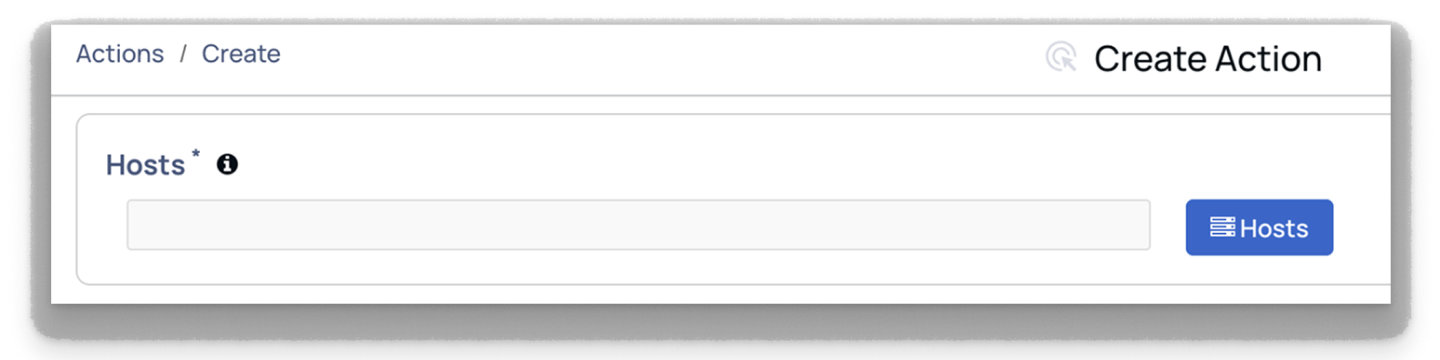
On the Create Action page, go to the Hosts section.
In Hosts, select the hosts to run the actions.
Enter comma-separated host tags such as All, Ambari Agents, Ambari Server, Kafka, and others.
These tags specify where the action should be executed.
Was this page helpful?