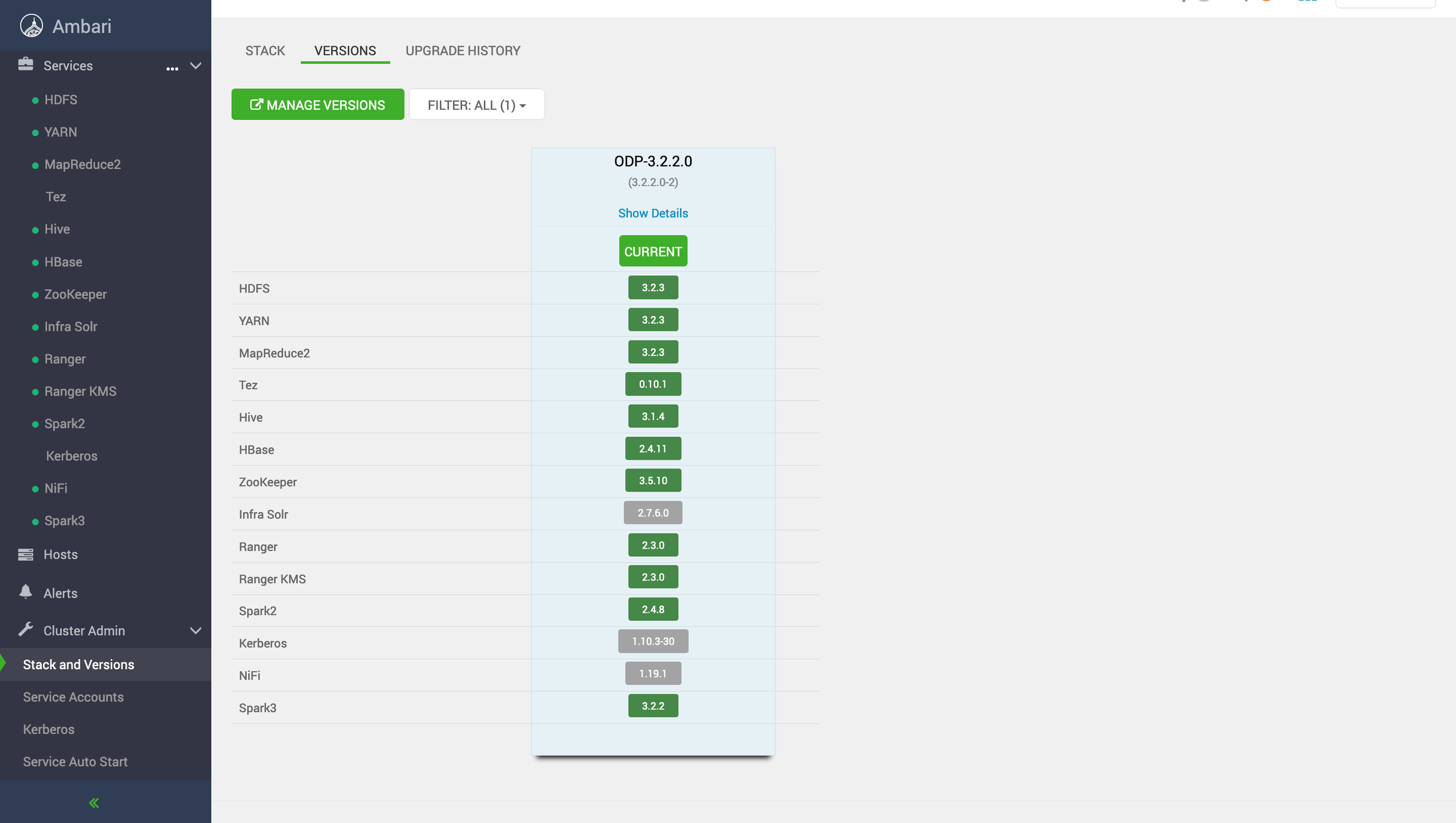
To perform a rolling upgrade, do the following:
Ensure that High Availability (HA) is enabled for HDFS (mandatory), all services have successfully passed the service check, and existing management packs (mpacks) are uninstalled before the upgrade.
The following warning may appear if you have mpacks installed and linked to your stack (e.g., SPARK3). Make sure to address them properly before proceeding with the upgrade, ensuring that warnings are unnecessary or won't impact the upgrade process.
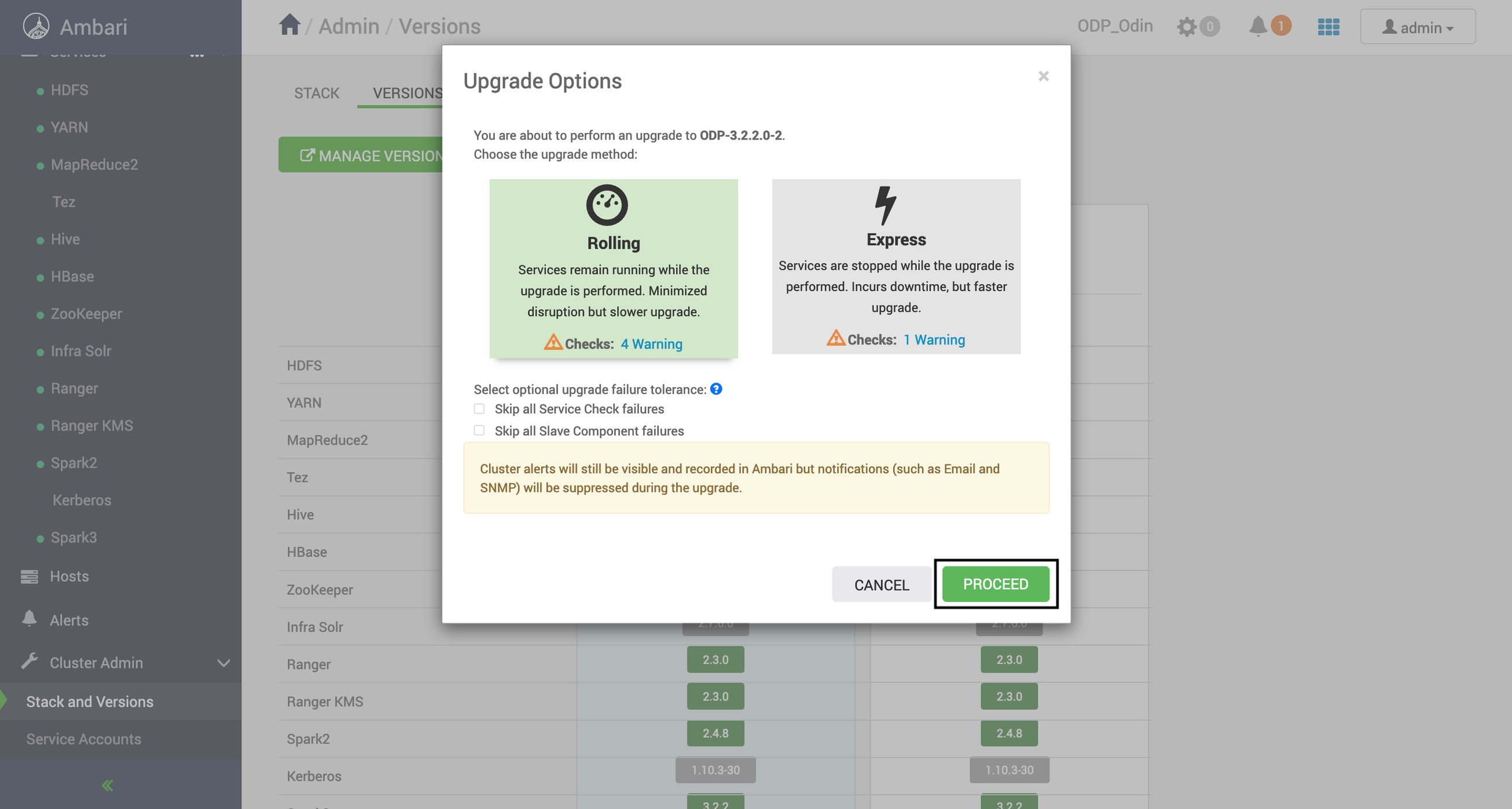
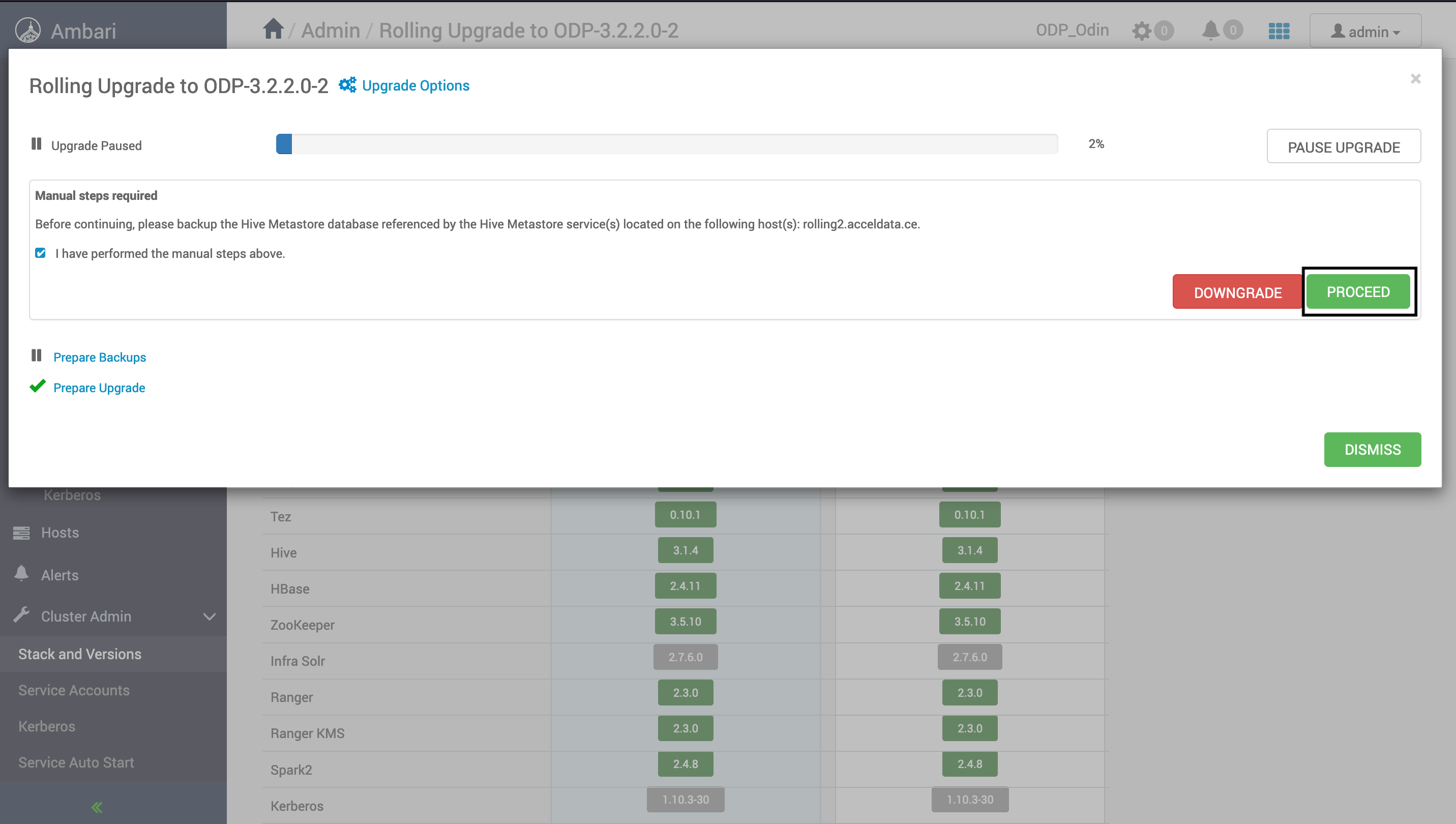
If you have already taken a backup of the database during Ambari upgrade, then click Proceed. Else, follow the instructions provided on the UI and take a backup of the database.
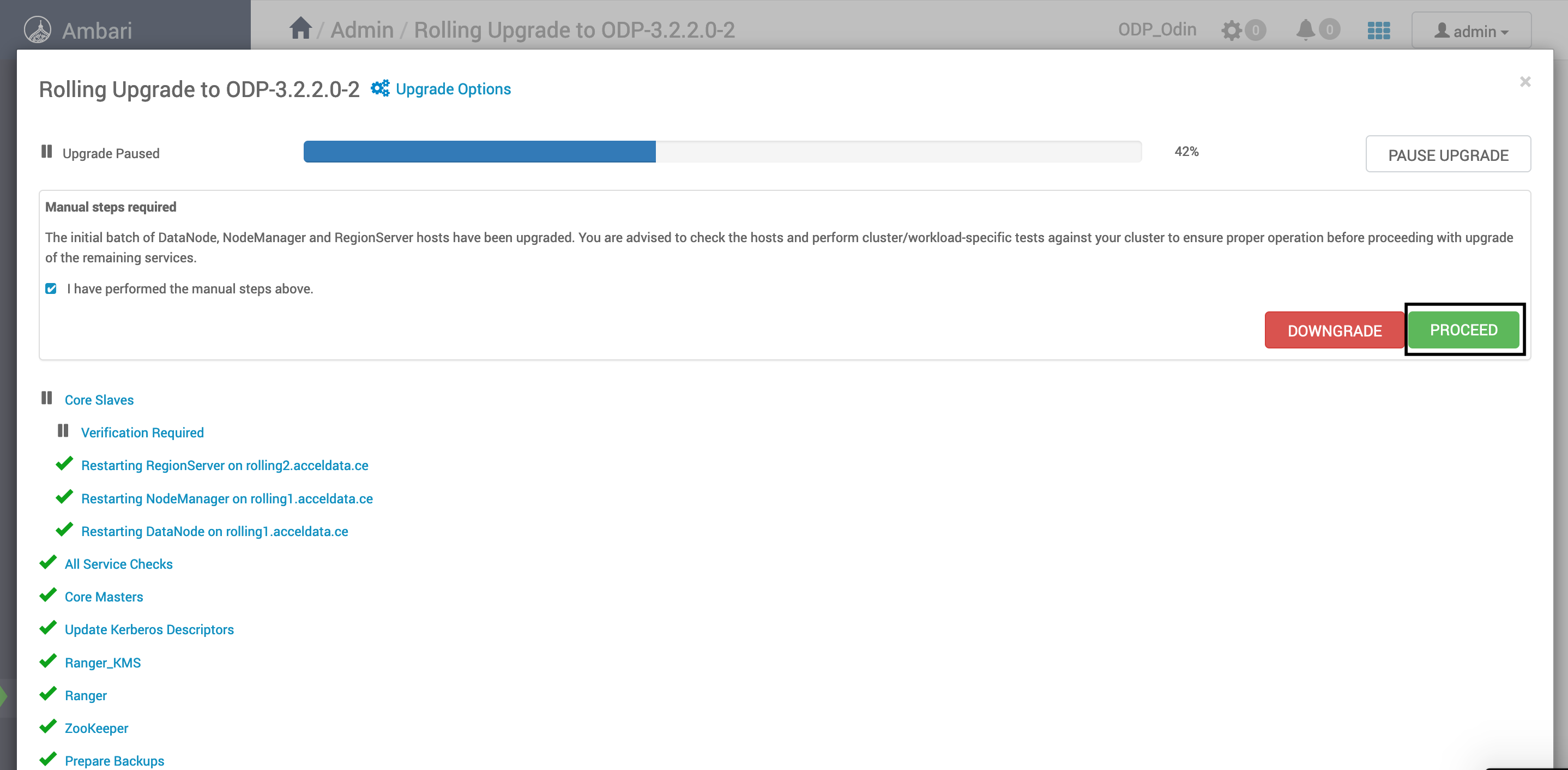
Click Finalize if all steps were successful during the upgrade.
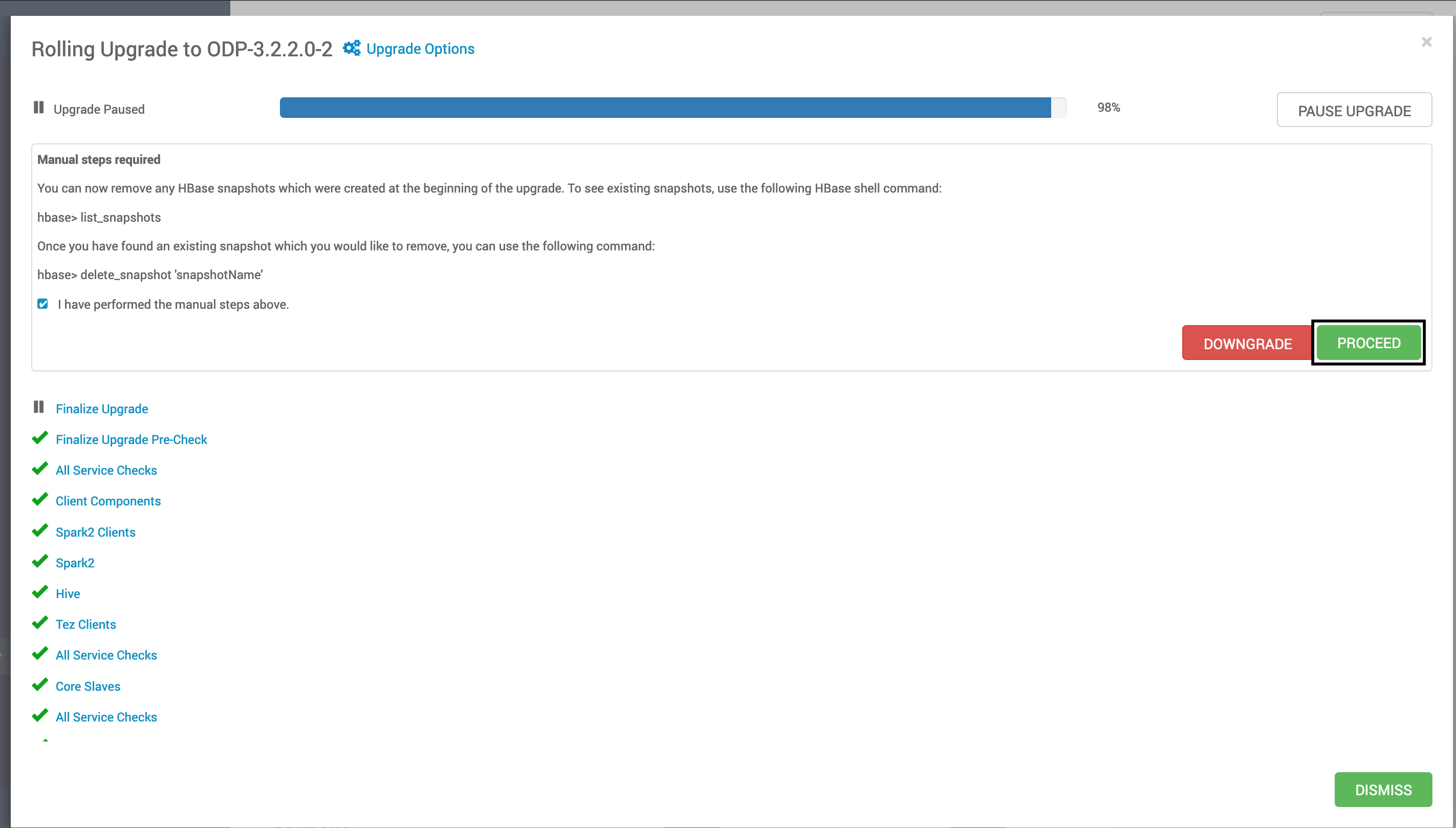
Optional If you have HBase installed on your cluster, perform the steps suggested on the UI and click Proceed.
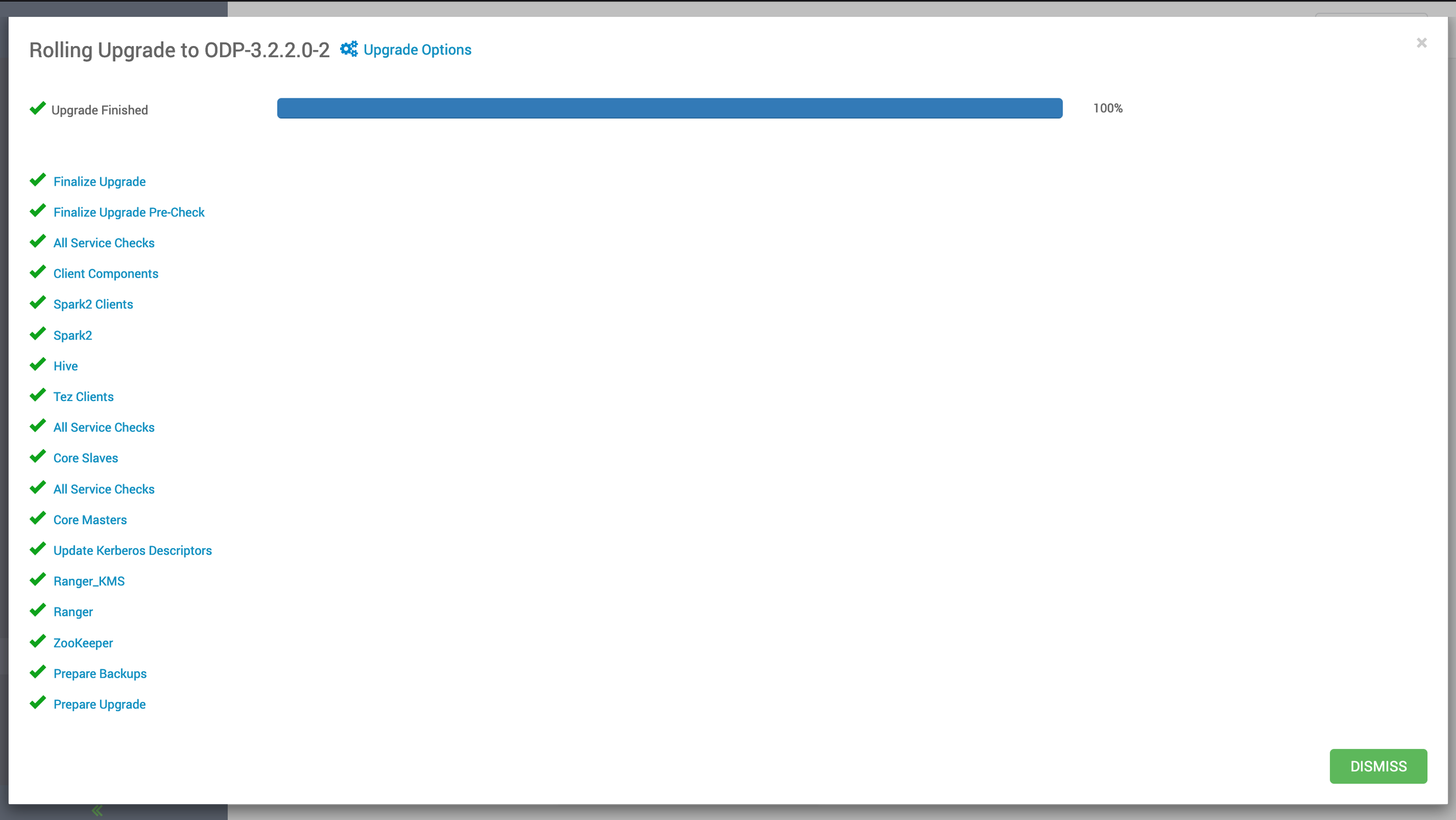
On completion of the upgrade, the following image is displayed:
After a successful upgrade, you will see the change in stack as shown in the following screenshot: