
Configure S3 endpoint SSL properties in Ranger.
Configure truststore properties in Ranger.
Restart the Ranger service.
Sync or create new Ranger users based on IAM usernames.
Navigate to Ranger UI > Settings > Users > Add New User.
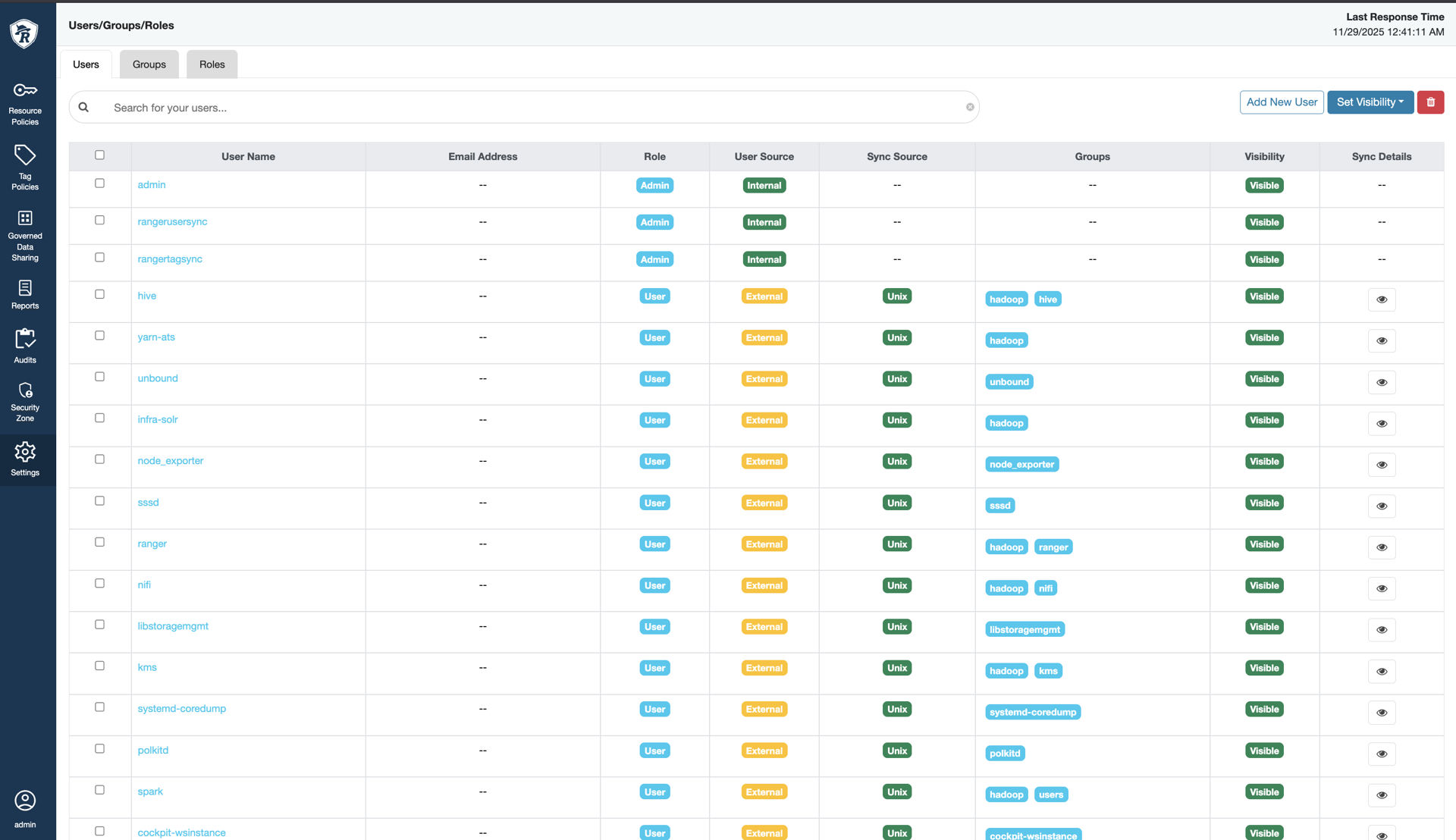
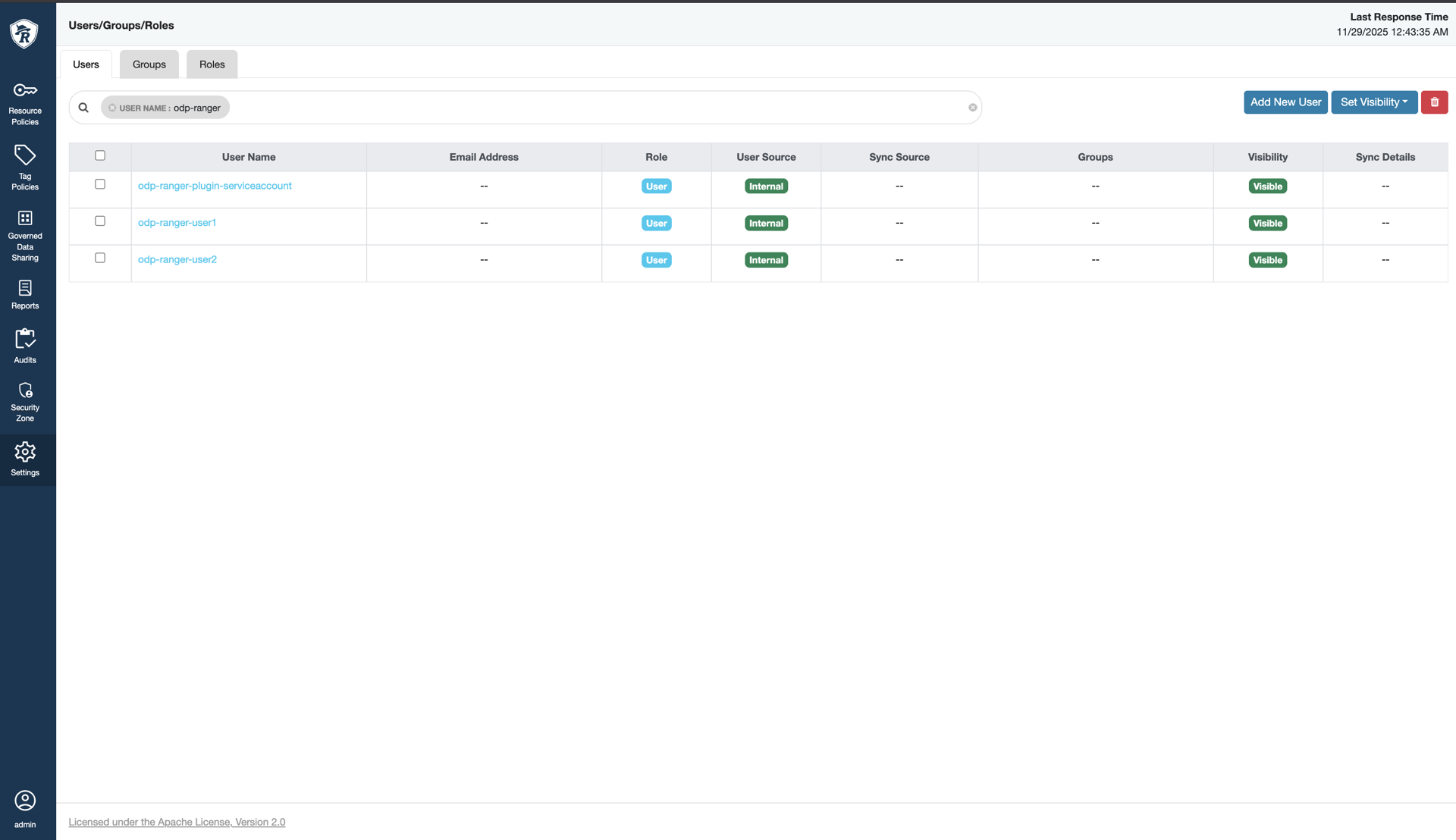
Navigate to Ranger UI > Service Manager > S3 Service, click (+):
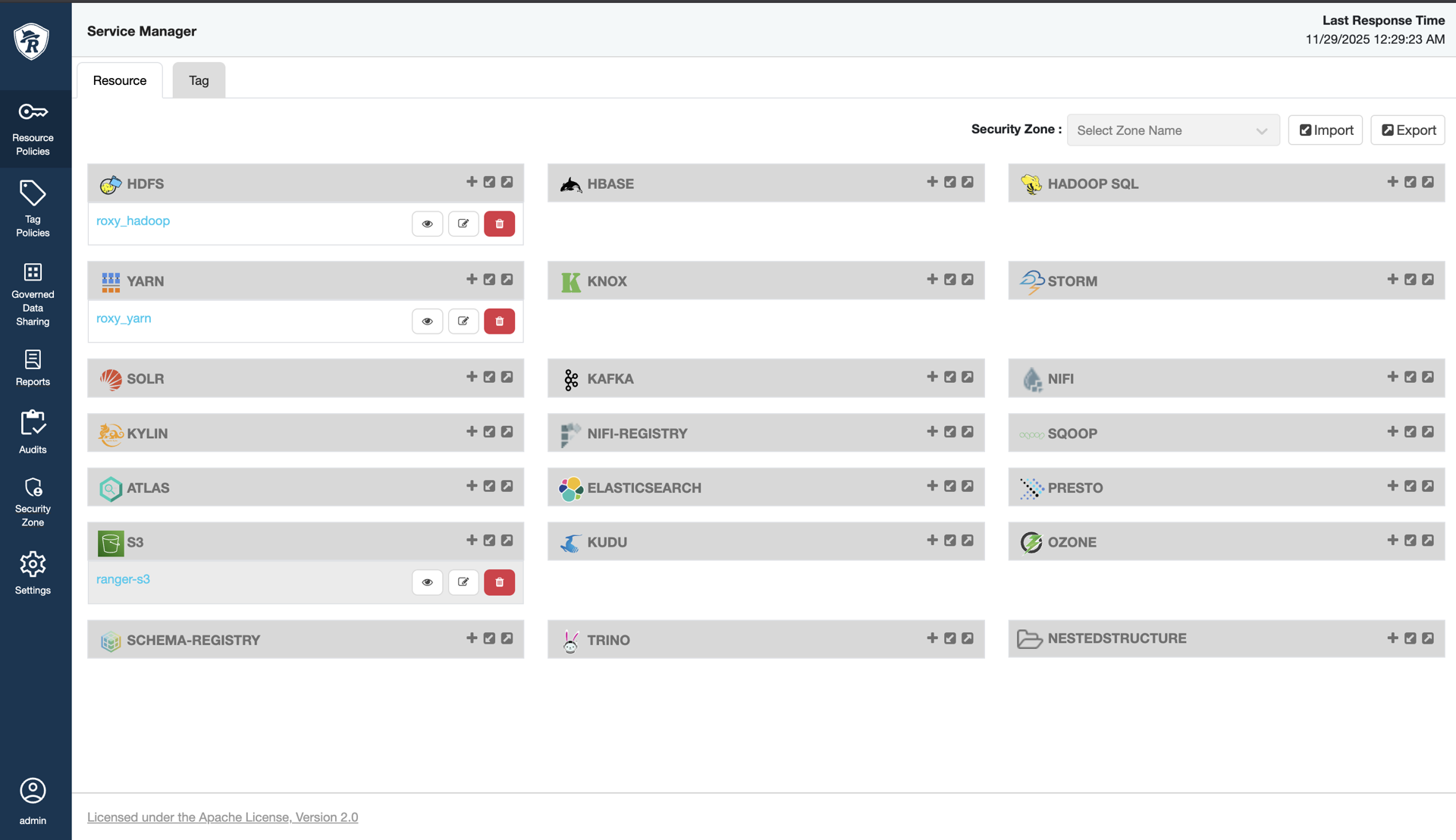
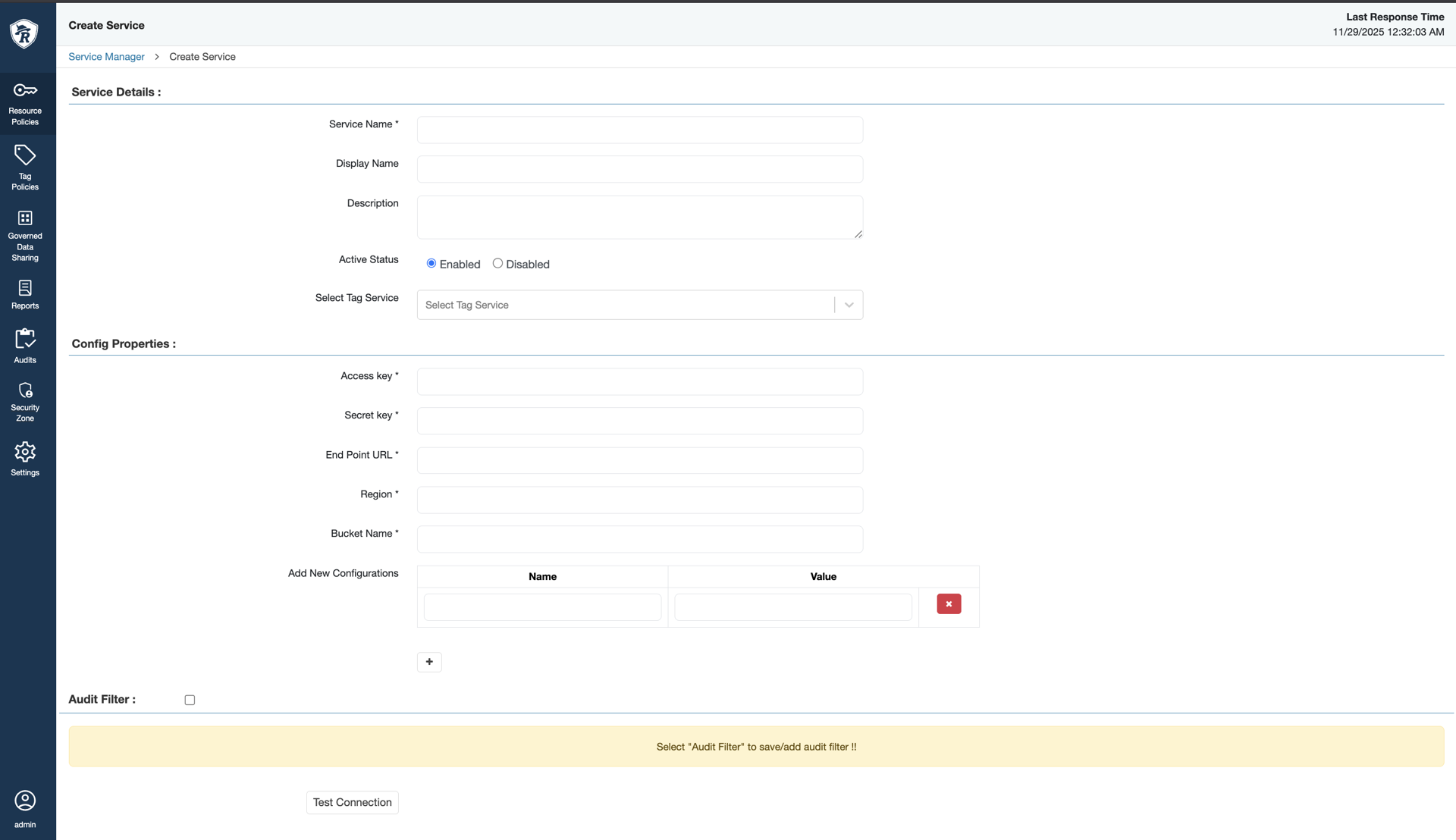
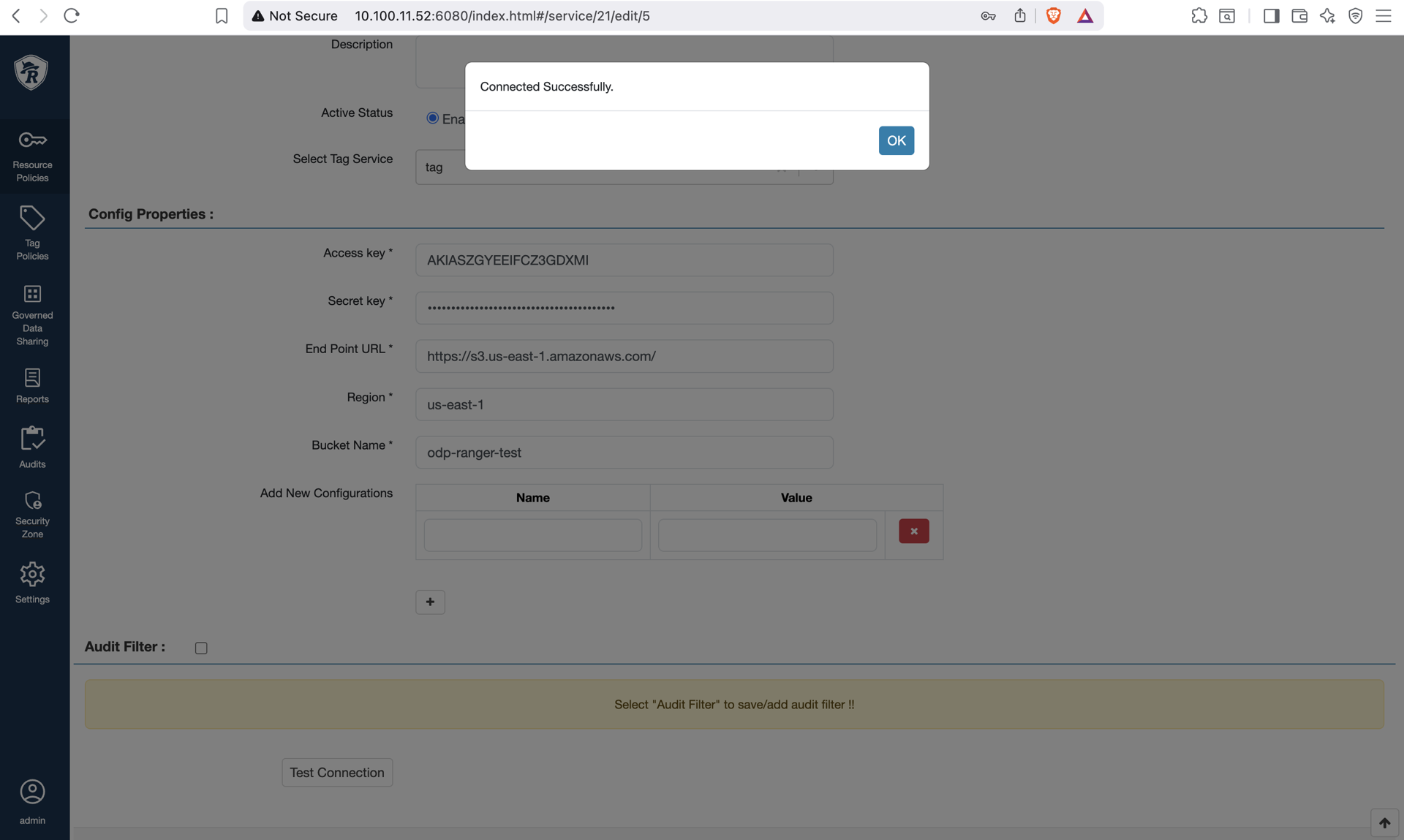
Create a new Ranger S3 service with the following properties.
Field Name | Description |
|---|---|
Service Name | The name of the service is required when configuring agents. |
Description | A description of the service. |
Active Status | Enabled or Disabled |
Select Tag Service | Select a tag-based service to apply the service and its tag-based policies to HBase. |
Configuration Properties
Field Name | Description |
|---|---|
Access Key | Access Key of Admin User (IAM credentials) |
Secret Key | Secret Key of Admin User (IAM credentials) |
End Point URL | AWS S3 endpoint |
Region | AWS Region of the test bucket |
Bucket Name | S3 bucket |
Test the connection to verify properties.
Create policies, as required.
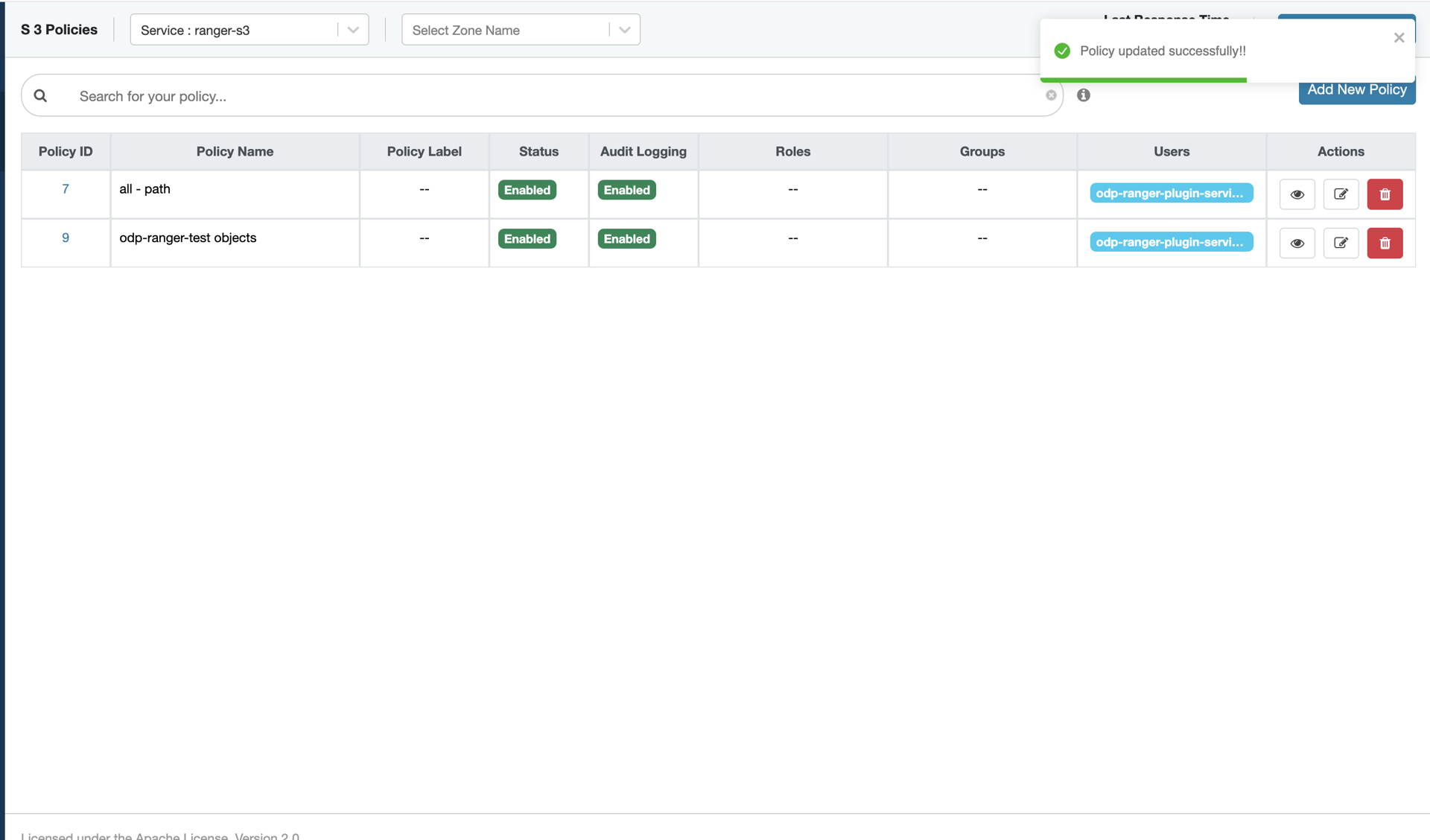
Deleting Policy
Note: When deleting policies, remove object-level policies first using the Ranger UI. If the bucket-level policy must be deleted, do so only after all object-level policies have been removed.
Deleting a bucket-level policy automatically removes the associated object-level policies from IAM. However, these object-level policies may still appear in the Ranger UI even though they no longer exist in IAM.