
This page explains how to install the ODP packages and start the upgrade process.
Install the ODP Packages
Navigate to Admin > Versions. On the Versions page, click install for ODP-3.3.6.3-1.
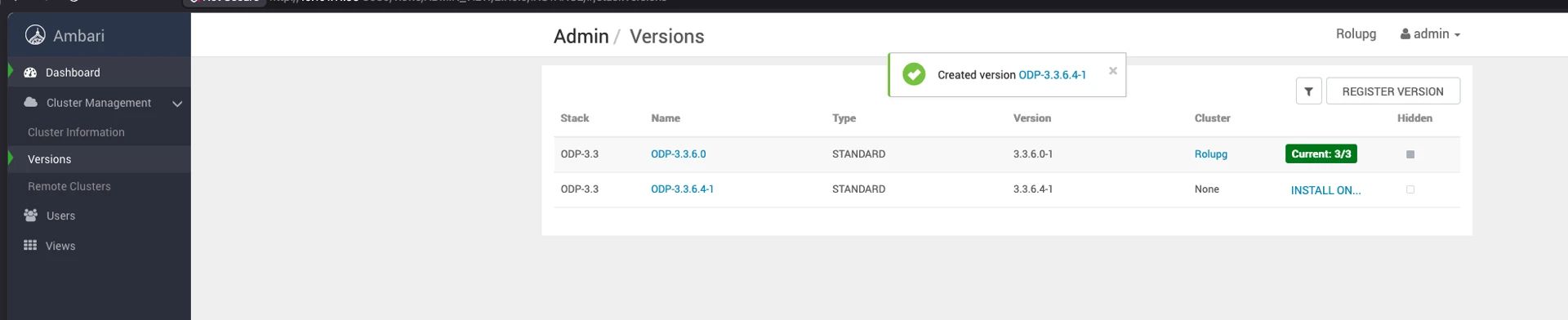
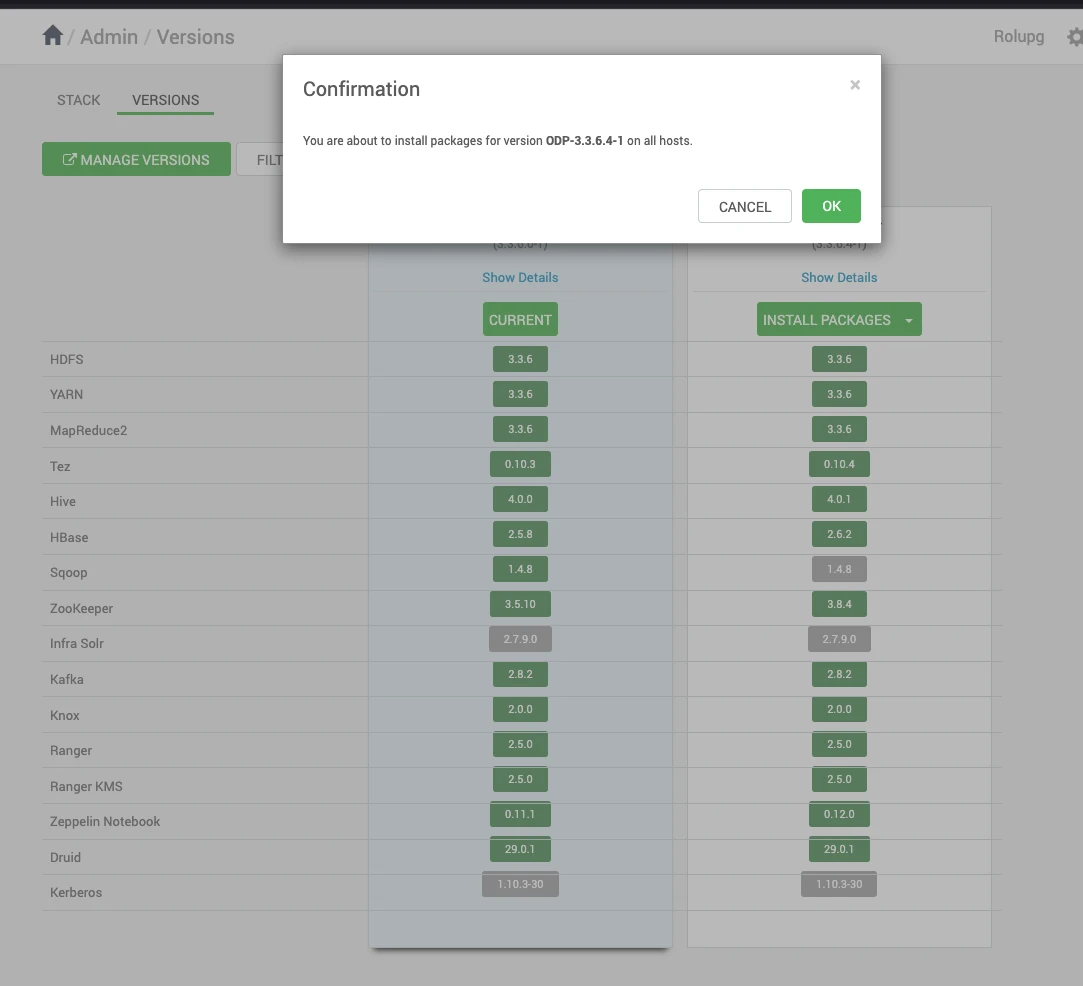
On the Versions page, click Install Packages for version 3.3.6.4-1.
Click OK and confirm the installation package.
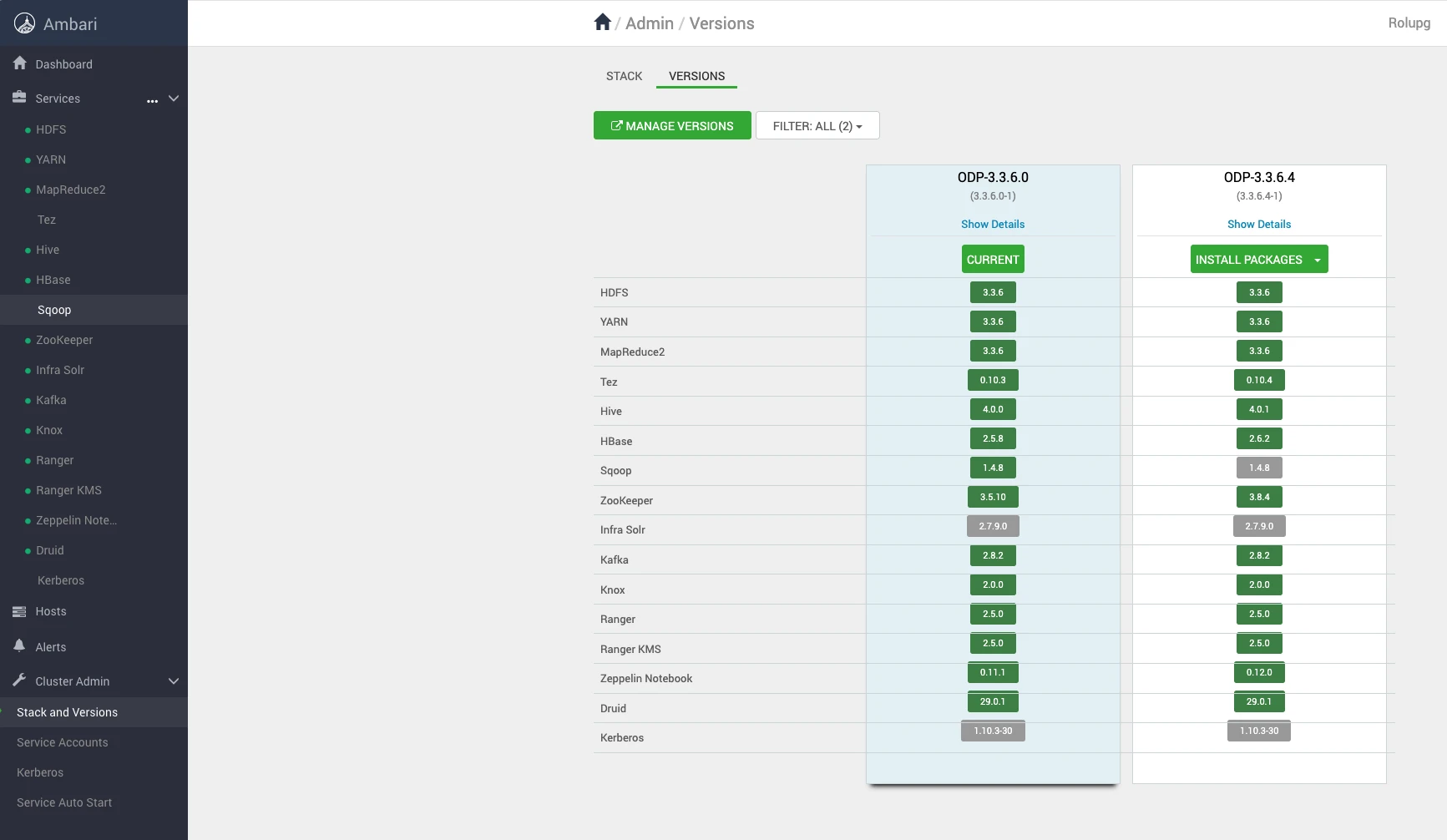
Verify the installation progress.
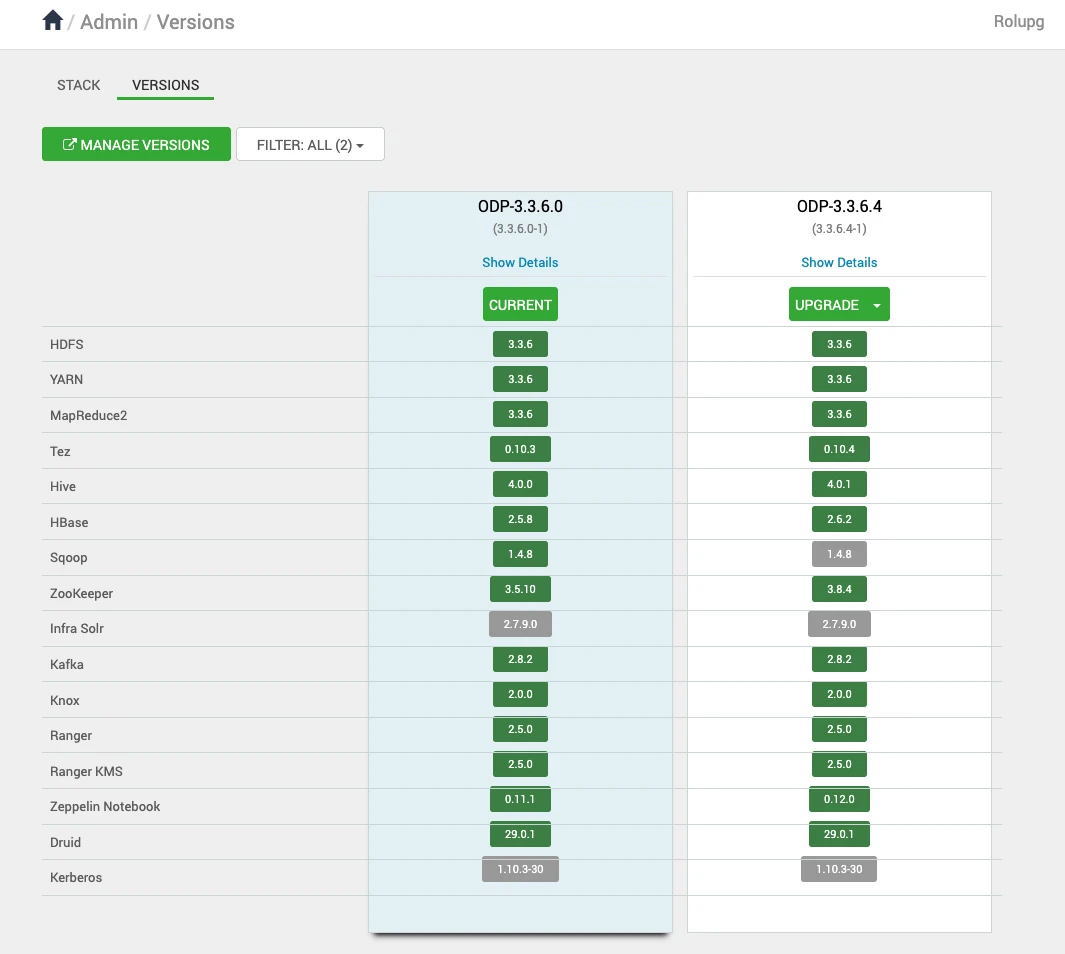
After installing the packages, you can see the Upgrade option on the Versions page. Click Upgrade to proceed further.
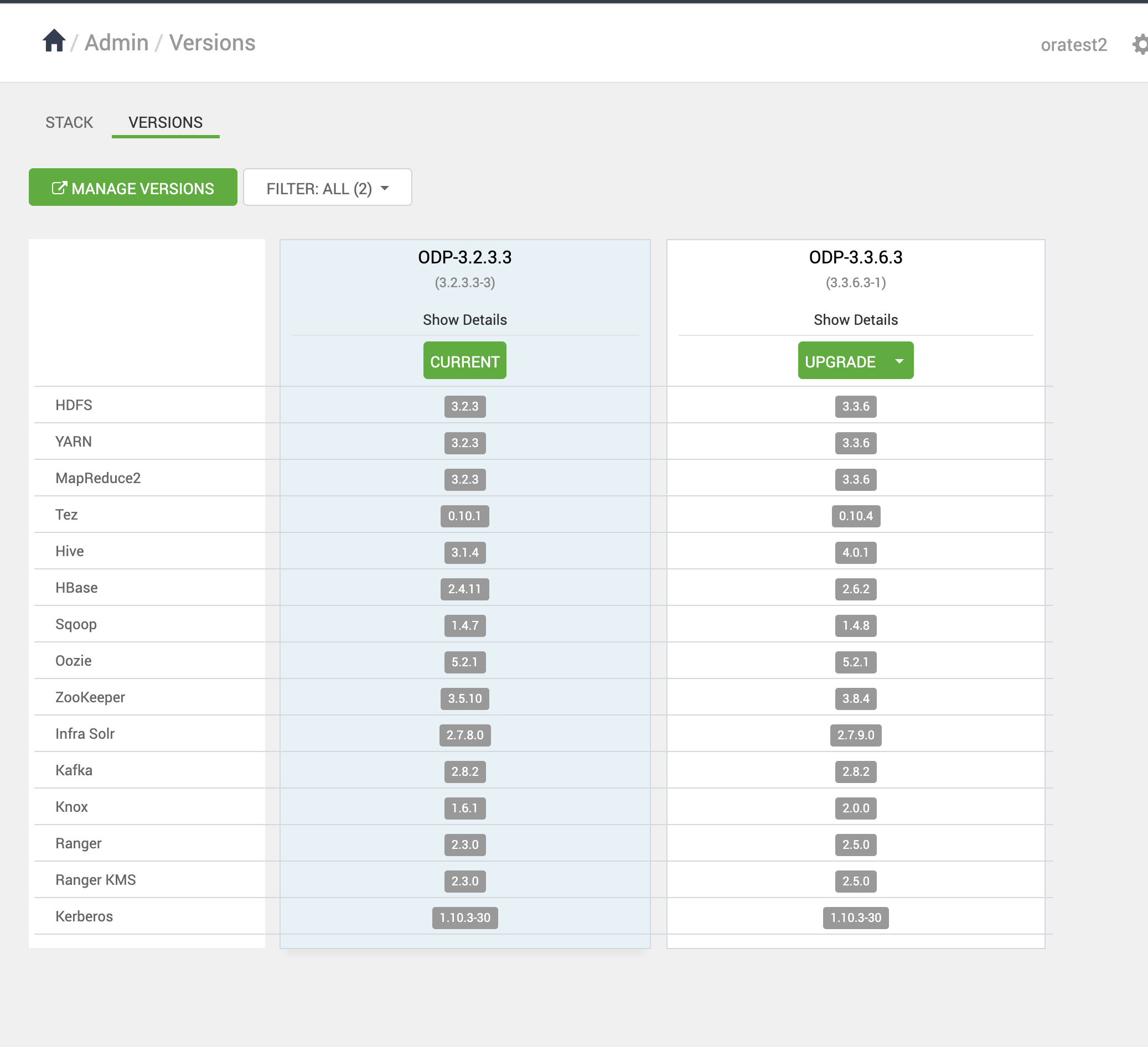
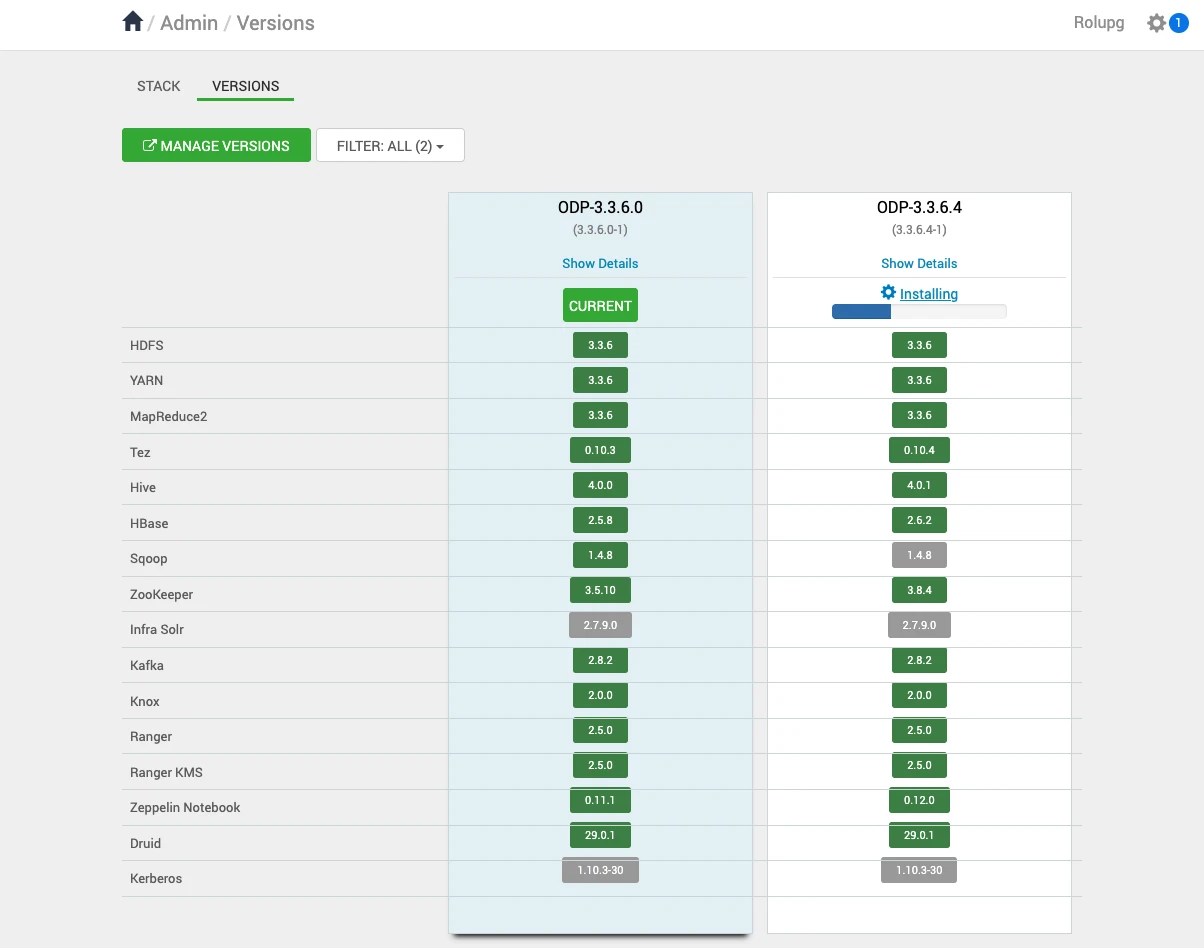
On successful installation of packages, here is the package installation.

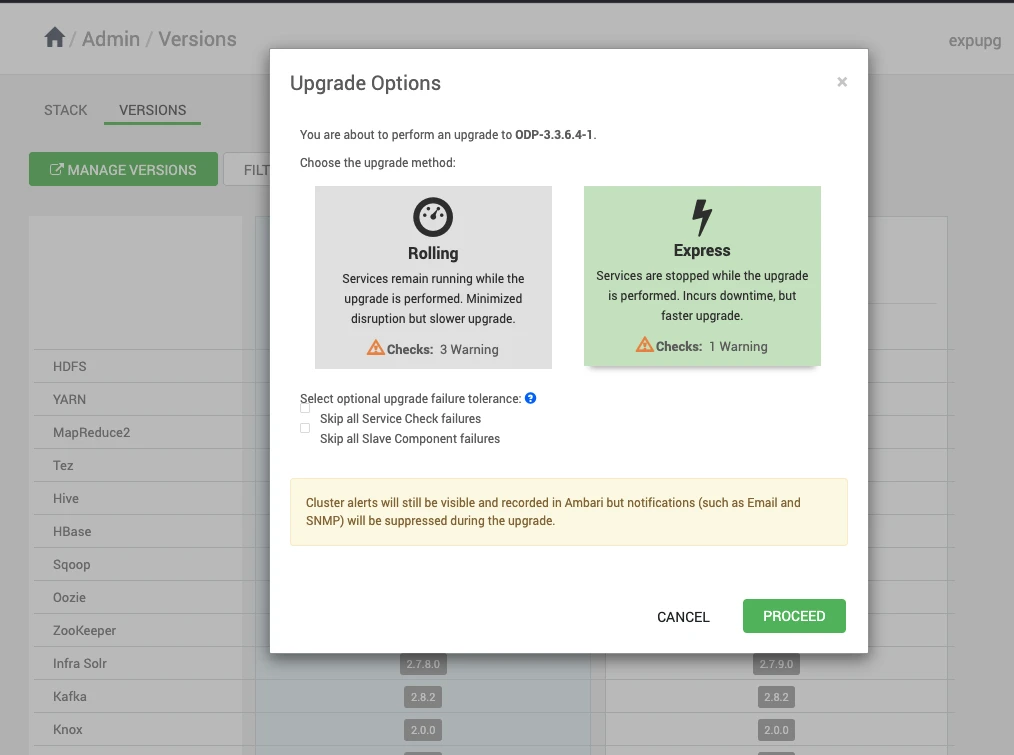
Upon clicking on Upgrade, you can see the two upgrade options: Rolling and Express.
Choose the Upgrade Options of your choice and click Proceed to continue with the upgrade process.
In this process, some of the services are expected to fail, but you can ignore them and proceed further.
The ODP upgrade progresses with some service failures.