
Search
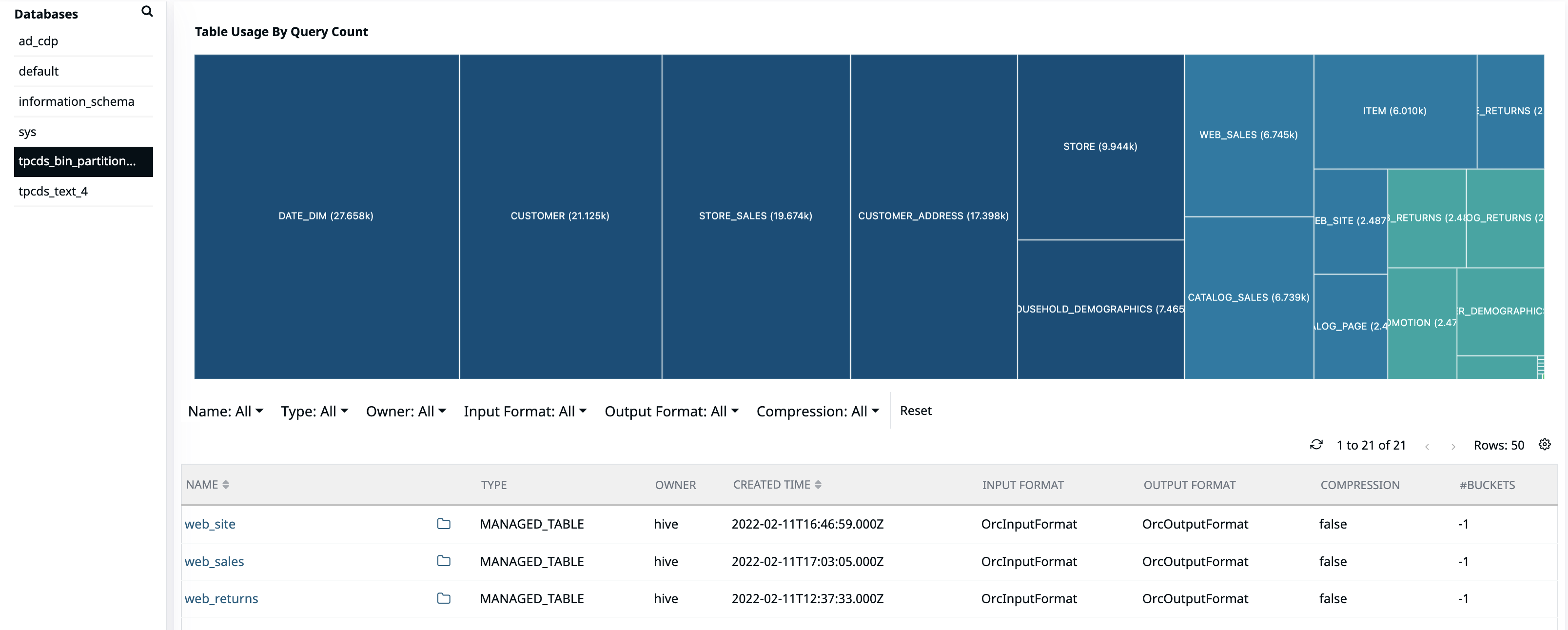
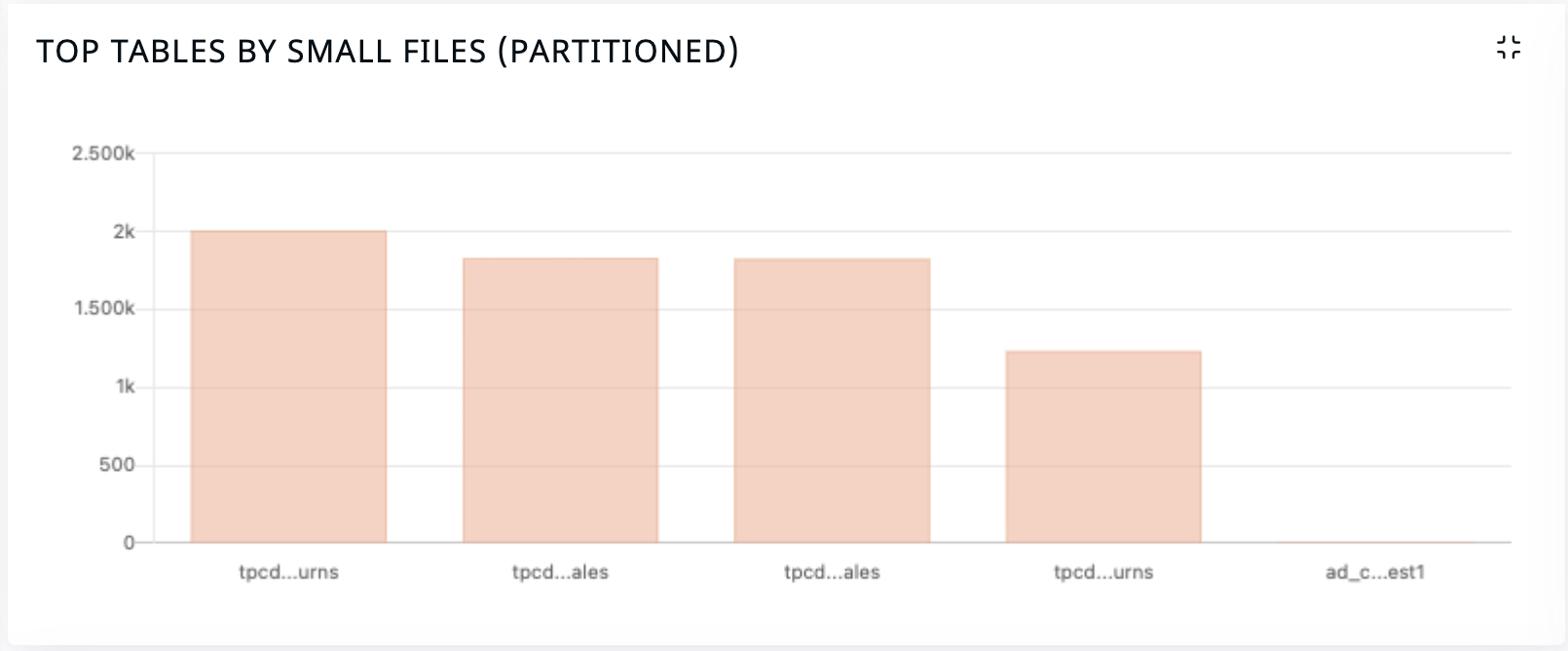
This provides an exploratory view to understand top used tables, file distribution in partitions based on size and number along with providing detailed report for tables of concern.
Prerequisite for Integration
Need user and network access from Pulse server to metastore DB
Note
Available metastore DB support with Pulse - Mysql, Maria, Postgres and Oracle.
Command to encrypt user password
[root@pulse2:~ (ad-default)]$ accelo admin encrypt
✗ Enter the string to encrypt: : ******
Update following details on
ACCELO_HOME/config/acceldata_<cluster-name>.conf
# HIVE METASTORE is ENABLED during the setup
metadata = {
hive {
type = "mysql"
# Check for the server timezone
# Check & validate the metastore DB Name
url = "jdbc:mysql://<metastore_hostname>:3306/metastore?useUnicode=true&useJDBCCompliantTimezoneShift=true&useLegacyDatetimeCode=false&serverTimezone=UTC"
schema = "metastore"
user = "hive"
pass = "<encrypted_password>"
encrypted = true
secret = "Ah+MqxeIjflxE8u+/wcqWA=="
}
}
And in
hdfs.connectorsin same file
hdfs.connectors = [
{
name = "fsanalytics-connector"
trigger = "scheduled"
fsanalytics.metastore {
# HIVE METASTORE is ENABLED during the setup
enabled = true
encrypted = true
}
hive.schema.prefix = "metastore."
slick-mysql {
profile = "slick.jdbc.MySQLProfile$"
db {
dataSourceClass = "slick.jdbc.DriverDataSource"
properties = {
driver = "org.mariadb.jdbc.Driver"
# Check the server timezone
# Check & validate the metastore DB Name
url = "jdbc:mysql://<metastore_hostname>:3306/metastore?useUnicode=true&useJDBCCompliantTimezoneShift=true&useLegacyDatetimeCode=false&serverTimezone=UTC"
user = "hive"
password = "<encrypted_password>"
}
}
}
}
]
Run deploy core and select Acceldata SQL Analysis service in deploy addons list or restart
ad-sql-analyserservice
accelo deploy core
[root@pulse2:~ (ad-default)]$ accelo deploy addons
INFO: Active Cluster: ad_cdp710_demo
? Select the components you would like to install: [Use arrows to move, space to select, type to filter]
[ ] Acceldata Metastore
> [x] Acceldata SQL Analysis service
To check for any error check docker logs
docker logs -f ad-sql-analyser_default --tail 1000
Was this page helpful?