
Summary panel
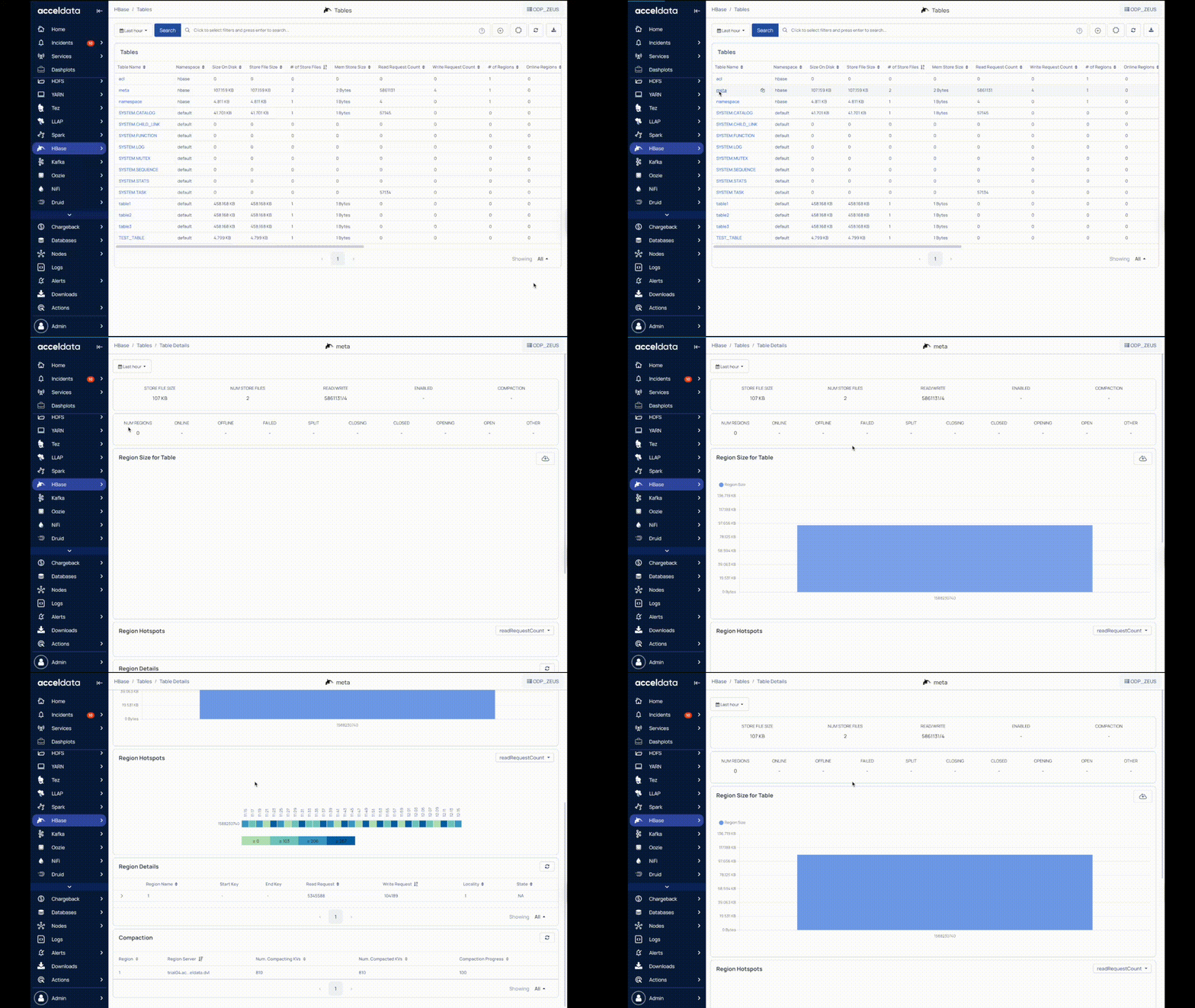
The following table describes the selected table metrics in the summary panel.
Metric | Description |
|---|---|
Store File Size | Size of files stored on the disk. |
Num Store Files | Number of store files. |
Read/Write | The number of read and write requests. |
Enabled | True or False based on whether the table was enabled or not. |
Compaction | Specifies if the table was in compaction. |
Num Regions | The number of regions in the table. |
Online | The number of regions in online state. |
Offline | The number of regions in offline state. |
Failed | The number of regions in failed state. |
Split | The number of regions in split state. |
Other | The number of any other existing regions. |
Region Size For Table
Region size for table displays a bar chart describing the region size per host in the table. Hover over each bar in the chart to view the region Id and region size.
Note Click to download the data in the .xlxs format.
Region Hotspots
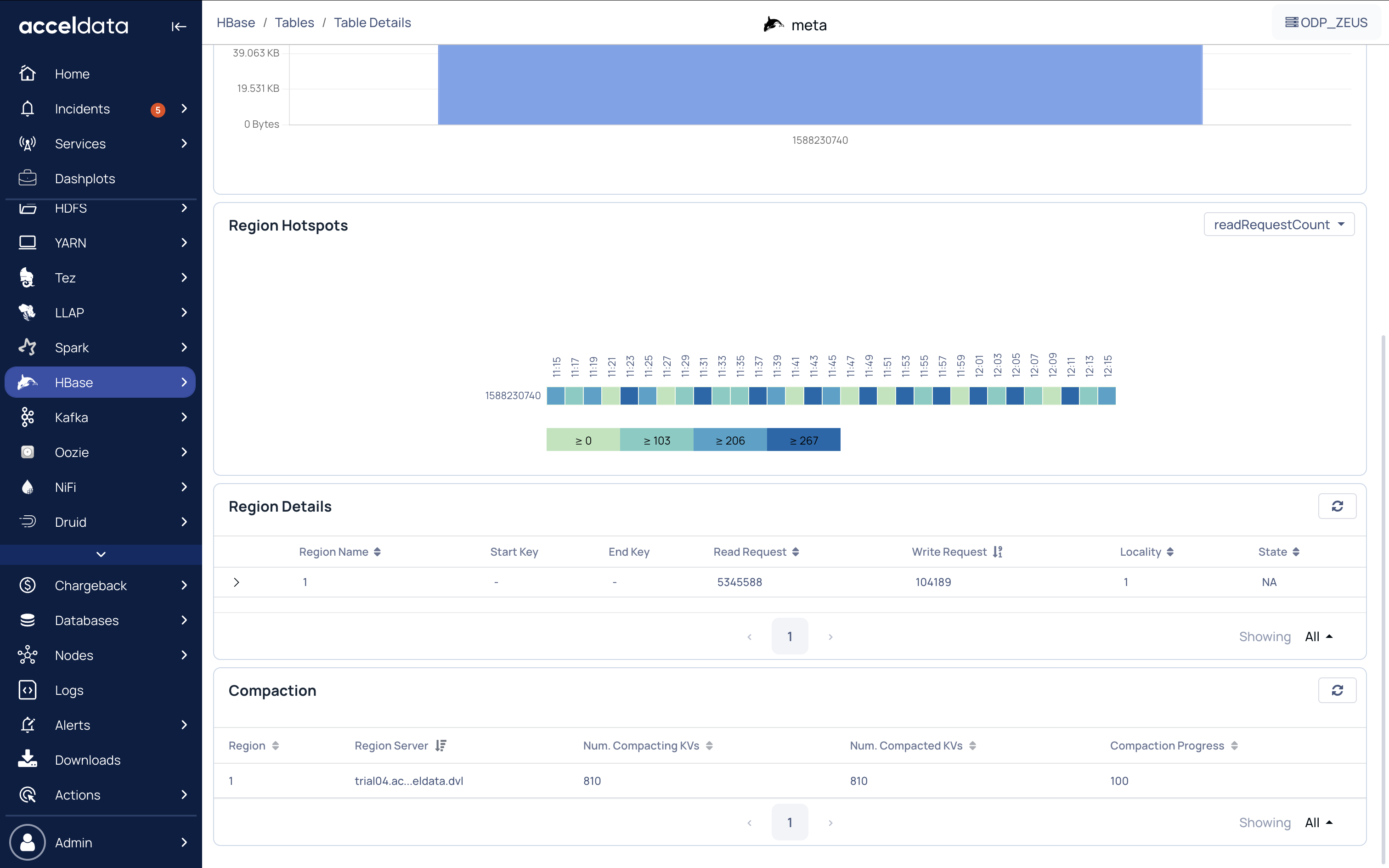
In HBase, hotspotting occurs when a Region Server receives most or all of the read and write requests.
You can view hotspotting based on the following:
readRequestCount: Number of read requests.
writeRequestCount: Number of write requests.
storeFileSize: Total size of storefiles.
memStoreSize: MemStore is where the data is stored before being written on the actual disk. MemStoreSize is the size of the memStore.
Region Details
The following table describes the region metrics.
Metrics | Description |
|---|---|
Region Name | Name of the region. |
Start Key | Start Key value for storing records in the region. |
End Key | End Key value for storing records in the region. |
Read Request | Number of read requests sent to the region. |
Write Request | Number of write requests sent to the region. |
Locality | Percentage of data locality in the region. |
To view the store files of the region, click the down arrow key. The following table describes the details of the store files for every region.
Metric | Description |
|---|---|
File Path | Path where the files are stored. |
File Size | Size of the file. |
Host | Name of the host or region server. |
Modification Time | Date and time when the store file was last modified. |
Compaction
Compaction in HBase is used to manage small files that were created from large files like in TB. Major compaction is used for multiple files into one file and minor compaction is used for two files into one.
The following table describes the compaction details for the selected table.
Metric | Description |
|---|---|
Region | Region ID. |
Region Server | Host or ID of the region server. |
Num. Compacting KVs | Number of key values in compacting state. |
Num. Compacted KVs | Number of key values that have finished compacting. |
Compaction Progress | Percentage of the compaction progress. |