
Pulse UI 4.1.0 and later meets WCAG 2.1 Level AA — the internationally recognized standard for web accessibility. This ensures Pulse is usable by people who rely on keyboard navigation, screen readers, and other assistive technologies.
Key Accessibility Enhancements
Pulse includes the following accessibility improvements:
Improved color contrast for better readability
Clear and visible focus indicators
Full keyboard navigation support
Standards-compliant ARIA implementation
Accessible and well-labeled form controls
Consistent screen reader support across the application
This is supported from Pulse 4.1.0 onwards.
What We Improved
Color and Visual Clarity
Color contrast issues identified through automated testing (axe DevTools) were resolved to meet WCAG 2.1 AA contrast requirements, improving readability across all UI components.
Keyboard Navigation
All core workflows can now be completed using a keyboard. This includes navigating pages, interacting with dialogs, filling forms, and using dropdowns. Focus indicators are clearly visible to help users track their position on the page.
Forms and Labels
Form fields include proper labels, required fields are clearly marked, and validation errors are programmatically associated with the relevant fields to ensure accurate interpretation by assistive technologies.
Screen Reader Support
Custom UI components—including charts, tables, and dynamic notifications—provide appropriate semantic information for screen readers.
Charts include accessible tabular representations
Dynamic updates (such as alerts and status changes) are announced automatically
Automated Accessibility Fixes
Accessibility issues identified using axe DevTools—such as missing labels, incorrect ARIA attributes, and unnamed interactive elements—were resolved and validated across releases to prevent regressions.
Accessibility Coverage
Accessibility improvements are implemented across the following modules:
Core Platform
HomePage
Alerts
Actions
Logs
Nodes
Dashboards and UI Components
Dashplot Studio
Dashplots
Data and Processing Services
Pulse implemented accessibility improvements only for CDP-based Service deployments.
HDFS
YARN
Spark
Druid
Hive LLAP
HBase
Impala
Ozone
Chargeback
Databases
Downloads
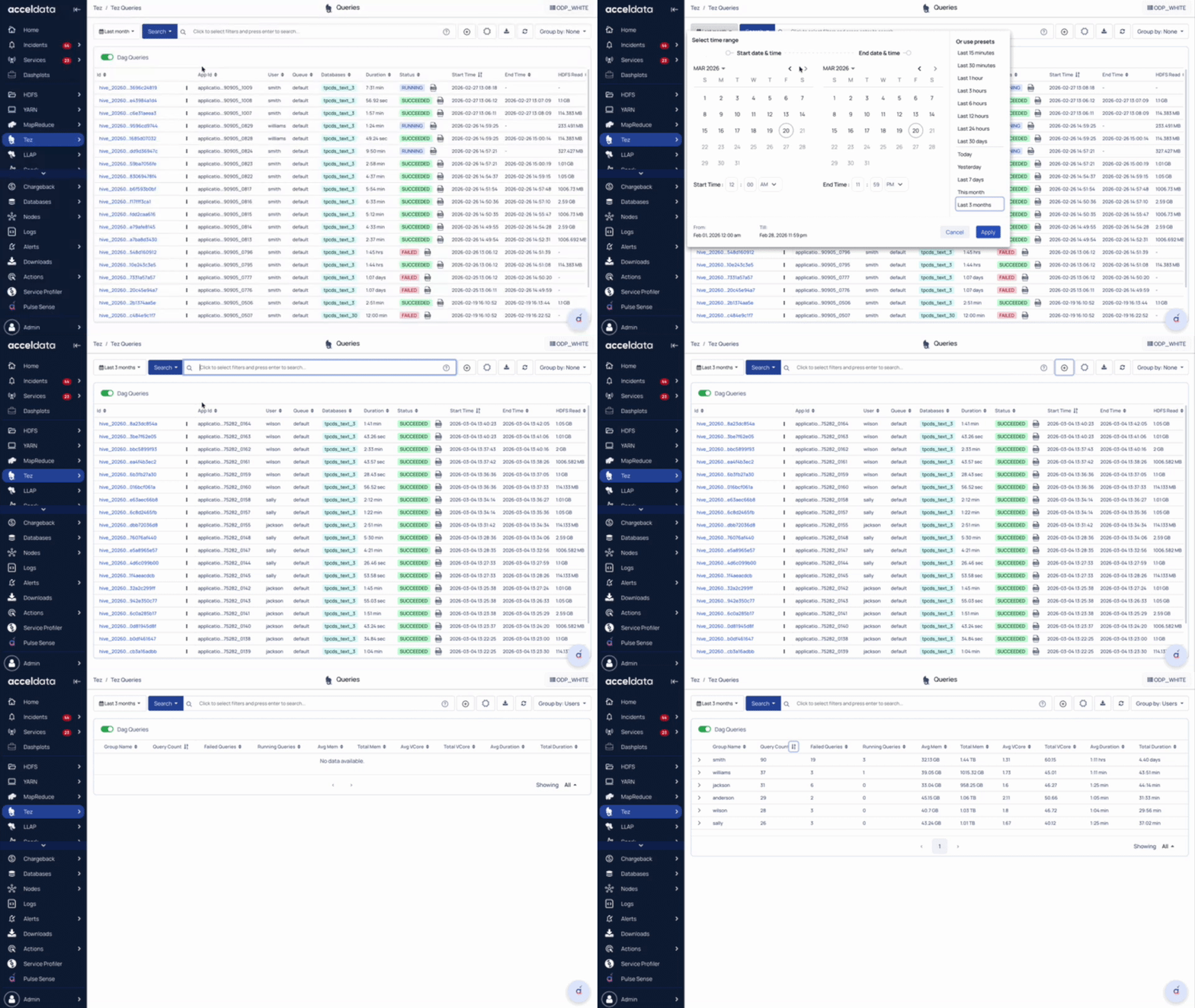
Tez
Kafka
MapReduce
Accessibility Compliance Details
For a detailed breakdown of accessibility conformance, including WCAG 2.1 AA criteria mapping, testing methodology, and known limitations, refer to the VPAT (Voluntary Product Accessibility Template) for the Pulse Home Page: View VPAT Document.