Before starting the Ambari and ODP upgrade, ensure that all cluster services are healthy and functioning as expected.
Prerequisites
Before performing the backup, verify that you have access to the Ambari server and the required permissions to execute scripts.
Configuration backup
Clone the CE utilities repository:
Navigate to the ODP scripts directory and grant execute permission to the script.
Run the configuration backup script.
Response
Choosen [1]
Choosen 'All':
The backup files are stored in the upgrade_backup/ directory under the current working directory.
Example:
Response:
Backup Backend Databases
Before upgrading, create backups of all related service databases.
Example:
Remove Mpack Services from Ambari
Ensure to stop and delete all Mpack services from Ambari before the upgrade.
Stop the Service
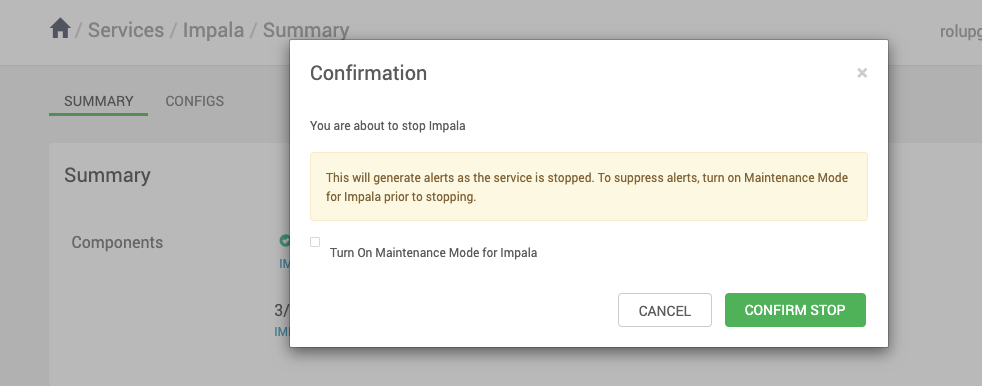
In the Ambari UI, select a service from the left pane, go to Actions, and click Stop.
Delete the Service
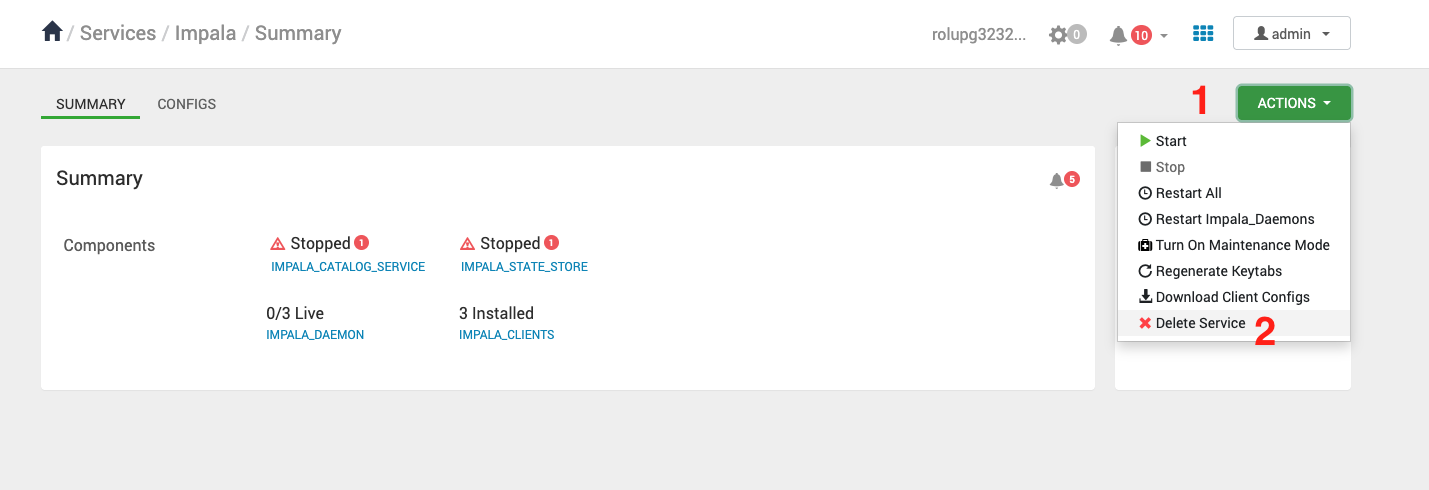
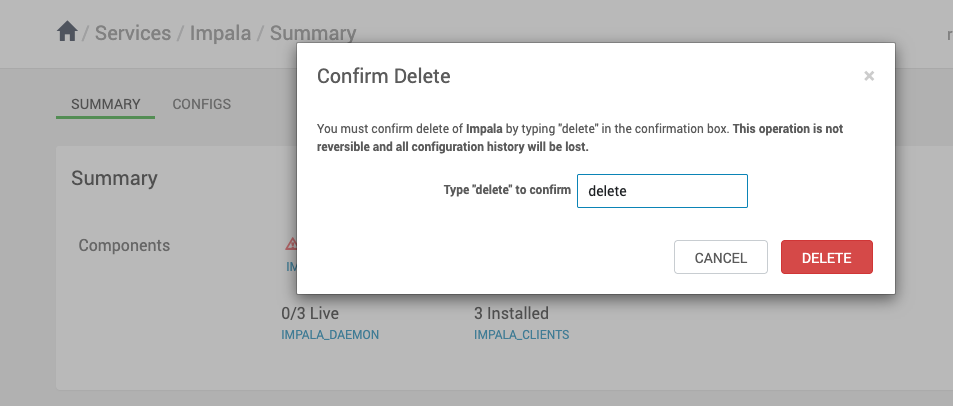
In the Ambari UI, select a service from the left pane, go to Actions, and click Delete Service.