
Search
Follow the steps below for the ODP rolling upgrade.
Once the installation of the ODP-3.3.6.4-1 package is complete, proceed with the upgrade process.
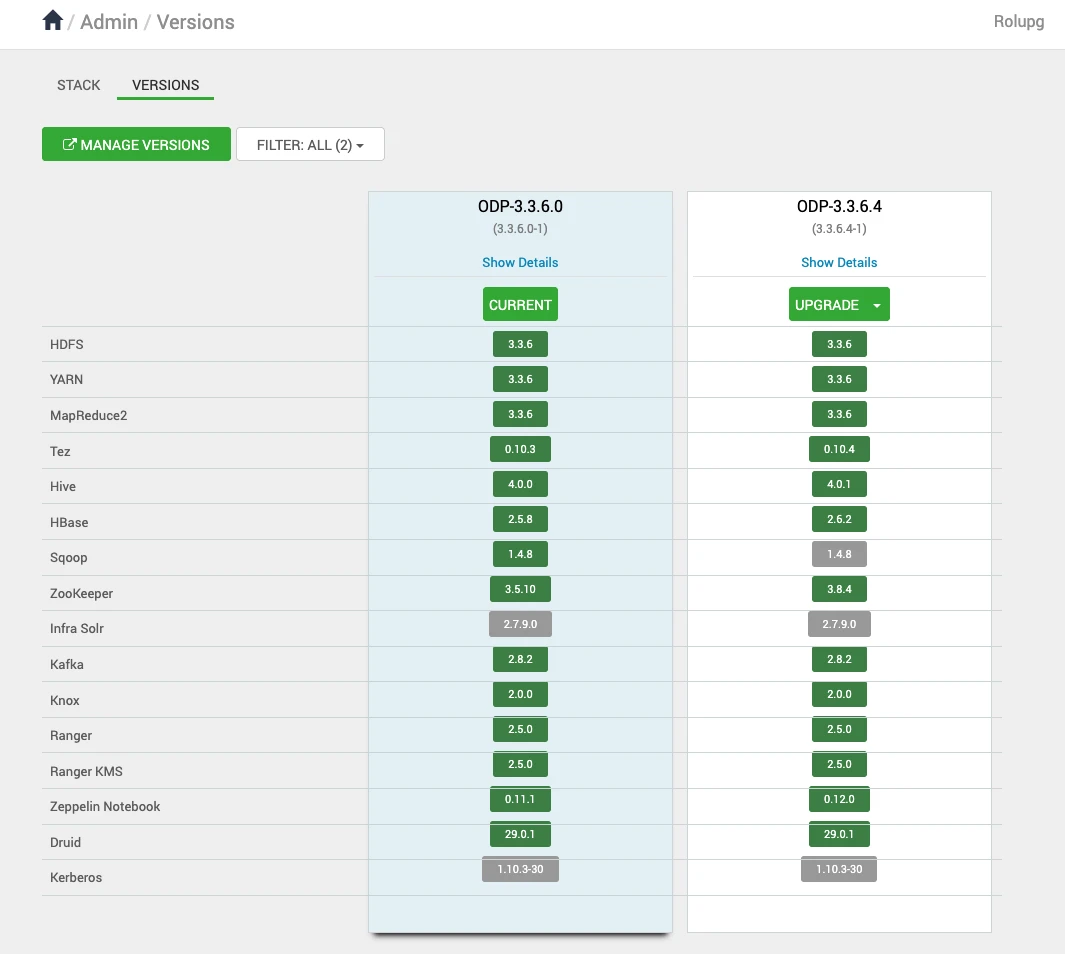
After the installation packages step is completed, you can see the Upgrade option. Click Upgrade to proceed further.
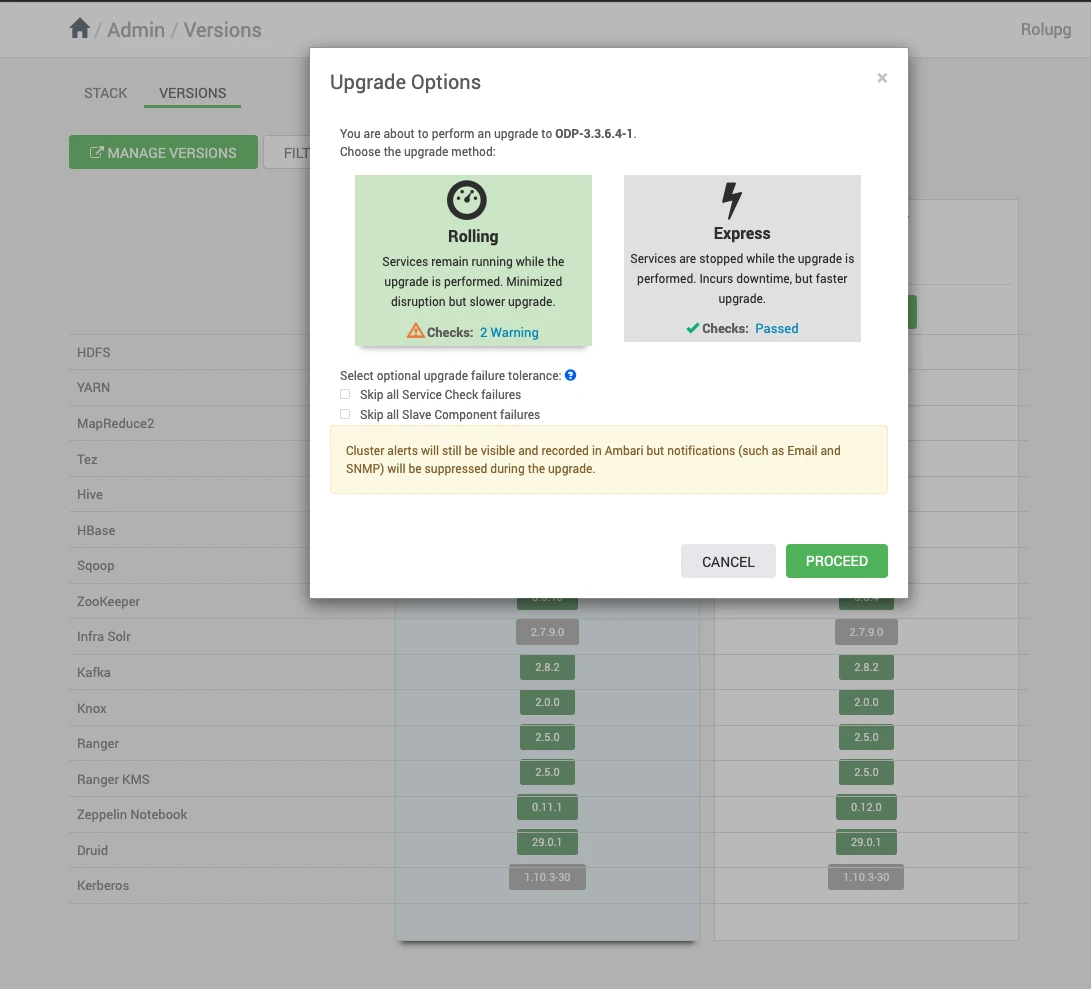
Upon clicking on Upgrade, you can see the two upgrade options: Rolling and Express. Choose the Rolling Upgrade option to continue with the upgrade process.
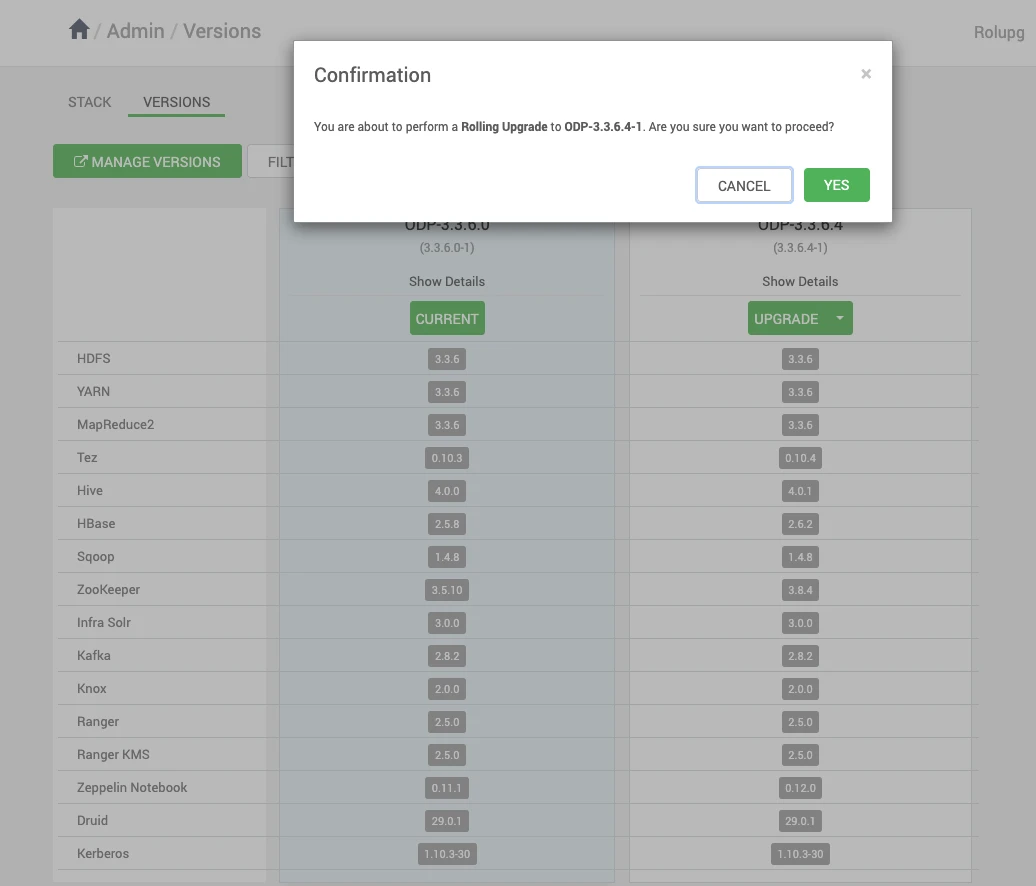
Select YES to confirm the Rolling Upgrade to ODP-3.3.6.4-1.
The screenshots below show the progress of the Rolling Upgrade.
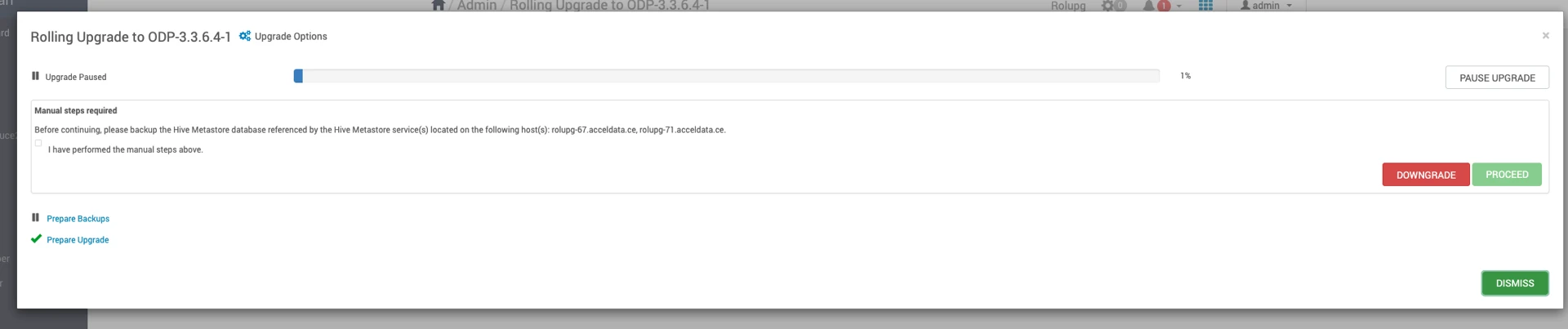

Pause Upgrade

Important Step
Before accepting Perform Backups, pause the upgrade and proceed to next Ambari Upgrade section
Was this page helpful?