
This page describes the installation of Pulse Hydra Agent using the Ambari UI with Mpack.
Deploy the Hydra Agent
Download the Tarball in the Ambari server and save it as
/tmp/hystaller_mpack<version>.tar.gz.
Install
hystaller_mpack<version>.tar.gzin Ambari Server.
Add the Hydra Service symlink in the service list of Ambari.
Restart
ambari-server.
It must now restart the server with logs stating Server started listening on 8080.
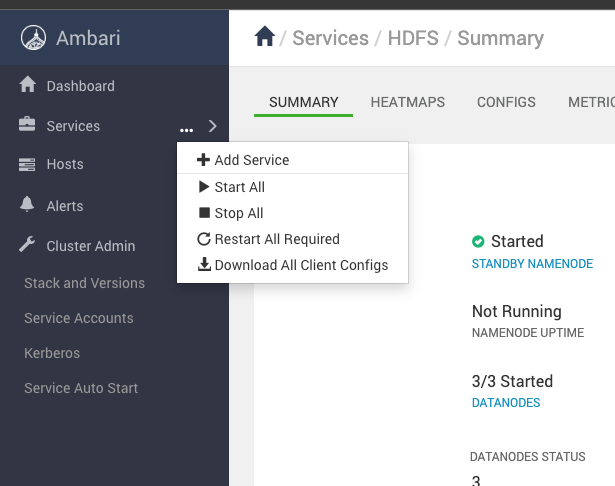
Navigate to the Ambari UI and select
Add Service.
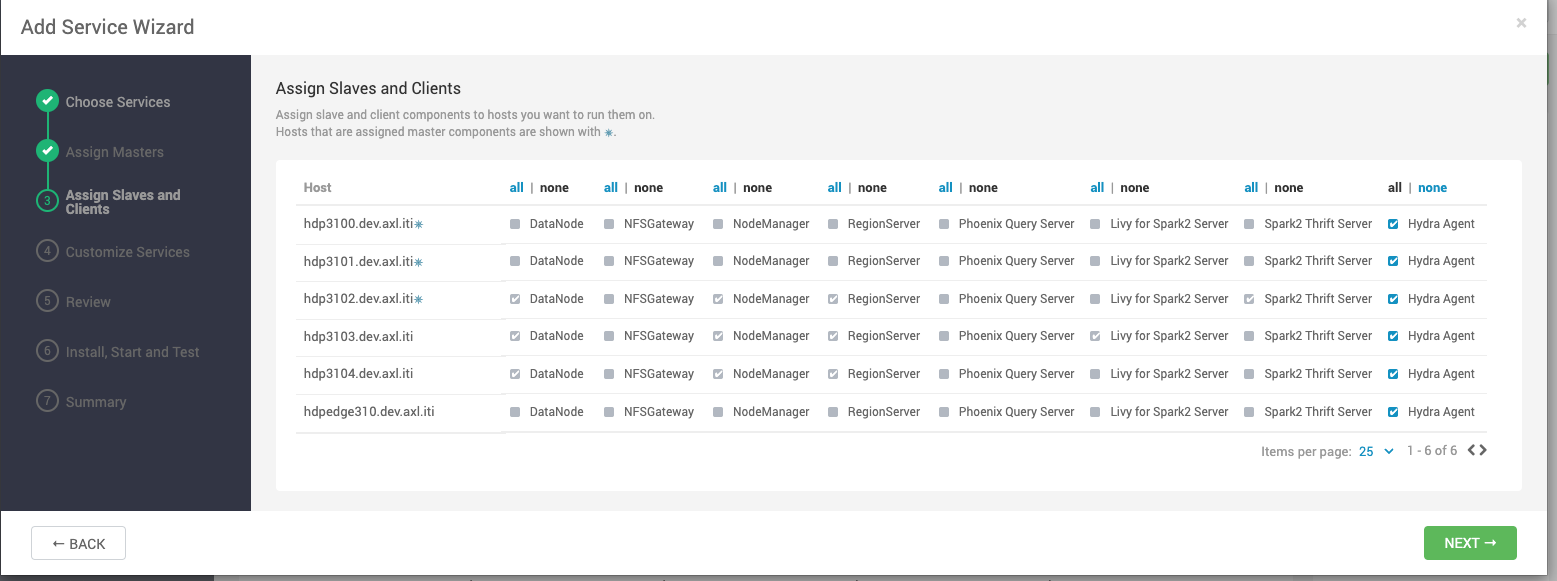
Select
Hydrafrom the services list and select the nodes to deploy hydra.
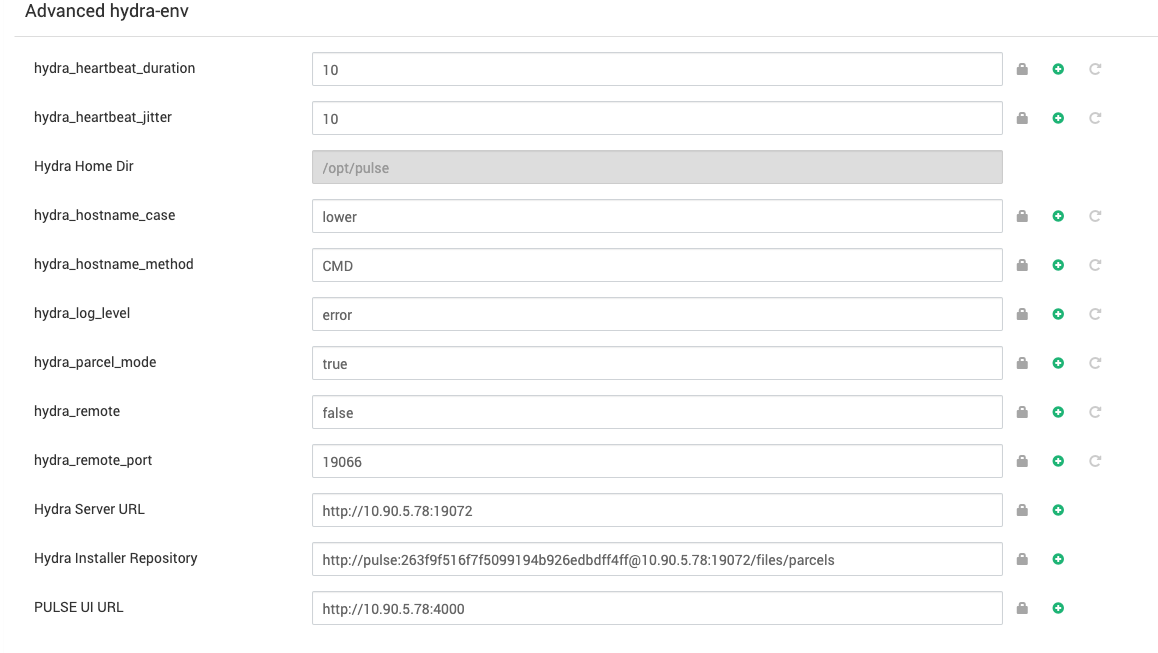
Edit the configurations as per the requirements.
Give the full URL of the form
http://<Pulse_IP>:<Hydra_Port>/ad-hydraFor hydra installer Repository URL : http://pulse:Hydra_Password@Pulse_IP:19072/files/parcels
For K8s this route can be different: http://pulse:Hydra_Password@INGRESS_IP __EXPOSED PORT/HYDRA_EXPOSED PATH/files/parcels
Select
Deployto install and start Hydra in respective hosts.
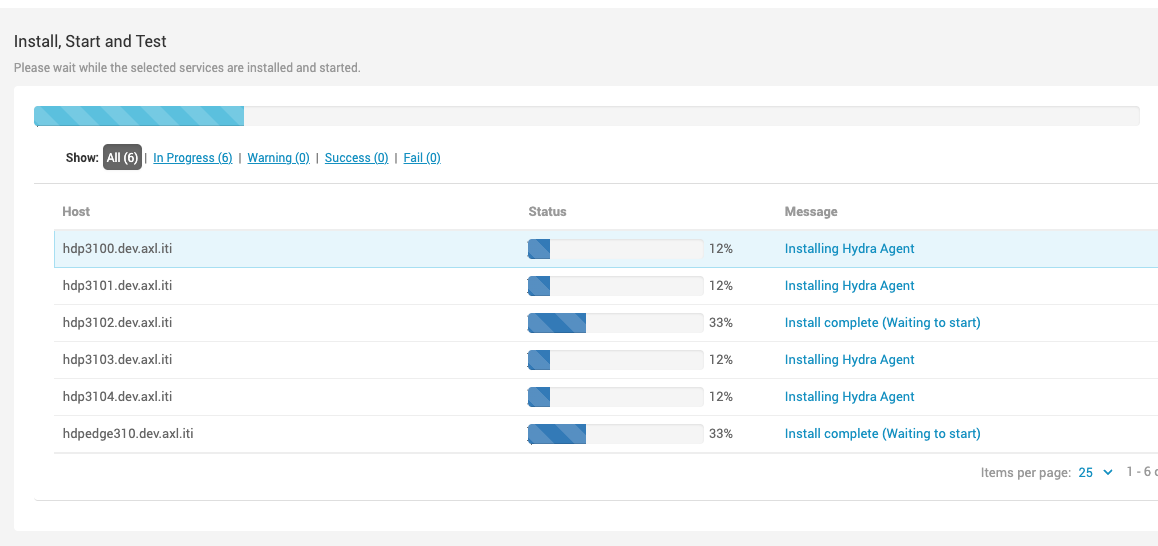
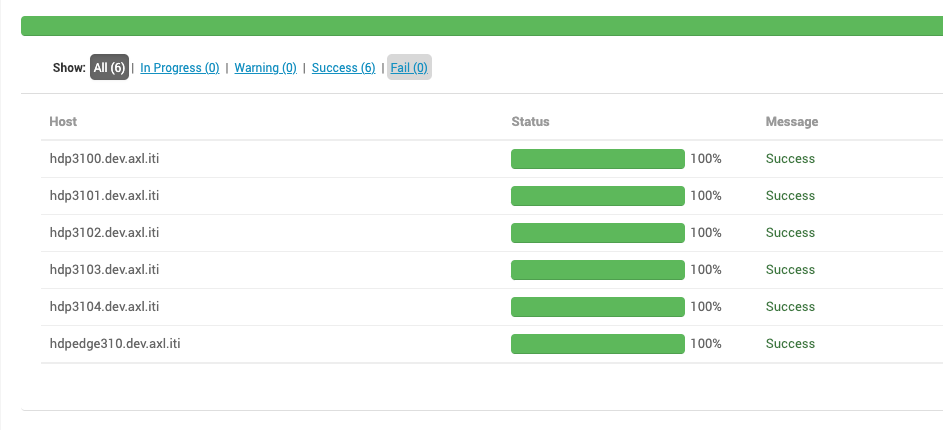
Once deployment is successful, we can get the status of each hydra agent as well as the status of pulsenode, pulselog, pulsejmx.
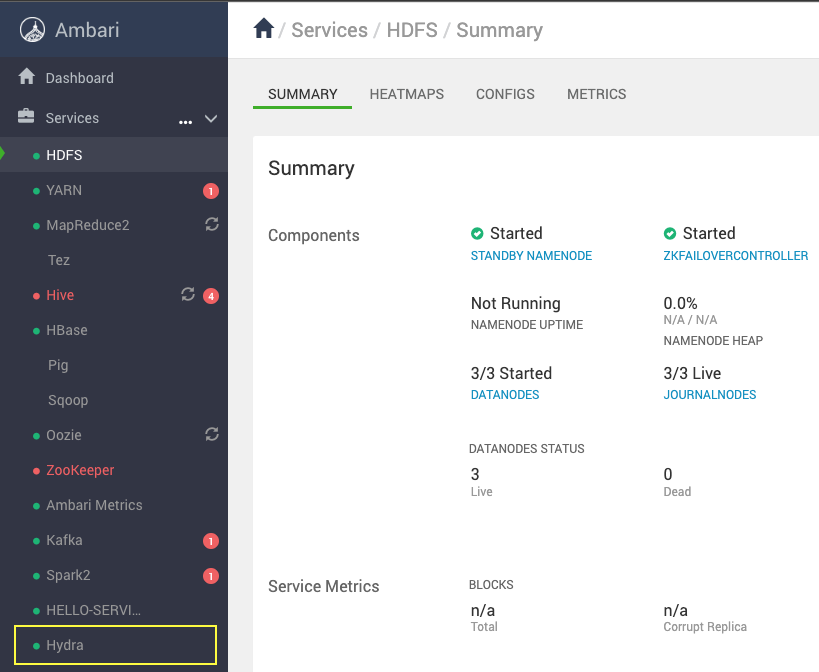
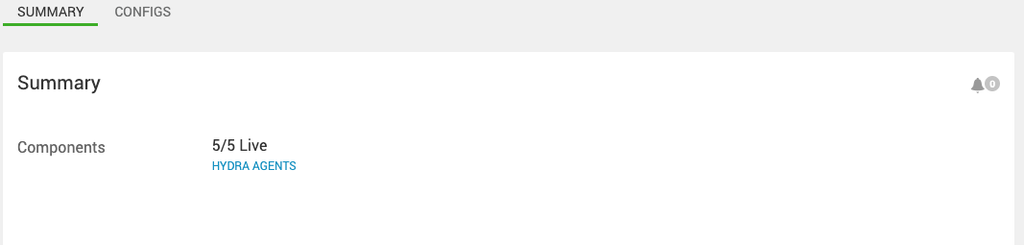
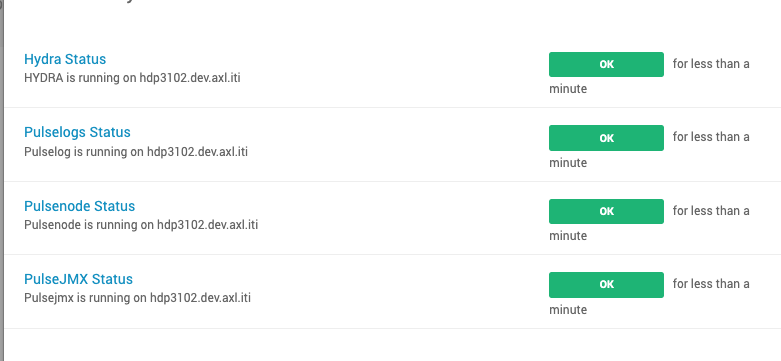
Check the logs of ad-hydra_default container to confirm if the hydra agents are working fine or not.
Install the Hydra Agent on Newly Added Hosts
The Hydra Agent must be installed on at least one node in a cluster.
Run the following commands on the Ambari node.
The Hydra Agent is installed on all the nodes. Restart if required.
Test your Agent Configuration Changes
If you made any changes to telegraph(node agent), filebeat(logs agent) or jmx(jmx agent), and you want to test your feature, then:
Build the Hydra test image from bitbucket and tag to running ad-hydra container and restart
ad-hydra.From the Ambari server, stop the Hydra service.
Delete the Hydra service.
Add the Hydra Service, follow the above Images and provide Hydra Server URL, Hydra Installer Repository, PULSE UI URL and deploy.
From Pulse node, do reconfig cluster, wait for ~2 minutes.
Then check your changes on the nodes for your changes.
Uninstall Pulse Hydra Agent using Ambari UI
You can uninstall Hydra Agents from the nodes directly using the Ambari UI.
The Pulse Hydra Agent comprises all agents, including Node, Logs, JMX, AXN, YARN Metrics, and Hydra.
Steps to uninstall Hydra Agents:
In the Amabari UI, navigate to Services > Hydra.
In the Hydra Summary page, click Hydra Agents. The list of hosts where Hydra Agents are installed appears on the screen.
Select each host and click Components. The list of components installed appears. Locate Hydra Agents and click the three dots next to them, and repeat the steps below for each host in the same order.
Select Stop. This stops all Hydra Agents installed on the host.
Select Uninstall. This uninstalls all Hydra Agents from each host.
Select Delete. This deletes all Hydra Agents from each host.
In the Hydra Summary, click Actions > Delete Service.
Run the uninstall Mpack command of the Ambari host using the CLI
Validate Pulse Installations
Run the following command to validate Pulse installation.
You get output as shown in the following image.
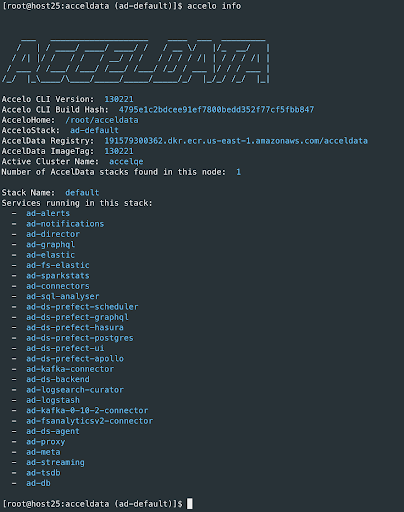
You can now check Pulse Web UI. Pulse Web UI runs on the 4000 port of the Pulse server’s IP.