
Ingress for Kubernetes (K8S)
You need an Ingress object in your Kubernetes cluster to make Pulse services accessible from outside the cluster. To use an Ingress object, an Ingress controller must already be set up in your Kubernetes environment.
To enable external access, expose the following services through the Ingress controller, including their service names and ports.
Service Name | Service Port | Description |
ad-graphql | 4000 | This is the Acceldata UI service |
ad-hydra | 19072 | The Hydra Server for Mpack and Agents to connect and communicate. |
ad-axnserver | 19999 | Actions Server that connects with agents and the UI. |
accelo-manager | 20001 | Accelo Manager, which the user connects, and manager agent connects |
ad-streaming | 19005 | Streaming service for agents. |
ad-pulse-ui | 4100 | New Pulse UI interface for users. |
Install Ingress
For the testing environment and to enhance developer productivity, we will install the Ingress controller ourselves using the following steps:
- Install Nginx Controller.
kubectl apply -f https://raw.githubusercontent.com/kubernetes/ingress-nginx/controller-v1.12.2/deploy/static/provider/baremetal/deploy.yaml
The Ingress controller may take a short time to become fully operational. By default, wait for 1 minute before proceeding to the next step.
- Create NGINX routes for services. To configure NGINX routes for all required services, copy and paste the following content into a file named
nginx-routes.yaml
---
apiVersion: networking.k8s.io/v1
kind: Ingress
metadata:
  name: ad-graphql
  namespace: PULSE_NAMESPACE
spec:
  rules:
  - host: "*.acceldata.dvl"
    http:
      paths:
      - path: /
        pathType: Prefix
        backend:
          service:
            name: ad-graphql
            port:
              number: 4000
  ingressClassName: nginx
---
apiVersion: networking.k8s.io/v1
kind: Ingress
metadata:
  name: ad-pulse-ui
  namespace: PULSE_NAMESPACE
  annotations:
    nginx.ingress.kubernetes.io/rewrite-target: /$2
spec:
  rules:
  - host: "*.acceldata.dvl"
    http:
      paths:
      - path: /ui(/|$)(.*)
        pathType: ImplementationSpecific
        backend:
          service:
            name: ad-pulse-ui
            port:
              number: 4100
  ingressClassName: nginx
---
apiVersion: networking.k8s.io/v1
kind: Ingress
metadata:
  name: accelo-manager
  namespace: PULSE_NAMESPACE
  annotations:
    nginx.ingress.kubernetes.io/rewrite-target: /$2
spec:
  rules:
  - host: "*.acceldata.dvl"
    http:
      paths:
      - path: /manager(/|$)(.*)
        pathType: ImplementationSpecific
        backend:
          service:
            name: accelo-manager
            port:
              number: 20001
  ingressClassName: nginx
---
apiVersion: networking.k8s.io/v1
kind: Ingress
metadata:
  name: ad-streaming
  namespace: PULSE_NAMESPACE
  annotations:
    nginx.ingress.kubernetes.io/rewrite-target: /$2
spec:
  rules:
  - host: "*.acceldata.dvl"
    http:
      paths:
      - path: /streaming(/|$)(.*)
        pathType: ImplementationSpecific
        backend:
          service:
            name: ad-streaming
            port:
              number: 19005
  ingressClassName: nginx
---
apiVersion: networking.k8s.io/v1
kind: Ingress
metadata:
  name: ad-hydra
  namespace: PULSE_NAMESPACE
  annotations:
    nginx.ingress.kubernetes.io/rewrite-target: /$2
spec:
  rules:
  - host: "*.acceldata.dvl"
    http:
      paths:
      - path: /hydra(/|$)(.*)
        pathType: ImplementationSpecific
        backend:
          service:
            name: ad-hydra
            port:
              number: 19072
  ingressClassName: nginx
---
apiVersion: networking.k8s.io/v1
kind: Ingress
metadata:
  name: ad-axnserver
  namespace: PULSE_NAMESPACE
  annotations:
    nginx.ingress.kubernetes.io/rewrite-target: /$2
spec:
  rules:
  - host: "*.acceldata.dvl"
    http:
      paths:
      - path: /axnserver(/|$)(.*)
        pathType: ImplementationSpecific
        backend:
          service:
            name: ad-axnserver
            port:
              number: 19999
  ingressClassName: nginx
- Install NGINX Routes. To apply the NGINX Ingress routes, run the following command:
kubectl apply -f nginx-routes.yaml
- Verify the NGINX services are running. To check if all NGINX-related services (Ingress controller and exposed services) are up and running, use the following commands:
kubectl get svc -n ingress-nginx

NAME                                 TYPE        CLUSTER-IP      EXTERNAL-IP   PORT(S)                      AGE
ingress-nginx-controller             NodePort    <IP Address 1>   <none>        80:30592/TCP,443:31904/TCP   16m
ingress-nginx-controller-admission   ClusterIP   <IP Address 2>   <none>        443/TCP                      16m
Here, you can find the PORT that agents or users must use to connect to the service, for example, 30592.
- Verify if all the mappings are installed properly or not.
kubectl get ingress -n scalability

NAME             CLASS   HOSTS             ADDRESS                        PORTS   AGE

accelo-manager   nginx   *.acceldata.dvl   <IP Address 1>,<IP Address 2>  80      16m
ad-graphql       nginx   *.acceldata.dvl   <IP Address 1>,<IP Address 2>  80      16m
Here, you can see that the ingresses are correctly mapped to their respective services, and all Kubernetes nodes have the Node and Port configured and running.
- Describe Ingress Resources. To view detailed information about the ingress resources, run the following command, and you can also see the expected output.
kubectl describe ingress accelo-manager -n scalability

Name:             accelo-manager
Labels:           <none>
Namespace:        scalability
Address:          10.100.10.48,10.100.10.74,10.100.10.75,10.100.10.76,10.100.10.77
Default backend:  default-http-backend:80 (<error: endpoints "default-http-backend" not found>)
Rules:
  Host             Path  Backends
  ----             ----  --------
  *.acceldata.dvl
                   /manager(/|$)(.*)   accelo-manager:20001 (10.42.167.98:20001)
Annotations:       field.cattle.io/publicEndpoints:
                     [{"addresses":["<IP Address 1>","<IP Address 2>","<IP Address 3>","<IP Address 4>","<IP Address 5>"],"port":80,"protocol":"HTTP","serviceName":"scal...
                   nginx.ingress.kubernetes.io/rewrite-target: /$2
Events:
  Type    Reason  Age                    From                      Message
  ----    ------  ----                   ----                      -------
  Normal  Sync    3m42s (x142 over 38m)  nginx-ingress-controller  Scheduled for sync
  Normal  Sync    3m42s (x142 over 38m)  nginx-ingress-controller  Scheduled for sync
  Normal  Sync    3m42s (x142 over 38m)  nginx-ingress-controller  Scheduled for sync
  Normal  Sync    3m42s (x142 over 38m)  nginx-ingress-controller  Scheduled for sync
  Normal  Sync    3m42s (x142 over 38m)  nginx-ingress-controller  Scheduled for sync
  Normal  Sync    3m42s (x142 over 38m)  nginx-ingress-controller  Scheduled for sync
Ingress in OpenShift
OpenShift provides an Ingress Controller that exposes services from any namespace, providing an external or public URL for access. By default, the URL listens on port 80 and can route requests to all configured endpoints correctly.
The first step is to install the oc
Steps to Create Routes for Pulse Services
- Get all the services present in the Pulse namespace using the following command.
oc get svc -n <Pulse namespace>
oc get svc -n pulse
NAME                       TYPE        CLUSTER-IP      EXTERNAL-IP   PORT(S)               AGE
accelo-manager             ClusterIP   <IP Address 1>    <none>        20001/TCP             24h
ad-alerts                  ClusterIP   <IP Address 2>    <none>        19015/TCP,8080/TCP    23h
ad-axnserver               ClusterIP   <IP Address 3>    <none>        19999/TCP             23h
ad-connectors-sparkonk8s   ClusterIP   <IP Address 4>    <none>        19003/TCP,19025/TCP   23h
ad-dashplot                ClusterIP   <IP Address 5>    <none>        8080/TCP              23h
ad-dashplot-ui             ClusterIP   <IP Address 6>    <none>        8080/TCP              23h
ad-graphql                 ClusterIP   <IP Address 7>    <none>        4000/TCP,4001/TCP     23h
ad-hydra                   ClusterIP   <IP Address 8>    <none>        19072/TCP             23h
ad-notifications           ClusterIP   <IP Address 9>    <none>        8090/TCP              23h
ad-pulse-ui                ClusterIP   <IP Address 10>   <none>        4100/TCP,4101/TCP     23h
ad-pulsenode-sparkonk8s    ClusterIP   <IP Address 11>   <none>        12003/TCP             21h
ad-sparkstats-sparkonk8s   ClusterIP   <IP Address 12>   <none>        19004/TCP             23h
ad-streaming               ClusterIP   <IP Address 13>   <none>        19005/TCP             23h
- Expose a service by using the following command.
oc expose <Service name> -n <Pulse Namespace>
oc expose svc ad-pulse-ui -n pulse
- The above command creates a public URL for the service. To view the URL, use the following command.
oc get route -n <Pulse Namespace>
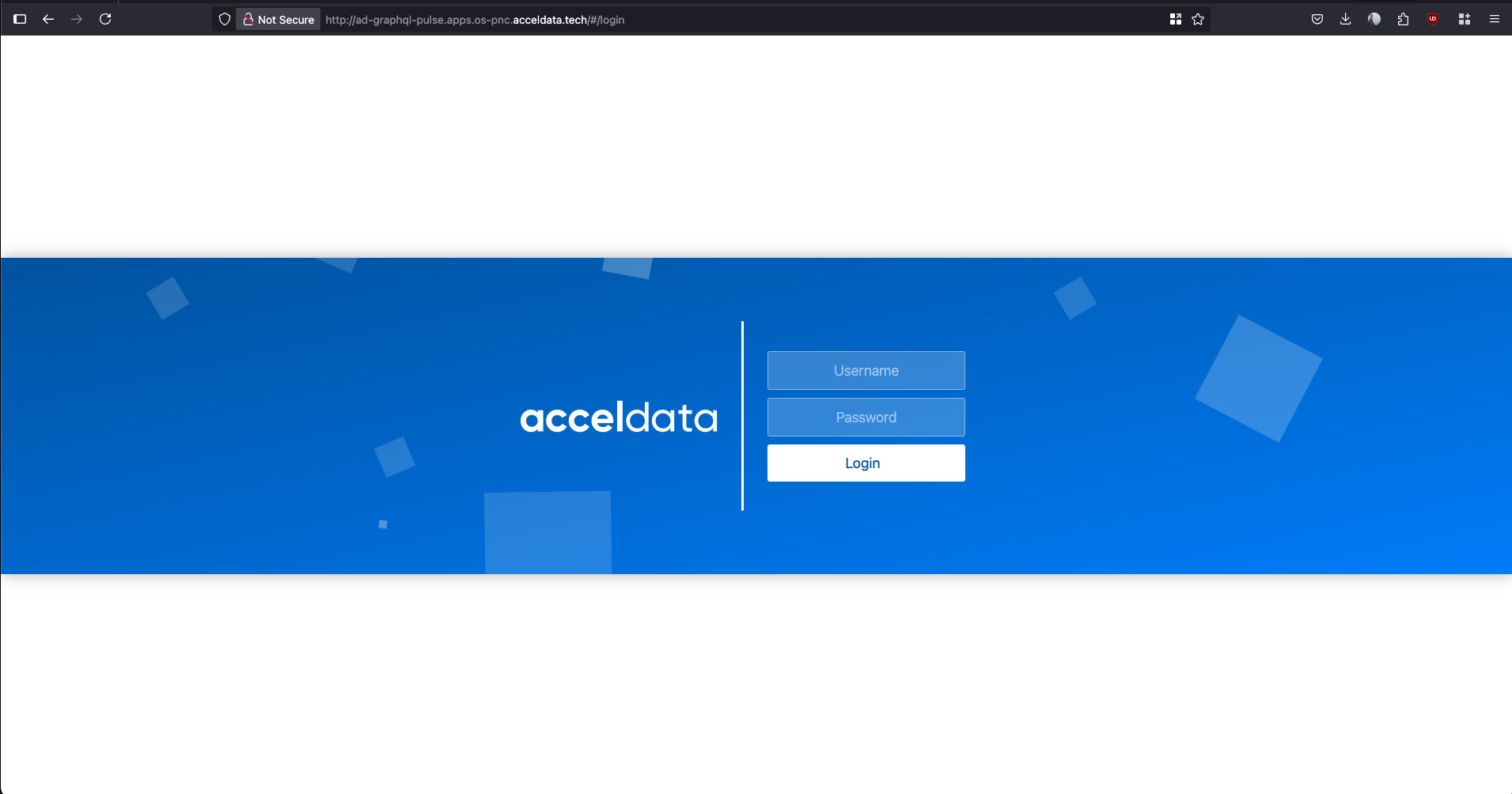
- You can access the service directly using the Host, Port, or the public URL generated by the route.
oc get route -n pulse -o wide
NAME             HOST/PORT                                         PATH   SERVICES         PORT               TERMINATION   WILDCARD
accelo-manager   accelo-manager-pulse.apps.os-pnc.acceldata.tech          accelo-manager   http                             None
ad-graphql       ad-graphql-pulse.apps.os-pnc.acceldata.tech              ad-graphql       ad-graphql-4000                  None
ad-pulse-ui      ad-pulse-ui-pulse.apps.os-pnc.acceldata.tech             ad-pulse-ui      ad-pulse-ui-4100                 None
Have a suggestion?