
Search
Enabling Routing Rules
Add the following configuration to:
Trino Gateway Configuration
routingRules:
rulesEngineEnabled: true
rulesType: FILE
rulesConfigPath: /etc/trino-gateway/conf/rules.yaml
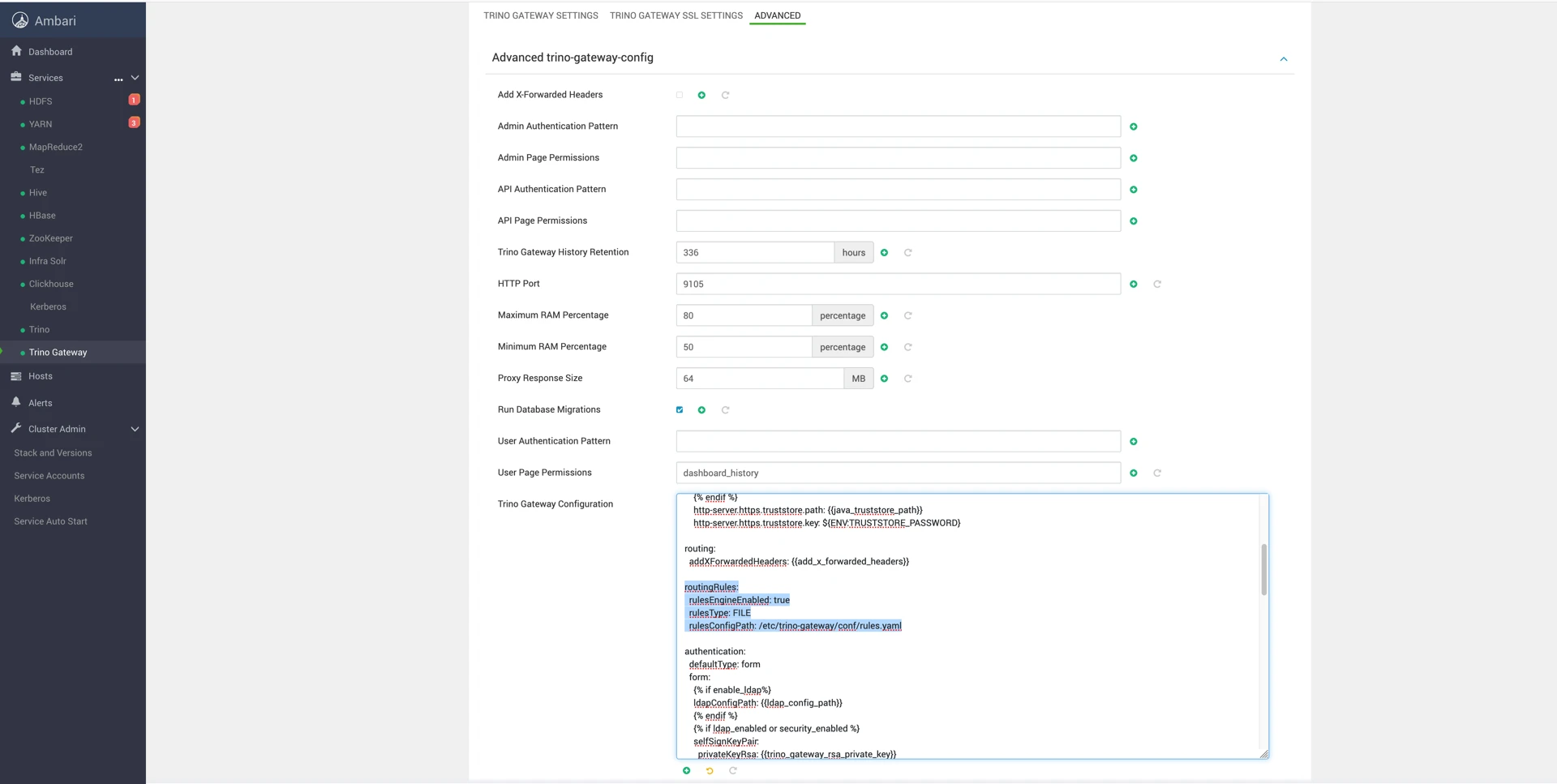
The path you provide must be read and writable by the Trino Gateway user as defined in the mpack. The path defined in the above example is a likely safe place to store it.
You can then add routing rules to the YAML configuration file.
Example Routing Rule
---
name: "airflow"
description: "if query from airflow, route to etl group"
condition: 'request.getHeader("X-Trino-Source") == "airflow"'
actions:
- 'result.put("routingGroup", "etl")'
---
This rule routes all queries containing:
X-Trino-Source: airflow
to the etl routing group.
Queries without matching rules are routed to the adhoc group.
Rule Management Notes
Once you have created the YAML file with your rules, you can view and edit them in the UI.
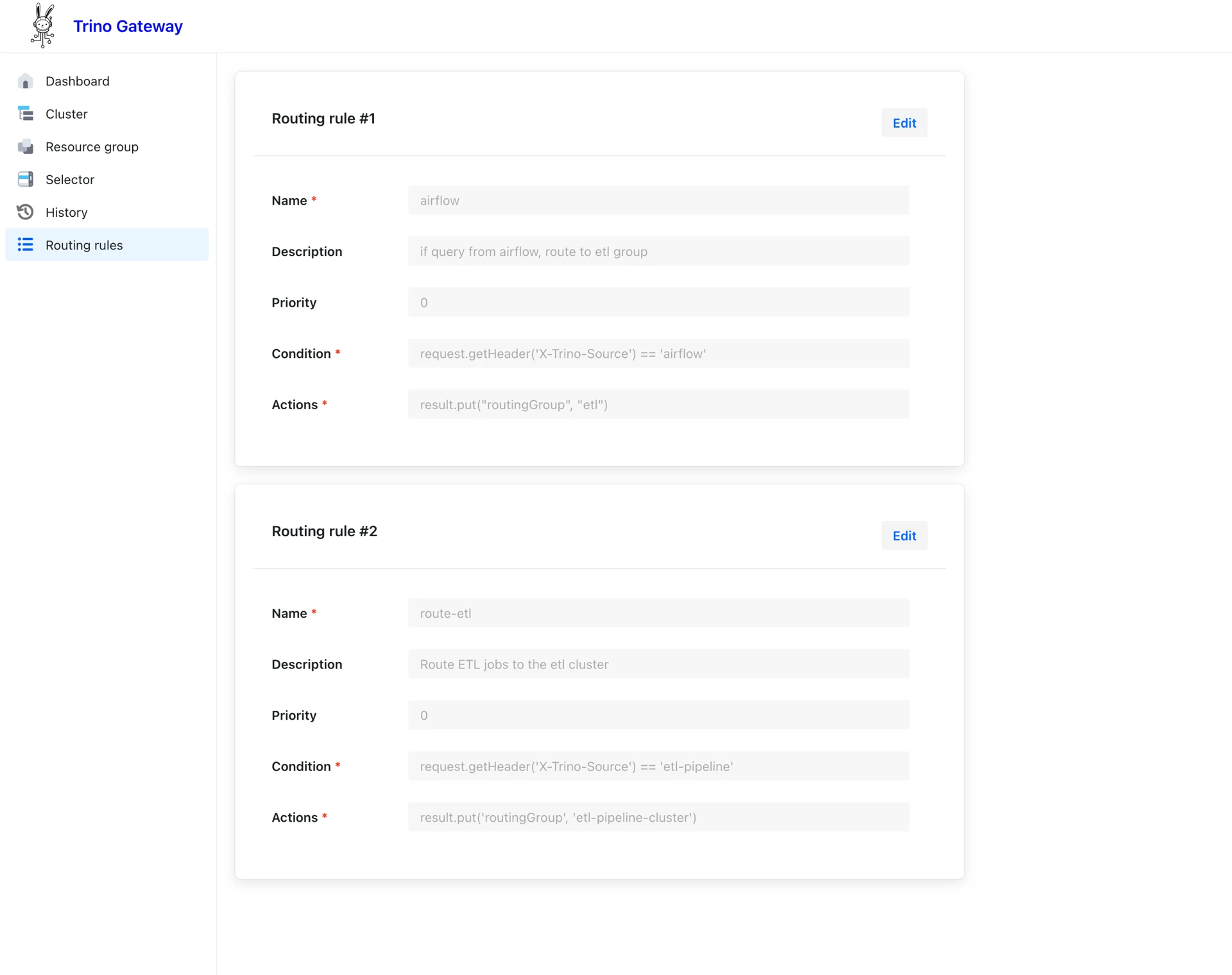
New rules cannot currently be created from the UI.
Was this page helpful?