This page describes about configuring Pulse to monitor standalone Kafka 3 with Kerberos.
On a Pulse node, run
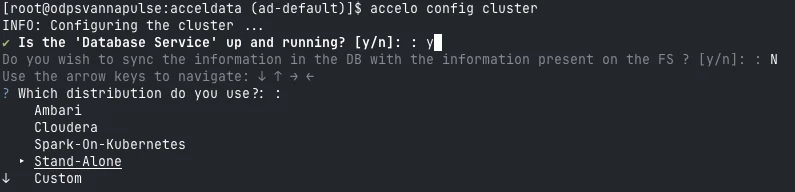
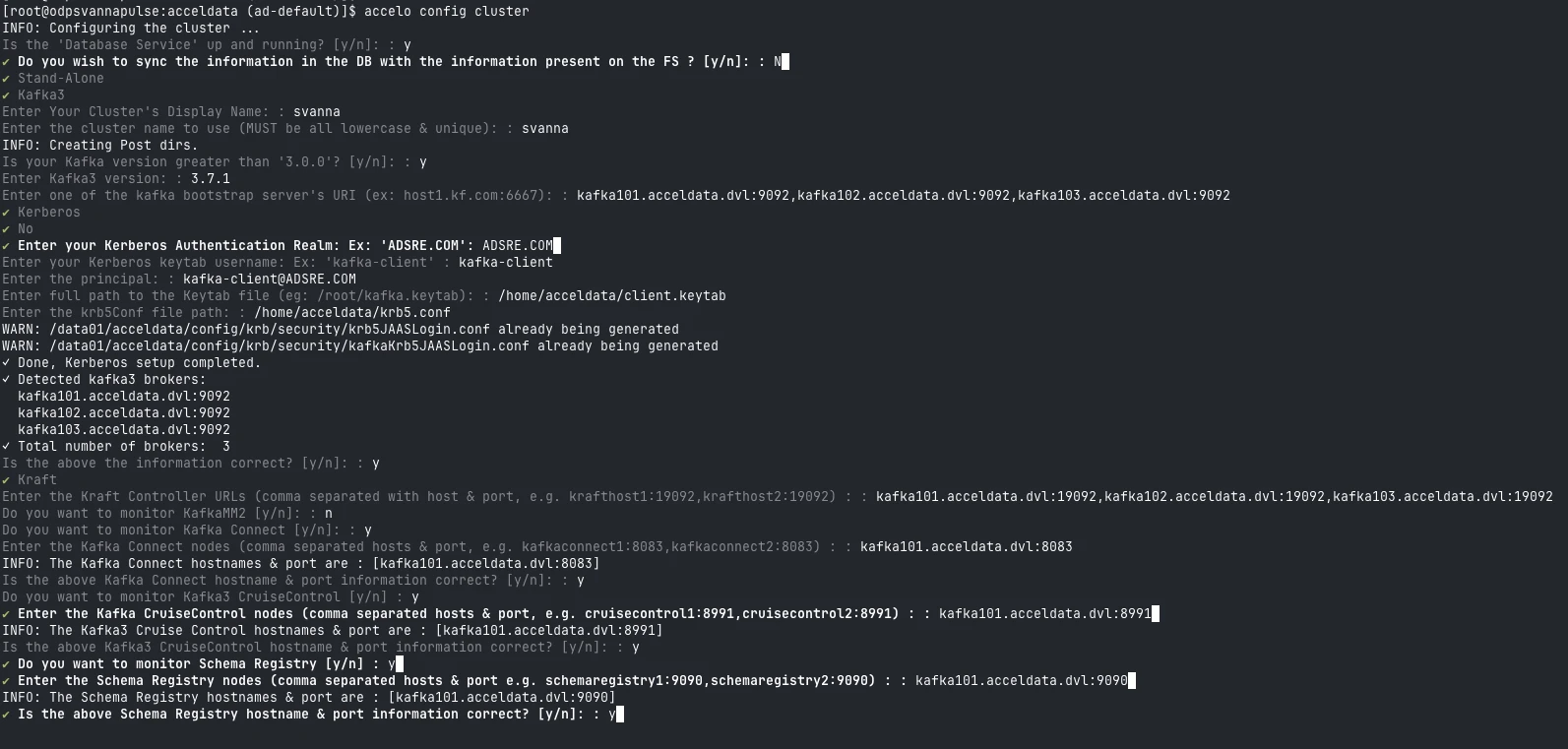
accelo config cluster.Select
Stand-Alonedeployment during deployment type.
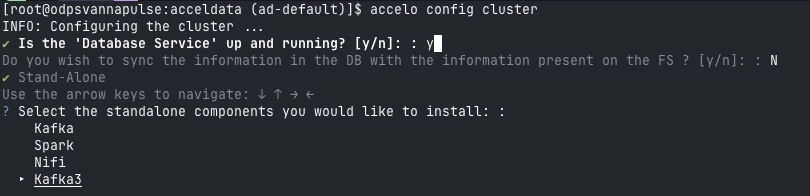
Select
Kafka3Standalone component.
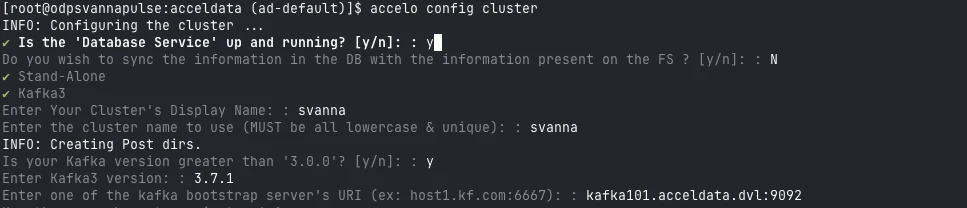
Enter Cluster Name.

Enter
Kafkabootstrap server’s URI.
Select Kerberos as the security type.
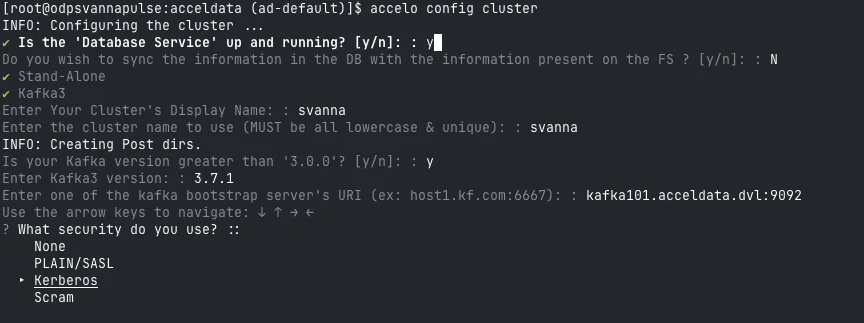
Select
TLSis enabled or not.
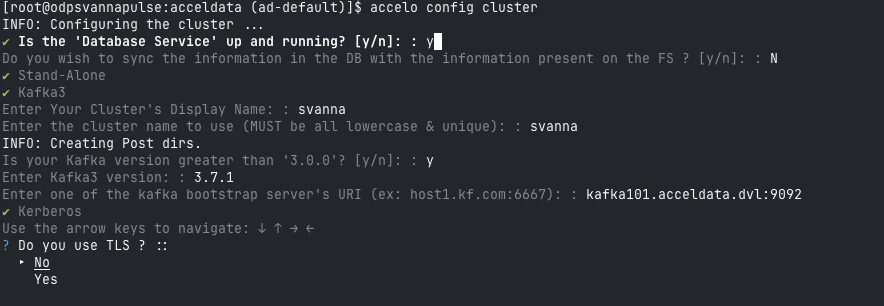
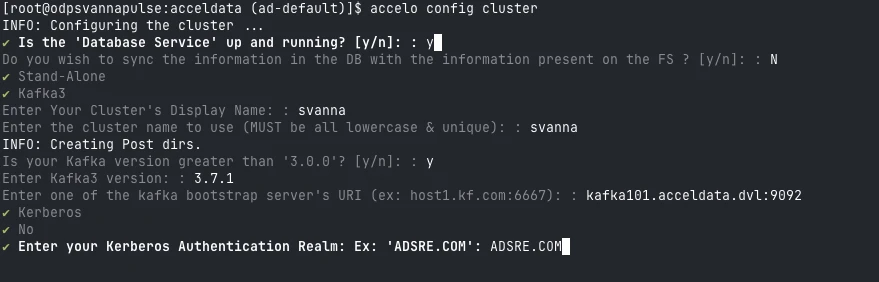
Enter
Kerberos Authentication Realm.
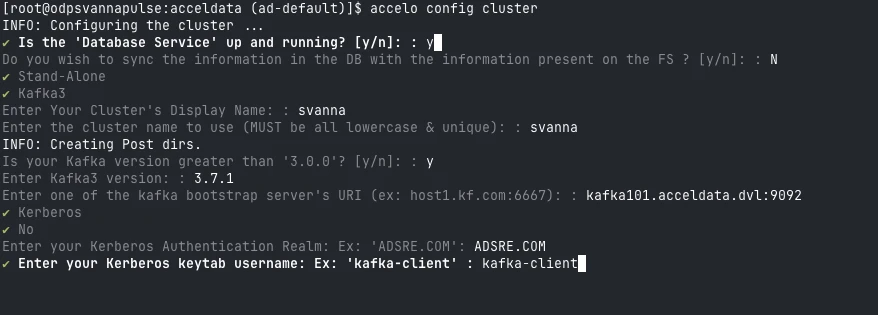
Enter
Kerberos keytab username.
Enter
Principalfor kafka client.
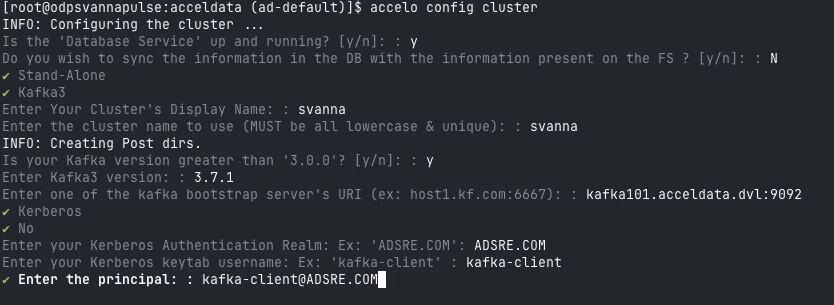
Enter full path to the
Client Keytabfile.
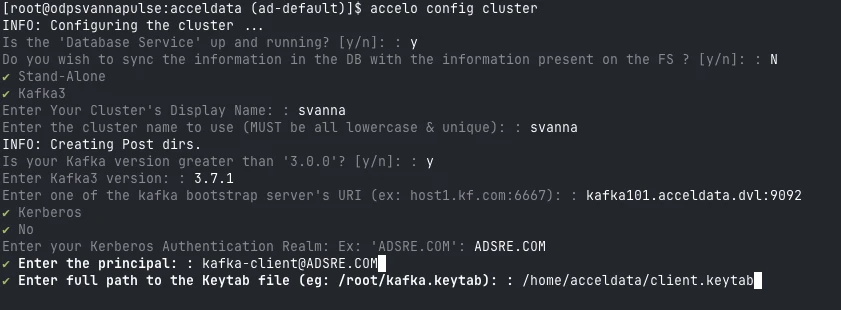
Enter full path to the
krb5.conffile.
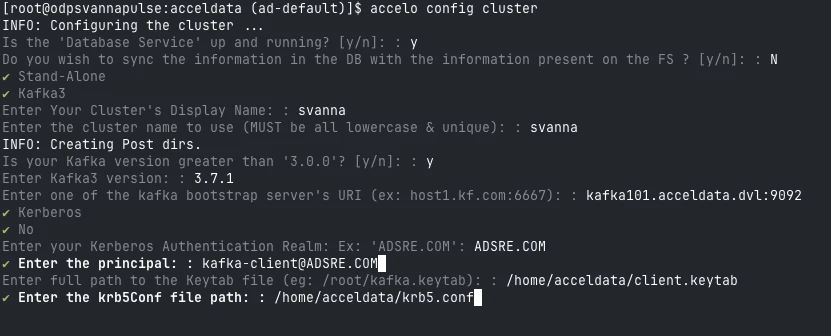
If the above configurations are correct, the CLI will automatically fetch the list of brokers.
Verify the list and select y to proceed.
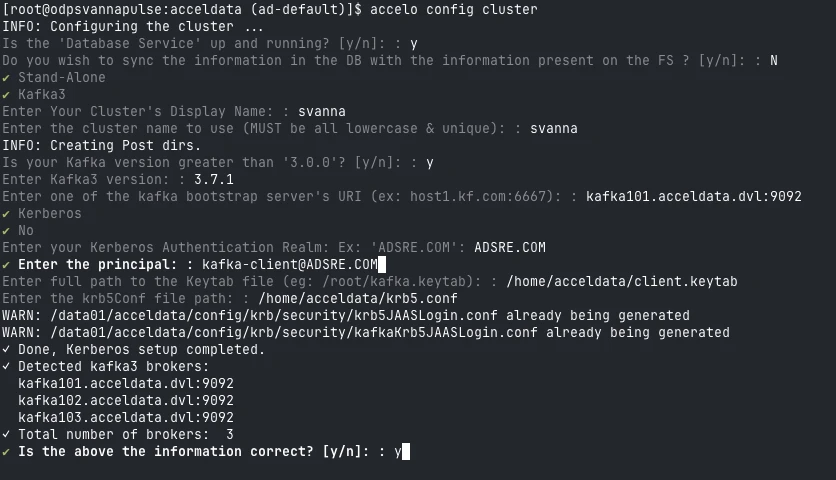
Select Metadata Manager → Zookeeper / KRaft.
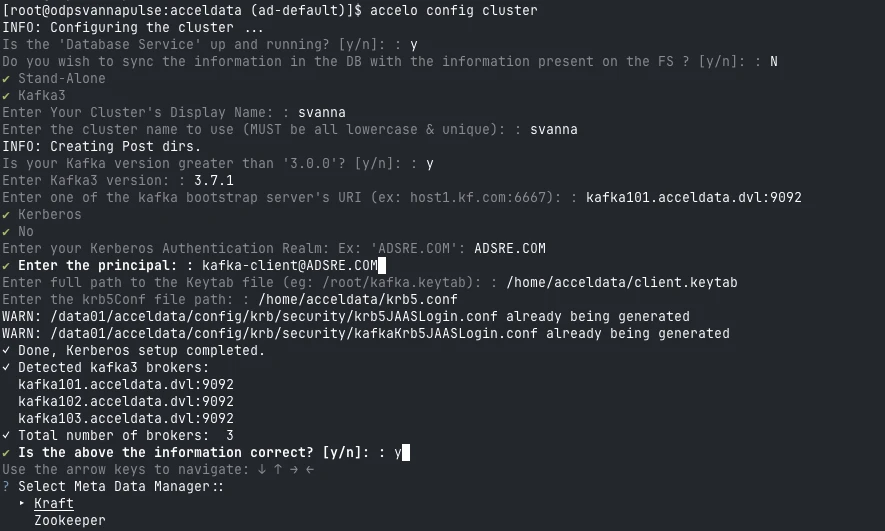
Enter the URI’s for
MetaData Manager.
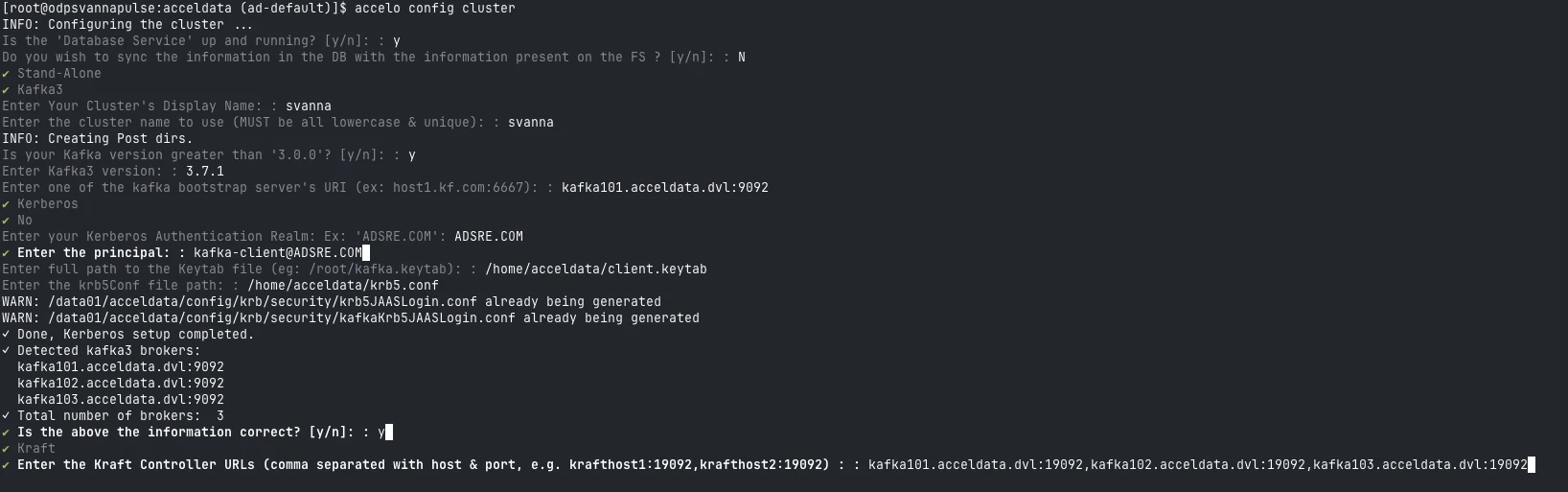
Enter
Kafka Connecthostname and port.
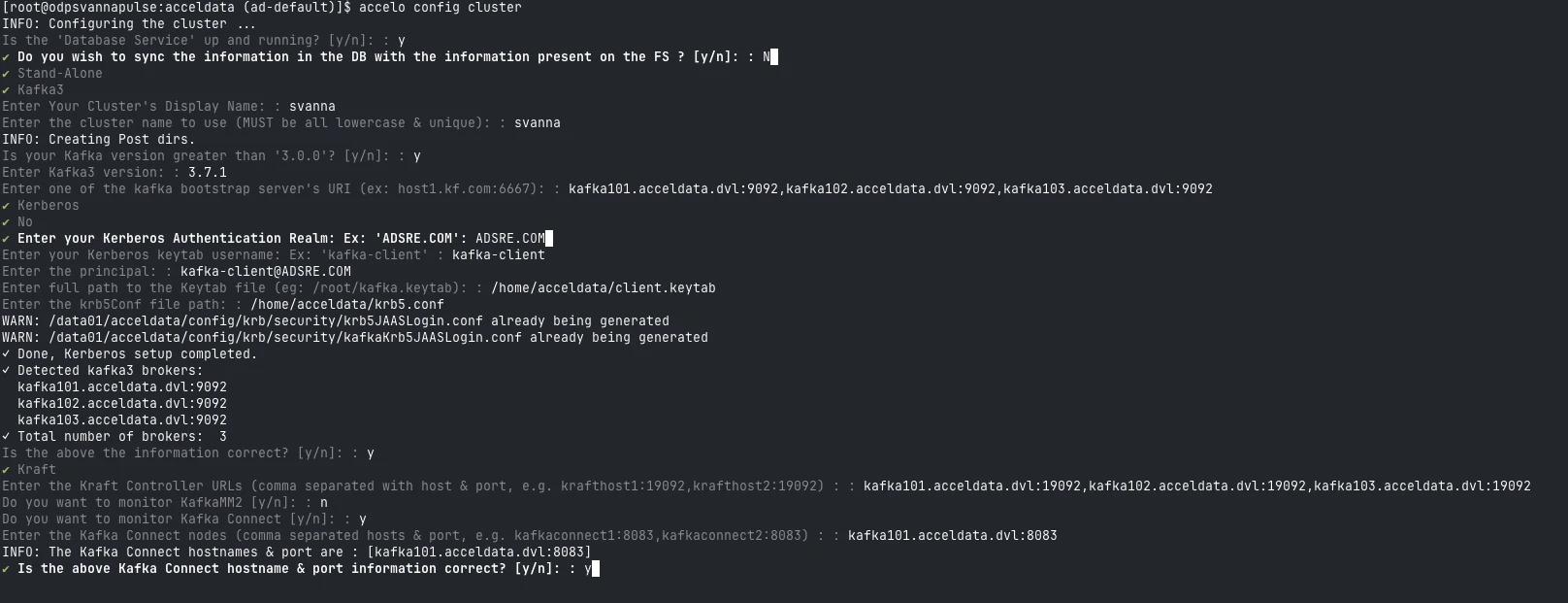
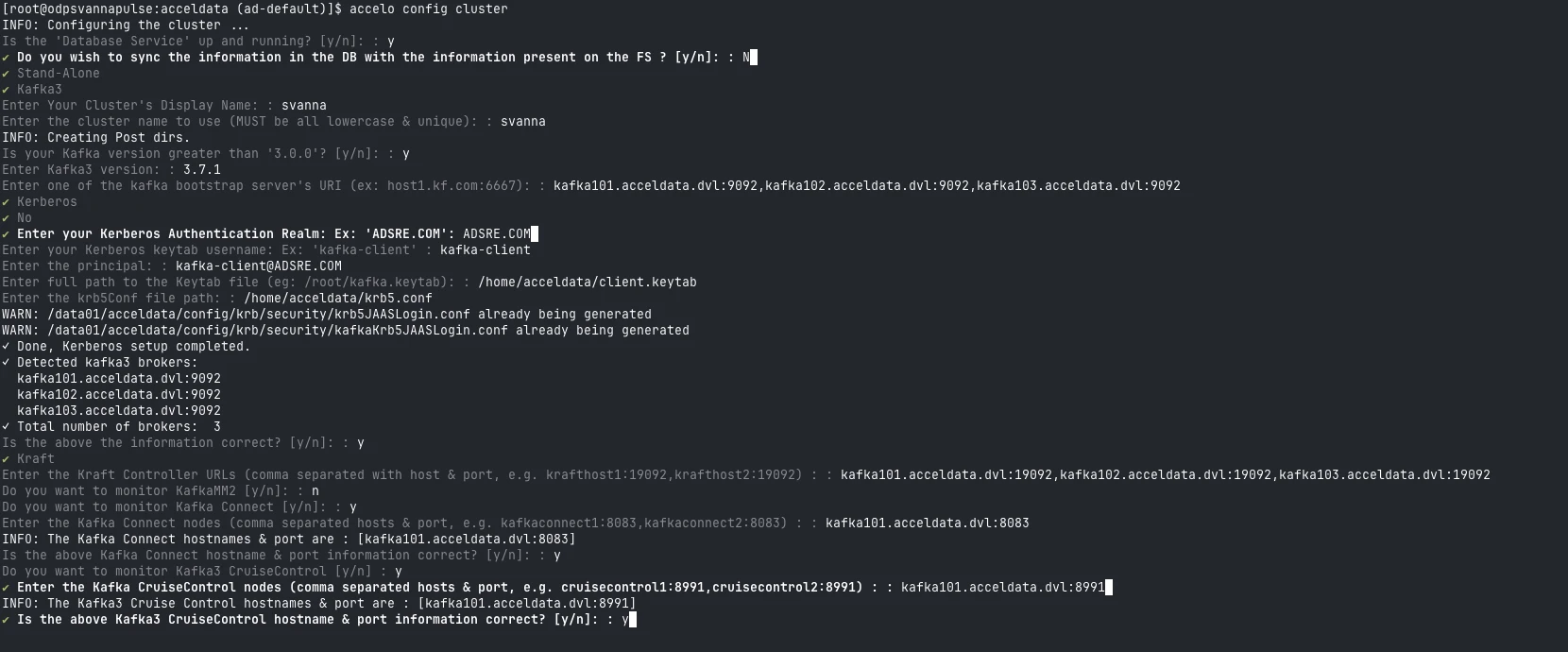
Enter
Cruise Controlhostname and port.
Enter
Schema Registryhostname and port.
Enter the
ssh userdetails.
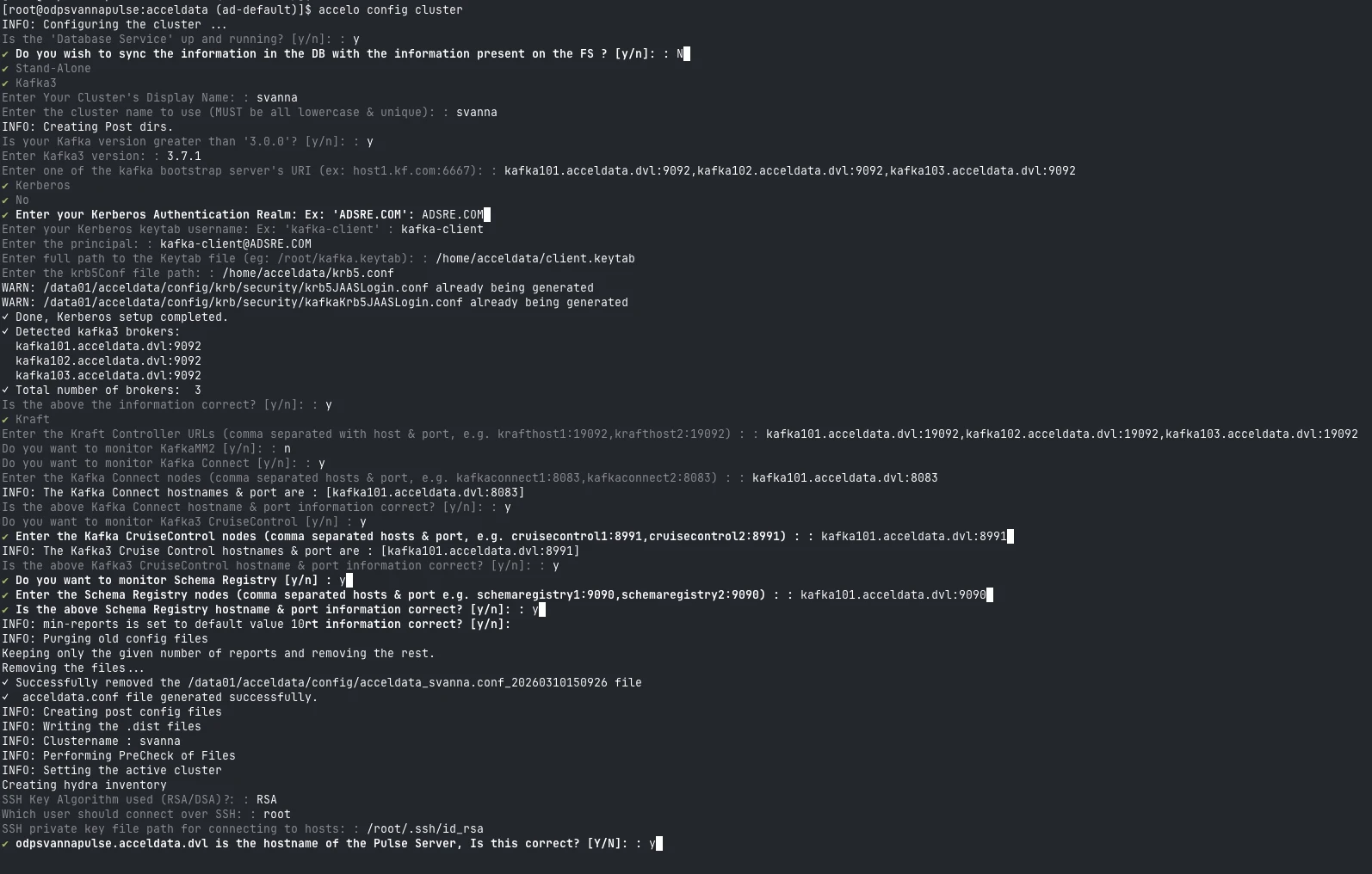
Enter all the required JMX ports and LogSearch configurations.

Additional Configuration
Update Kafka Connector Config
Add the following in:
Configure Log Locations
Create:
Add:
Apply Configuration to Update Vars.yml.
Kafka Data in Pulse
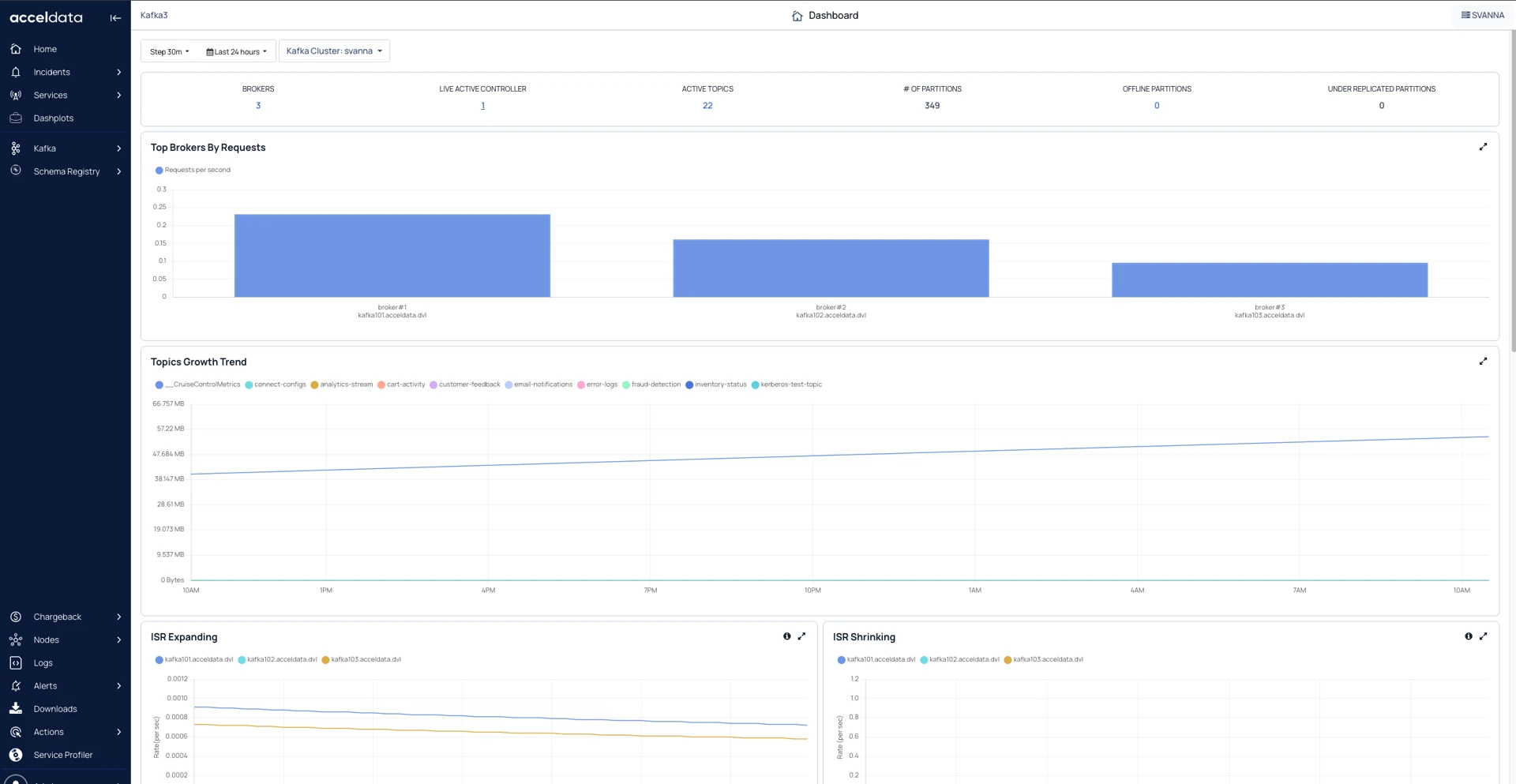
After the configuration, you can see the Kafka data in Pulse.
Kafka Dashboard
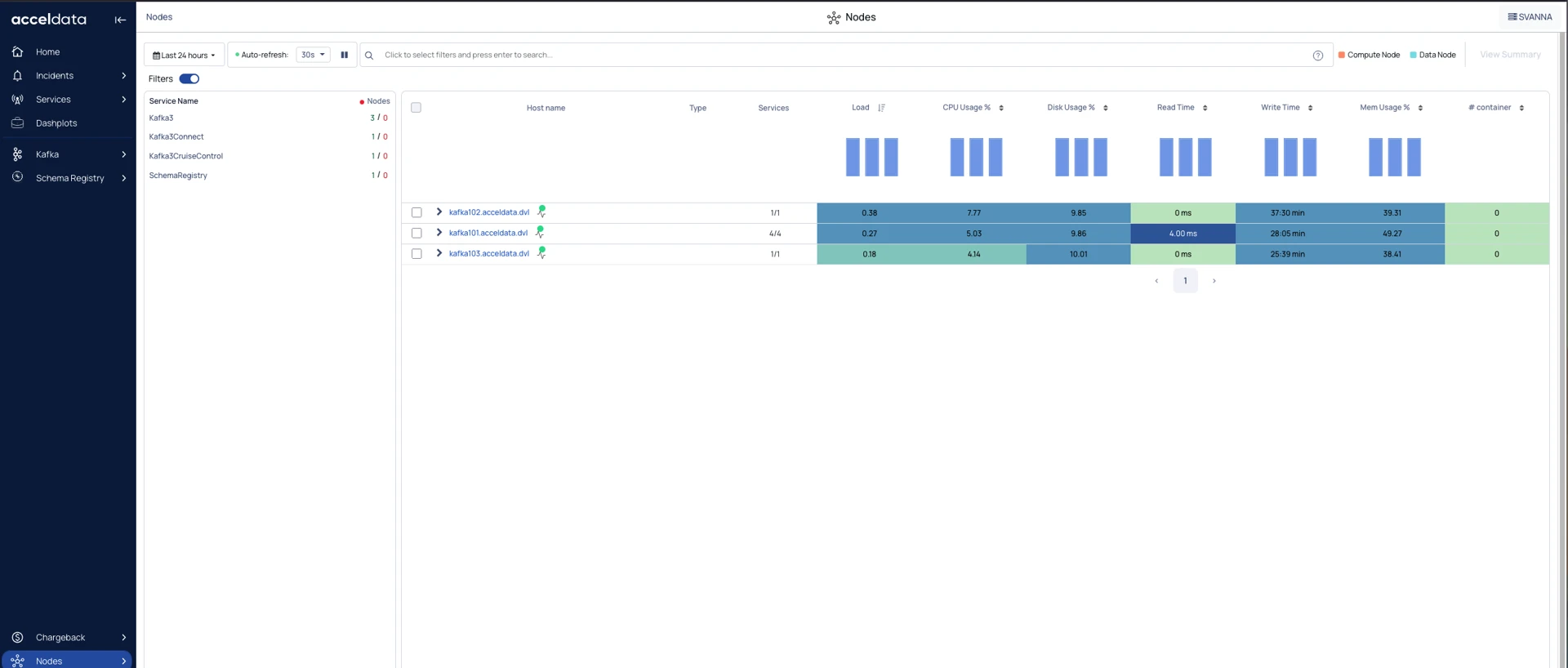
Kafka Nodes
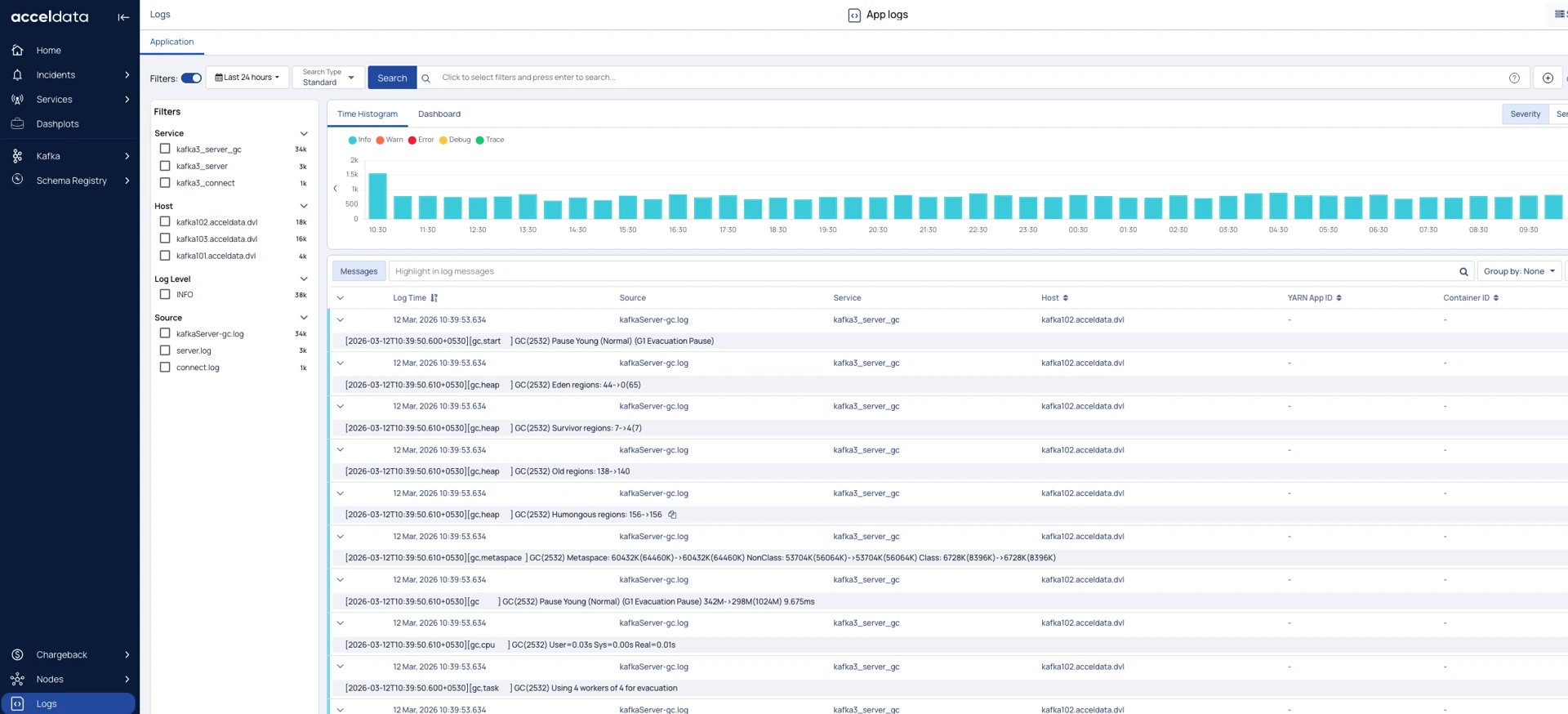
Kafka Logs