
Kudu provides the ksck tool to check cluster health and gather detailed information. It can detect issues such as under-replicated tablets, unreachable tablet servers, or tablets without a leader.
Run ksck to Check the Cluster Health
Run the command as the kudu user.
To see all available commands and options, use:
If the cluster is healthy, ksck prints cluster information, a success message, and returns 0.
If there are errors, ksck returns a non-zero status code.
Example: ksck Output
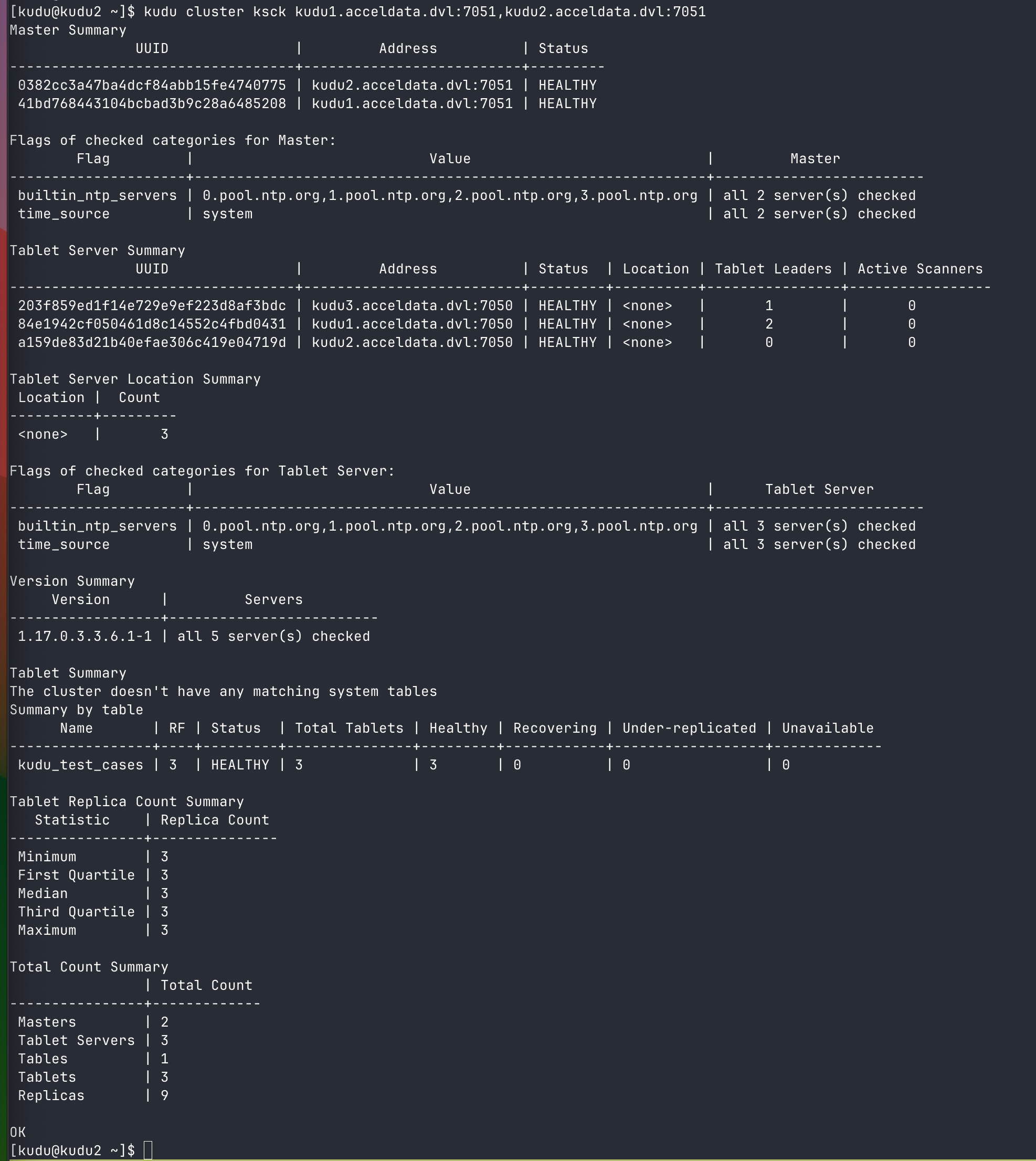
If an error occurs—for example, when a tablet server is down—ksck returns a non-zero status code and displays output similar to the following:
Verify Cluster Data Consistency Using ksck
You can use the --checksum_scan option to verify data consistency across the cluster. This option scans the tablets and compares their data.
Use
--tablesto limit the scan to specific tables.Use
--tabletsto limit the scan to specific tablets.
Note The --tablets option refers to tablet IDs, not tablet servers.
To retrieve tablet IDs, run:
The first column after the T is the ID of each tablet.
For more details, see Apache Documentation.