
This page explains how to install the ODP packages and start the upgrade process.
Install the ODP Packages
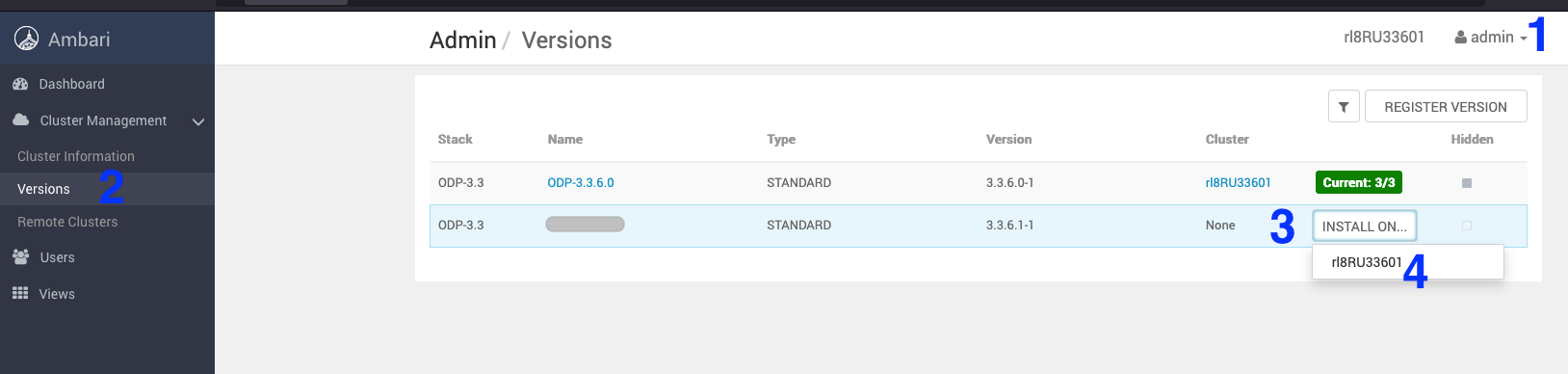
- Navigate to Admin > Versions. On the Versions page, click install for ODP-3.3.6.3-1.
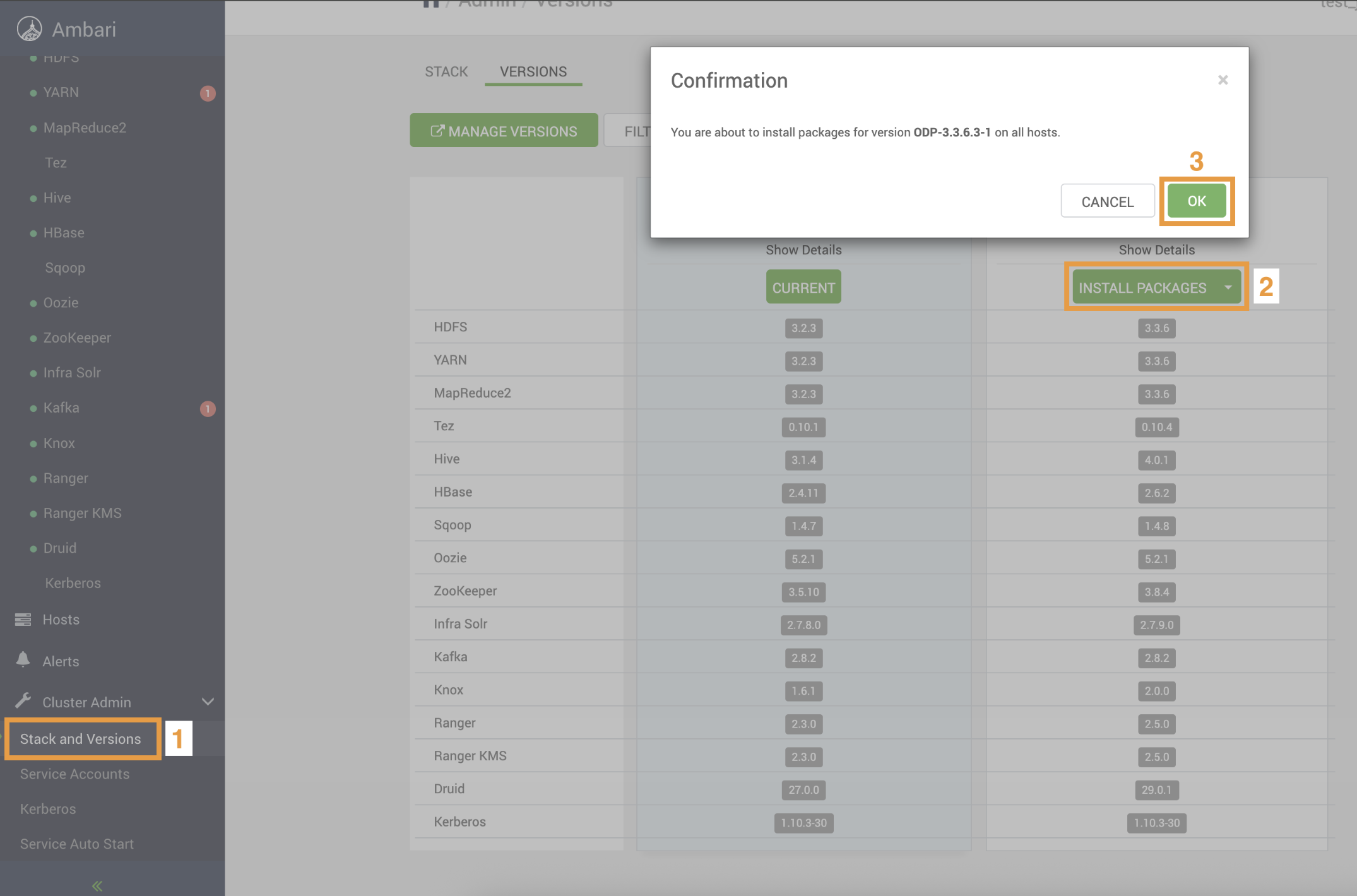
- On the Versions page, click Install Packages for the version 3.3.6.3-1.
- Click OK and confirm the installation package.
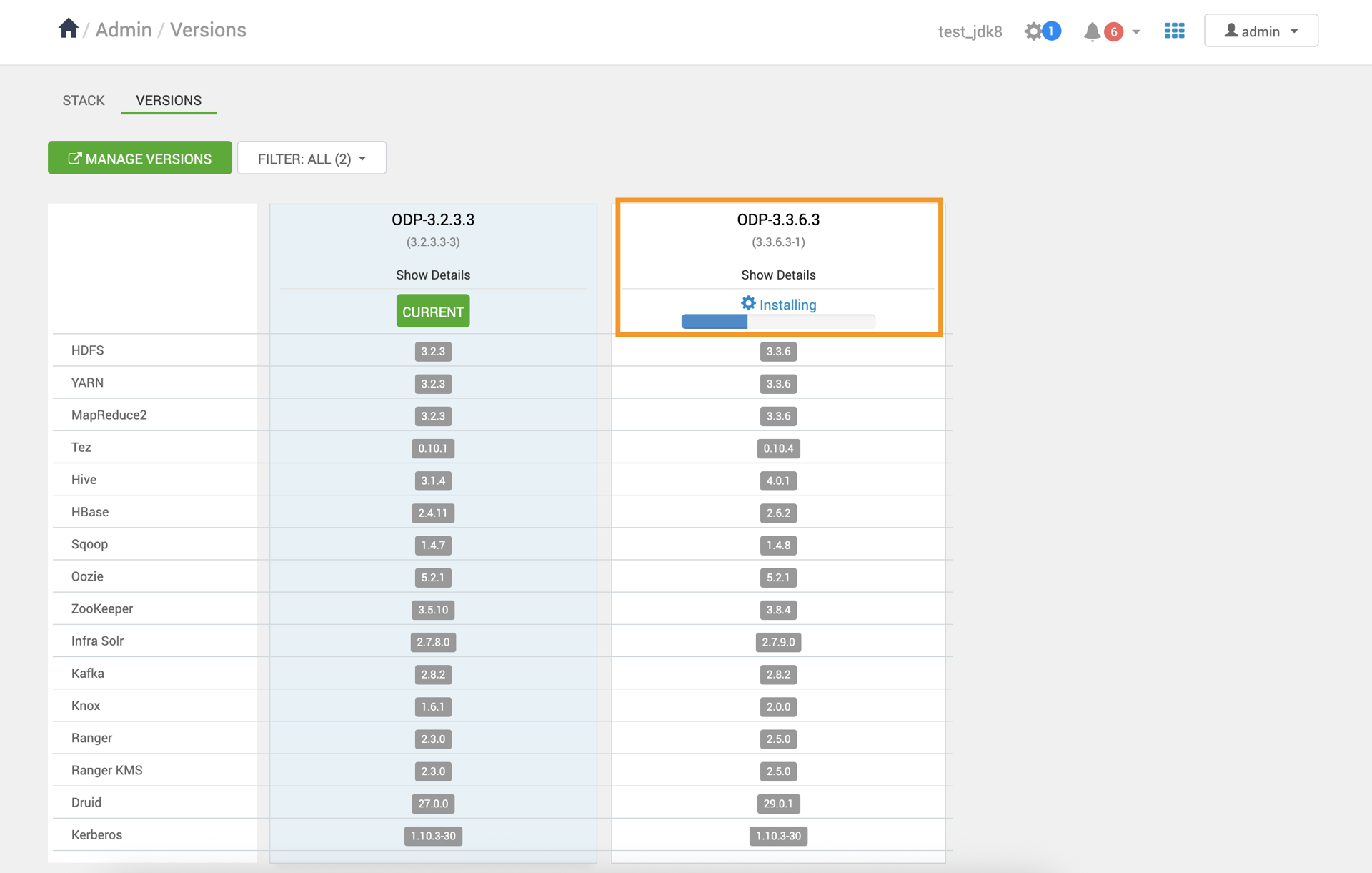
- Verify the installation progress.
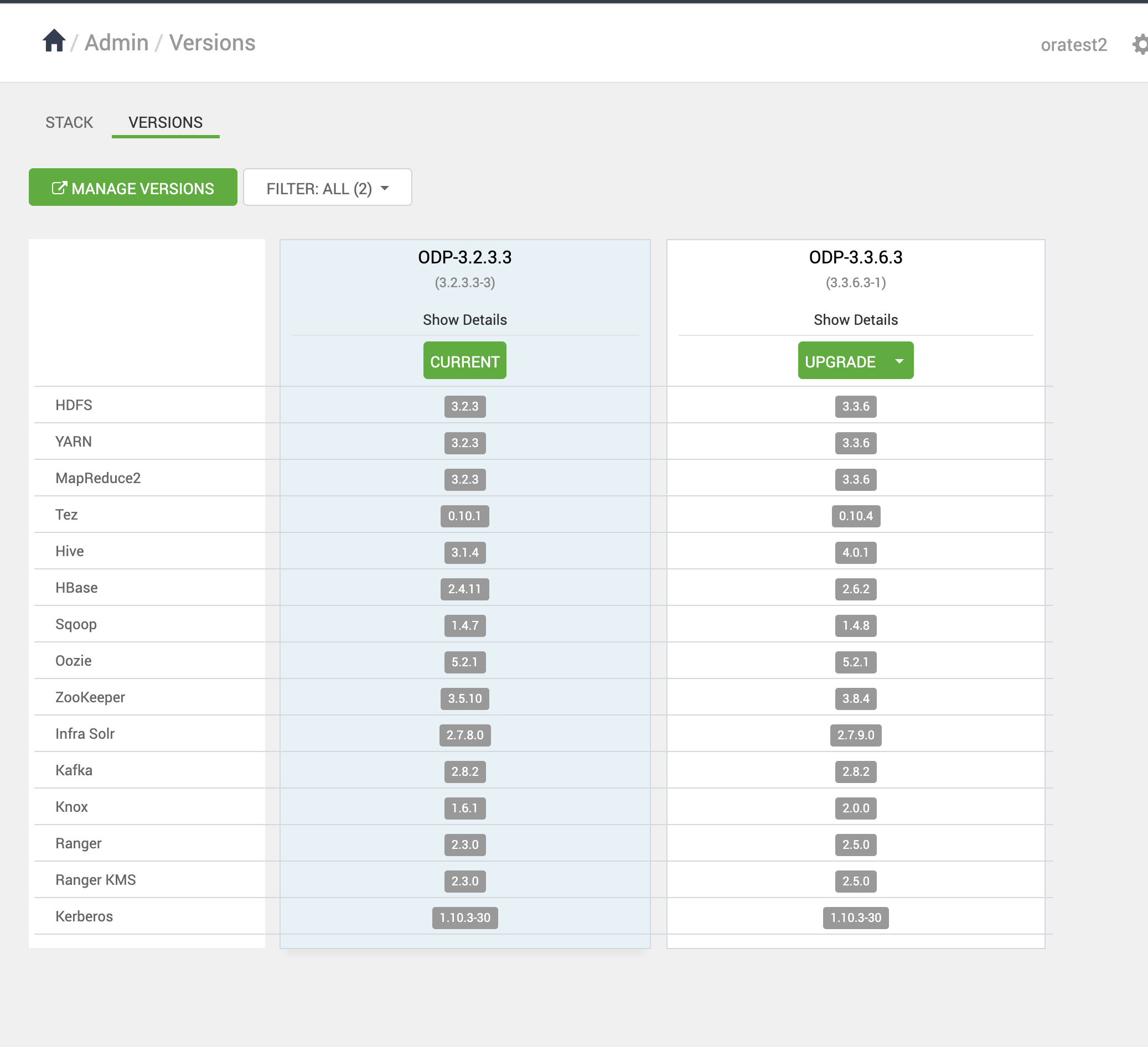
- After installing the packages, you can see the Upgrade option on the Versions page. Click Upgrade to proceed further.
- Upon clicking on Upgrade, you can see the two upgrade options: Rolling and Express. Choose the Express Upgrade option to continue with the upgrade process.
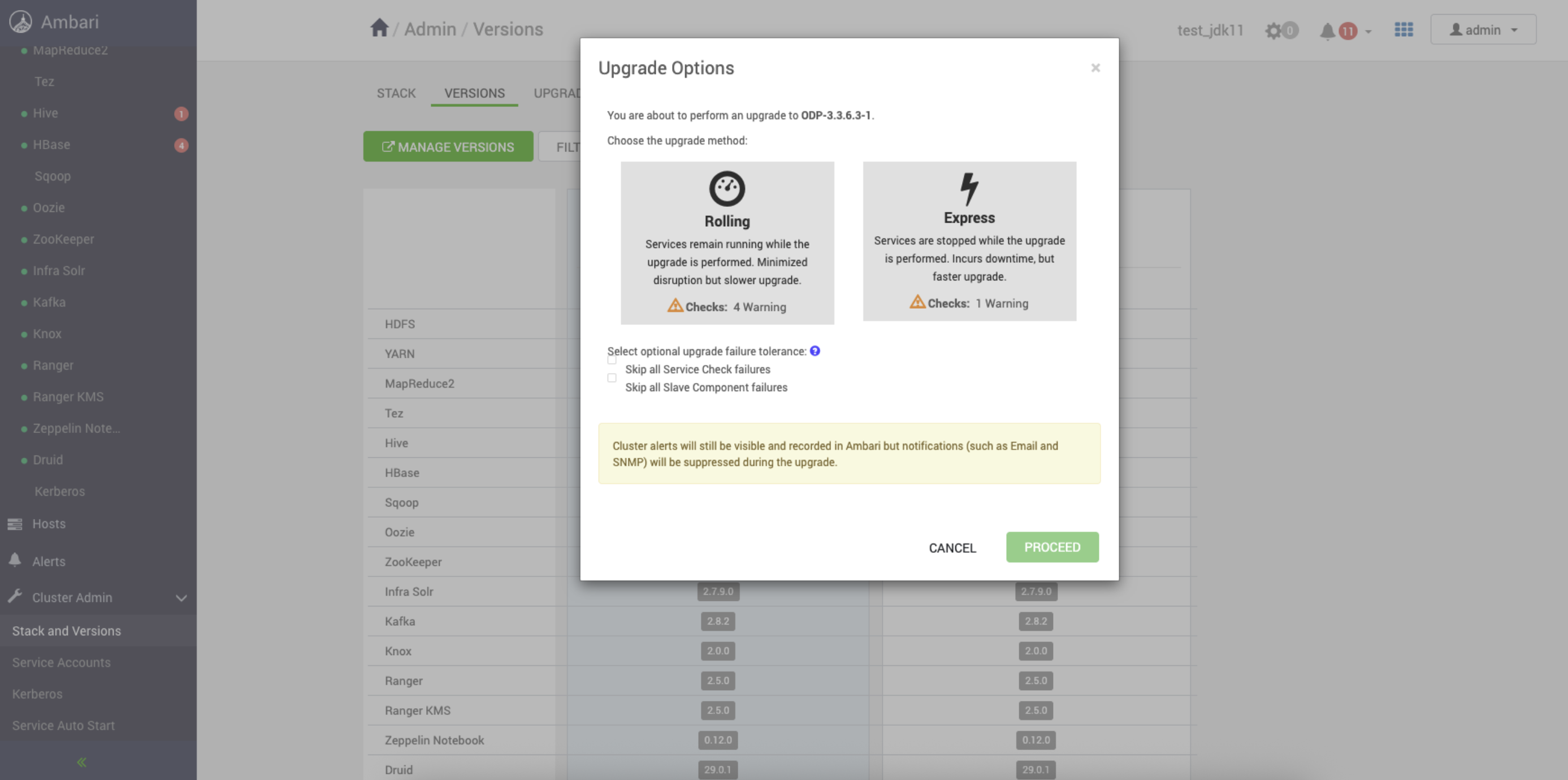
- Click YES to continue with the Express Upgrade to ODP-3.3.6.3-1.
In this process, some of the services are expected to fail, but you can ignore them and proceed further.
The ODP upgrade progresses with some service failures.
Was this page helpful?