
Configure Hosts
This page describes configuring hosts to specify where actions must run.
Steps:
- In Pulse UI, go to Actions > Actions.
- On the Actions page, click Create Action.
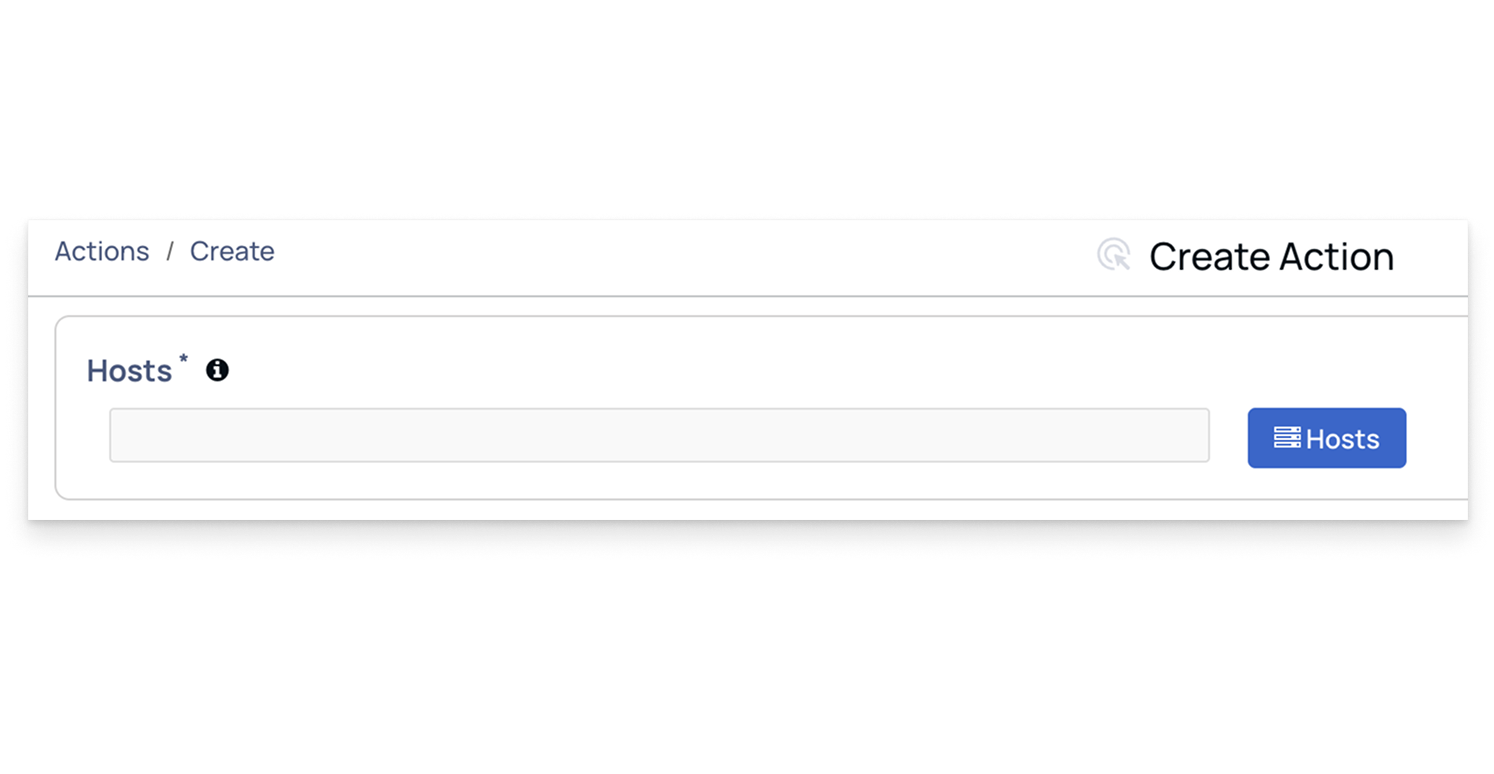
- On the Create Action page, go to the Hosts section.
- In Hosts, select the hosts to run the actions.
- Enter comma-separated host tags such as All, Ambari Agents, Ambari Server, Kafka, and others.
- These tags specify where the action should be executed.
Have a suggestion?