
Configure the Java 17 Flags Automatically Using a Script

This page describes the steps to configure the Java 17 flags automatically using a script.

  1. Clone the Acceldata utility repository and change the directory.

git clone https://github.com/acceldata-io/ce-utils.git cd ce-utils cd ./odp-upgrade-to-3_3_6_5_1/upgrade_files_336/
  1. Update the credentials, port and protocol if necessary within the file.

  2. Launch the setup script file.

bash ./setup_jdk17_config.sh
  1. Type the JDK version you are upgrading from.
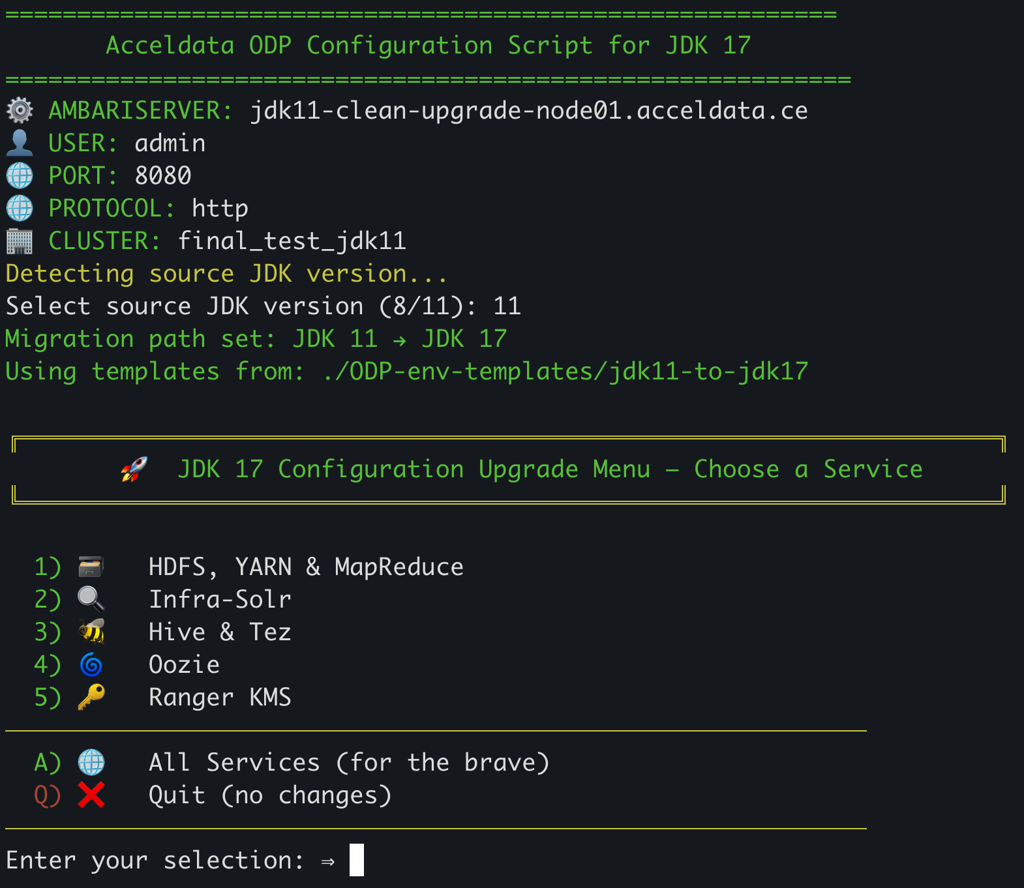
/root/basa/ce-utils/odp-upgrade-to-3_3_6_5_1/upgrade_files_336 bash ./setup_jdk17_config.sh
╔════════════════════════════════════════════════════════════════════╗ 🚀 JDK 17 Configuration Upgrade Menu – Choose a Service ╚════════════════════════════════════════════════════════════════════╝ 1) 🗃️ HDFS, YARN & MapReduce 2) 🔍 Infra-Solr 3) 🐝 Hive & Tez 4) 🐘 HBase (env + log4j2) 5) 🌀 Oozie 6) 🔑 Ranger KMS 7) 📊 Druid 8) 🦎 ZooKeeper (logback) 9) Pinot (JAVA_HOME) ──────────────────────────────────────────────────────────── A) 🌐 All Services (for the brave) Q) ❌ Quit (no changes) ──────────────────────────────────────────────────────────── Enter your selection: ⇒ A
  1. Select the option to update the configuration. Once all Done, select Q for quit.

  2. Restart the Ambari Server.

ambari-server restart


  Last updated