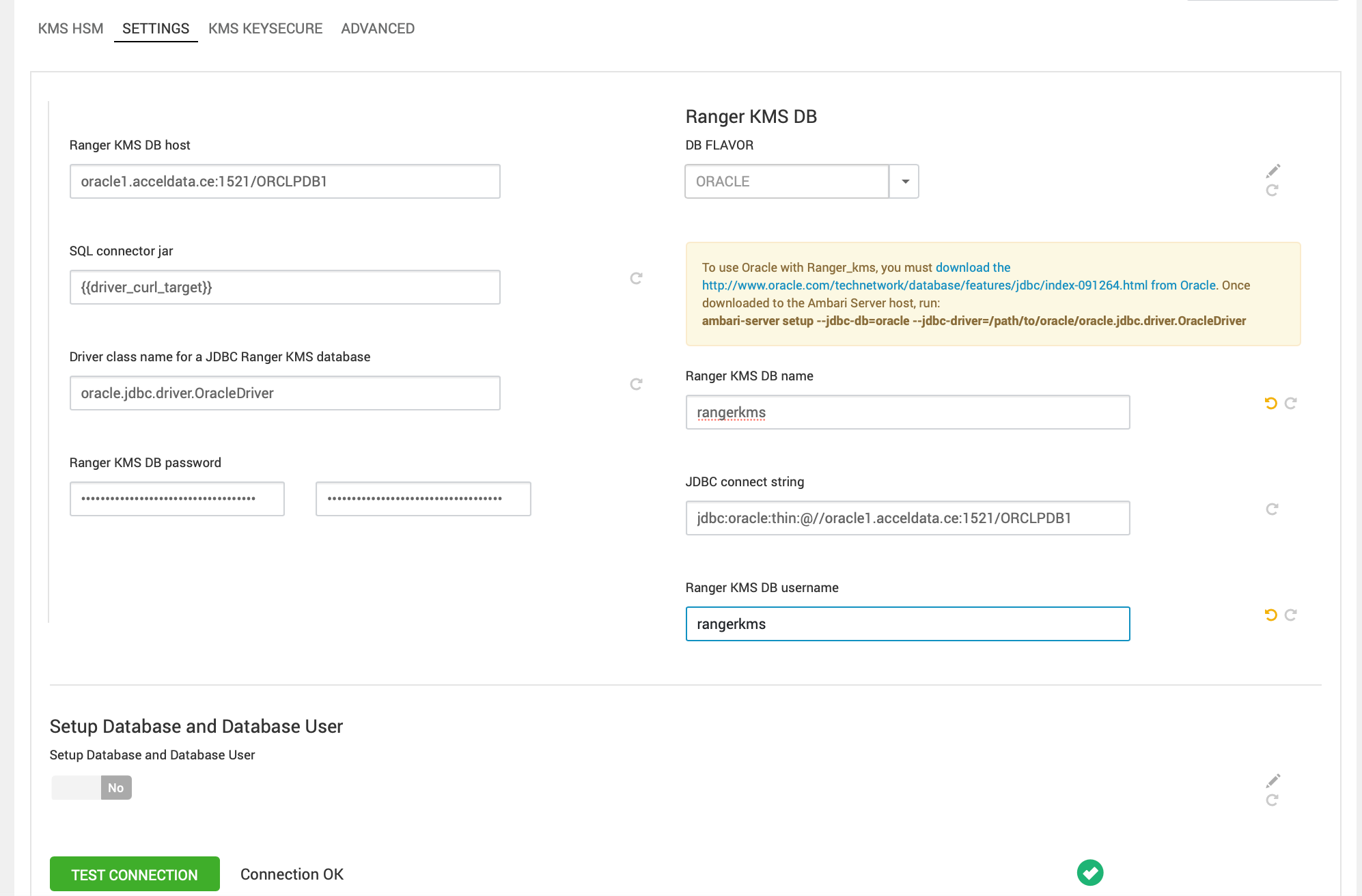
Before setting up Ranger and RangerKMS with an existing Oracle database, obtain the appropriate drivers and .jar files, create a Ranger/RangerKMS user with sufficient permissions, and load the Ranger/RangerKMS database schema.
Determine the appropriate Oracle database version and obtain the release drivers and .jar file.
Oracle Database Version | Drivers | File |
|---|---|---|
Oracle Database 19c | Oracle Database 19c drivers |
|
Steps for Ranger KMS
Install the appropriate JDBC .jar file on the Oracle host.
Download the Oracle JDBC (OJDBC) driver from JDBC and UCP Downloads page .
For Oracle Database 19C: select
Oracle Database 23ai (23.8.0.25.04) JDBC Driver>ojdbc11.jar.
Copy the .jar file to the Java share directory.
Make sure the .jar file has the appropriate permissions. For example:
Create the Oozie databases using the Oracle database administrator. You can use the following series of commands to create the
RANGERDBAuser and grant permissions using SQL*Plus.
ORCLPDB1 refers to the Pluggable Database (PDB) within the multitenant Oracle Container Database (CDB) named ORCLCDB, introduced above oracle 12c, and any operations such as creating or dropping tablespaces within this context apply specifically to the ORCLPDB1 PDB.
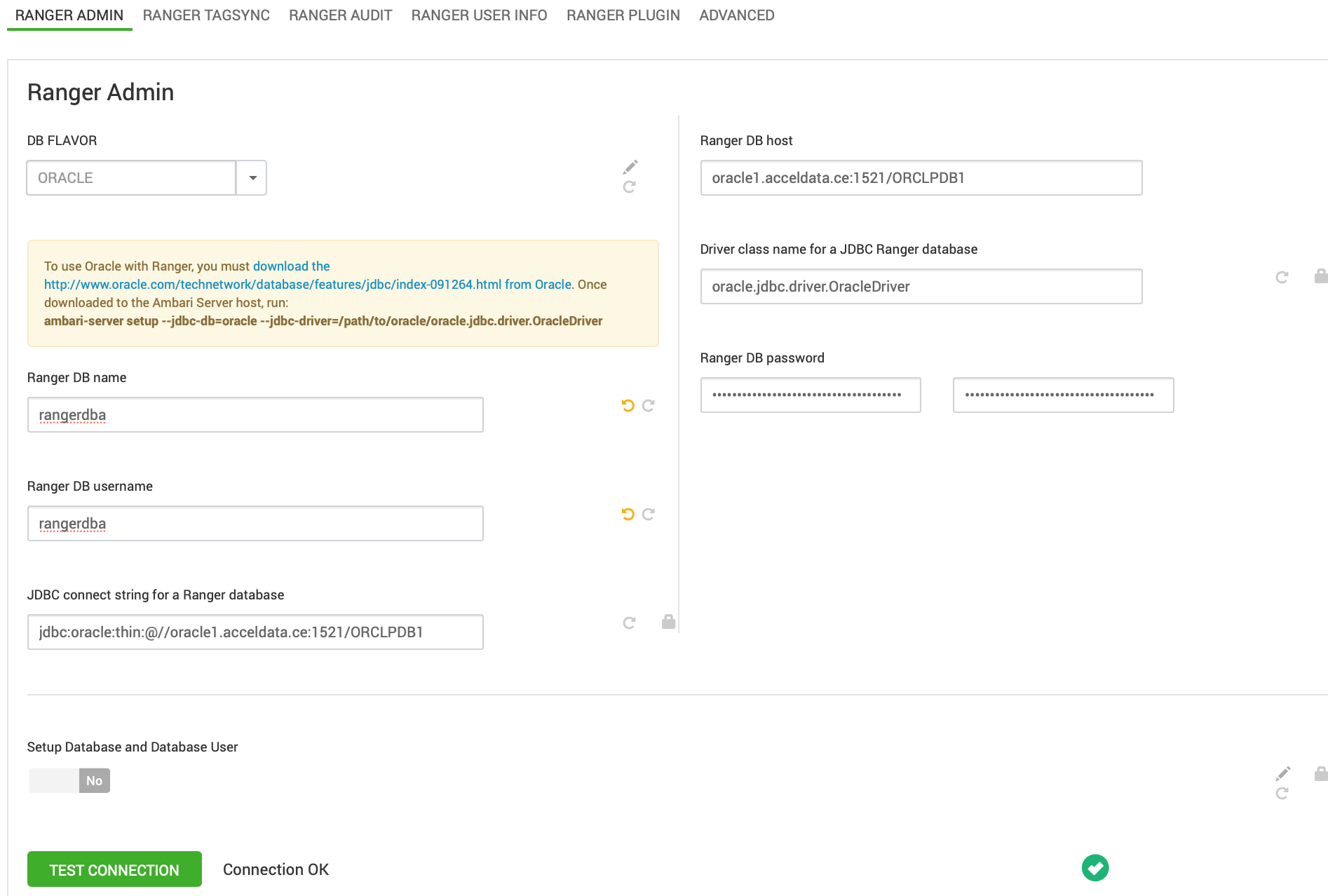
Set the
jdbc/driver/pathbased on the location of the Oracle JDBC driver .jar file. This command must be run on the server where Ambari server is installed:ambari-server setup --jdbc-db={database-type} --jdbc-driver={/jdbc/driver/path}.
Start the Ranger installation.
Steps for RangerKMS
Create the RangerKMS databases using the Oracle database administrator. You can use the following series of commands to create the RANGERKMS user and grant permissions using SQL*Plus.
ORCLPDB1 refers to the Pluggable Database (PDB) within the multitenant Oracle Container Database (CDB) named ORCLCDB, introduced above oracle 12c, and any operations such as creating or dropping tablespaces within this context apply specifically to the ORCLPDB1 PDB.