
Search
This page describes the steps to set the timeout value for action plans.
Steps:
In Pulse UI, go to Actions > Actions.
On the Actions page, click Create Action.
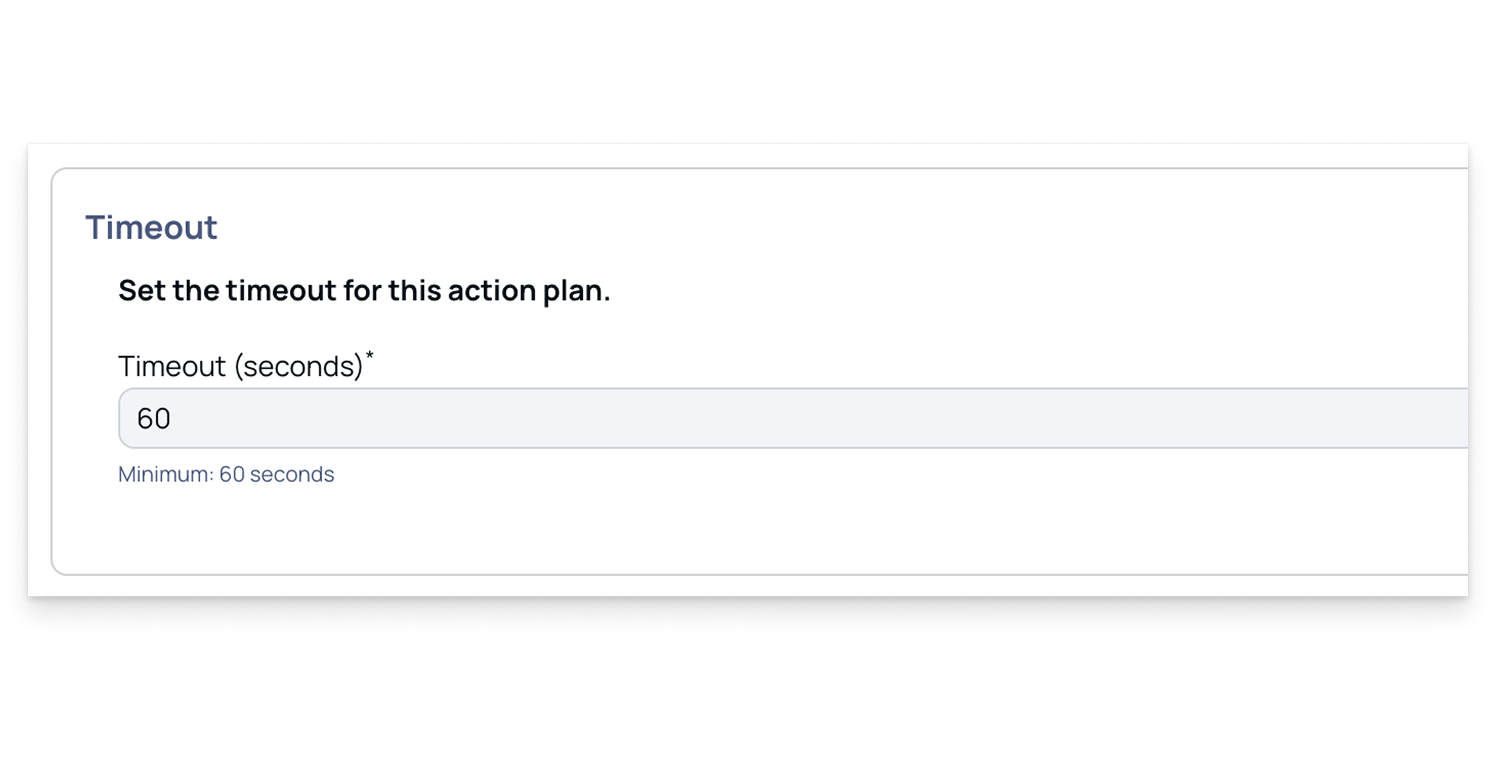
On the Create Action page, go to the Timeout section.
Enter the timeout value in seconds.
Click Save Action Plan.
Enter the action plan name, add a description, then click Submit.
The action plan appears on the Actions page, where you can view details and choose to enable, execute, or edit it. For more information, see Actions Overview and Action Plan Options.
Was this page helpful?