
Airflow Installation
Apache Airflow is an open-source platform for programmatically authoring, scheduling, and monitoring workflows. In xDP, the Airflow application provides an enterprise-grade orchestration engine for complex data pipelines: you define Directed Acyclic Graphs (DAGs) of tasks, manage dependencies, and run them reliably at scale. It is the engine behind the xDP Workflows feature.
Architecture
xDP integrates Airflow as the unified orchestration layer for jobs and workflows. When you create and schedule a job or a multi-step workflow, xDP generates the corresponding Airflow DAG, so every operation — from a single Spark job to a complex ETL pipeline — benefits from Airflow's dependency management, retries, and monitoring.
Key Concepts
DAG (Directed Acyclic Graph) — A set of tasks organized by their dependencies. In xDP, both single jobs and multi-step pipelines are managed as DAGs.
Operator — A template for a single task. xDP uses a custom
XDPJobOperatorto execute Spark jobs, notebook tasks, and other platform operations.Metadata Database — A PostgreSQL database storing the state of all tasks and workflows. Required for execution history, connections, and consistency.
DAG Storage — A persistent S3-compatible object store (internal MinIO or external S3) where Airflow reads DAG definition files. xDP syncs workflow definitions to this location.
Internal vs external dependencies
Airflow needs two backing services, each offering an internal (managed) or external (recommended) option:
PostgreSQL — metadata database.
S3-compatible object storage — DAG and log storage.
This guide installs both as internal for a quick start; the external option (recommended for production) is shown at each step.
Capabilities
Centralized orchestration — a dedicated Airflow instance per compute cluster for all scheduling and workflow execution.
Flexible dependencies — internal managed PostgreSQL + MinIO for quick setup, or external PostgreSQL + S3 for production.
Optional Kerberos — authenticate to Kerberized data sources from Airflow tasks.
Resource customization — tune component resources via a Form editor or YAML.
Seamless integration — Airflow powers the xDP Workflows feature.
Tutorial (Getting Started)
This tutorial installs Airflow with internal PostgreSQL and internal S3-compatible storage.
Prerequisites
Permission to install applications on a compute cluster, selected in the switcher.
For external dependencies (optional, recommended for production): a reachable PostgreSQL instance and an S3-compatible bucket with credentials.
For Kerberos (optional): the principal, keytab, and
krb5.conf.
Install Your First Airflow Instance
From the sidebar, open Apps, locate the Apache Airflow card, and click Install.
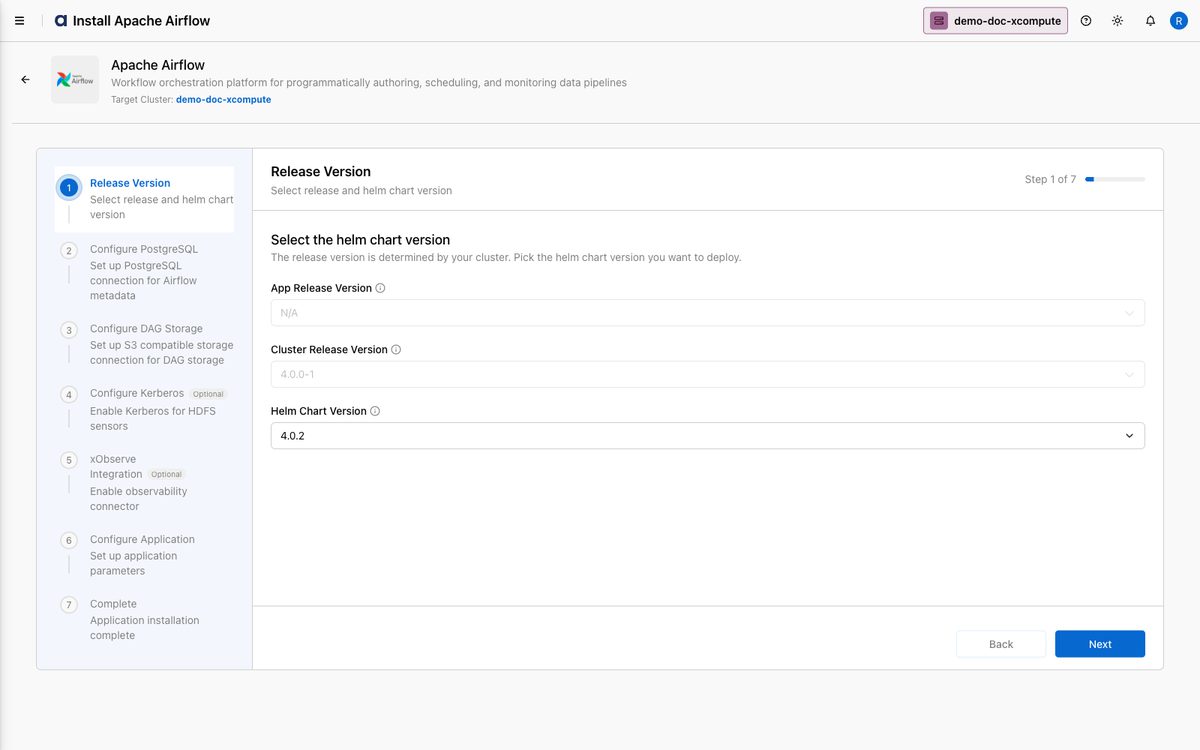
On Step 1 — Release Version, choose the Helm Chart Version and click Next.
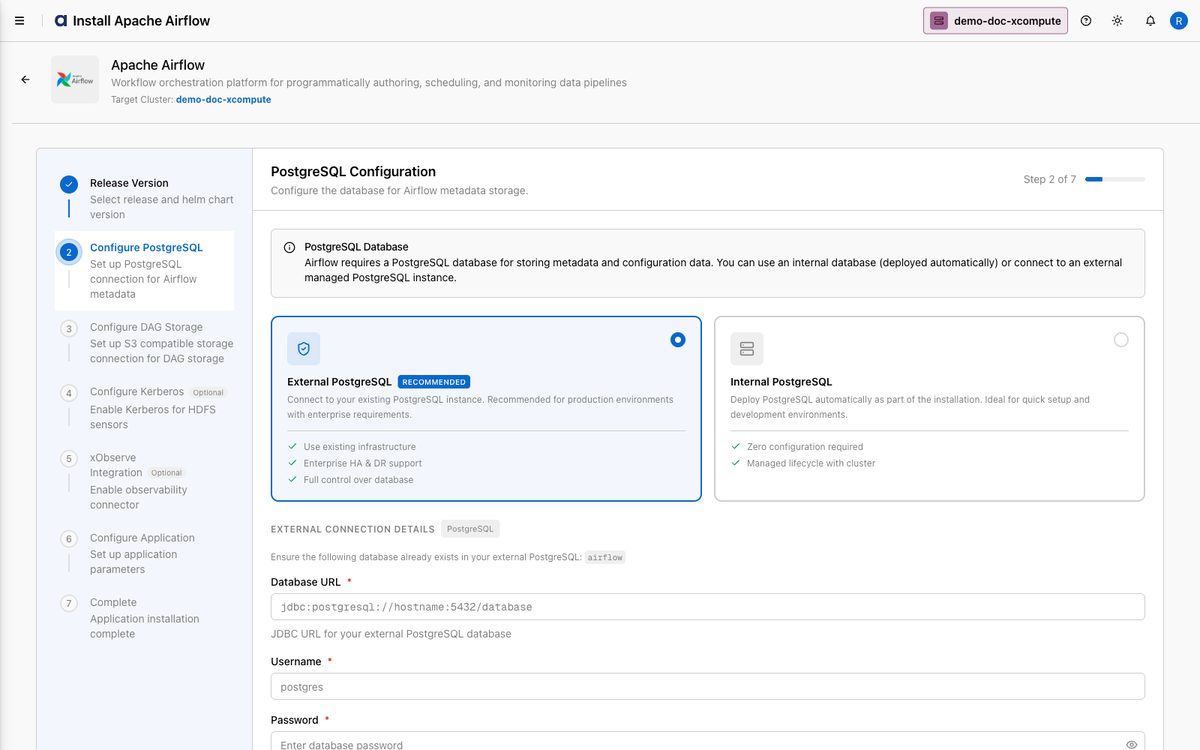
On Step 2 — PostgreSQL Configuration, choose the metadata database:
External PostgreSQL (Recommended) — provide the Database URL (JDBC), Username, and Password.
Internal PostgreSQL — deployed and managed automatically. This guide selects Internal.
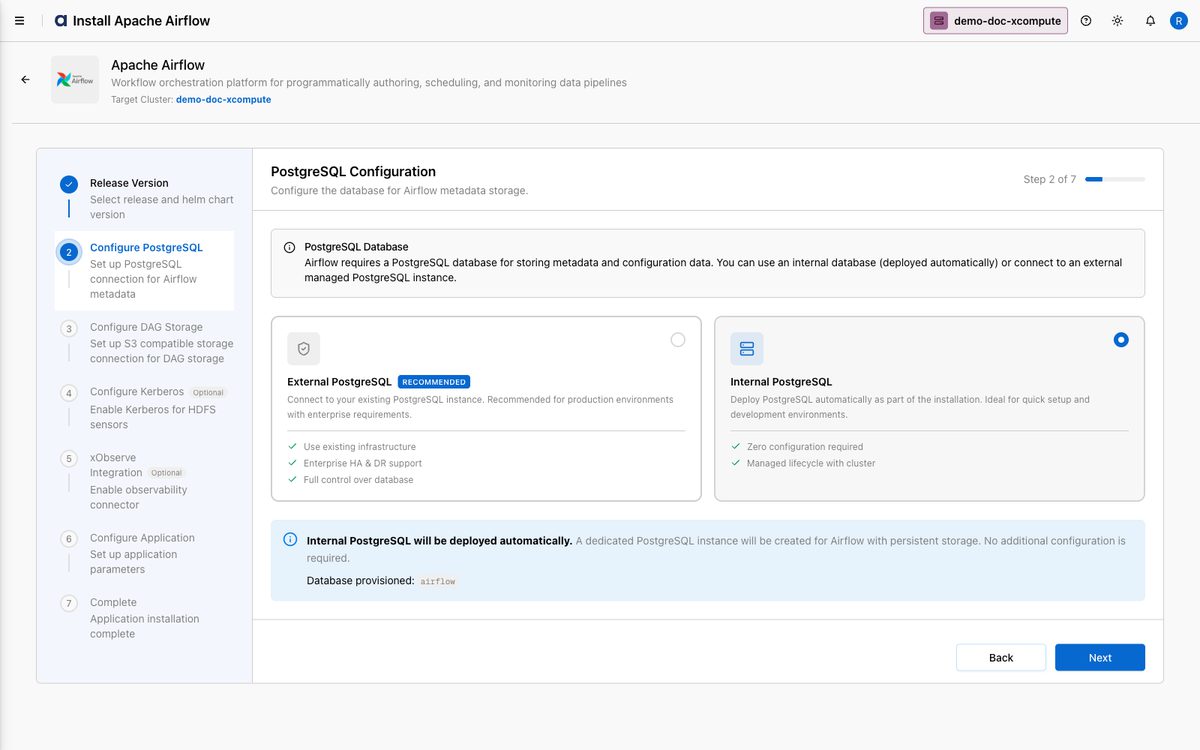
Click Next.
On Step 3 — S3 Compatible Storage Configuration (DAG storage), choose the object store:
External S3 Compatible Storage (Recommended) — connect Amazon S3 or any S3-compatible store (bucket, endpoint, credentials).
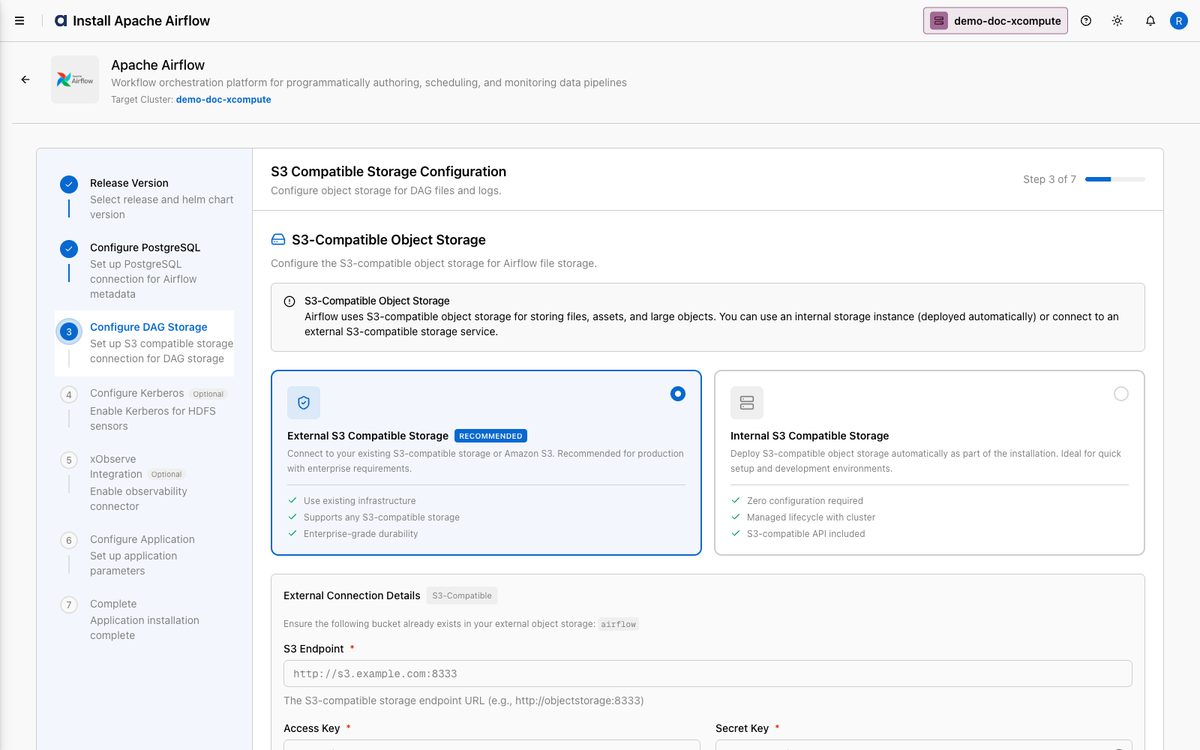
Internal S3 Compatible Storage — xDP deploys S3-compatible object storage automatically. This guide selects Internal.
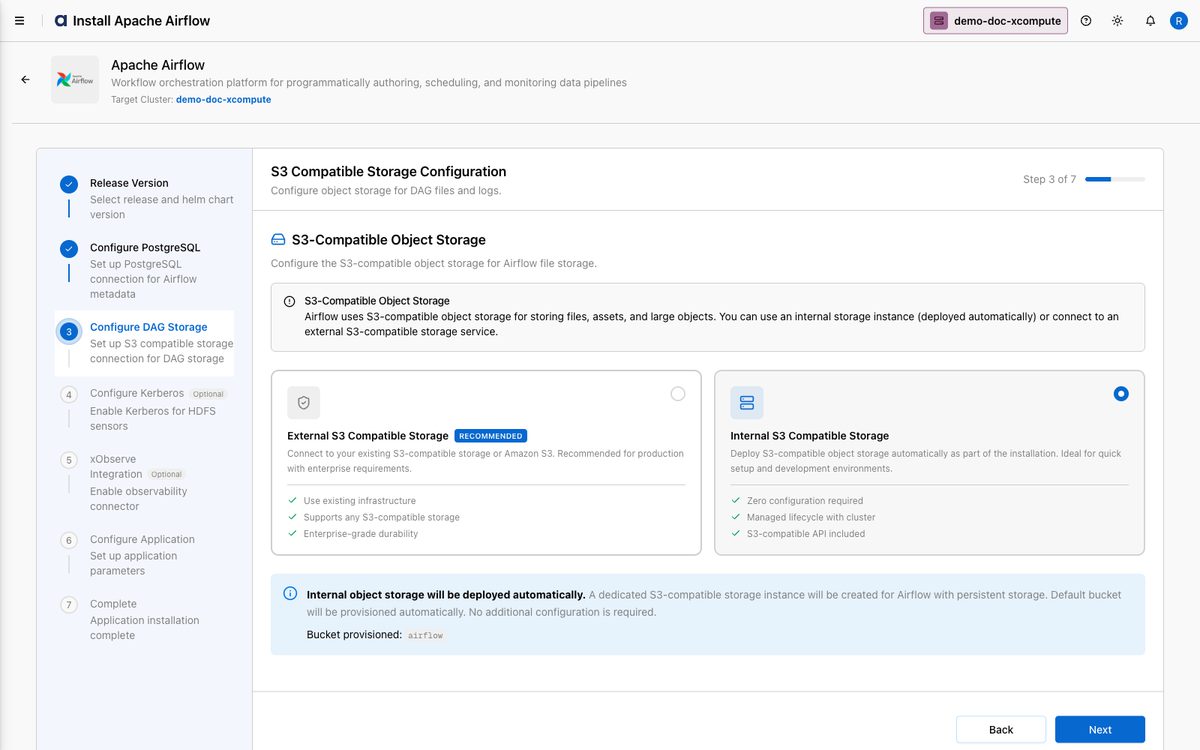
Click Next.
On Step 4 — Kerberos Configuration (optional), enable Kerberos and provide the principal/keytab/
krb5.confif your data sources require it; otherwise click Skip This Step (or Next).
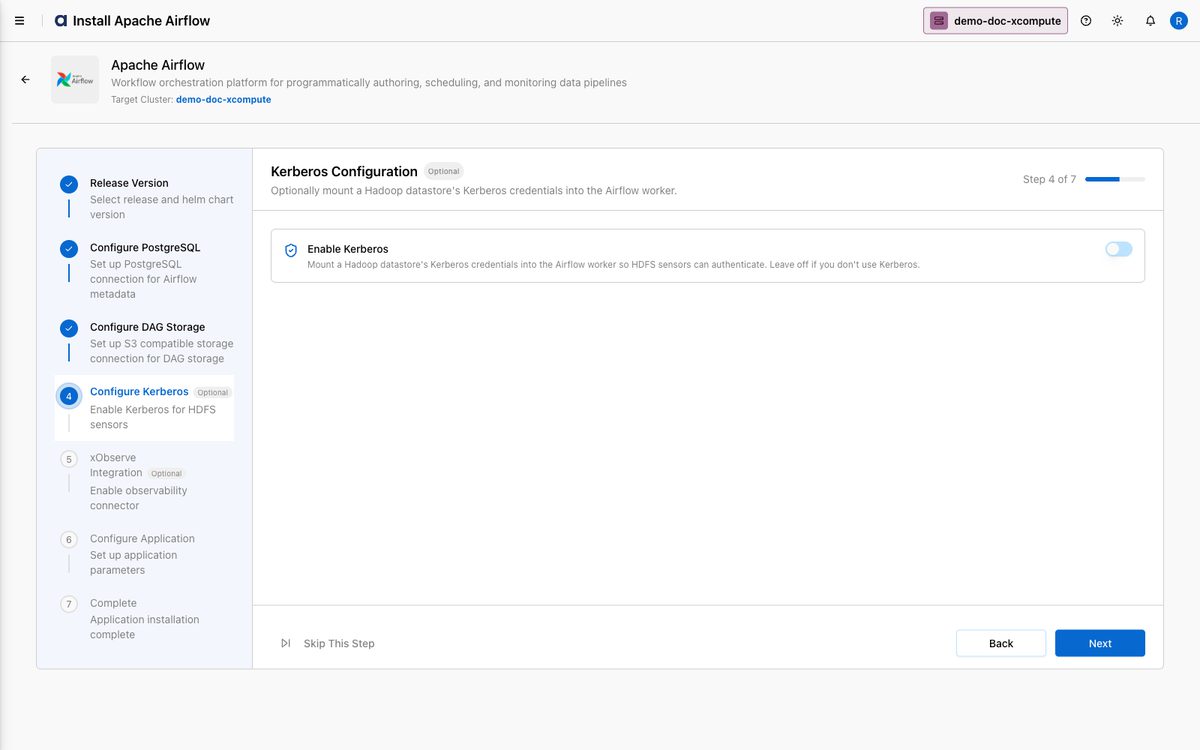
On Step 5 — xObserve Integration (optional), enable the connector if xObserve is installed on the linked xCentral; otherwise it is disabled. Click Next.
On Step 6 — Airflow Application Configuration, review the Deployment Configuration YAML (or use the Form view). Click Validate (use Skip & Validate if placeholders remain), then Next.
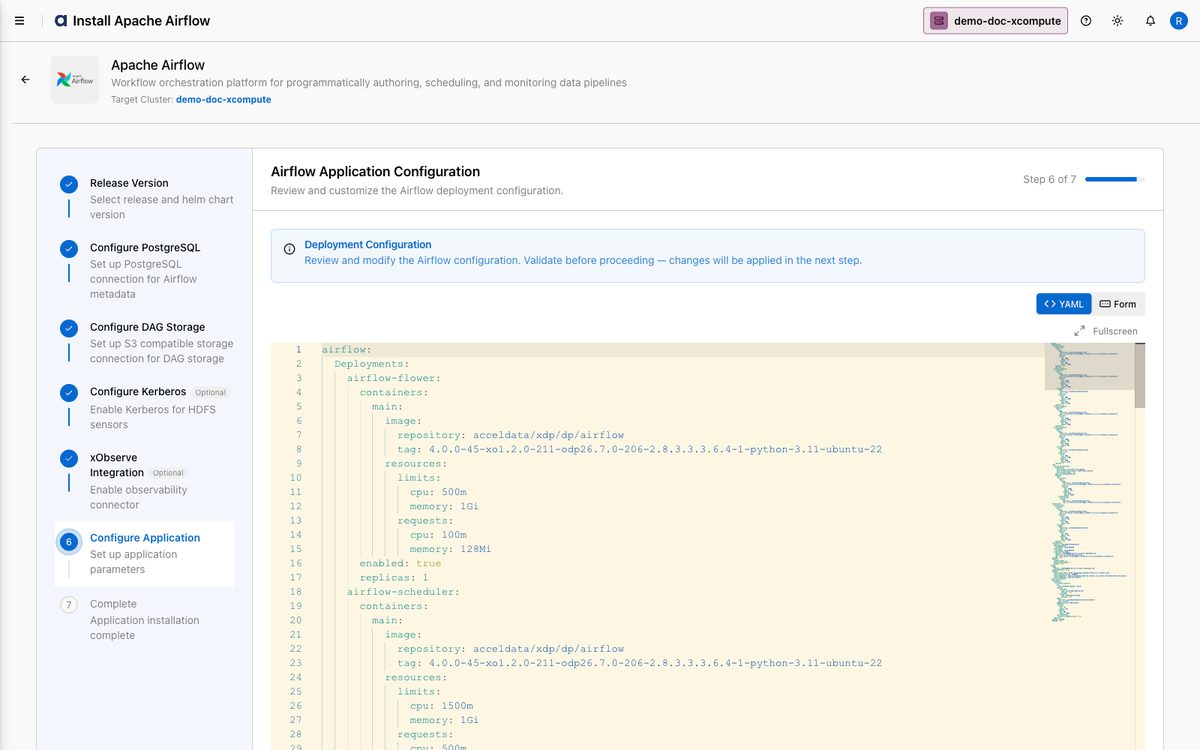
On Step 7 — Complete, xDP deploys Airflow. Click Finish to return to Apps, where the Apache Airflow card shows Installed.
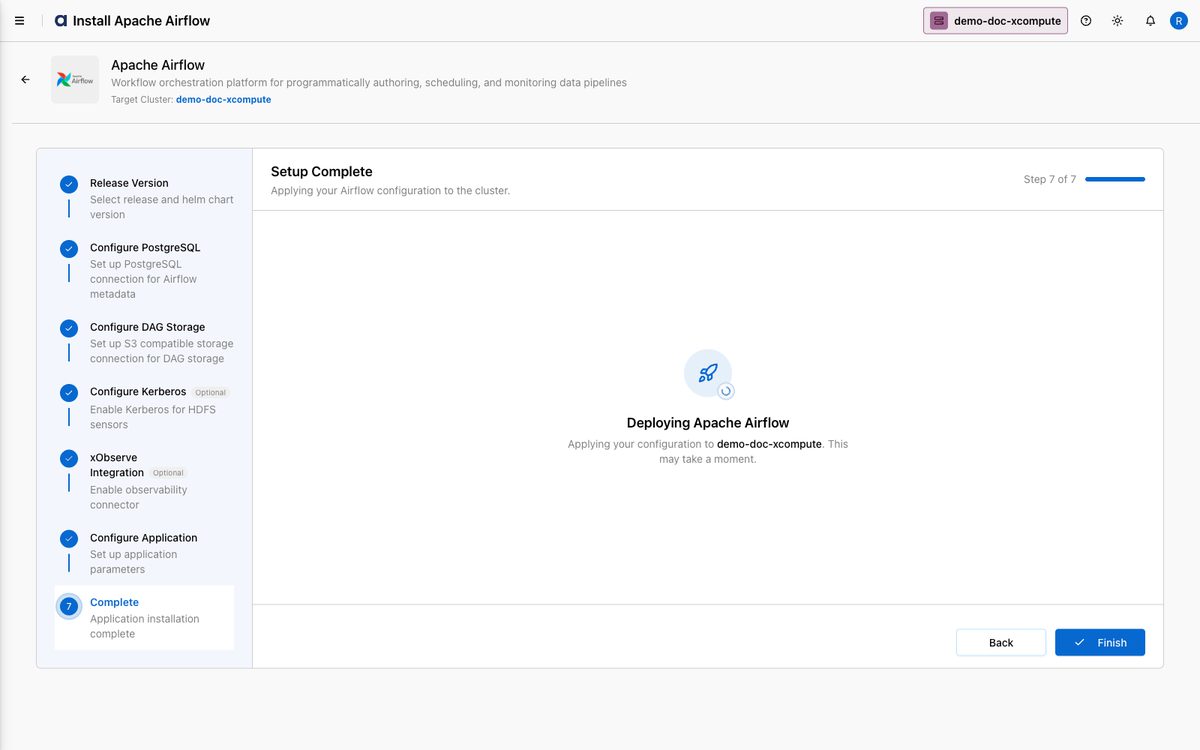
You can now use the Workflows feature to build pipelines.
How-to Guides
Use external PostgreSQL and S3 (production)
On Step 2, select External PostgreSQL and enter the JDBC URL, username, and password.
On Step 3, select External S3 Compatible Storage and enter the bucket, endpoint, and credentials.
Ensure the cluster has network egress to both services, then continue the wizard.
The dependency type (internal vs external) is fixed for an installation — choose external up front for production.
Customize resources via YAML
Open Apps → Apache Airflow → Edit, advance to Airflow Application Configuration.
Adjust scheduler/webserver/worker CPU and memory in the YAML (or Form) view.
Click Validate, then Next and Finish.
Reference
Wizard steps
Step | Purpose |
|---|---|
| Pick the Helm chart version. |
| Internal (managed) or External (recommended) metadata DB. |
| Internal (managed MinIO) or External (recommended) DAG/log storage. |
| Optional Kerberos for data-source auth. |
| Optional observability connector. |
| Deployment YAML (validate before continuing). |
| Deploy Airflow. |
Best Practices
Use external services in production — a highly available external PostgreSQL and S3-compatible store decouple Airflow state from the cluster lifecycle.
Manage DAGs with Git-sync — keep DAGs in Git and sync to the object store via CI/CD rather than uploading manually.
Start with default resources and scale the scheduler/webserver/workers after observing real load.
Secure secrets — store database passwords, API keys, and tokens in Airflow Connections/Variables, never in DAG files.