
NiFi Installation
The NiFi application in xDP deploys, configures, and manages Apache NiFi directly on your compute clusters. It automates the provisioning of NiFi — a powerful tool for real-time data ingestion, routing, and transformation — abstracting away Kubernetes and Helm complexity so your data teams can quickly stand up governed dataflow automation pipelines.
Key Concepts
Apps Catalog — The Apps page where you discover, install, and manage data services like NiFi, Spark, and Trino on a compute cluster.
Helm Chart Configuration — xDP deploys NiFi via Helm. The wizard exposes a Form editor and a YAML editor to customize the deployment (Helm values: resources, networking, listeners) without deep Kubernetes expertise.
Dataflow Automation — Designing, scheduling, and monitoring automated workflows that move and transform data. NiFi provides a visual interface to build these pipelines.
Capabilities
Simplified deployment — provision a production-ready NiFi instance on a selected cluster in a few clicks.
Centralized configuration — manage all NiFi settings through the xDP UI (Form or YAML editor).
Lifecycle management — install, monitor, edit, and uninstall NiFi from one interface.
Tutorial (Getting Started)
This tutorial installs Apache NiFi with the default configuration. NiFi uses a compact three-step wizard.
Prerequisites
An active, healthy compute cluster selected in the switcher.
Permission to install applications on the target cluster.
Your First Workflow
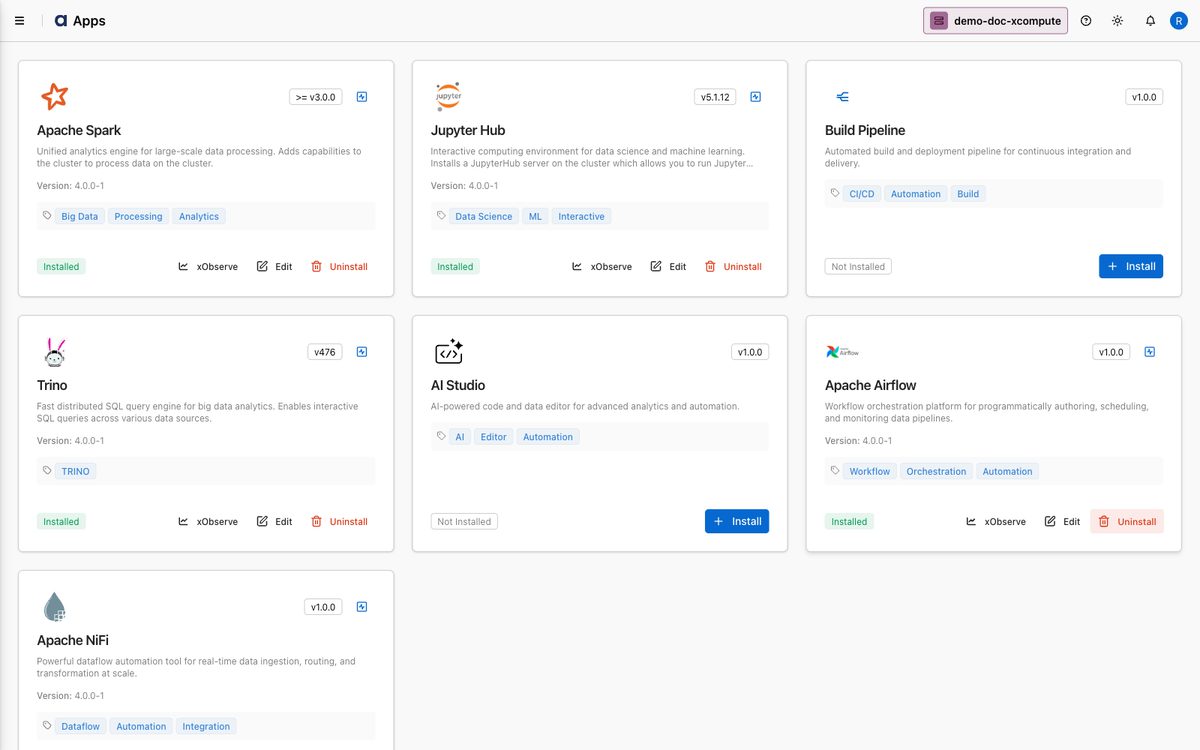
From the sidebar, open Apps, locate the Apache NiFi card, and click Install.
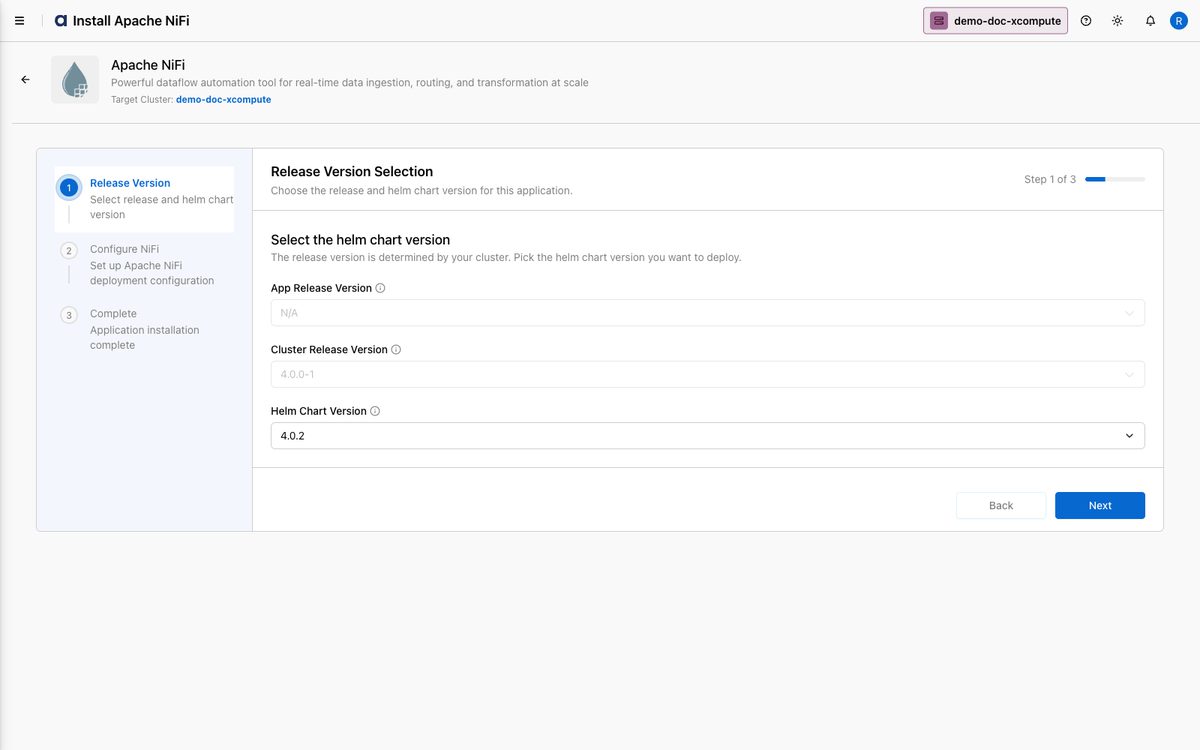
On Step 1 — Release Version, review the App Release Version and Cluster Release Version (detected from your cluster) and choose the Helm Chart Version. Click Next.
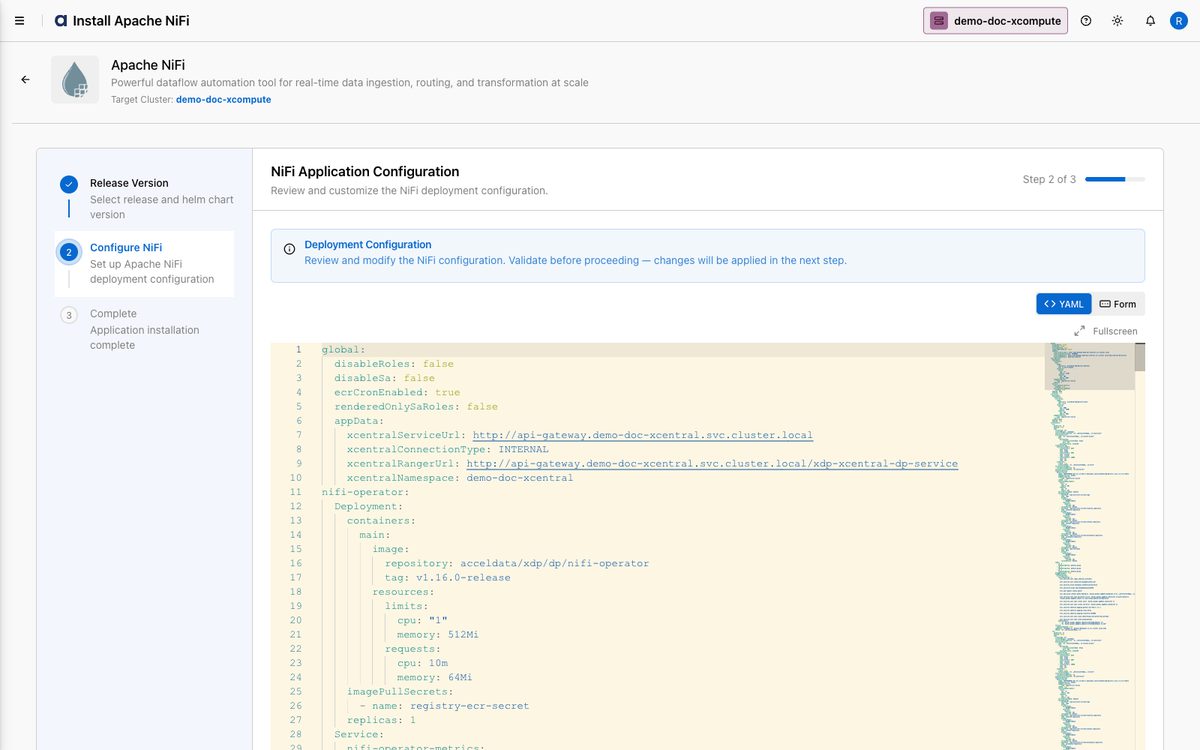
On Step 2 — Configure NiFi, review the Deployment Configuration. The defaults are sufficient for an initial install; use the Form or YAML editor to customize resources, networking, and listeners. Click Validate, then Next.
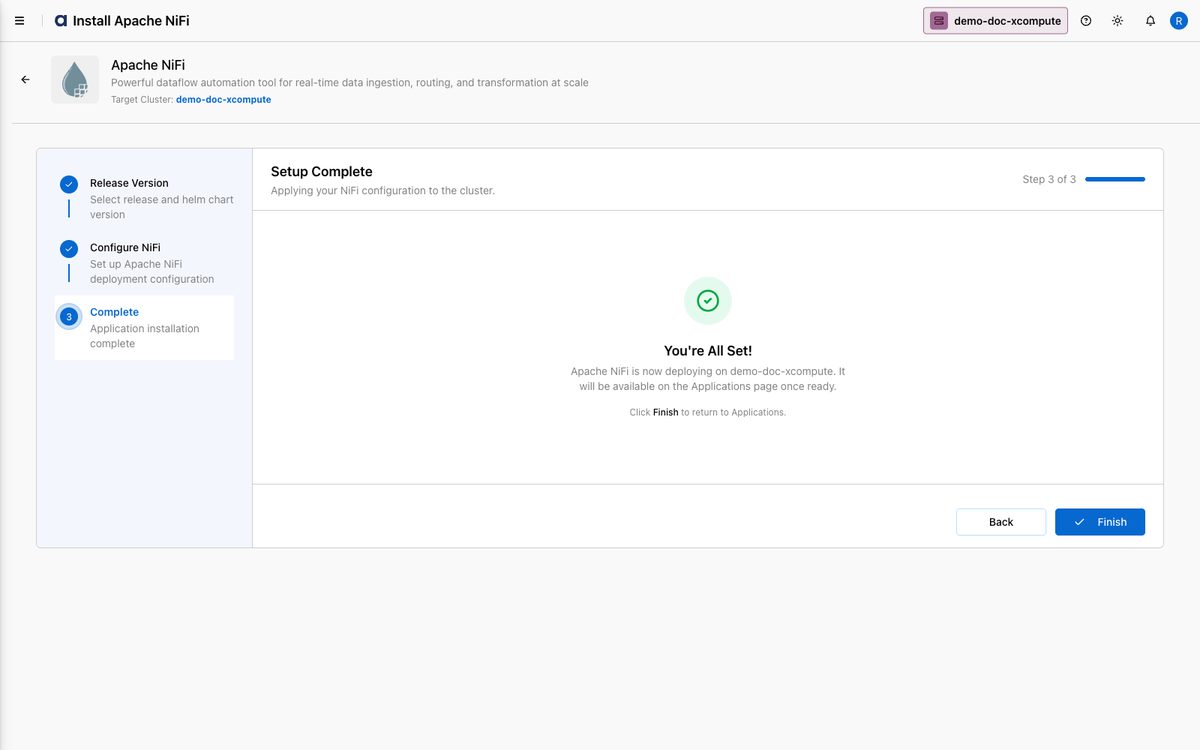
On Step 3 — Complete, xDP applies the configuration and deploys NiFi. Click Finish to return to Apps, where the Apache NiFi card shows Installed.
How-to Guides
Customize the NiFi deployment via YAML
Open Apps → Apache NiFi → Edit, and go to Configure NiFi.
Switch to the YAML view and edit the
nifiClustervalues — for example, size CPU/memory or reviewlistenersConfigto enable SSL/TLS for the UI and data ports.Click Validate, then Next and Finish.
Tip: Use Copy to save the final YAML in version control before applying, for auditing and reproducible deployments.
Reference
Wizard steps
Step | Purpose |
|---|---|
| Pick the Helm chart version (release version fixed by the cluster). |
| Review/customize deployment YAML; validate before continuing. |
| Deploy NiFi. |
Best Practices
Size resources for your workload — set
nifiClusterCPU/memory based on expected dataflow before installing to avoid bottlenecks.Version-control configurations — save the final YAML in Git for disaster recovery, auditing, and consistent deployments.
Secure by default — review
listenersConfigto enable SSL/TLS for the NiFi UI and data ports.Use clear naming — especially if running multiple NiFi instances for different teams.