Documentation
ODP 3.3.6.3-1
Release Notes
What is ODP
Installation
Component User guide and Installation Instructions
Upgrade Instructions
Downgrade Instructions
Reference Guide
Security Guide
Troubleshooting Guide
Uninstall ODP
Title
Message
Create new category
What is the title of your new category?
Edit page index title
What is the title of the page index?
Edit category
What is the new title of your category?
Edit link
What is the new title and URL of your link?
Ranger Implementation
Summarize Page
Copy Markdown
Open in ChatGPT
Open in Claude
Connect to Cursor
Connect to VS Code
- Configure S3 endpoint SSL properties in Ranger.
Bash
x
# Fetch cert chain from S3 and update in truststore# For non-ssl cluster, truststore is java cacerts.# For SSL enabled cluster, ranger truster is user defined.echo | openssl s_client -connect s3.ap-south-1.amazonaws.com:443 -showcerts 2>&1 | \ awk '/BEGIN CERTIFICATE/,/END CERTIFICATE/{ if(/BEGIN/){a++}; out="cert"a".pem"; print >out}' keytool -importcert \ -alias aws-cert \ -file cert.pem \ -keystore /etc/security/certificates/truststore.jksConfigure truststore properties in Ranger.
Bash
# Navigate to Ambari UI > Ranger > Configs > Advanced ranger-admin-siteranger.truststore.alias=aws-certranger.truststore.file=/etc/pki/ca-trust/extracted/java/cacerts ranger.truststore.password=<password># For an SSL-enabled cluster, Ranger truststore is user-defined.# ranger.truststore.file=/etc/security/certificates/truststore.jksRestart the Ranger service.
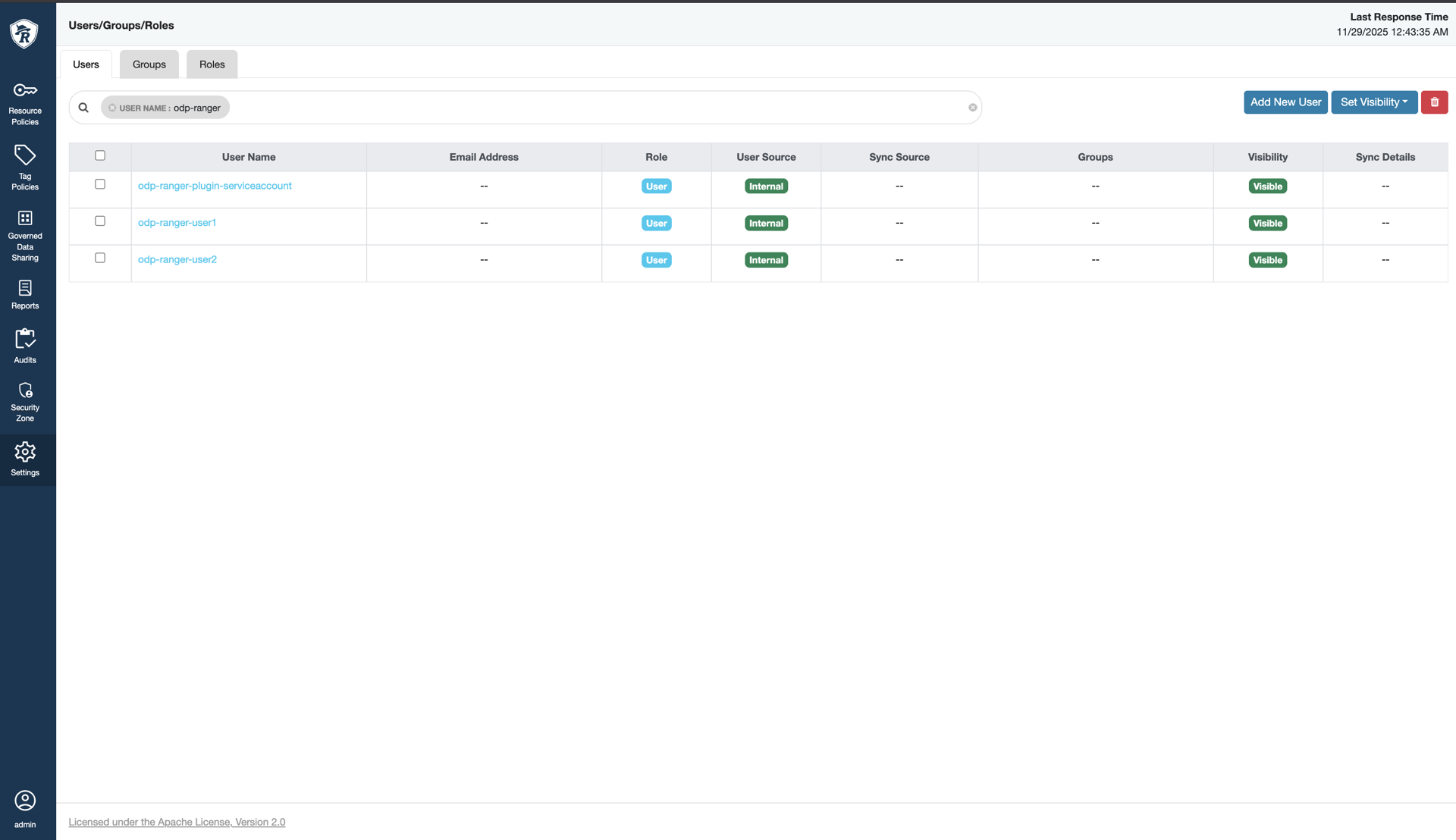
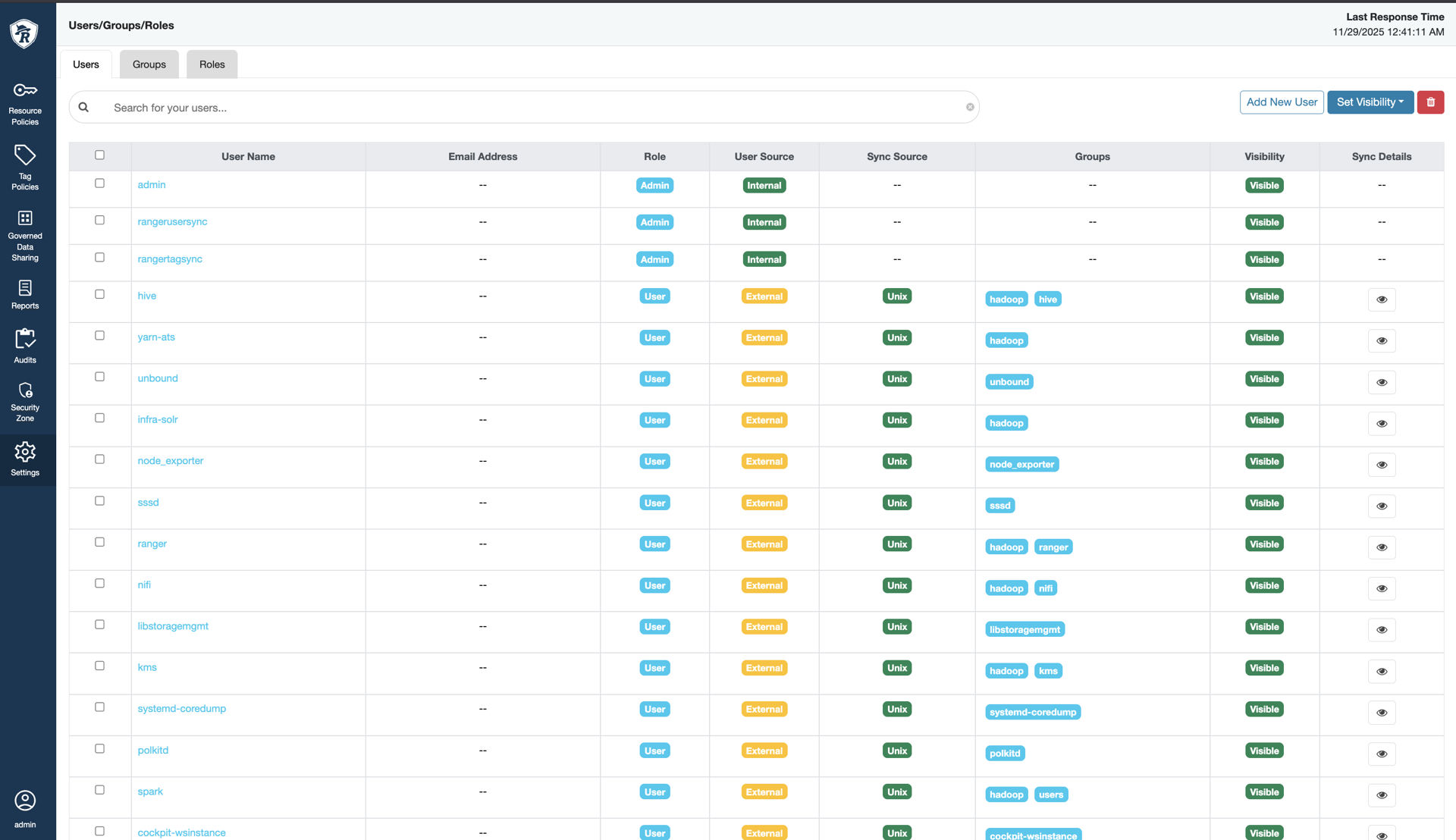
- Sync or create new Ranger users based on IAM usernames.
- Navigate to Ranger UI > Settings > Users > Add New User.

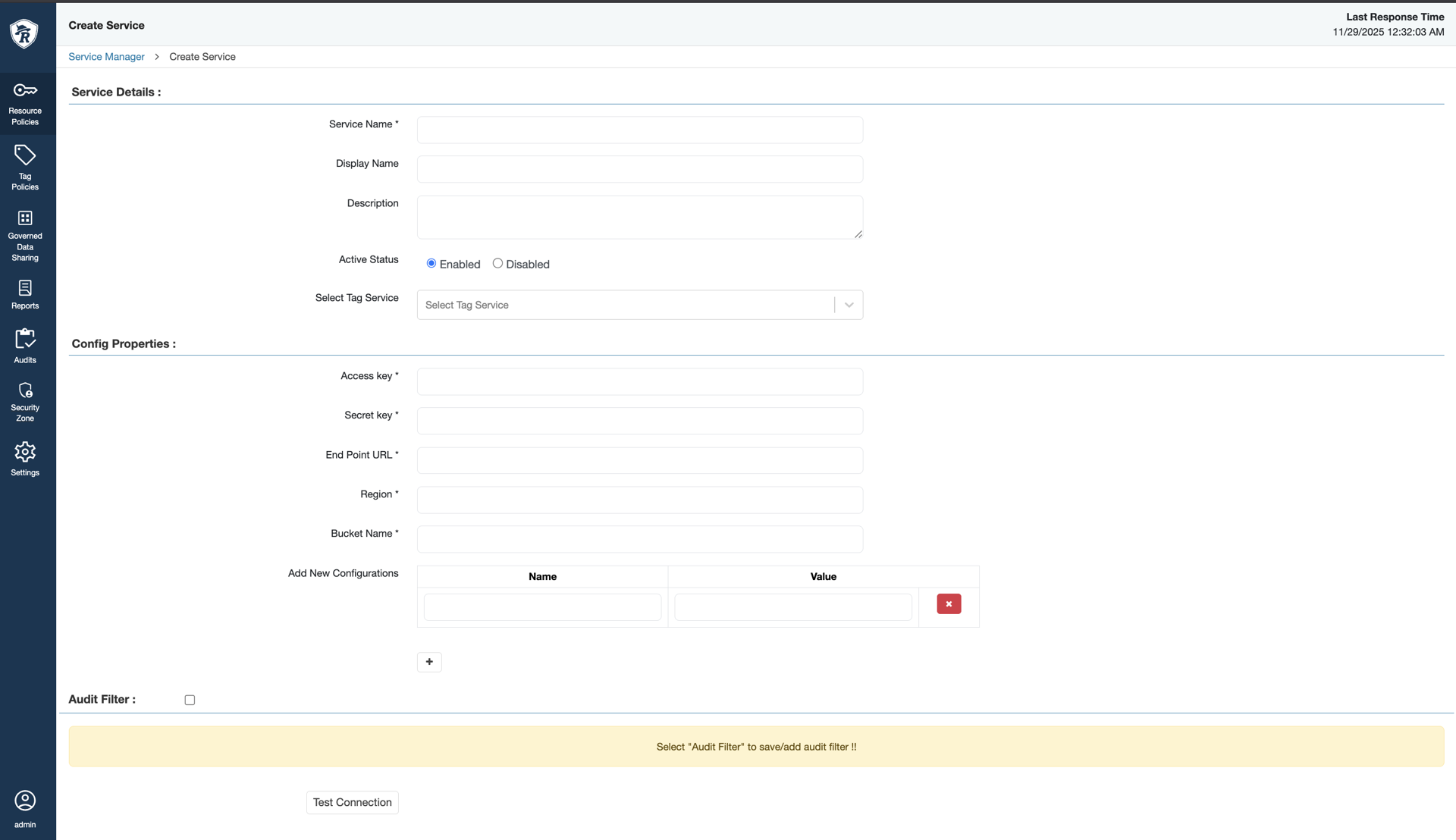
- Navigate to Ranger UI > Service Manager > S3 Service, click (+):
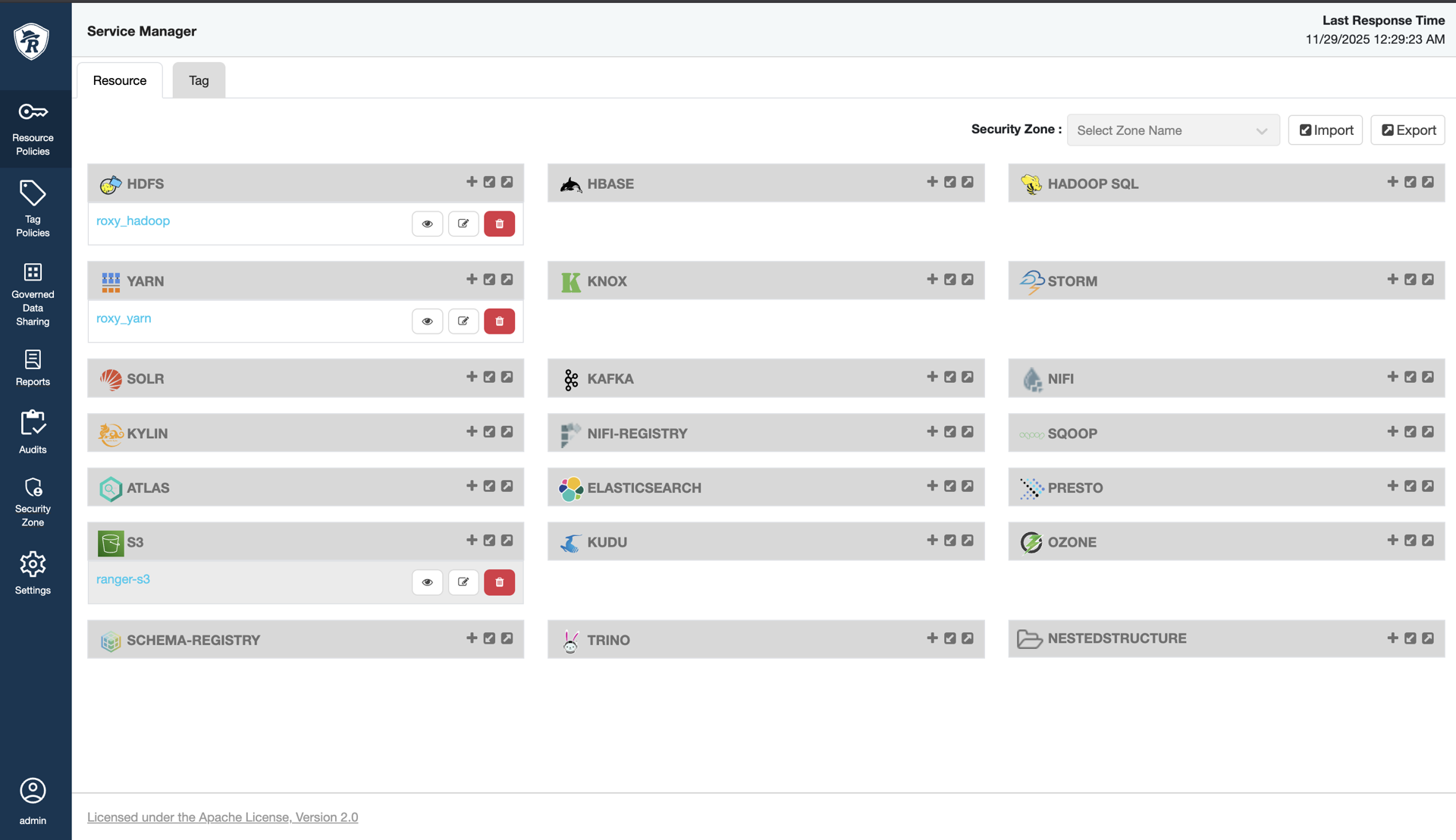
- Create a new Ranger S3 service with the following properties.
| Field Name | Description |
|---|---|
| Service Name | The name of the service is required when configuring agents. |
| Description | A description of the service. |
| Active Status | Enabled or Disabled |
| Select Tag Service | Select a tag-based service to apply the service and its tag-based policies to HBase. |
Configuration Properties
| Field Name | Description |
|---|---|
| Access Key | Access Key of Admin User (IAM credentials) |
| Secret Key | Secret Key of Admin User (IAM credentials) |
| End Point URL | AWS S3 endpoint |
| Region | AWS Region of the test bucket |
| Bucket Name | S3 bucket |

- Test the connection to verify properties.
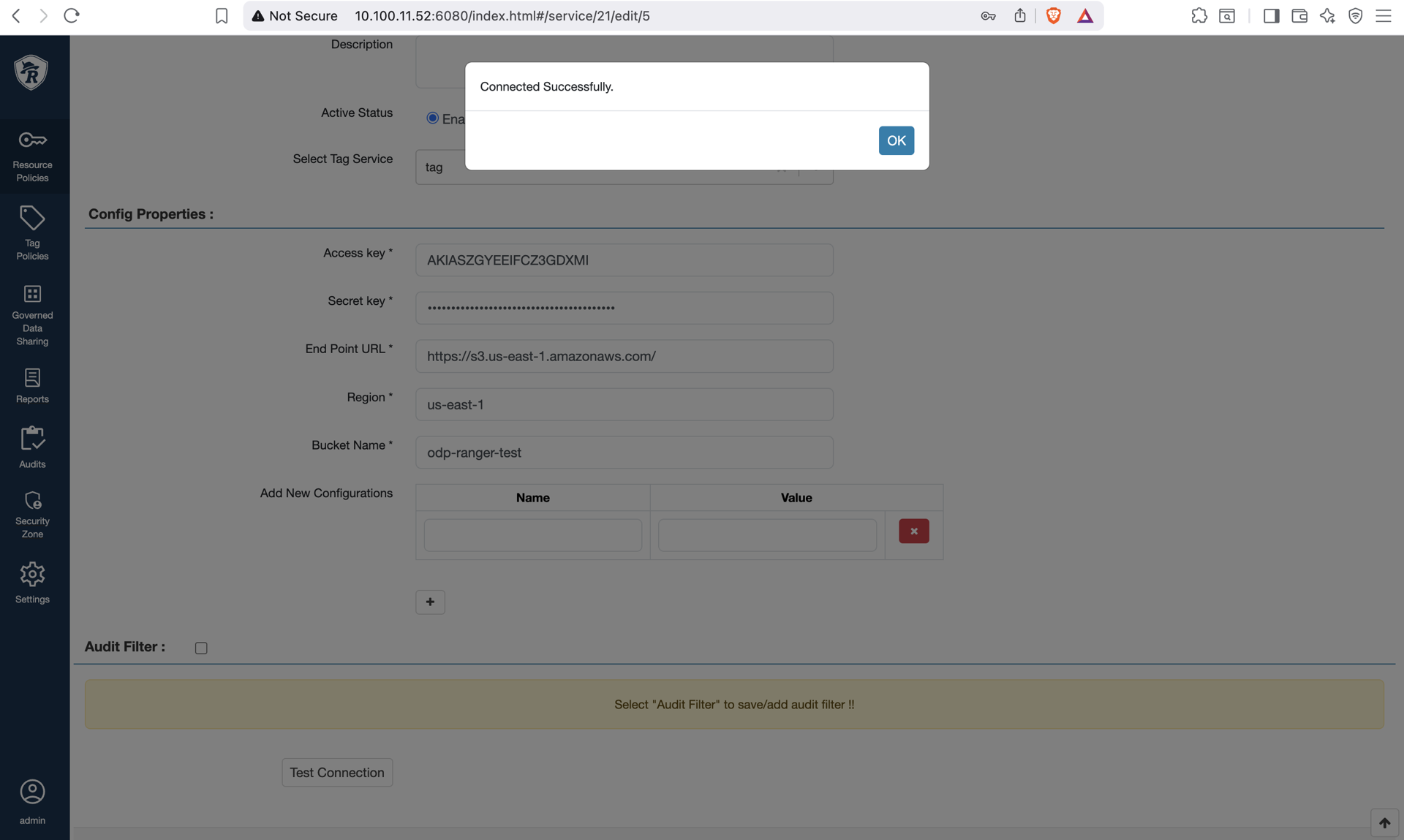
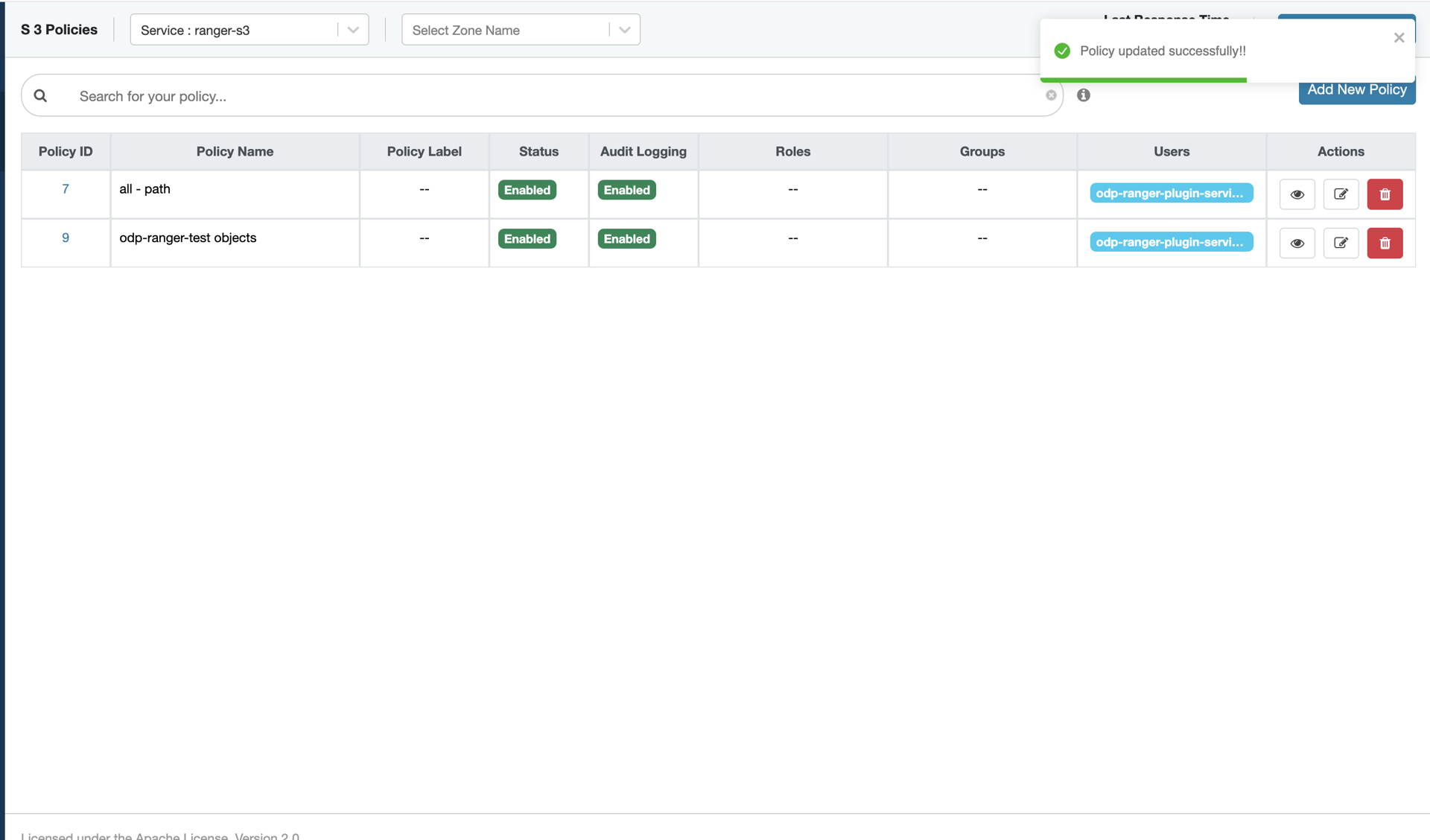
- Create policies, as required.

Deleting Policy
Note: When deleting policies, remove object-level policies first using the Ranger UI. If the bucket-level policy must be deleted, do so only after all object-level policies have been removed.
Deleting a bucket-level policy automatically removes the associated object-level policies from IAM. However, these object-level policies may still appear in the Ranger UI even though they no longer exist in IAM.
Type to search, ESC to discard
Last updated on Feb 3, 2026
Was this page helpful?
Next to read:
Ranger LimitationsDiscard Changes
Do you want to discard your current changes and overwrite with the template?
Archive Synced Block
Message
Create new Template
What is this template's title?
Delete Template
Message