
Disable Service Auto-Start
Before upgrading ODP, disable Service Auto Start to prevent Ambari services from starting automatically when the system boots.
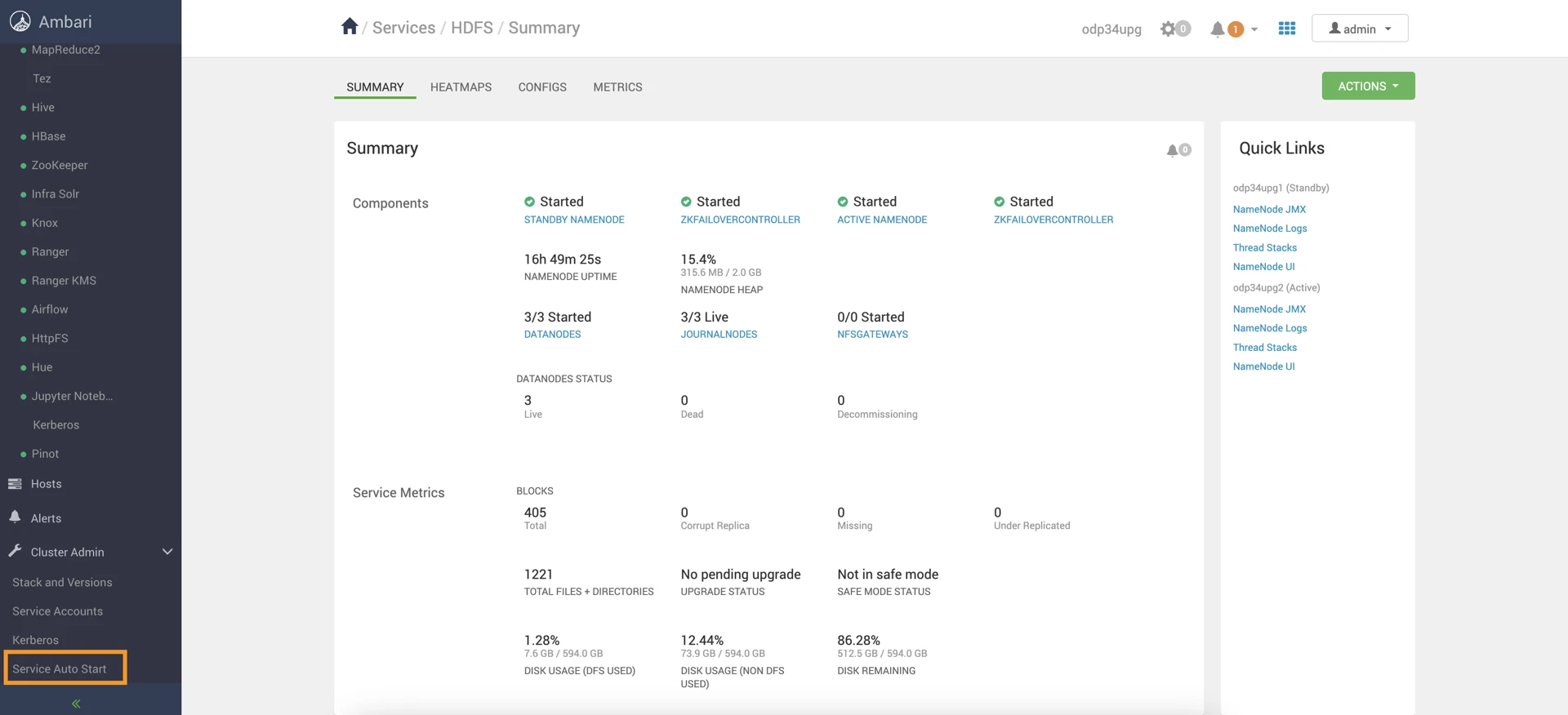
- In the Ambari UI, select Service Auto Start in the left pane.
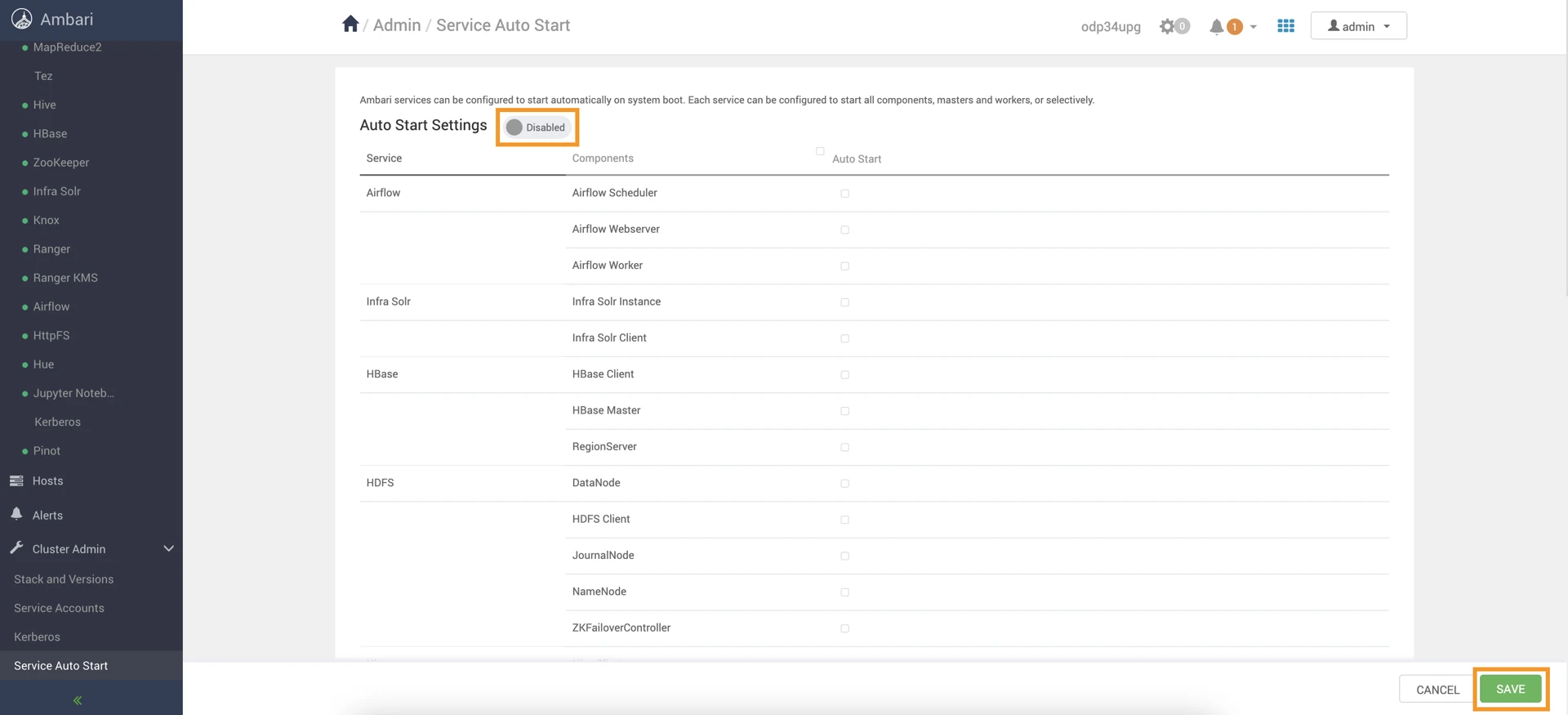
- Locate the Auto Start Settings option, which is enabled by default.
- Disable Auto Start Settings.
Info
Ensure that no Ambari Metrics are running. If running, stop the service and keep it in maintenance mode.
Have a suggestion?