
Upgrade ODP using the Express Upgrade option
Use the Express Upgrade option to upgrade ODP.
Steps to Upgrade
After installing the ODP packages, complete the following steps to perform an Express Upgrade.
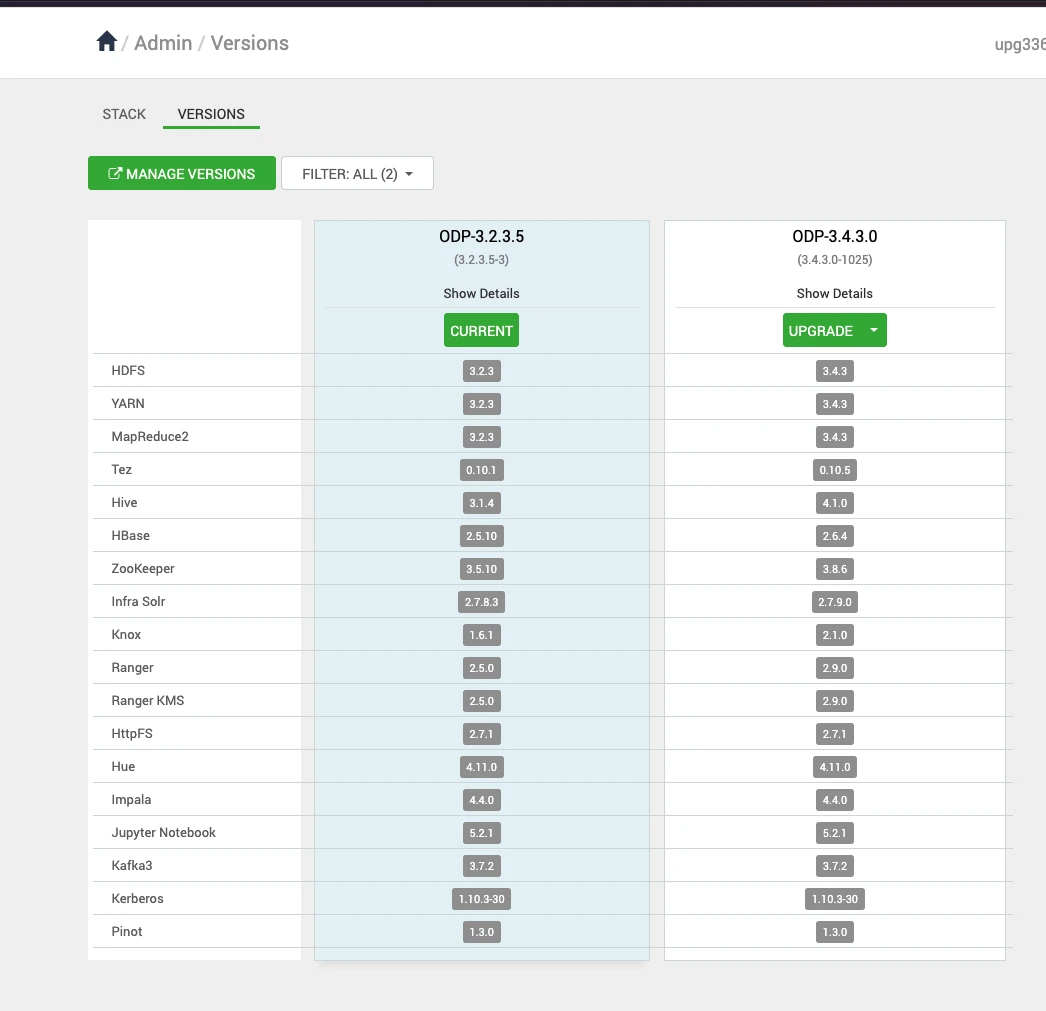
- In the Ambari UI, navigate to Admin > Versions and click Upgrade.
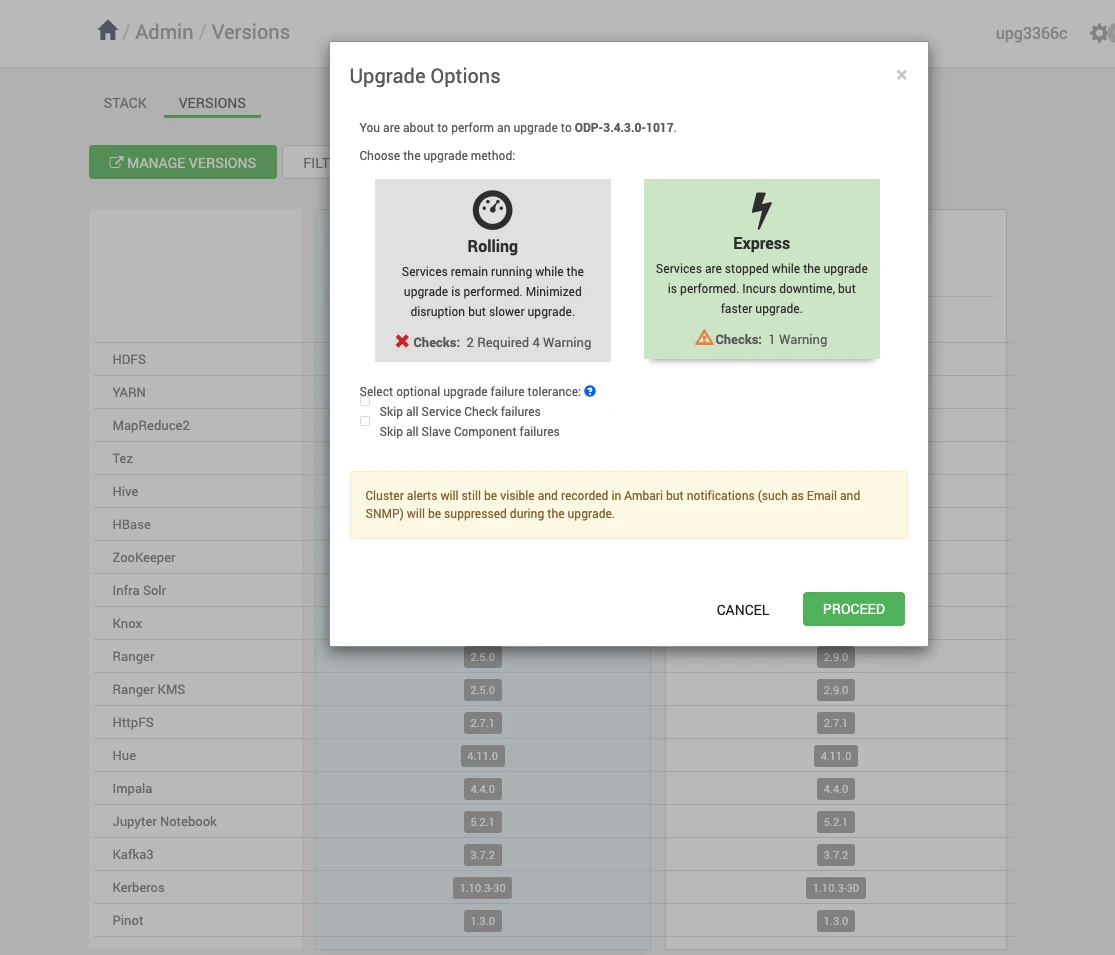
- In the Upgrade Options dialog box, select Express and click Proceed.
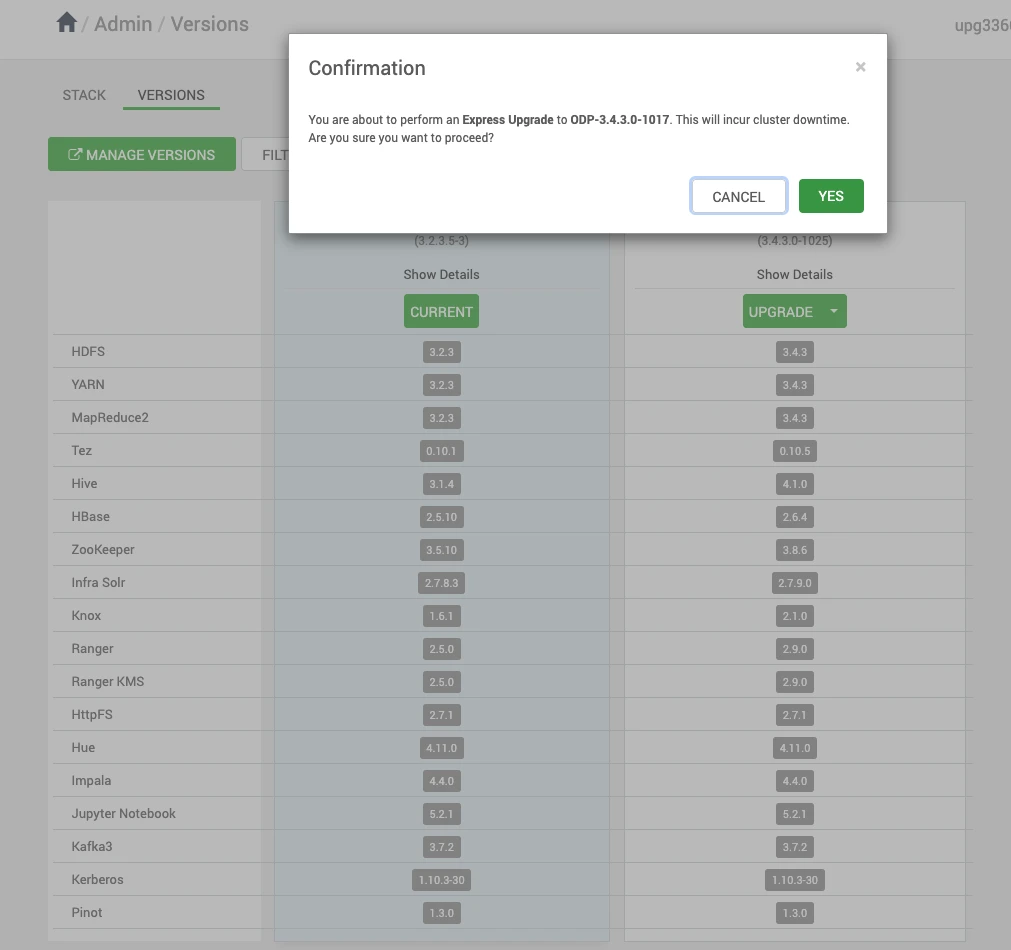
- Click YES to confirm the Express Upgrade.
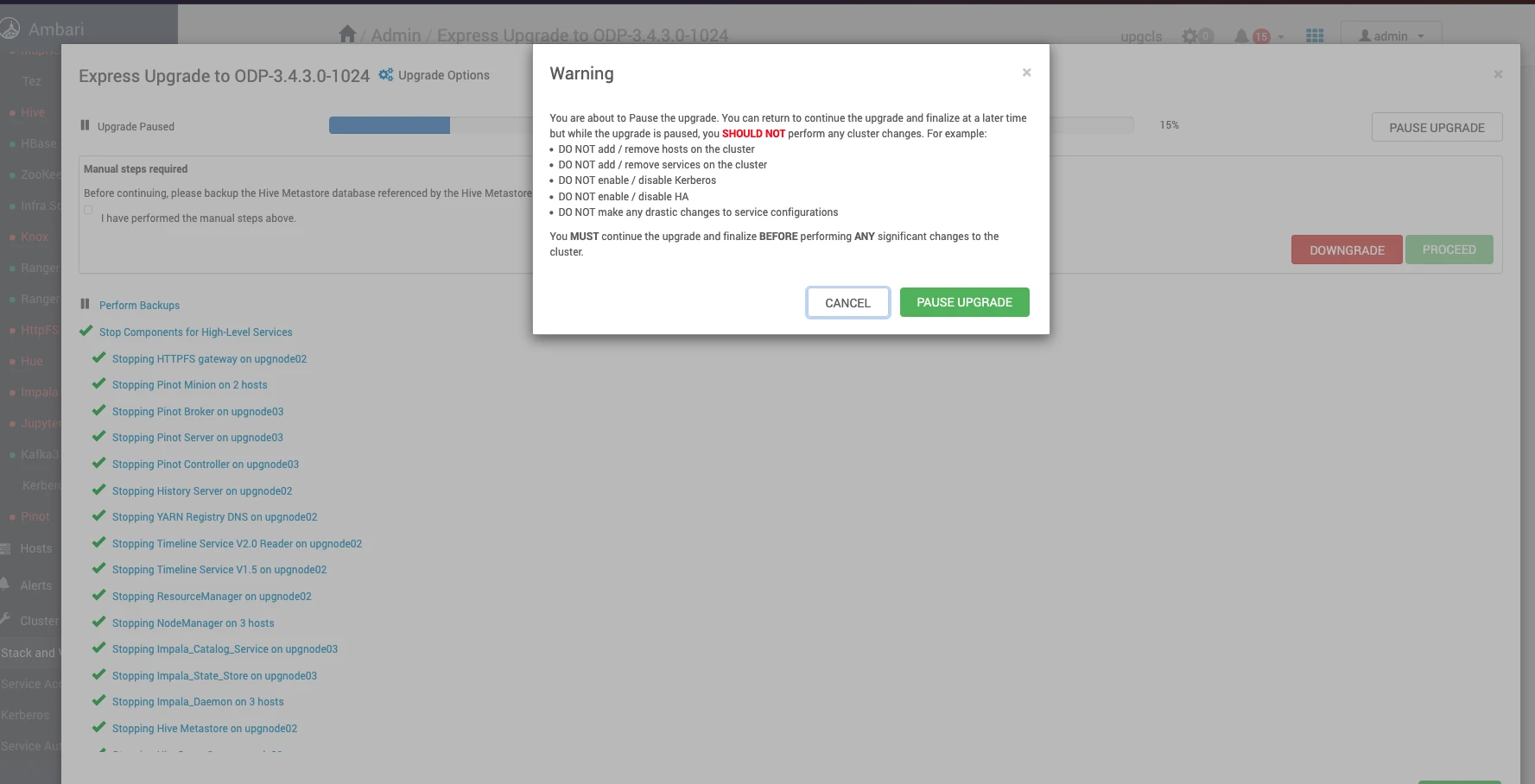
- Monitor the upgrade progress in the Ambari UI.
Info: Some services might fail during the upgrade. These failures are expected and can be ignored at this stage. Continue with the upgrade process.
- Ensure that you back up all required databases before proceeding.
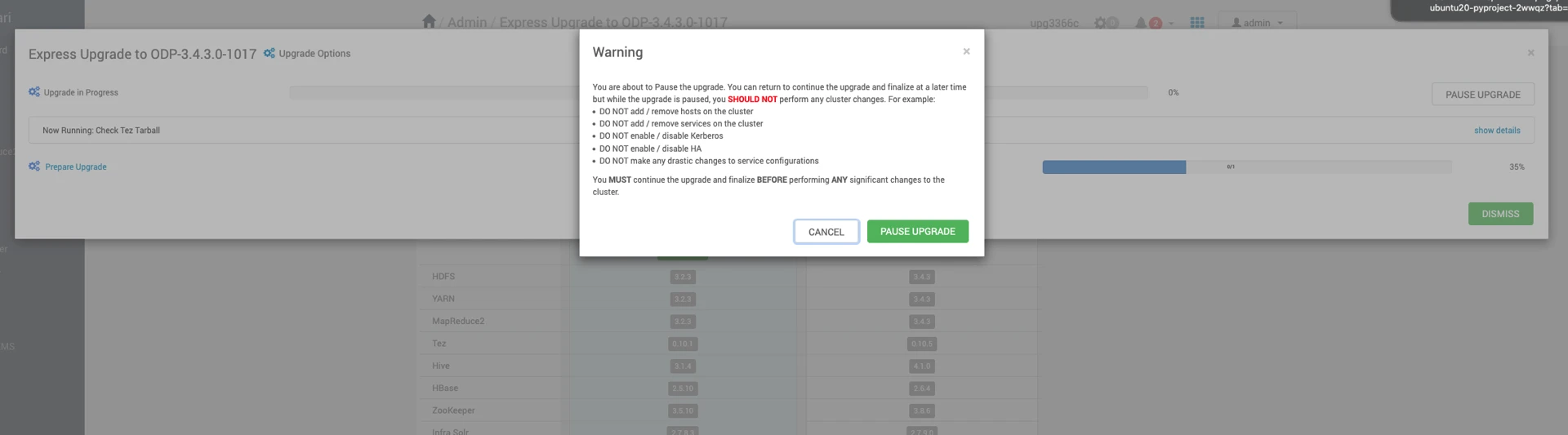
Pause the Upgrade
Info
Before proceeding with the Perform Backups step, pause the ODP Express Upgrade and complete the steps in the next section, Ambari Upgrade.
Have a suggestion?