
Add the VDF File
This page helps you upload the VDF file.
You can get the VDF file from the Acceldata Repositories page.
Update the VDF file from the Ambari UI
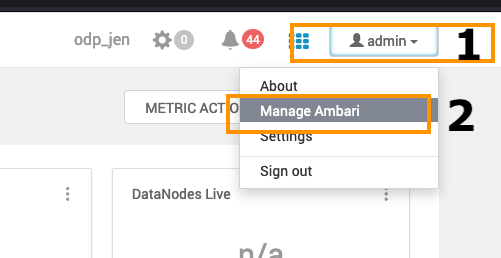
- Add the VDF file: Go to the Admin section at the top right and click on the Manage Ambari option in the menu.
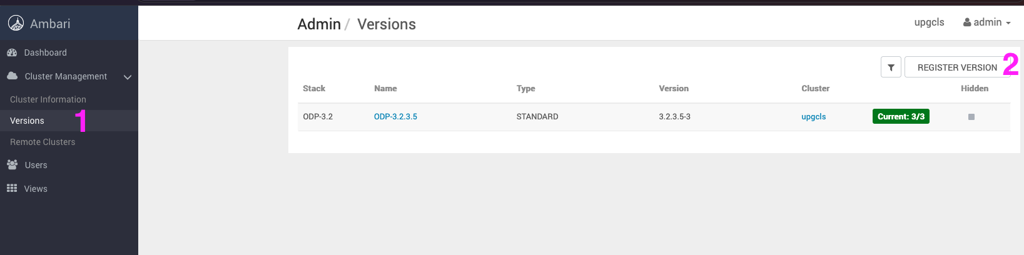
- Navigate to the Versions option on the left side and click REGISTER VERSION to add a new ODP Release.
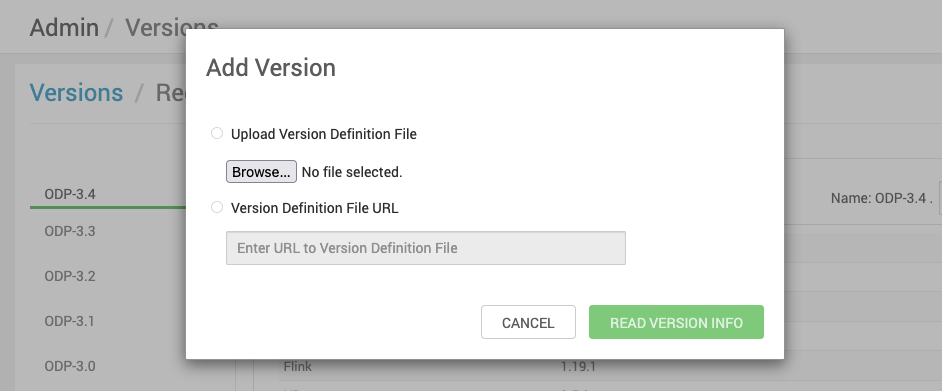
- Click Add Version to create a new ODP version.
- In Add Version, upload the 3.4.3.0 VDF ODP file and click Read Version Info.
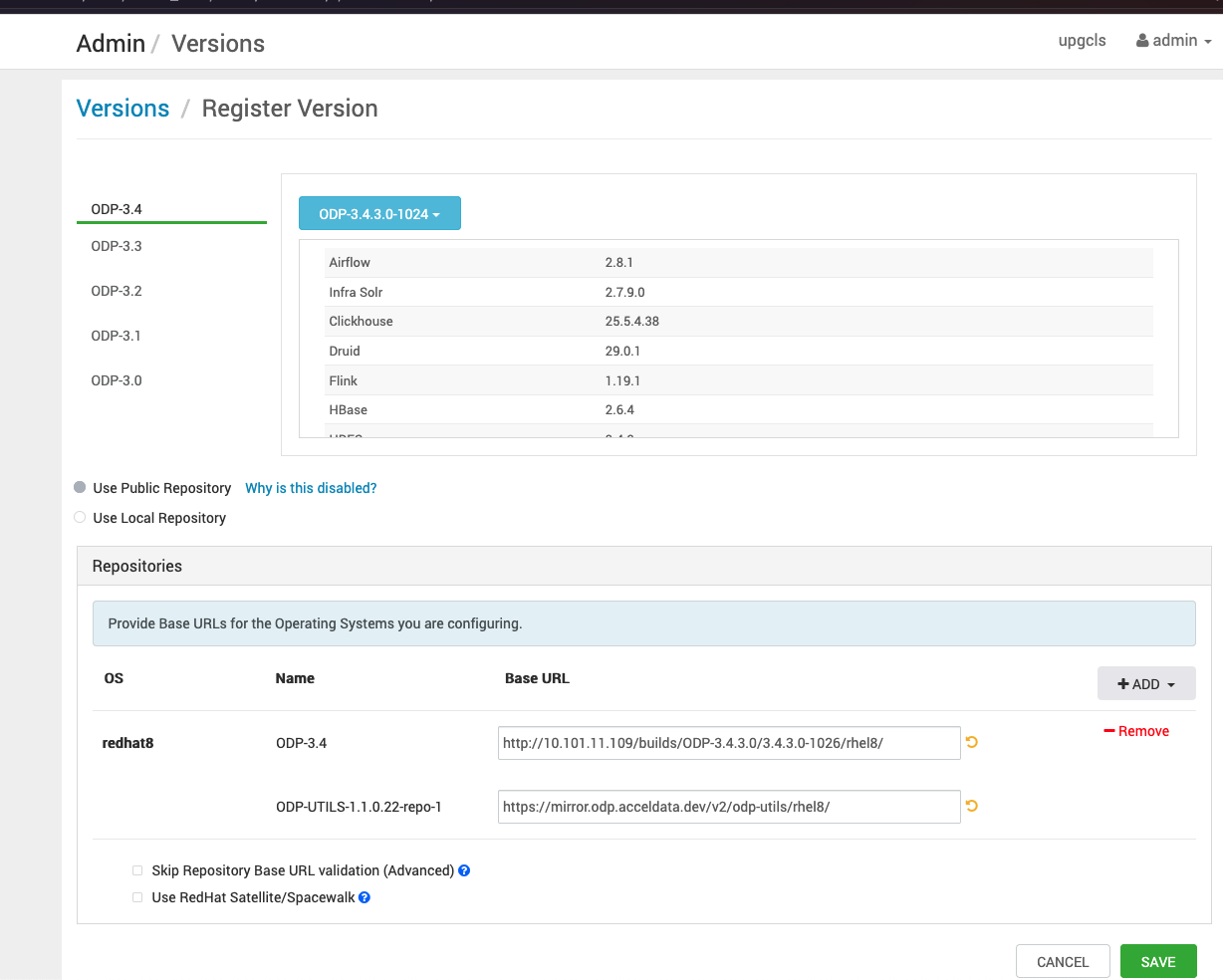
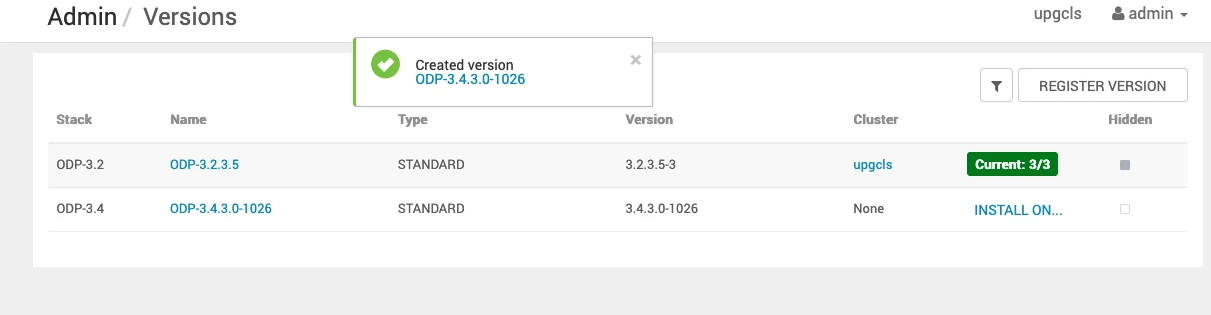
- Save the ODP-3.4.3.x-x details appearing on the screen. Once you save the details, you can see the screen as shown below.
Have a suggestion?