
Upload and Configure CA Certificates
Use these steps to upload a CA certificate file and configure its password, if required.
Upload a CA certificate file
- In the Admin UI, select the cluster you want to configure.
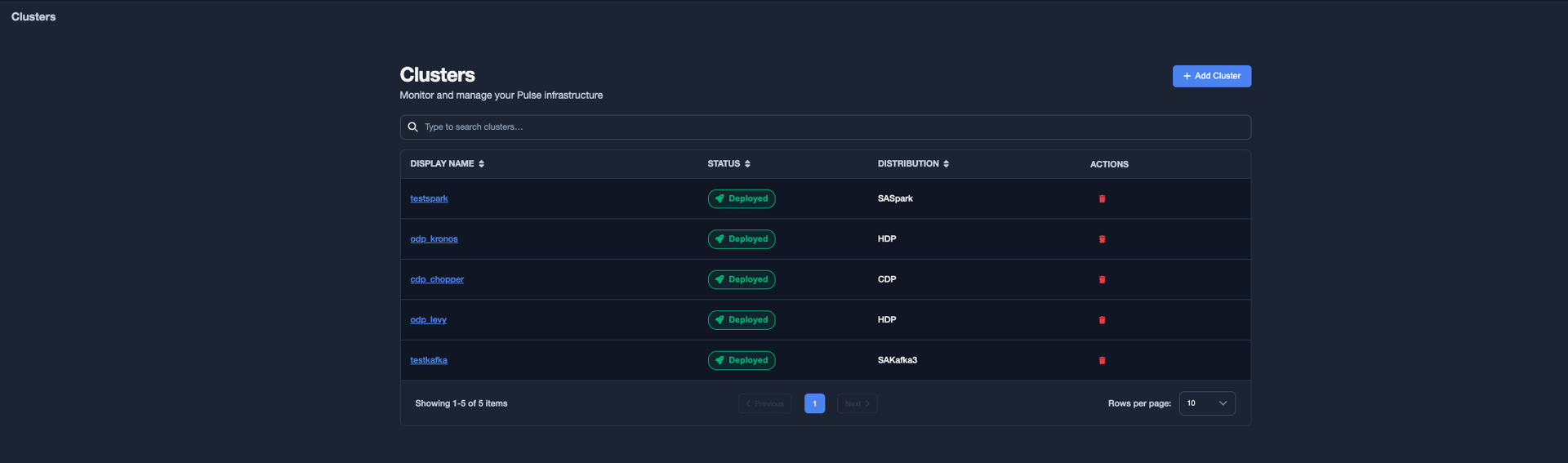
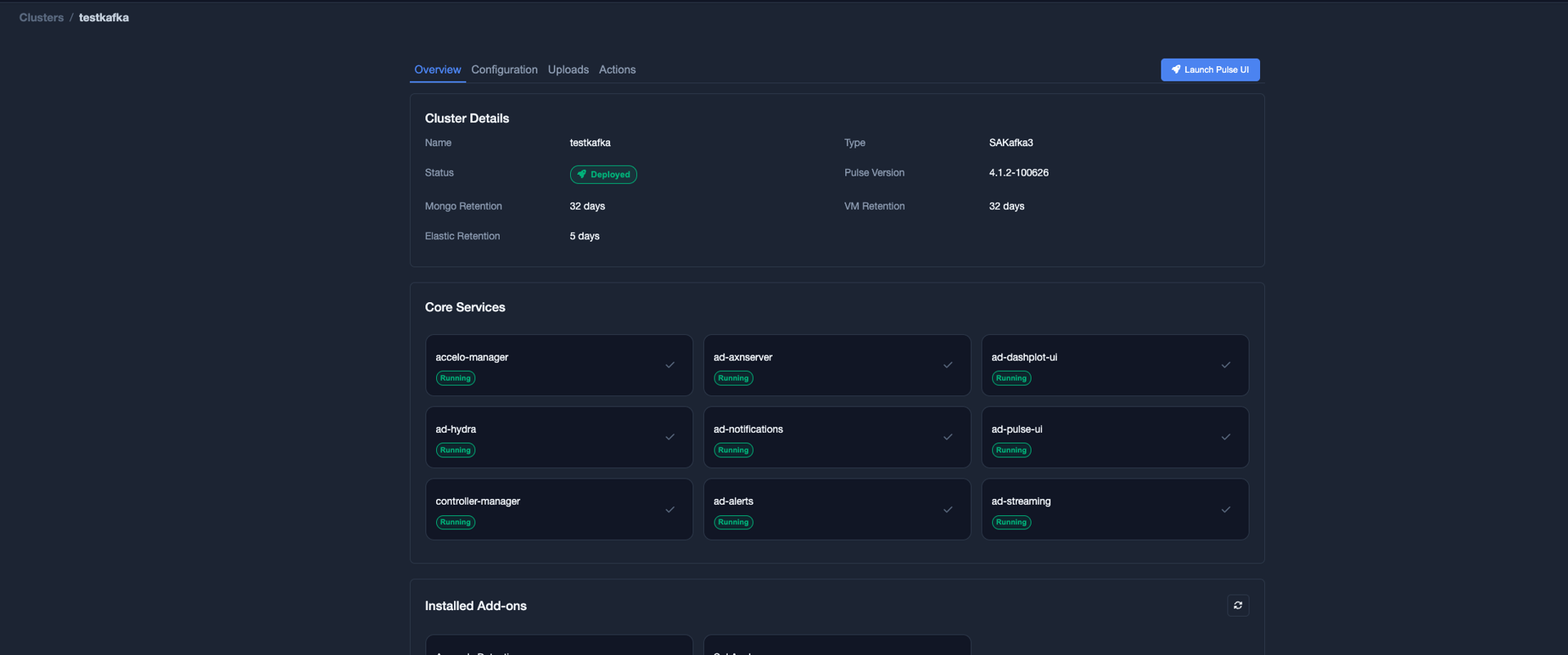
- Select the Uploads tab.
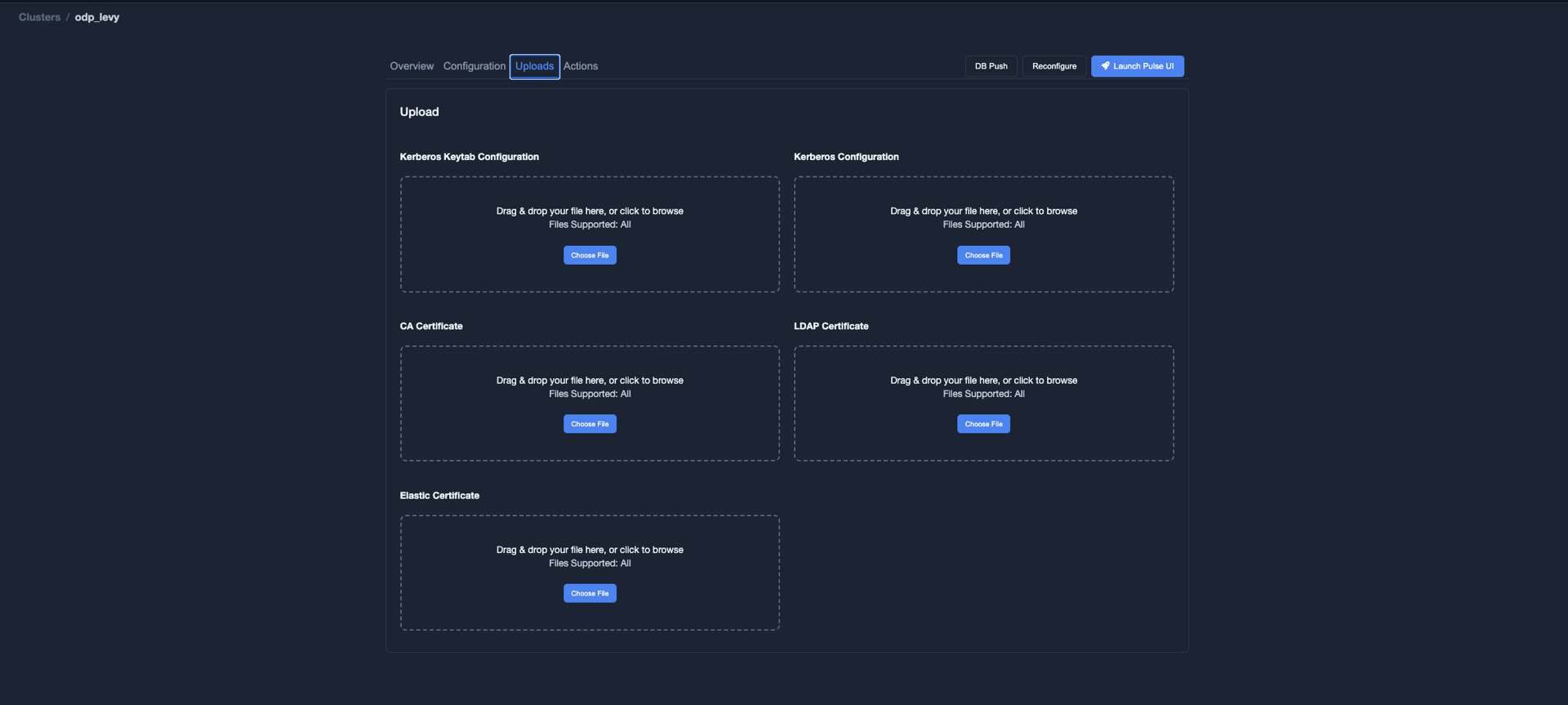
- Upload the required CA certificate file.
Configure the CA certificate password
If the CA certificate file is password-protected:
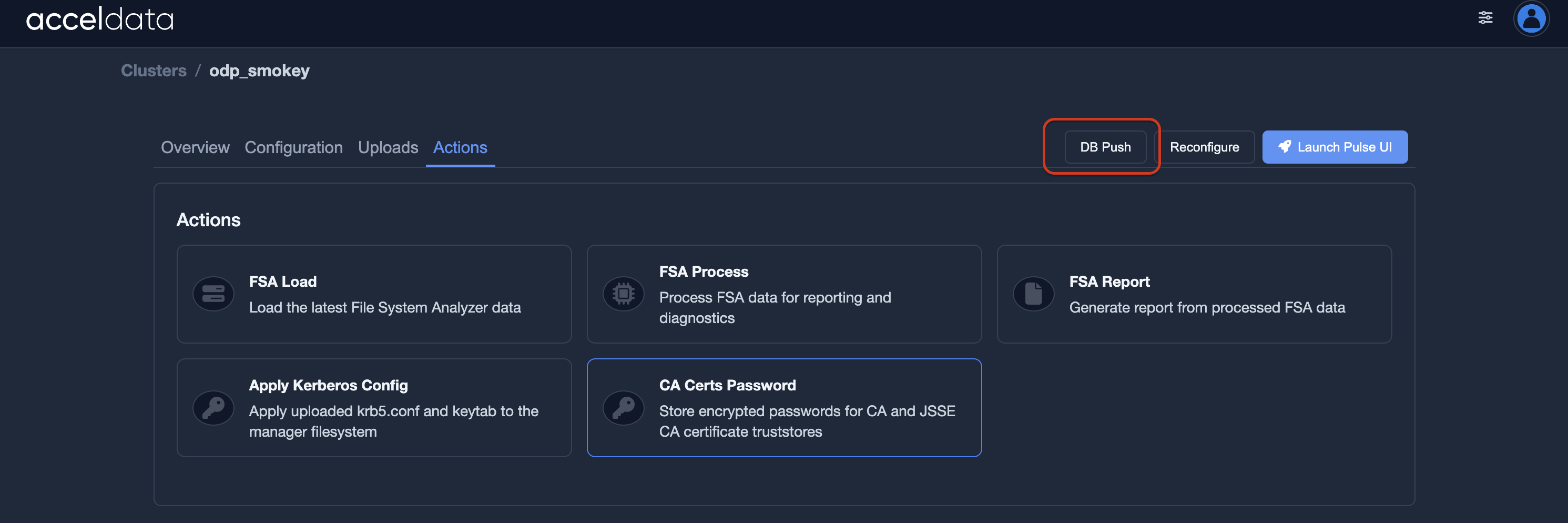
- Select the Actions tab.

- Select CA Certs Password.
- Enter the password for the CA certificate file.
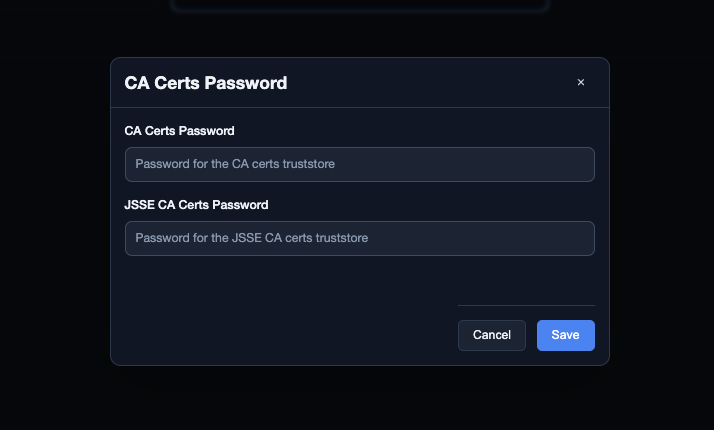
- Select Save.
Push the database configuration
After saving the certificate configuration, perform a database push to update the data stored in MongoDB.
Restart the connector
- Select the Overview tab.
- Under Installed Addons, select the add-on that you want to restart.
- Select Restart.
Have a suggestion?