
This page explains how to resume and finalize the ODP stack upgrade.
Resume Upgrade
Resume the ODP Stack Upgrade from its Paused state. Upon upgrade completion, you can see the two options.
**Finalize Later—**Choosing this option preserves the ability to downgrade or roll back to the previous version.
**Finalize—**Once selected, version 3.3.6.4-1 becomes permanent, and rollback is no longer possible.
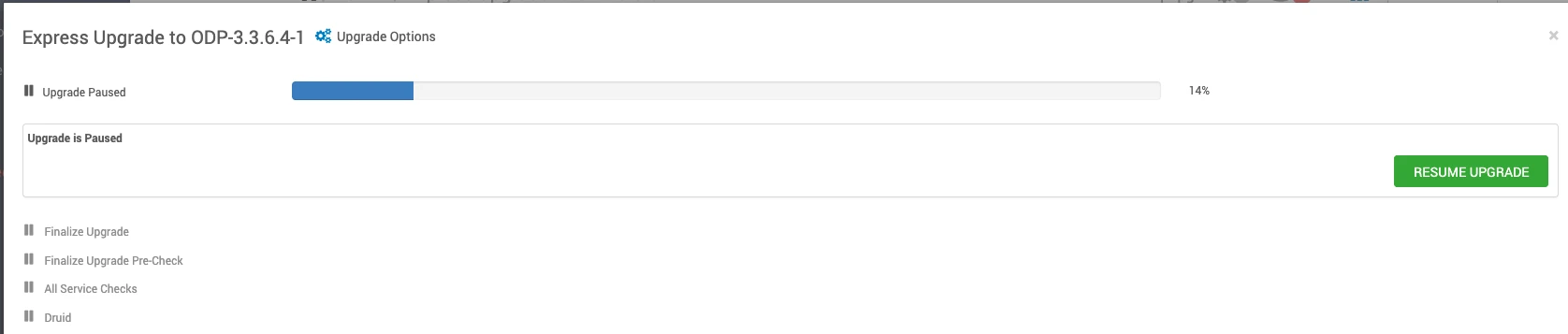
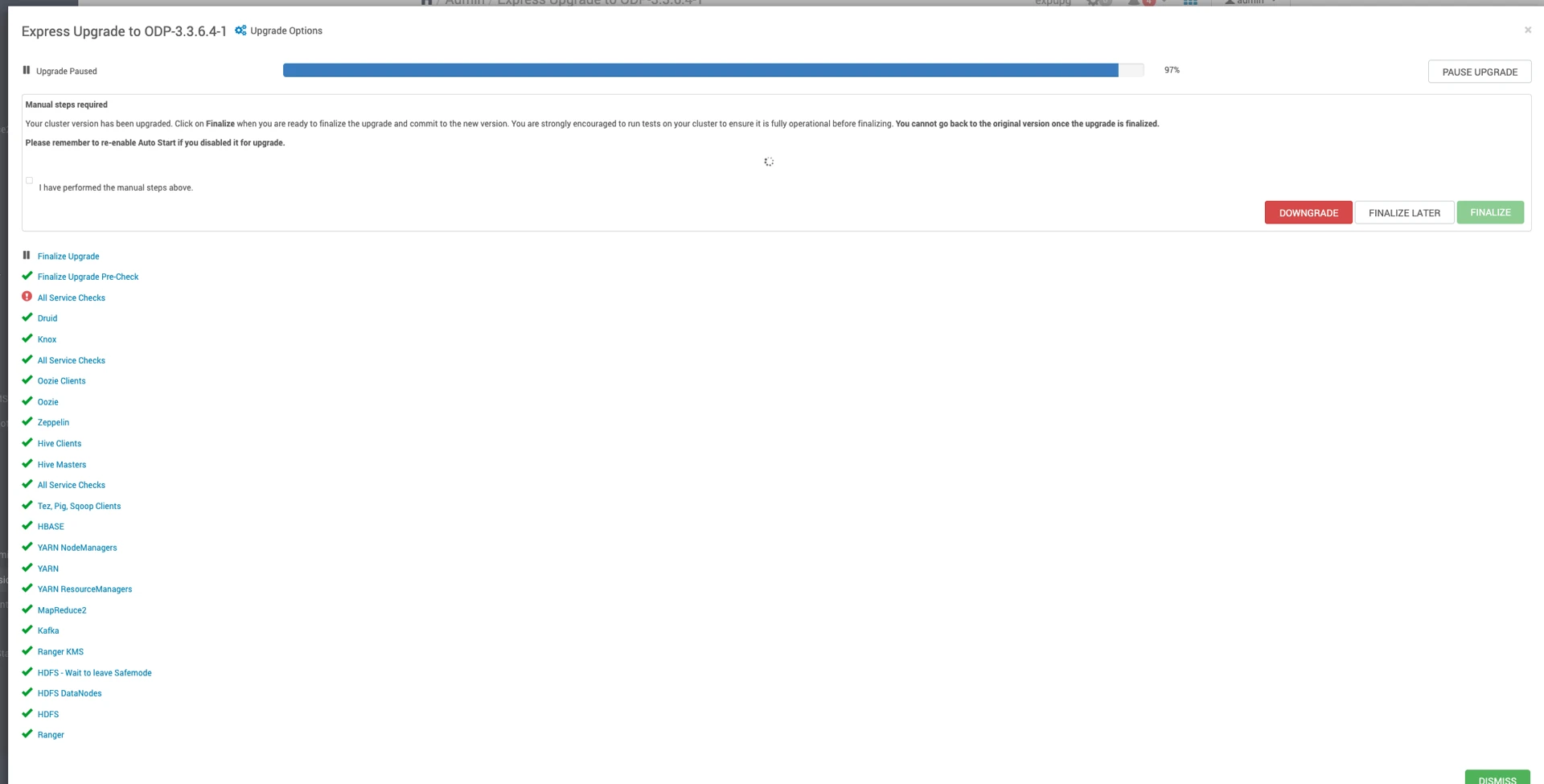
Navigate to the Ambari UI Home page and perform the Start All services from Actions.
Verify the Upgrade
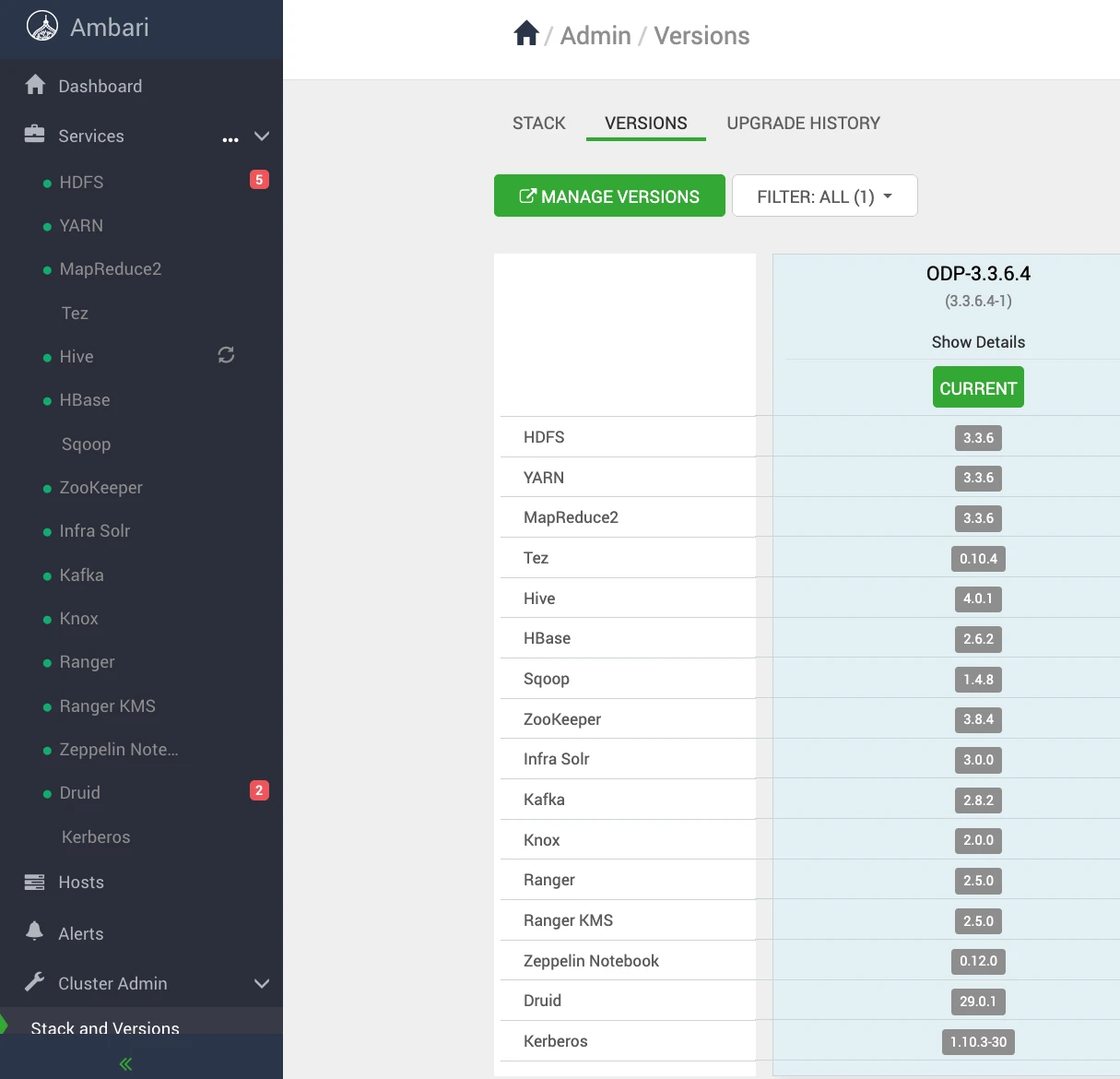
Mpacks Restore
Perform the following steps to restore Mpacks.
Install Mpacks on the Ambari Server node.
Install the services from Ambari.
Stop the Mpack services from ambari UI.
Restore the config at mysql DB.
Now restore the configuration backups for the mpacks that were taken during the upgrade prerequisites phase. For details, see Backup Ambari Configuration (Mpacks).
Restore Airflow Config
Run the following script.
Response:
Restore Ozone Configs
Run the following script.
Response:
Restore Impala Configs
Run the following script.
Response:
Restore Kudu Configs
Run the following script.
Response:
Restore Spark3 Configs
Run the following script.
Response: