
Search
Before running any Pinot commands, make sure to set Java 11 on the CLI and export other required configurations.
export JAVA_HOME=/usr/lib/jvm/java-11-openjdk-11.0.25.0.9-2.el8.x86_64
export PATH=$JAVA_HOME/bin:$PATH
export JAVA_OPTS="-Xms1G -Xmx2G"
export LOG_ROOT=/var/log/pinot
Create different tables and schemas.
Prepare your Data
Create a directory to store raw data:
mkdir -p /tmp/pinot-new/rawdata
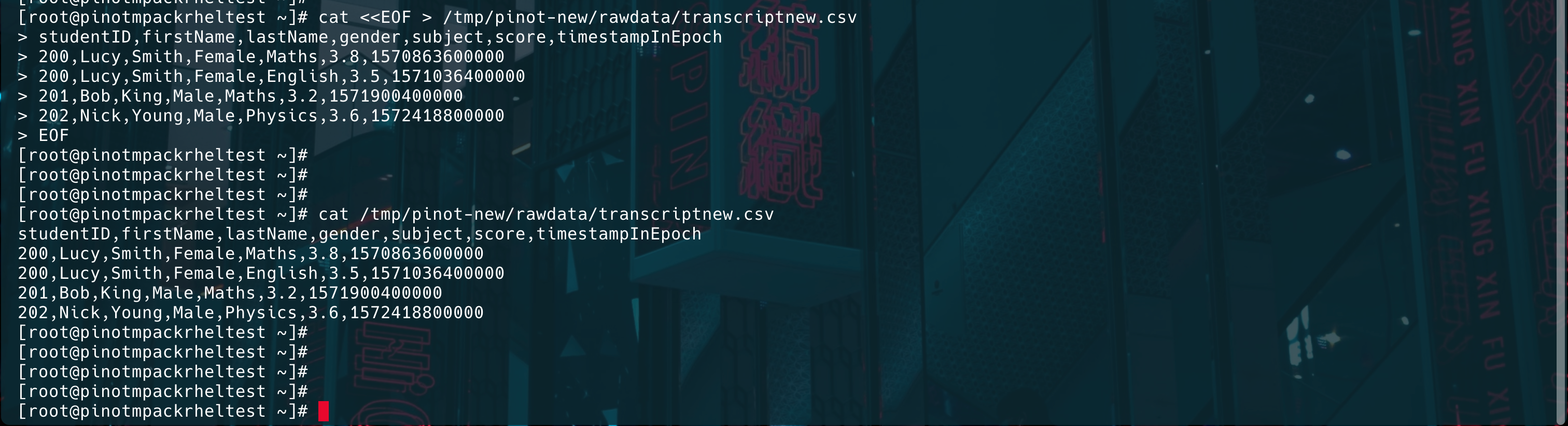
Create a sample CSV file:
cat <<EOF > /tmp/pinot-new/rawdata/transcriptnew.csv
studentID,firstName,lastName,gender,subject,score,timestampInEpoch
200,Lucy,Smith,Female,Maths,3.8,1570863600000
200,Lucy,Smith,Female,English,3.5,1571036400000
201,Bob,King,Male,Maths,3.2,1571900400000
202,Nick,Young,Male,Physics,3.6,1572418800000
EOF
Info
Make sure that the table and schema names are the same.
Create Schema
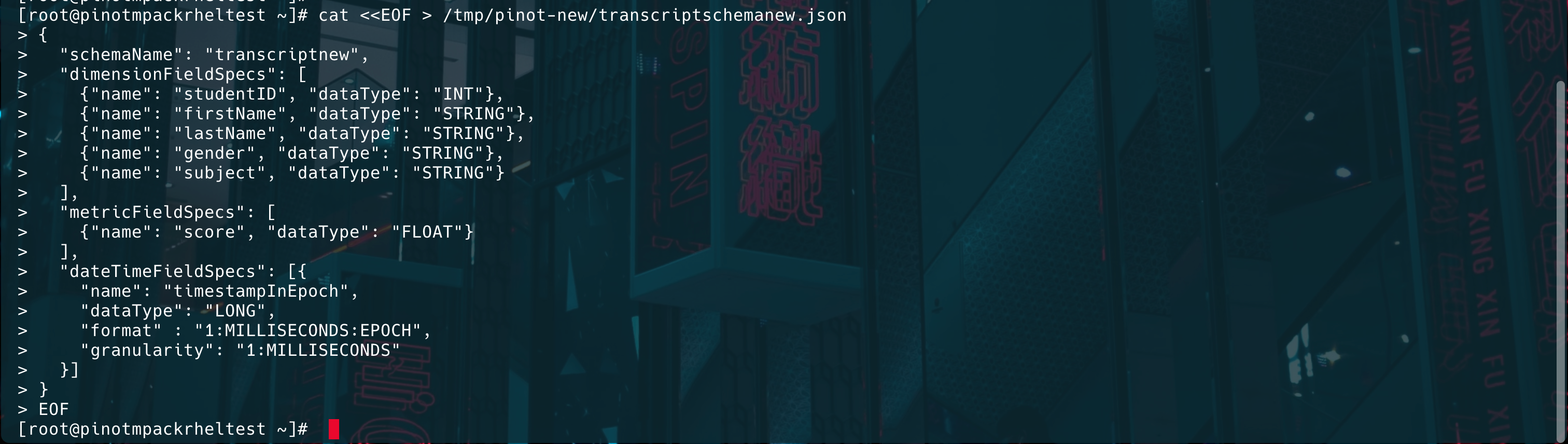
Define a schema in the JSON format:
cat <<EOF > /tmp/pinot-new/transcriptschemanew.json
{
"schemaName": "transcriptnew",
"dimensionFieldSpecs": [
{"name": "studentID", "dataType": "INT"},
{"name": "firstName", "dataType": "STRING"},
{"name": "lastName", "dataType": "STRING"},
{"name": "gender", "dataType": "STRING"},
{"name": "subject", "dataType": "STRING"}
],
"metricFieldSpecs": [
{"name": "score", "dataType": "FLOAT"}
],
"dateTimeFieldSpecs": [{
"name": "timestampInEpoch",
"dataType": "LONG",
"format" : "1:MILLISECONDS:EPOCH",
"granularity": "1:MILLISECONDS"
}]
}
EOF
Create Table Configuration
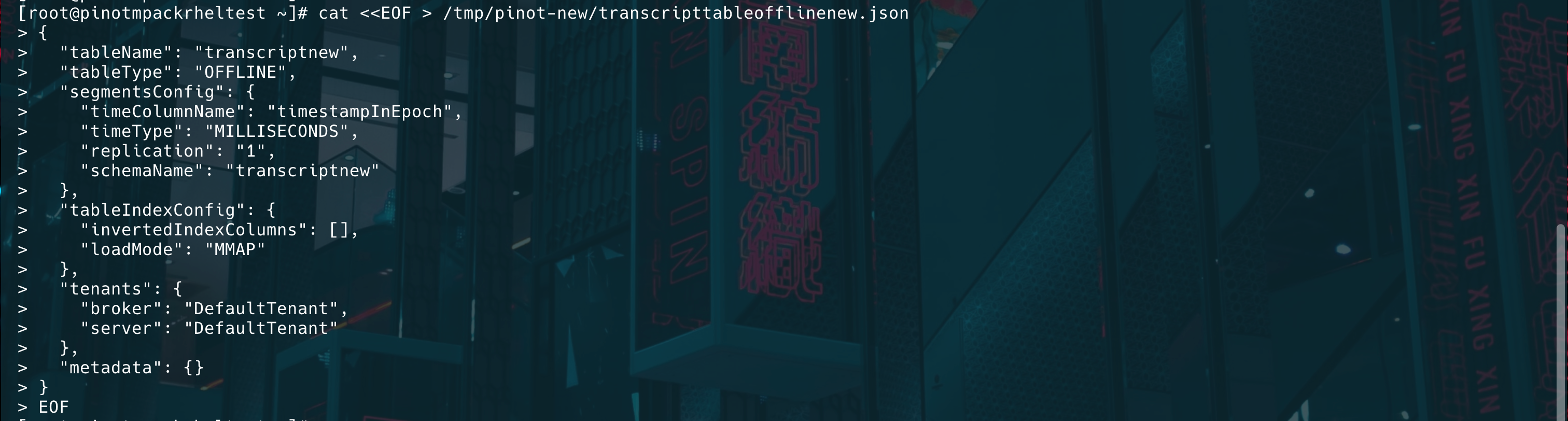
Define the table configuration in the JSON format:
cat <<EOF > /tmp/pinot-new/transcripttableofflinenew.json
{
"tableName": "transcriptnew",
"tableType": "OFFLINE",
"segmentsConfig": {
"timeColumnName": "timestampInEpoch",
"timeType": "MILLISECONDS",
"replication": "1",
"schemaName": "transcriptnew"
},
"tableIndexConfig": {
"invertedIndexColumns": [],
"loadMode": "MMAP"
},
"tenants": {
"broker": "DefaultTenant",
"server": "DefaultTenant"
},
"metadata": {}
}
EOF
Upload Schema and Table Configuration
Use the Pinot Controller REST API to upload them:
Upload Schema:
curl -X POST "http://{hostname}or{IP}:9000/schemas" -H "Content-Type: application/json" -d @/tmp/pinot-new/transcriptschemanew.json

Upload the Table Configuration:
curl -X POST "http://{hostname}or{IP}:9000/tables" -H "Content-Type: application/json" -d @/tmp/pinot-new/transcripttableofflinenew.json

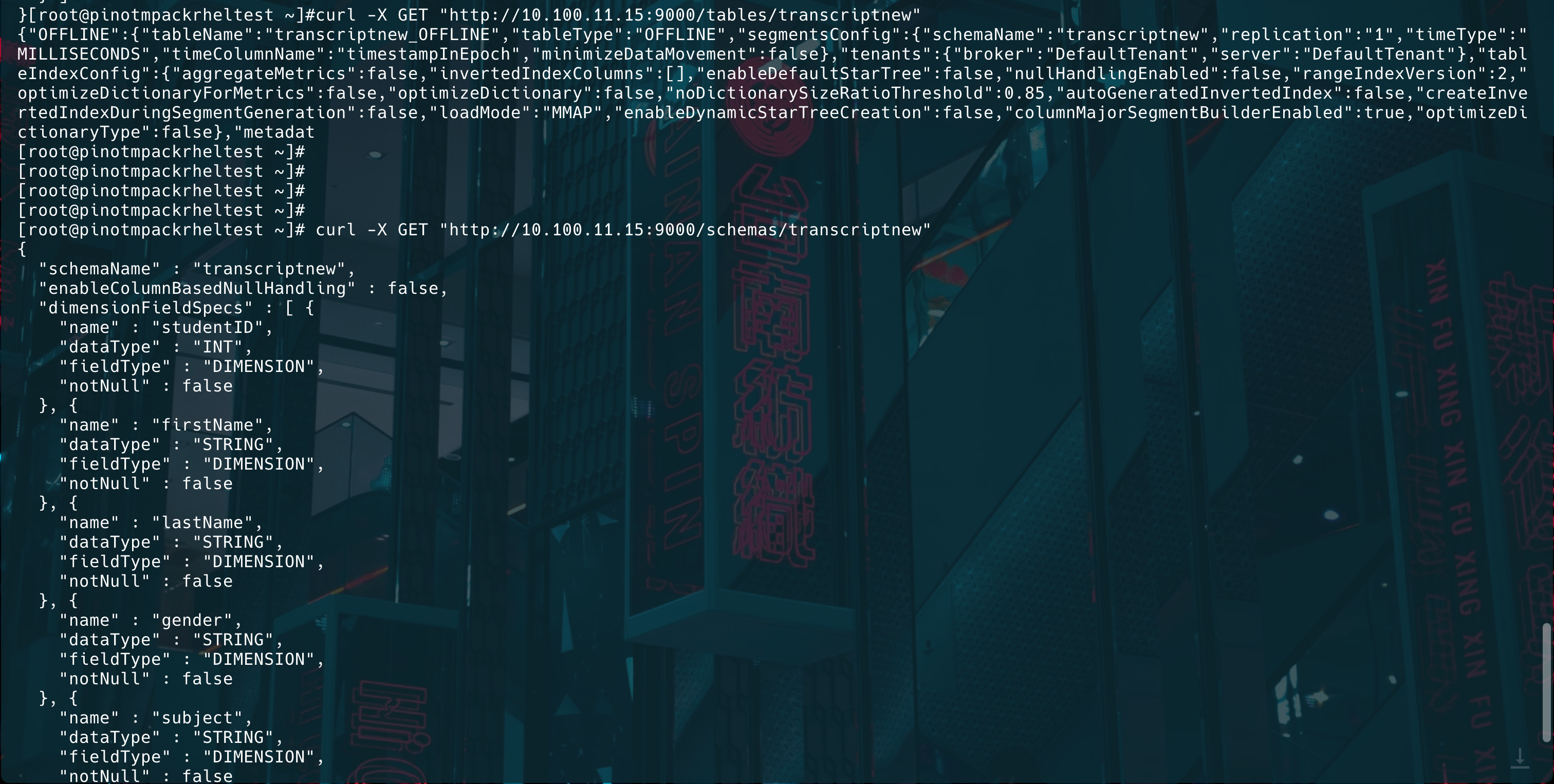
Verify if the table and schema were uploaded:
curl -X GET "http://{hostname}or{IP}:9000/tables/transcriptnew"
curl -X GET "http://{hostname}or{IP}:9000/schemas/transcriptnew"
Create a Segment Job Spec (YAML)
cat <<EOF > /tmp/pinot-new/batch-job-spec.yml
executionFrameworkSpec:
name: 'standalone'
segmentGenerationJobRunnerClassName: 'org.apache.pinot.plugin.ingestion.batch.standalone.SegmentGenerationJobRunner'
segmentTarPushJobRunnerClassName: 'org.apache.pinot.plugin.ingestion.batch.standalone.SegmentTarPushJobRunner'
segmentUriPushJobRunnerClassName: 'org.apache.pinot.plugin.ingestion.batch.standalone.SegmentUriPushJobRunner'
jobType: SegmentCreation
inputDirURI: 'file:///tmp/pinot-new/rawdata/'
includeFileNamePattern: 'glob:**/*.csv'
outputDirURI: 'file:///tmp/pinot-new/segments/'
overwriteOutput: true
pinotFSSpecs:
- scheme: file
className: org.apache.pinot.spi.filesystem.LocalPinotFS
recordReaderSpec:
dataFormat: 'csv'
className: 'org.apache.pinot.plugin.inputformat.csv.CSVRecordReader'
configClassName: 'org.apache.pinot.plugin.inputformat.csv.CSVRecordReaderConfig'
tableSpec:
tableName: 'transcriptnew'
schemaURI: 'http://{hostname}or{IP}:9000/schemas/transcriptnew'
tableConfigURI: 'http://{hostname}or{IP}:9000/tables/transcriptnew'
pinotClusterSpecs:
- controllerURI: 'http://{hostname}or{IP}:9000'
EOF
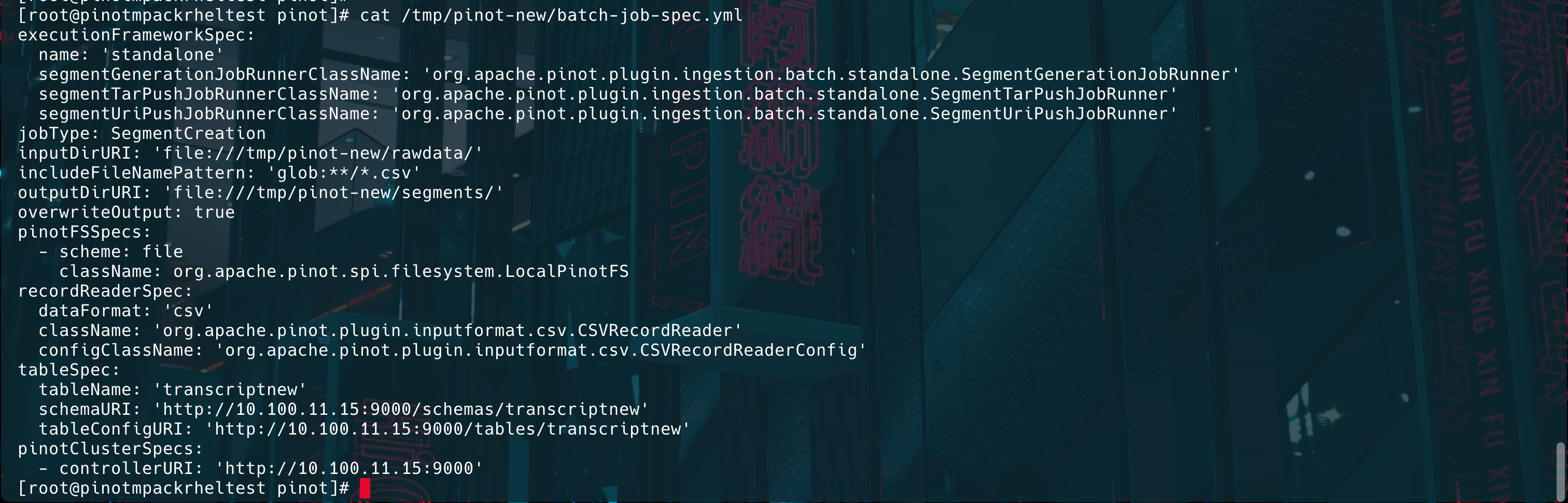
Generate Segments using Batch Job Spec
./bin/pinot-admin.sh LaunchDataIngestionJob -jobSpecFile /tmp/pinot-new/batch-job-spec.yml
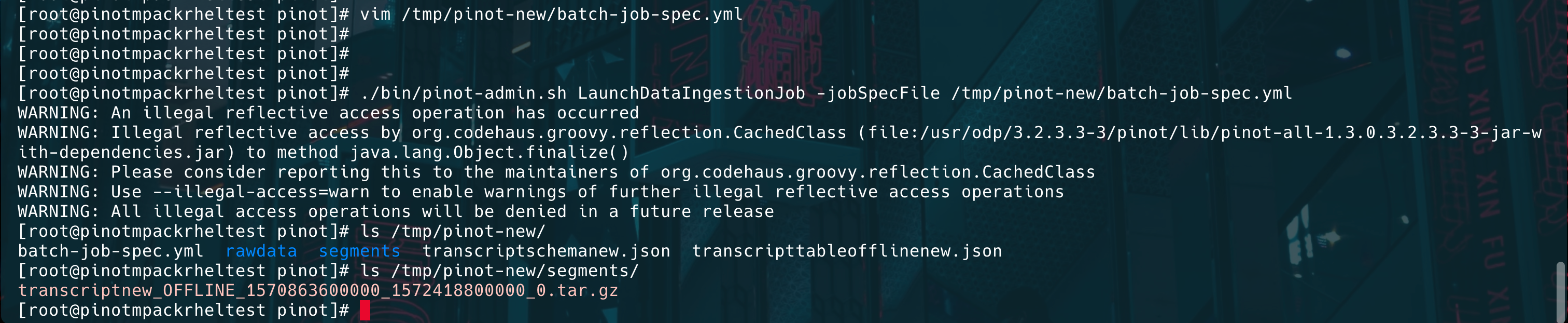
Ingest Data into Pinot
Run the following command to ingest data into Pinot.
./bin/pinot-admin.sh UploadSegment -controllerHost {hostname}or{IP} -controllerPort 9000 -tableName transcriptnew -segmentDir /tmp/pinot-new/segments/
[root@pinot apache-pinot-1.3.0-bin]# ./bin/pinot-admin.sh UploadSegment -controllerHost 10.100.11.41 -controllerPort 9000 -tableName transcript -segmentDir /tmp/pinot-quick-start/segments/
WARNING: An illegal reflective access operation has occurred
WARNING: Illegal reflective access by org.codehaus.groovy.reflection.CachedClass (file:/root/himanshu/apache-pinot-1.3.0-bin/lib/pinot-all-1.3.0-jar-with-dependencies.jar) to method java.lang.Object.finalize()
WARNING: Please consider reporting this to the maintainers of org.codehaus.groovy.reflection.CachedClass
WARNING: Use --illegal-access=warn to enable warnings of further illegal reflective access operations
WARNING: All illegal access operations will be denied in a future release
2025/03/20 15:05:24.376 INFO [UploadSegmentCommand] [main] Executing command: UploadSegment -controllerProtocol http -controllerHost 10.100.11.41 -controllerPort 9000 -segmentDir /tmp/pinot-quick-start/segments/
2025/03/20 15:05:24.544 INFO [UploadSegmentCommand] [main] Uploading segment tar file: /tmp/pinot-quick-start/segments/transcript_OFFLINE_1570863600000_1572418800000_0.tar.gz

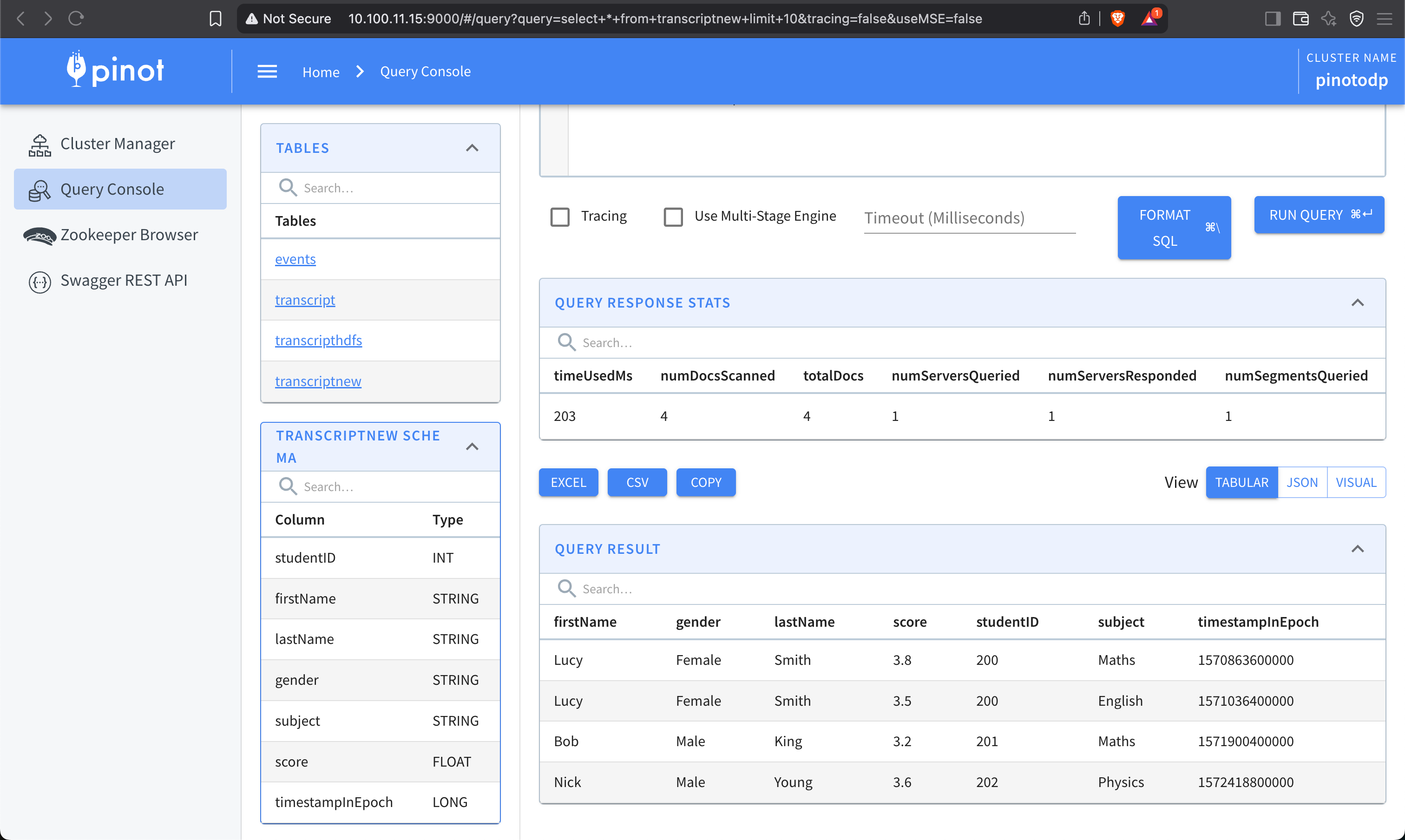
Verify Data Ingestion
Run a query using Pinot’s Query Console:
Was this page helpful?