
Deployment Recommendation
Deploy Trino Gateway on hosts separate from Trino coordinators.
You need to provide a few options at a bare minimum to install Trino Gateway:
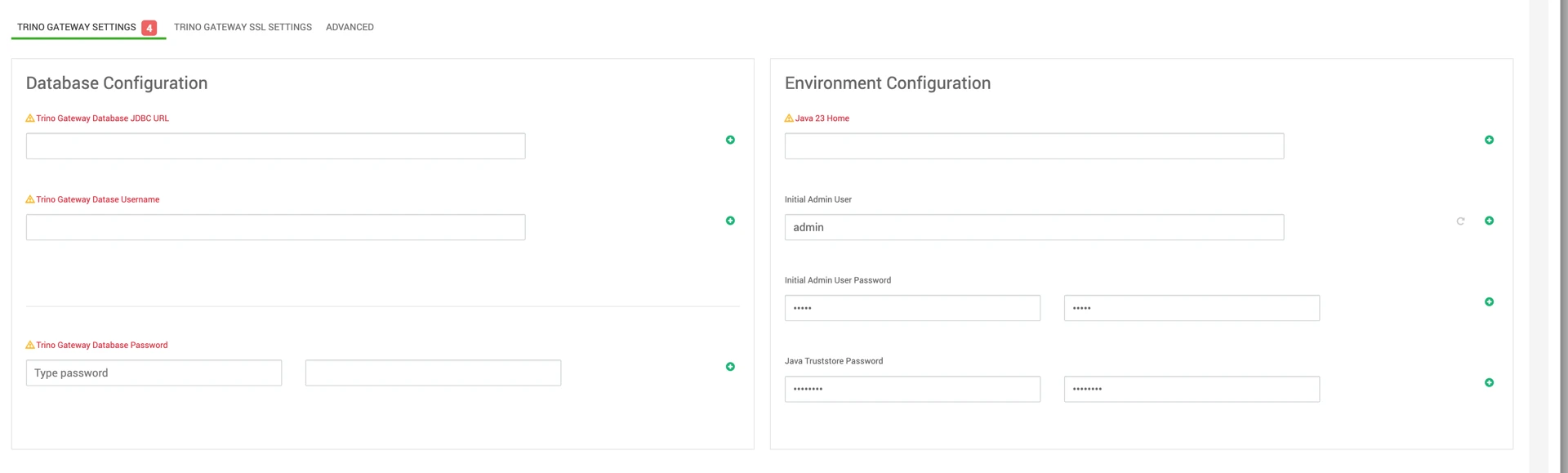
Required Configuration Parameters
The following configuration values are required during installation.
Database JDBC Connection String
Trino Gateway supports only the following databases:
Database | Example JDBC URL |
|---|---|
MySQL | jdbc:mysql://<HOST>:<PORT>/<TRINO_GATEWAY_ DB> |
PostgreSQL | jdbc:postgresql://<HOST>:<PORT>/<TRINO_GATEWAY_ DB> |
OracleDB | jdbc:oracle:thin:@//<HOST>:<PORT>/<TRINO_GATEWAY_ DB> |
No other databases are supported.
Database Credentials
Provide a database user with permissions to:
Read
Write
Create
Drop
Update tables
within the Trino Gateway database.
JDK Path
Specify the path to JDK 23 on all Trino Gateway hosts.
Example:
The configured filesystem must allow execution, and the Trino Gateway service user must have read and execute permissions.
Admin User Password
The default UI admin password is:
Change the default password during installation.
If LDAP authentication is enabled, the local admin user is ignored.
SSL Configuration
Enabling SSL
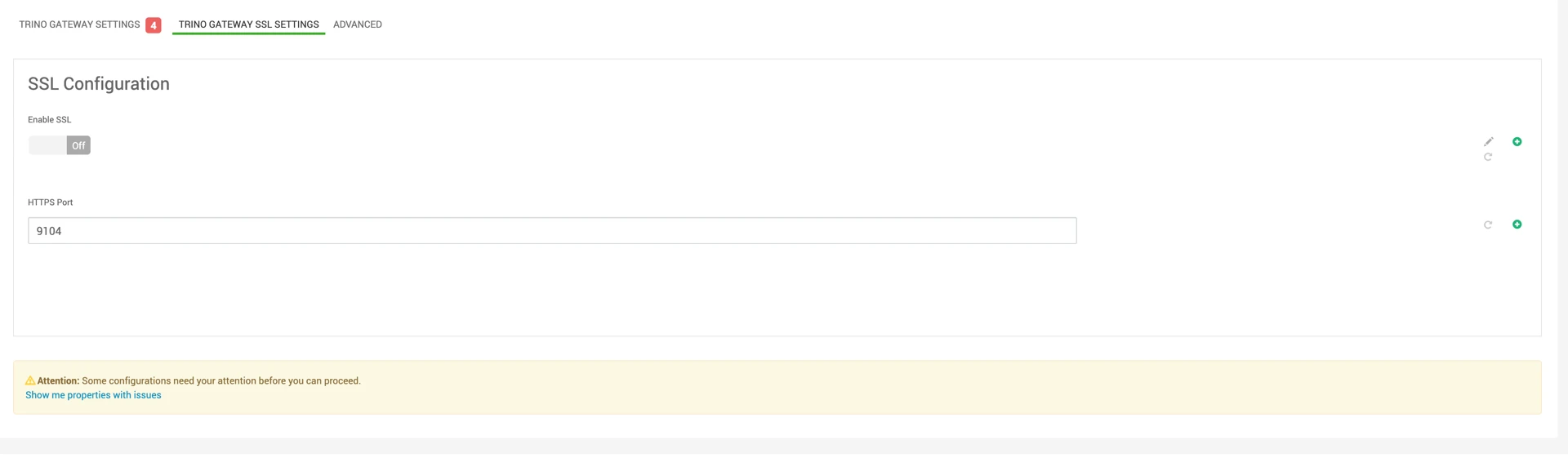
Enable SSL by toggling Enable SSL in the Trino Gateway UI.
Additional SSL configuration fields will become available.
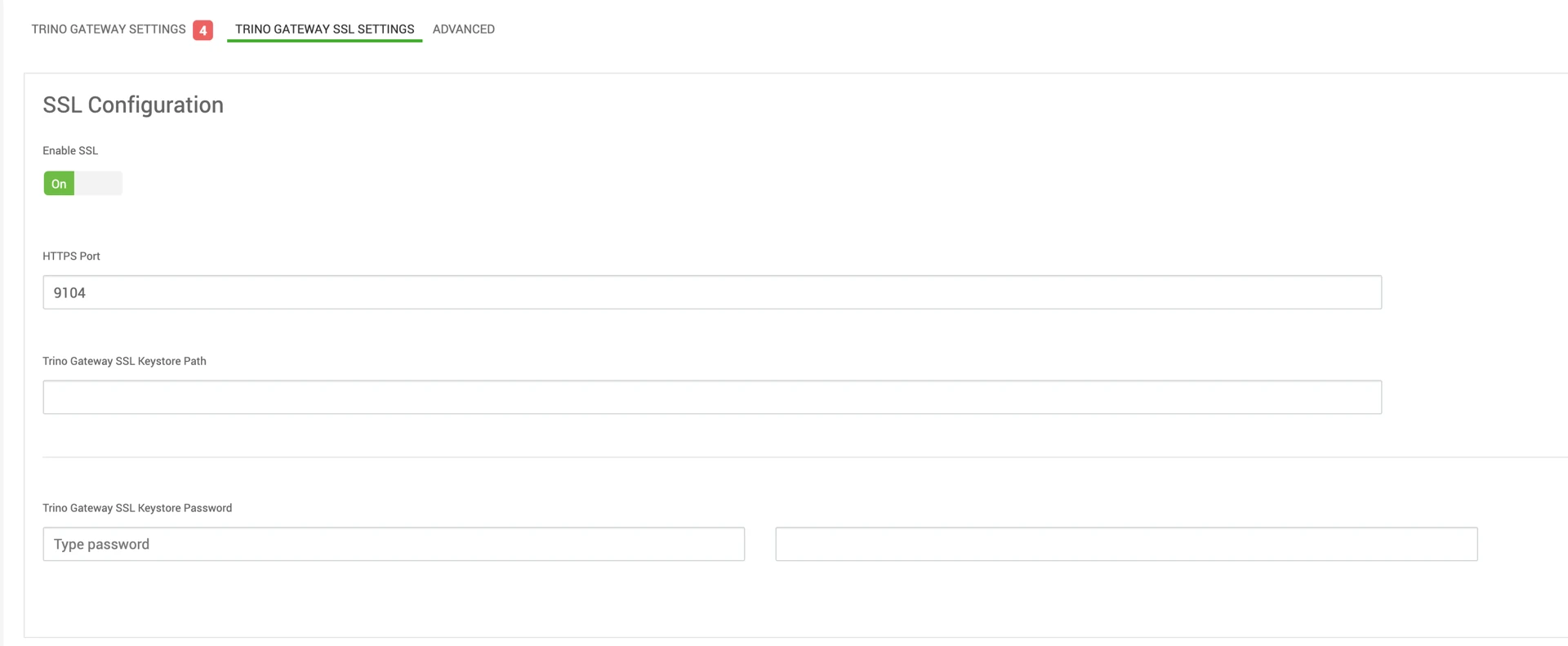
You need to provide a path to a keystore that is readable by the Trino Gateway user when SSL is enabled.
Supported Keystore Formats
The following keystore formats are supported:
JKS
PEM
JKS Requirements
Must be password-protected.
Password is mandatory.
PEM Requirements
Must not be password-protected.
The keystore path must be readable by the Trino Gateway service user.