
Search
ODP adds the Tensorflow libraries to JupyterHub so you can start using Tensorflow in your notebooks without any additional setup.
For example:
import tensorflow as tf
def download_tiny_shakespeare():
path = tf.keras.utils.get_file(
"shakespeare.txt",
"https://storage.googleapis.com/download.tensorflow.org/data/shakespeare.txt",
)
with open(path, "r", encoding="utf-8") as f:
text = f.read()
return text
def build_dataset(text, seq_length=100, batch_size=64, buffer_size=10000):
vocab = sorted(set(text))
char2idx = {u: i for i, u in enumerate(vocab)}
idx2char = tf.constant(vocab)
text_as_int = tf.constant([char2idx[c] for c in text], dtype=tf.int32)
ds = tf.data.Dataset.from_tensor_slices(text_as_int)
sequences = ds.batch(seq_length + 1, drop_remainder=True)
def split_input_target(chunk):
return chunk[:-1], chunk[1:]
ds = sequences.map(split_input_target, num_parallel_calls=tf.data.AUTOTUNE)
ds = ds.shuffle(buffer_size).batch(batch_size, drop_remainder=True).prefetch(tf.data.AUTOTUNE)
return ds, char2idx, idx2char, len(vocab)
def build_model(vocab_size, embedding_dim=256, rnn_units=512, batch_size=64):
return tf.keras.Sequential([
tf.keras.layers.Input(batch_shape=(batch_size, None), dtype=tf.int32),
tf.keras.layers.Embedding(vocab_size, embedding_dim),
tf.keras.layers.GRU(
rnn_units,
return_sequences=True,
stateful=True,
recurrent_initializer="glorot_uniform",
),
tf.keras.layers.Dense(vocab_size),
])
def generate_text(model, start_string, char2idx, idx2char, num_generate=600, temperature=0.9):
input_eval = tf.expand_dims([char2idx.get(s, 0) for s in start_string], 0)
text_generated = []
for layer in model.layers:
if hasattr(layer, "reset_states"):
layer.reset_states()
for _ in range(num_generate):
predictions = model(input_eval) # (1, time, vocab)
predictions = predictions[:, -1, :] # (1, vocab)
predictions = predictions / temperature
predicted_id = tf.random.categorical(predictions, num_samples=1)[0, 0].numpy()
input_eval = tf.expand_dims([predicted_id], 0)
text_generated.append(idx2char[predicted_id].numpy().decode("utf-8"))
return start_string + "".join(text_generated)
def main():
tf.get_logger().setLevel("ERROR")
print("TensorFlow:", tf.__version__)
text = download_tiny_shakespeare()
dataset, char2idx, idx2char, vocab_size = build_dataset(text, seq_length=100, batch_size=64)
model = build_model(vocab_size, embedding_dim=256, rnn_units=512, batch_size=64)
model.compile(
optimizer=tf.keras.optimizers.Adam(1e-3),
loss=tf.keras.losses.SparseCategoricalCrossentropy(from_logits=True),
)
model.fit(dataset, epochs=5)
gen_model = build_model(vocab_size, embedding_dim=256, rnn_units=512, batch_size=1)
gen_model.set_weights(model.get_weights())
print("\n--- Generated monologue ---\n")
print(generate_text(
gen_model,
start_string="KING HENRY:\n",
char2idx=char2idx,
idx2char=idx2char,
num_generate=700,
temperature=0.85,
))
if __name__ == "__main__":
main()
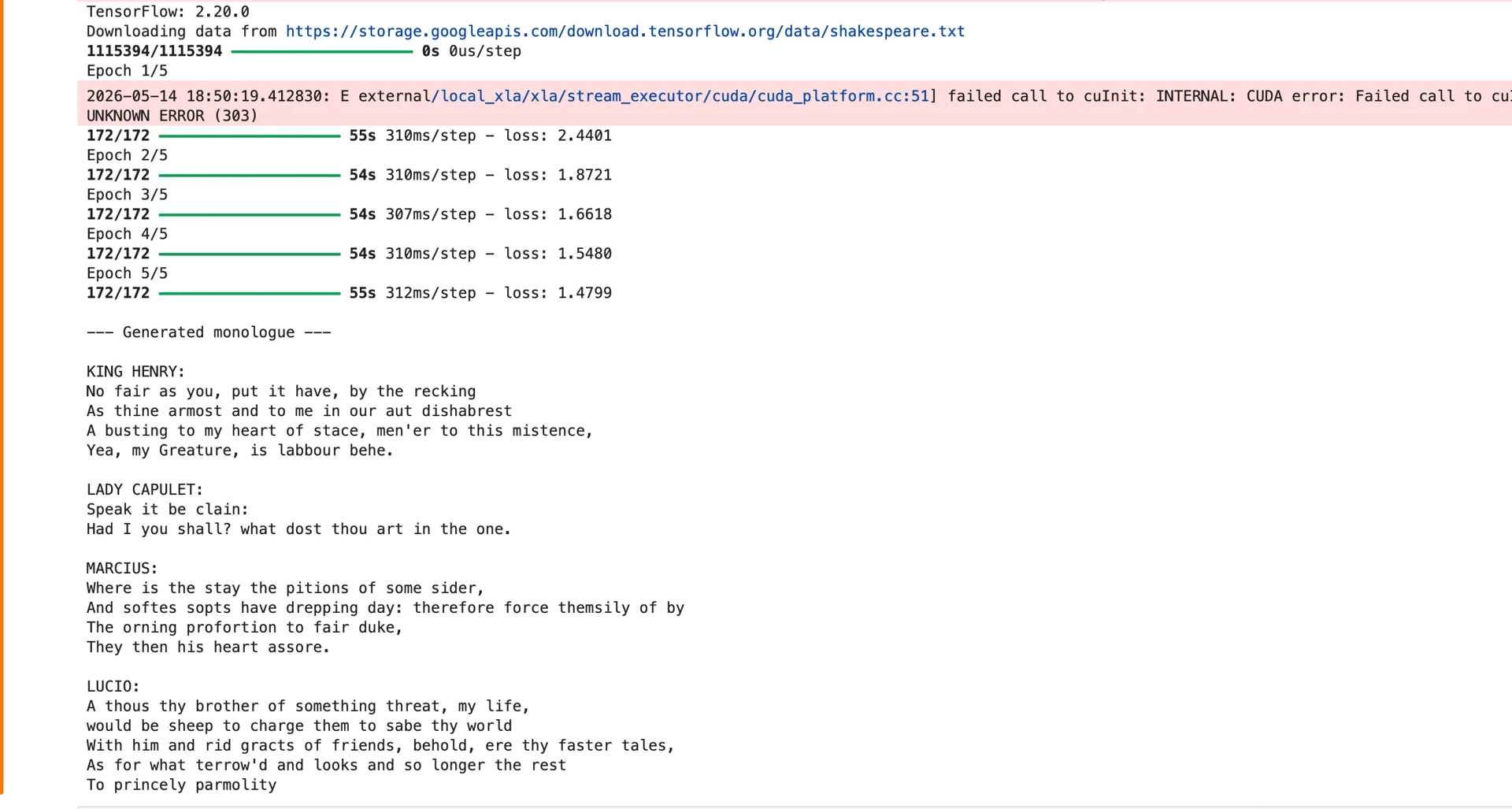
This gives the output something similar to the following.
Known Limitations
While using Tensorflow, you will see warnings when running the code:
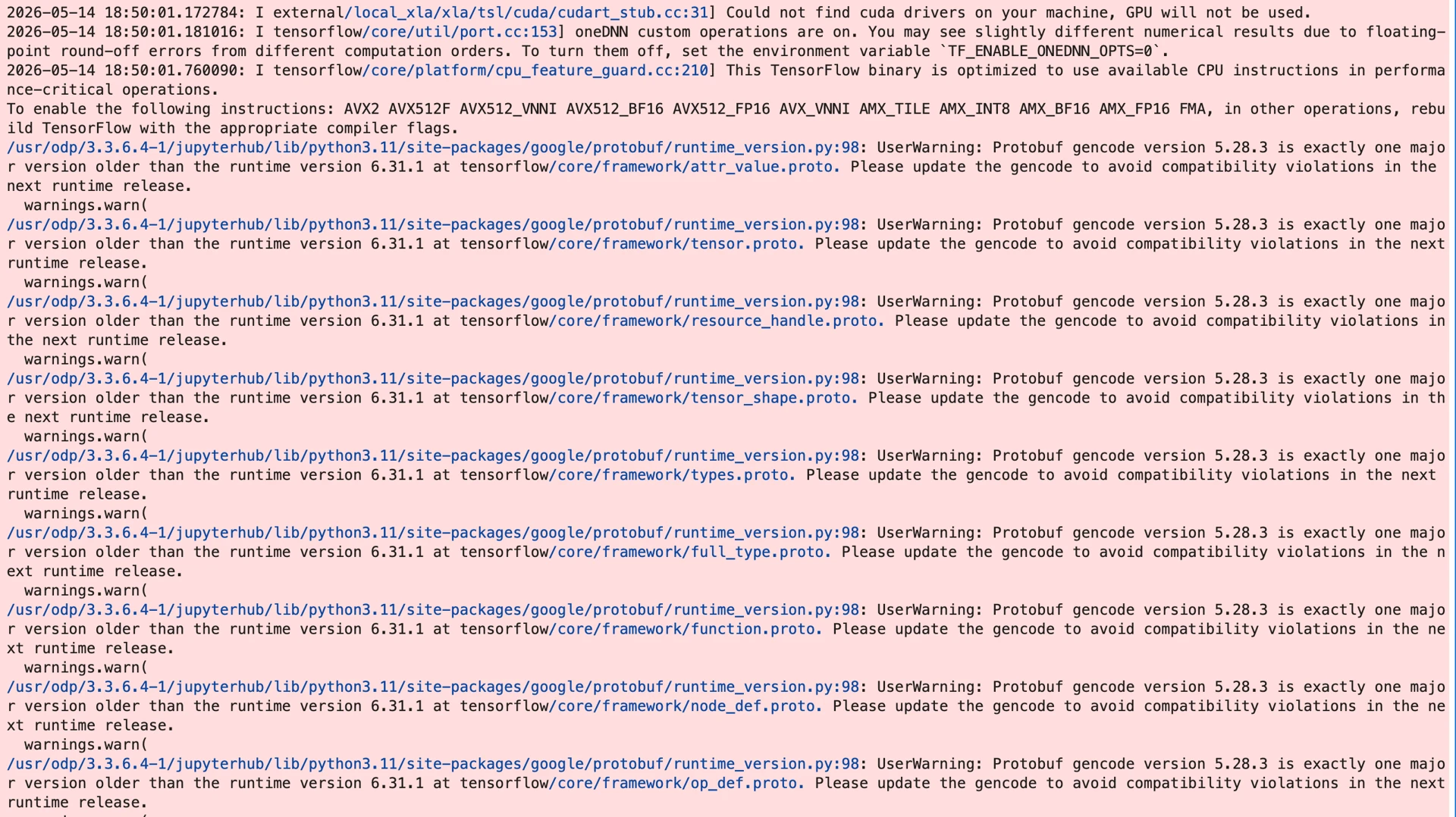
This is a known issue with TensorFlow and the version of Protobuf it uses. The warnings can be safely ignored or can be filtered out by adding the following to your script:
# To get TF_CPP_MIN_LOG_LEVEL to work, you must set it before importing tensorflow
import os
os.environ['TF_CPP_MIN_LOG_LEVEL'] = '3'
import tensorflow as tf
import warnings
warnings.filterwarnings("ignore", category=UserWarning)
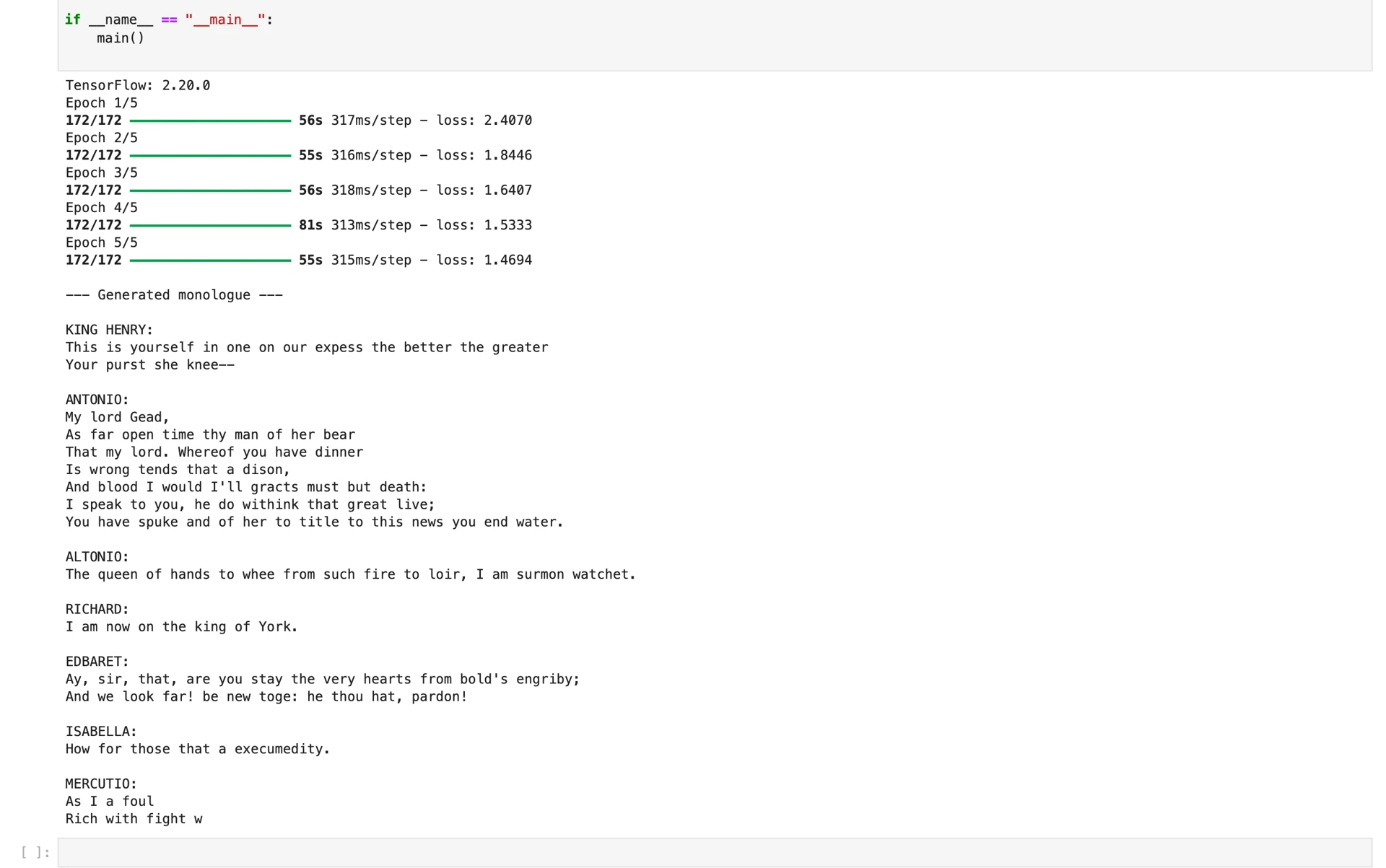
Which makes the output look like this:
Was this page helpful?