Documentation
ODP 3.3.6.3-1
Release Notes
What is ODP
Installation
Component User guide and Installation Instructions
Upgrade Instructions
Downgrade Instructions
Reference Guide
Security Guide
Troubleshooting Guide
Uninstall ODP
Title
Message
Create new category
What is the title of your new category?
Edit page index title
What is the title of the page index?
Edit category
What is the new title of your category?
Edit link
What is the new title and URL of your link?
Installing JupyterHub via Mpack
Summarize Page
Copy Markdown
Open in ChatGPT
Open in Claude
Connect to Cursor
Connect to VS Code
Follow these steps to install JupyterHub using the Ambari Mpack:
- Install the Mpack: Run the following command to install the JupyterHub Mpack.
Bash
ambari-server install-mpack --mpack=[service_mpack.gz] -vRestart the Ambari Server to apply the changes:
Bash
ambari-server restart- Add the JupyterHub Service in Ambari.
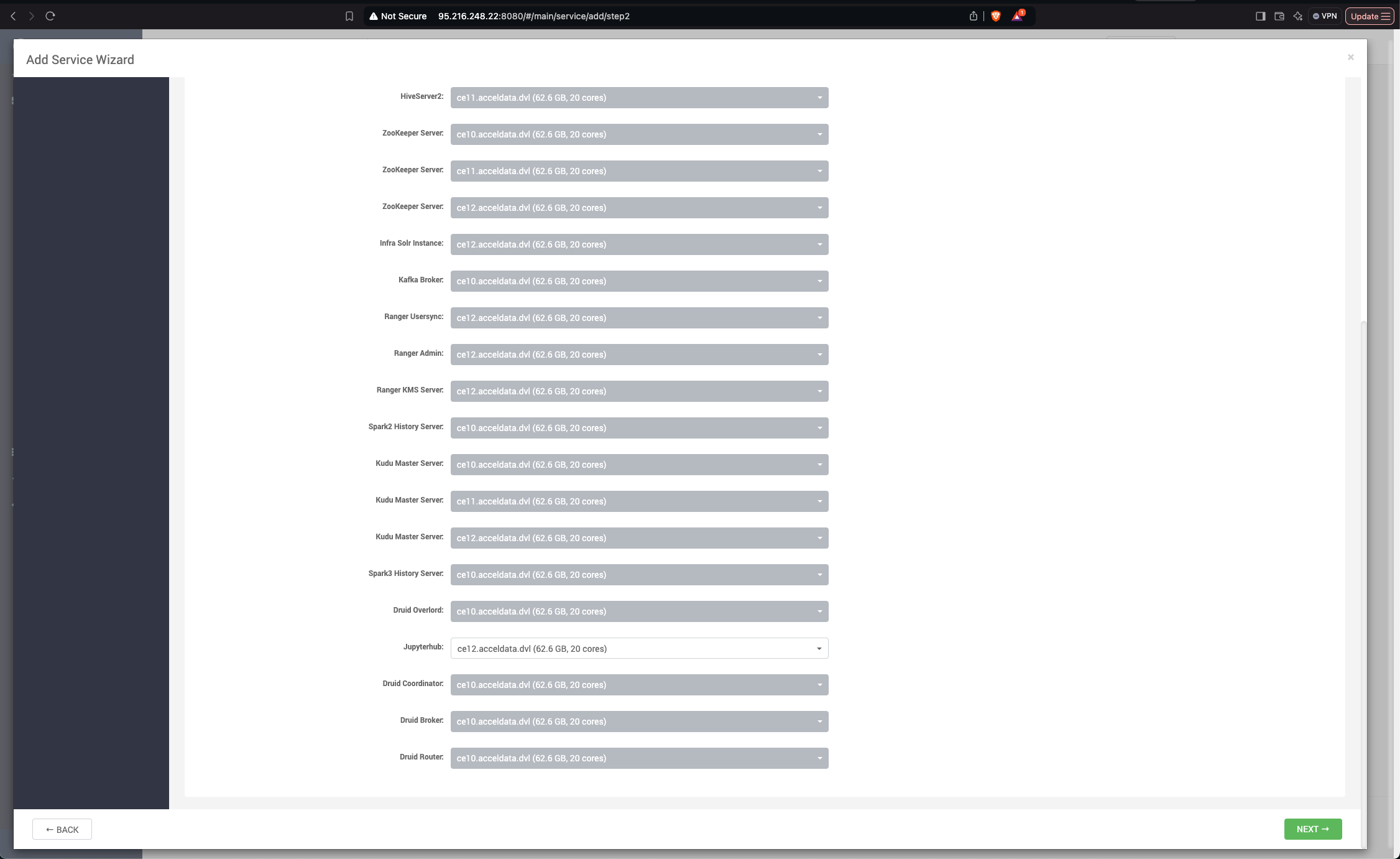
- Open the Ambari UI.
- Navigate to Add Service and select JupyterHub.
- Specify the host where you want to install the JupyterHub service.
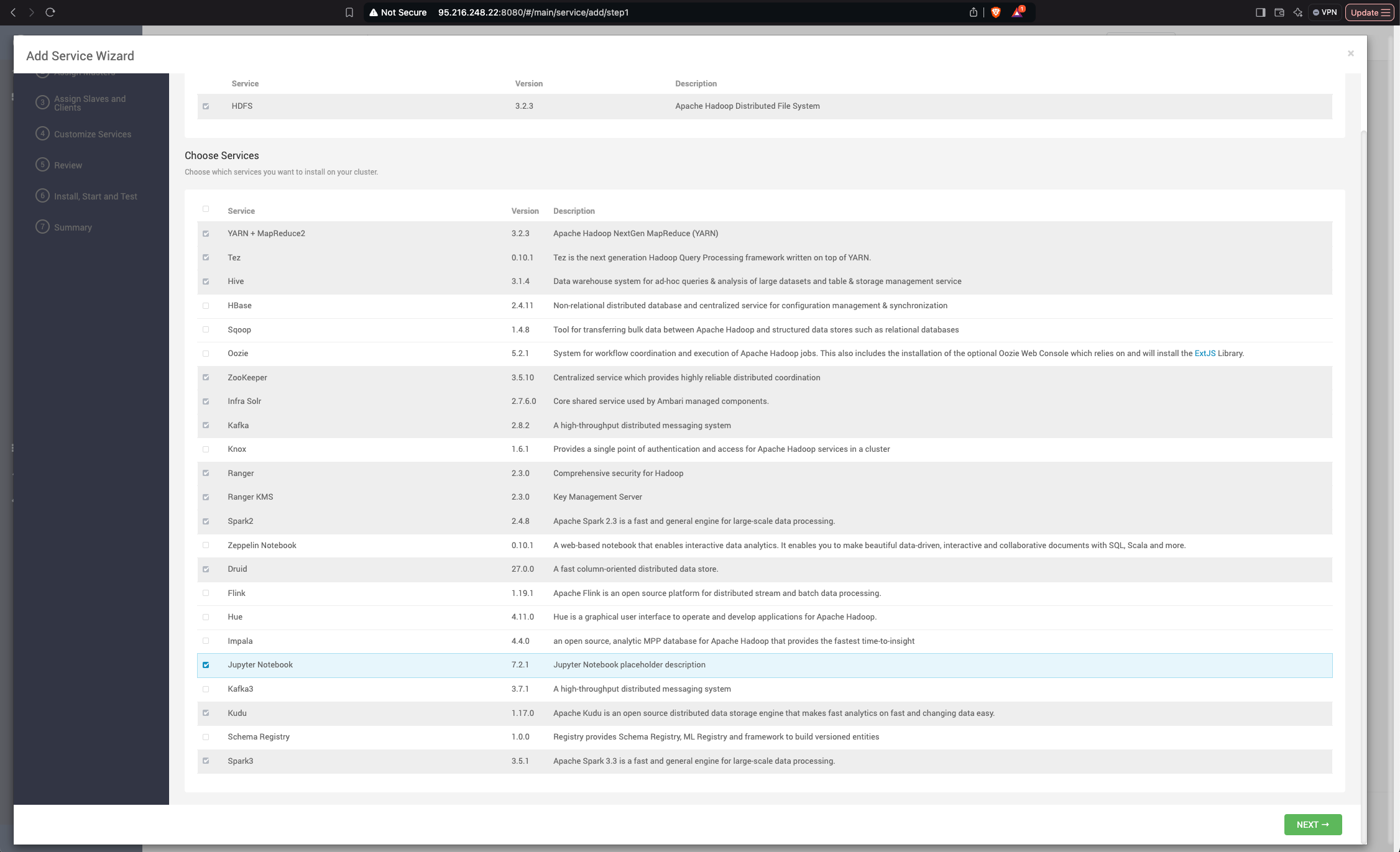

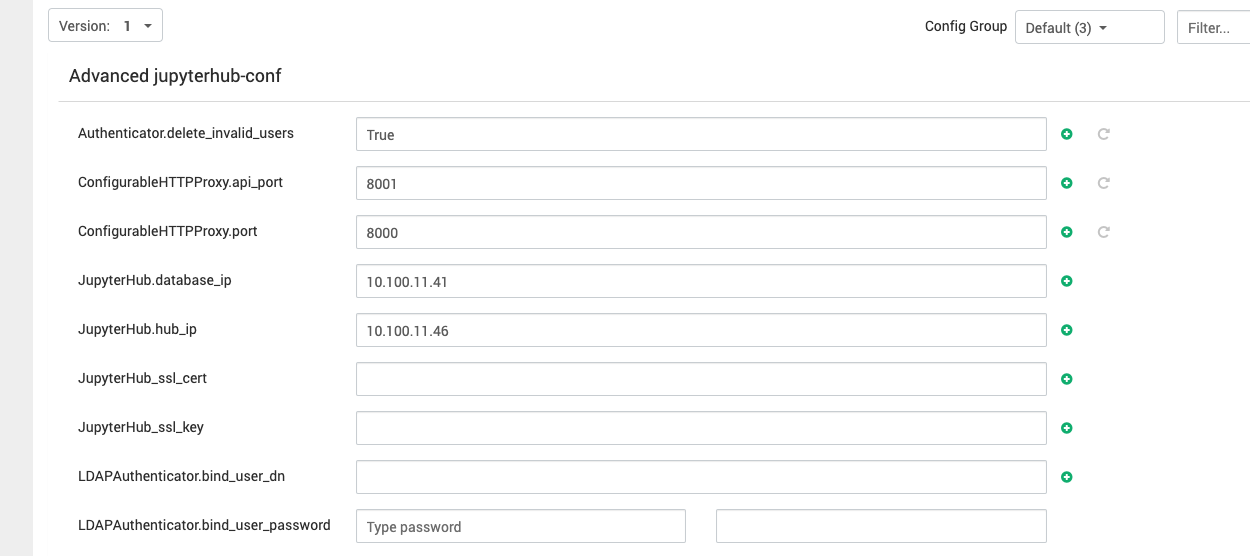
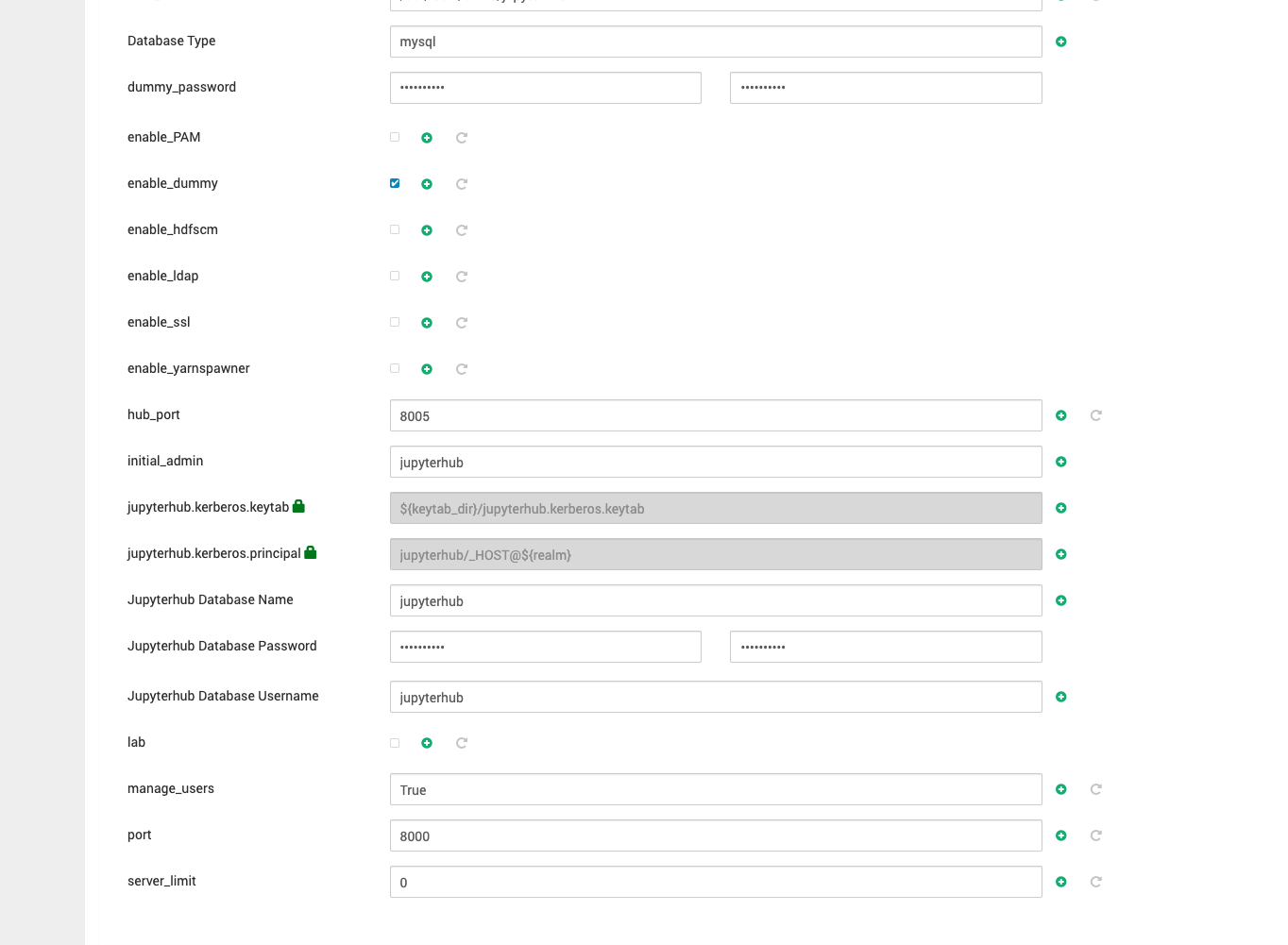
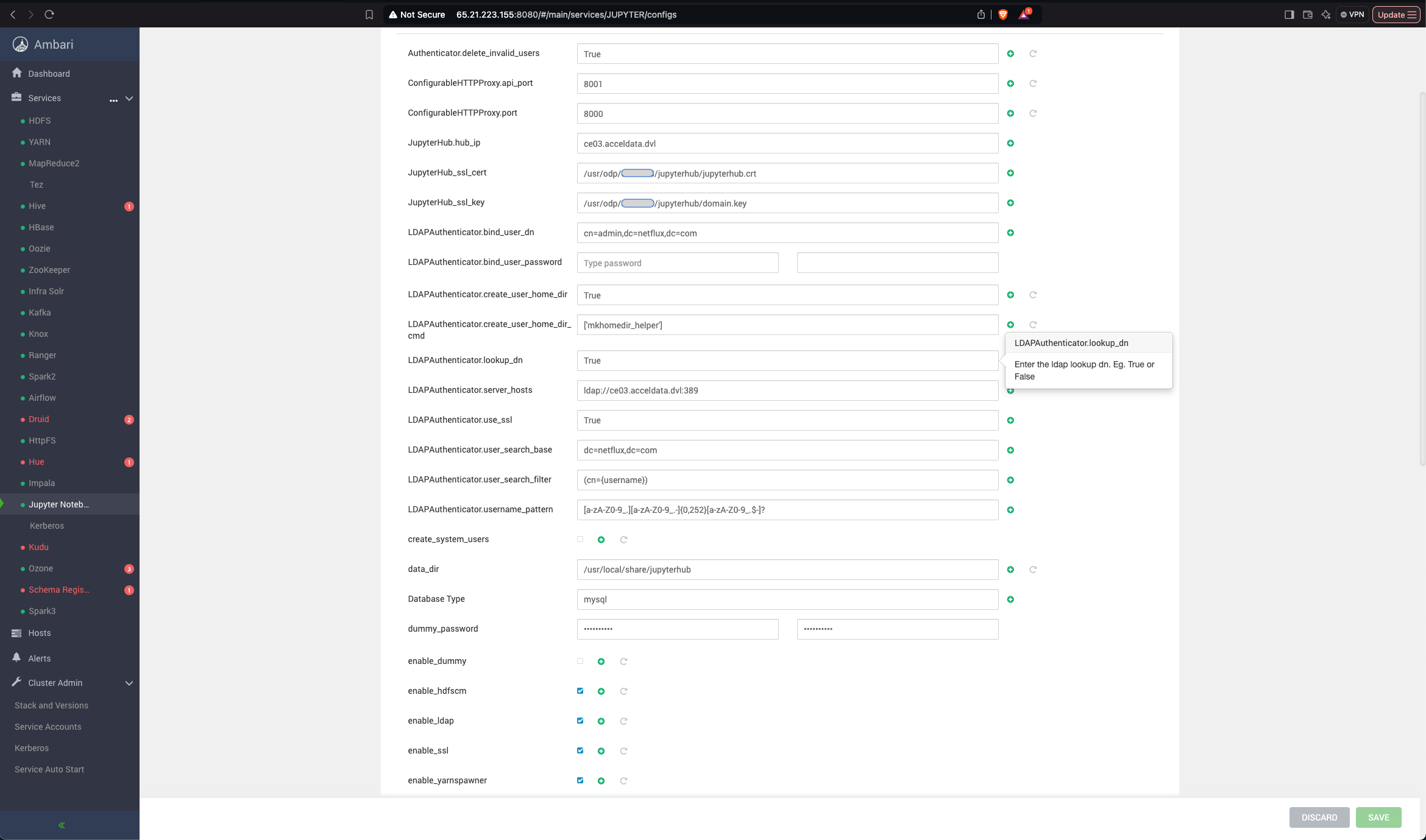
- Configure the JupyterHub.
- Provide the IP address or hostname of the server hosting JupyterHub.
- Provide the Jupyter IP address where your database is installed.
- Set the initial admin user as
jupyterhubuntil LDAP authentication is configured.


- Complete the Installation: Proceed with the remaining steps in Ambari to finalize the JupyterHub installation.
Type to search, ESC to discard
Last updated on May 8, 2025
Was this page helpful?
Next to read:
Handling HDFS and YARN PermissionsDiscard Changes
Do you want to discard your current changes and overwrite with the template?
Archive Synced Block
Message
Create new Template
What is this template's title?
Delete Template
Message