
Follow the steps below to configure YarnSpawner and HDFSCM for JupyterHub.
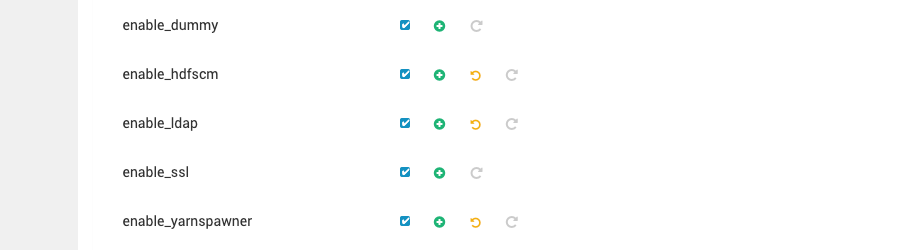
Update the JupyterHub Configuration: To enable YarnSpawner and HDFSCM, click the checkbox for both in the Ambari UI.
Save and Restart JupyterHub
After making the above changes, save the configuration file.
Restart the JupyterHub service to apply the changes.
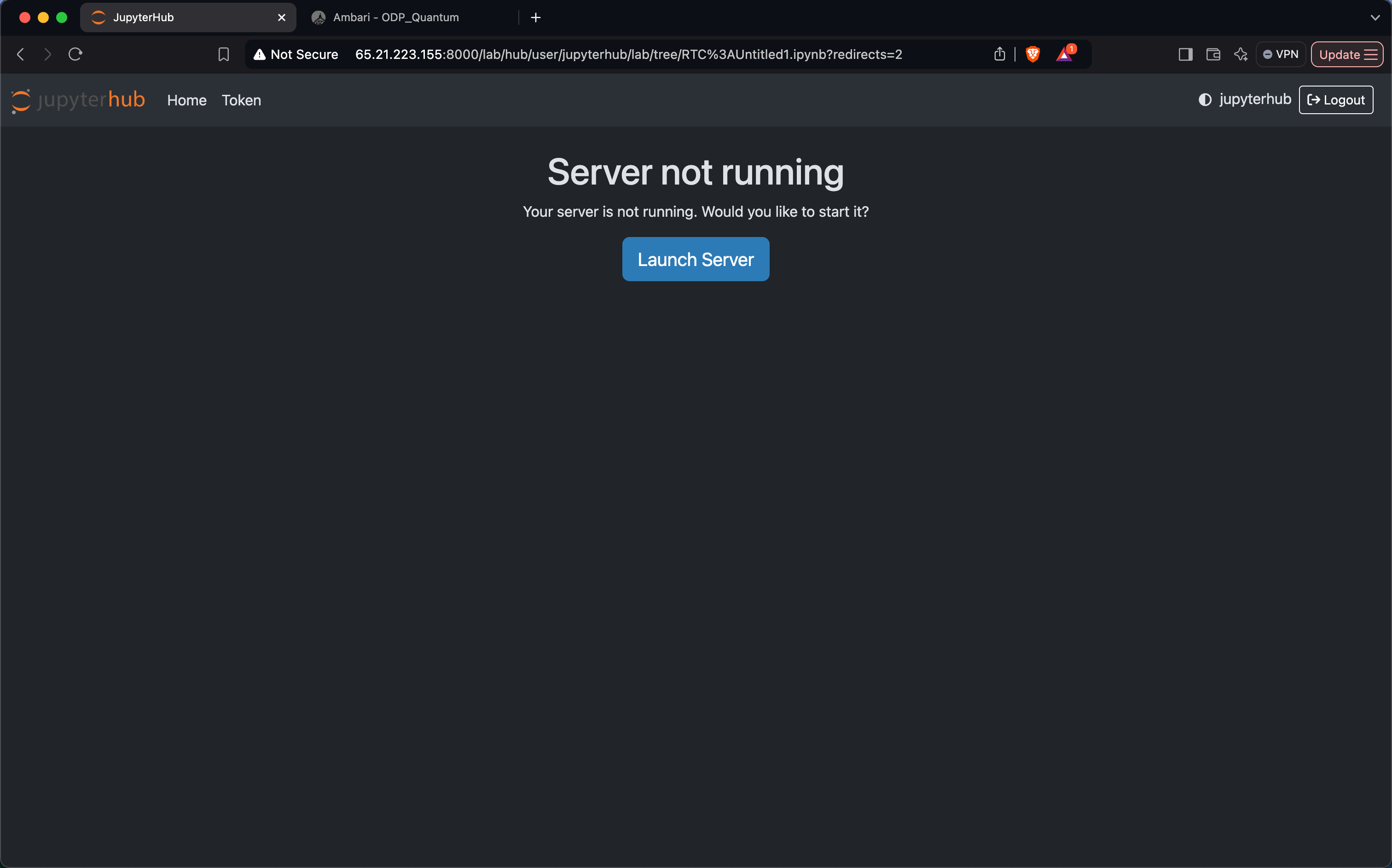
Launch the JupyterHub Server
Click on Launch Server to start the JupyterHub server.
Refresh the JupyterHub web interface.
Resource Allocation via YARN
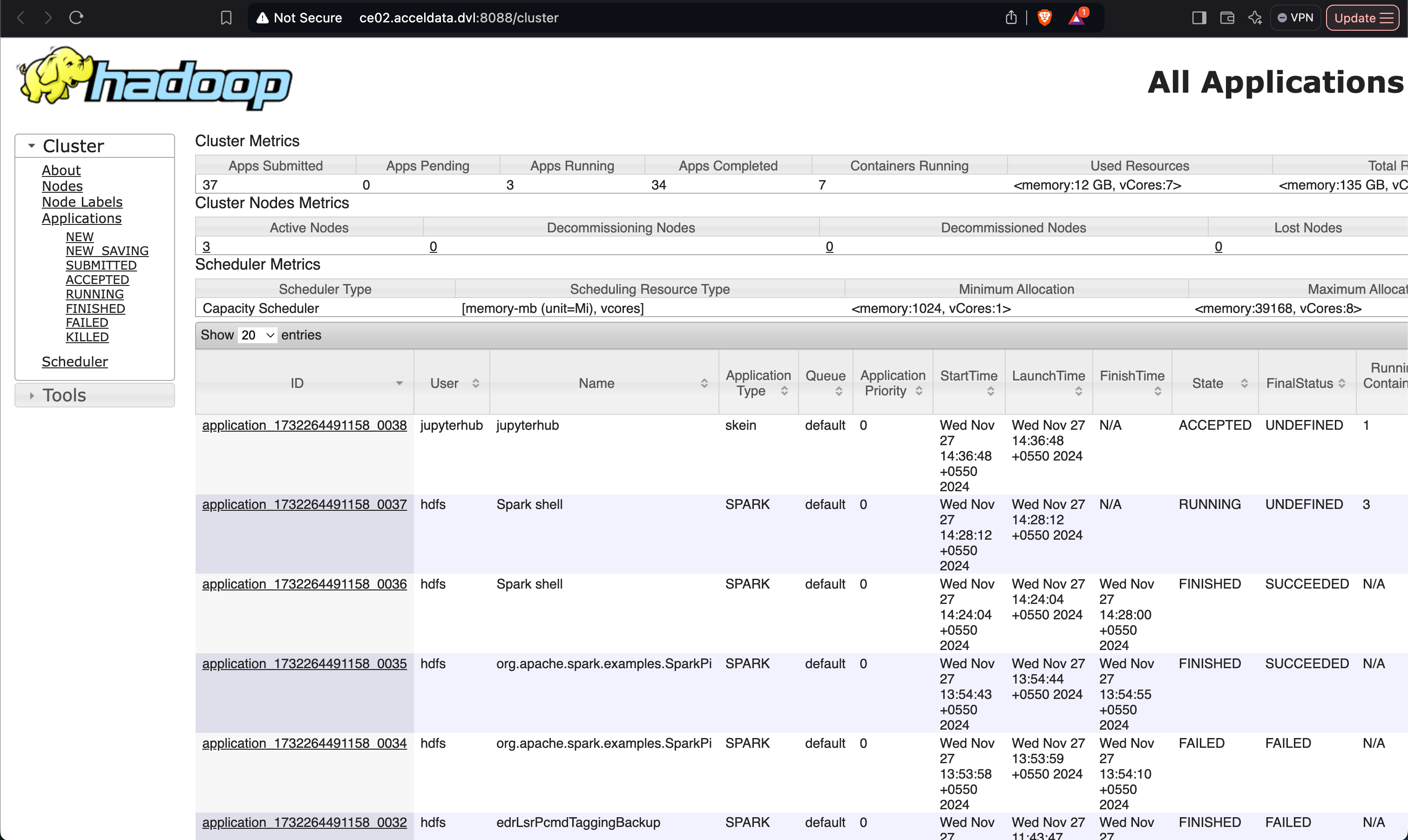
Upon launching, a job will be submitted to the YARN queue.
YARN allocates the required resources for the JupyterHub server.
Using the JupyterHub Server
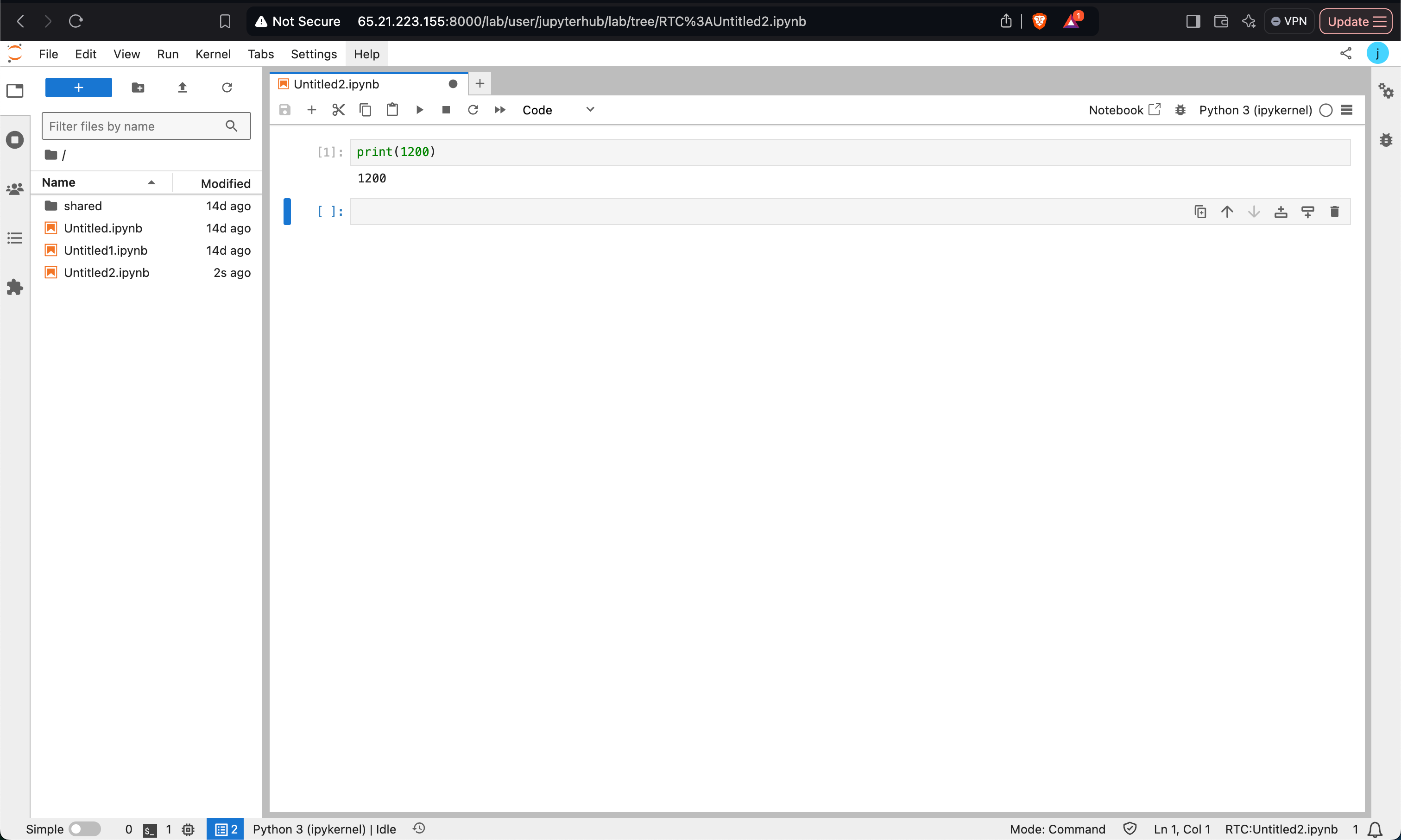
Access the JupyterHub server from the web interface.
Create a Python notebook or any other notebook of your choice.
File Storage on HDFS
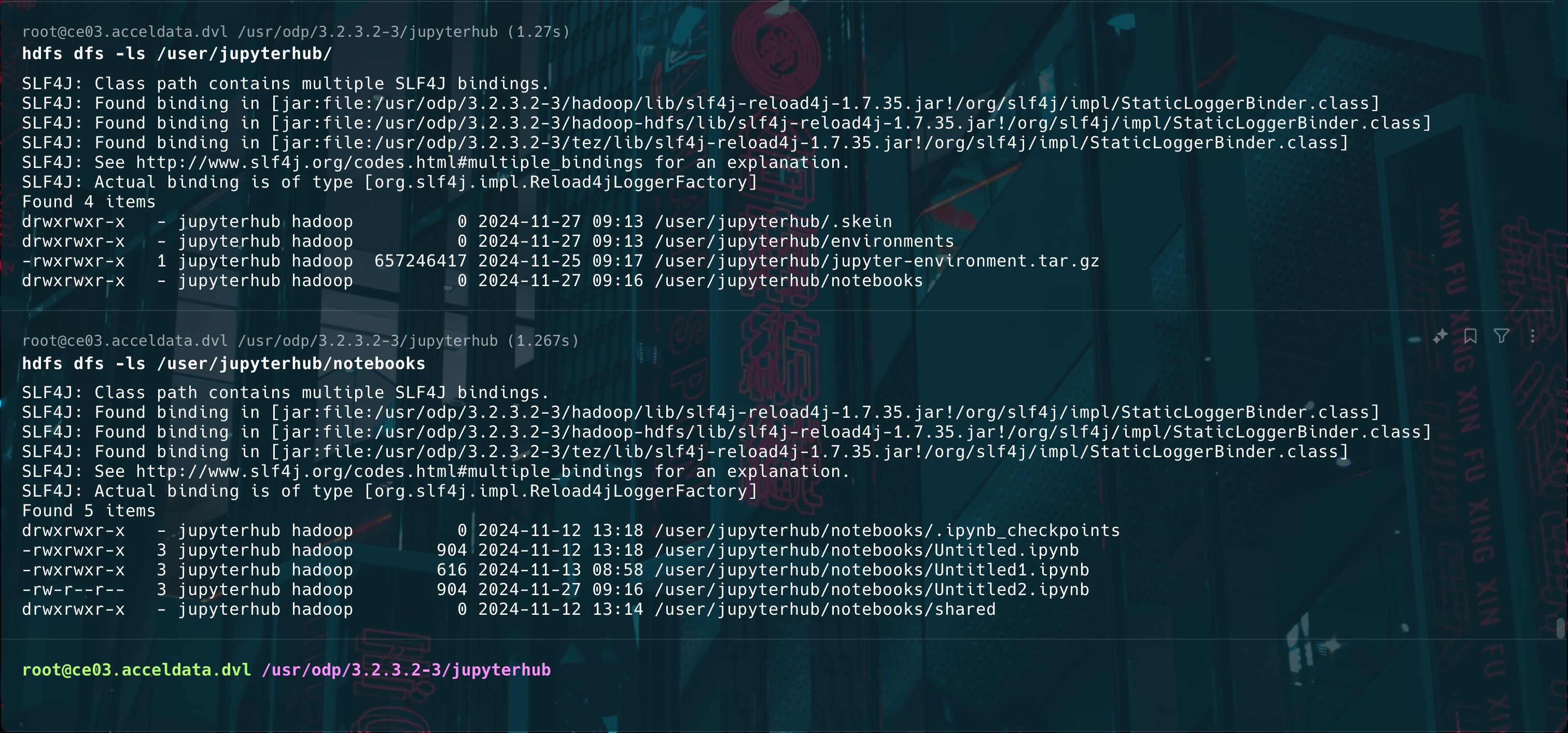
Notebooks will be automatically saved to the HDFS path, organized under the logged-in user's directory.
This setup ensures that all notebook files are retained in the HDFS path associated with the logged-in user.
By following these steps, you can seamlessly integrate YarnSpawner and HDFSCM with JupyterHub, enabling efficient resource management and persistent notebook storage.