
Search
Use these steps to upload a CA certificate file and configure its password, if required.
Upload a CA certificate file
In the Admin UI, select the cluster you want to configure.
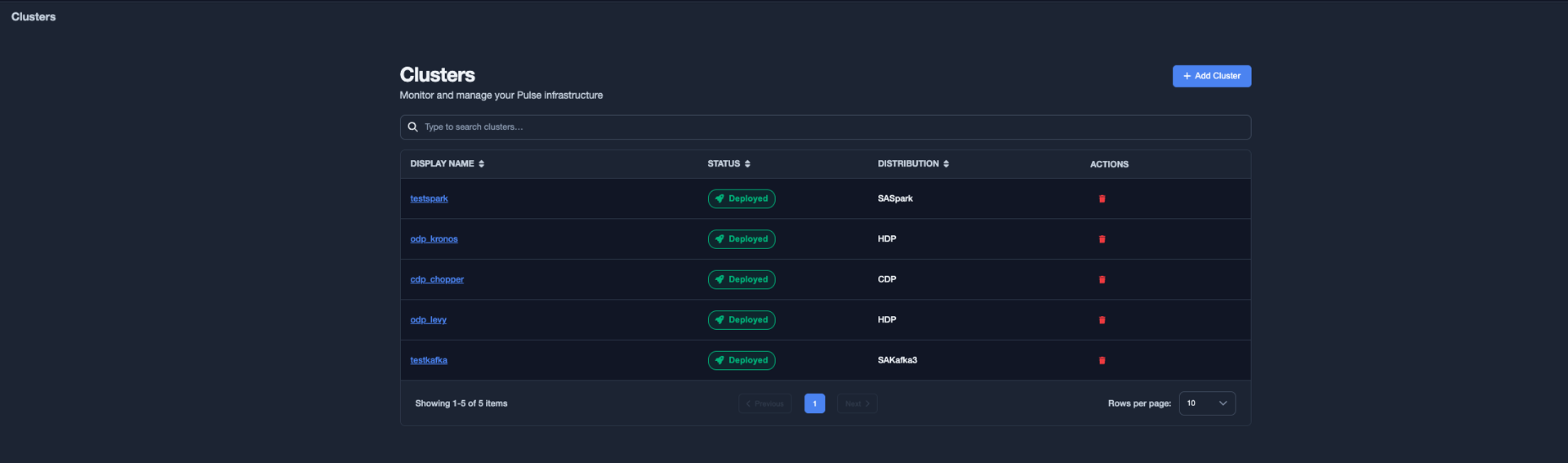
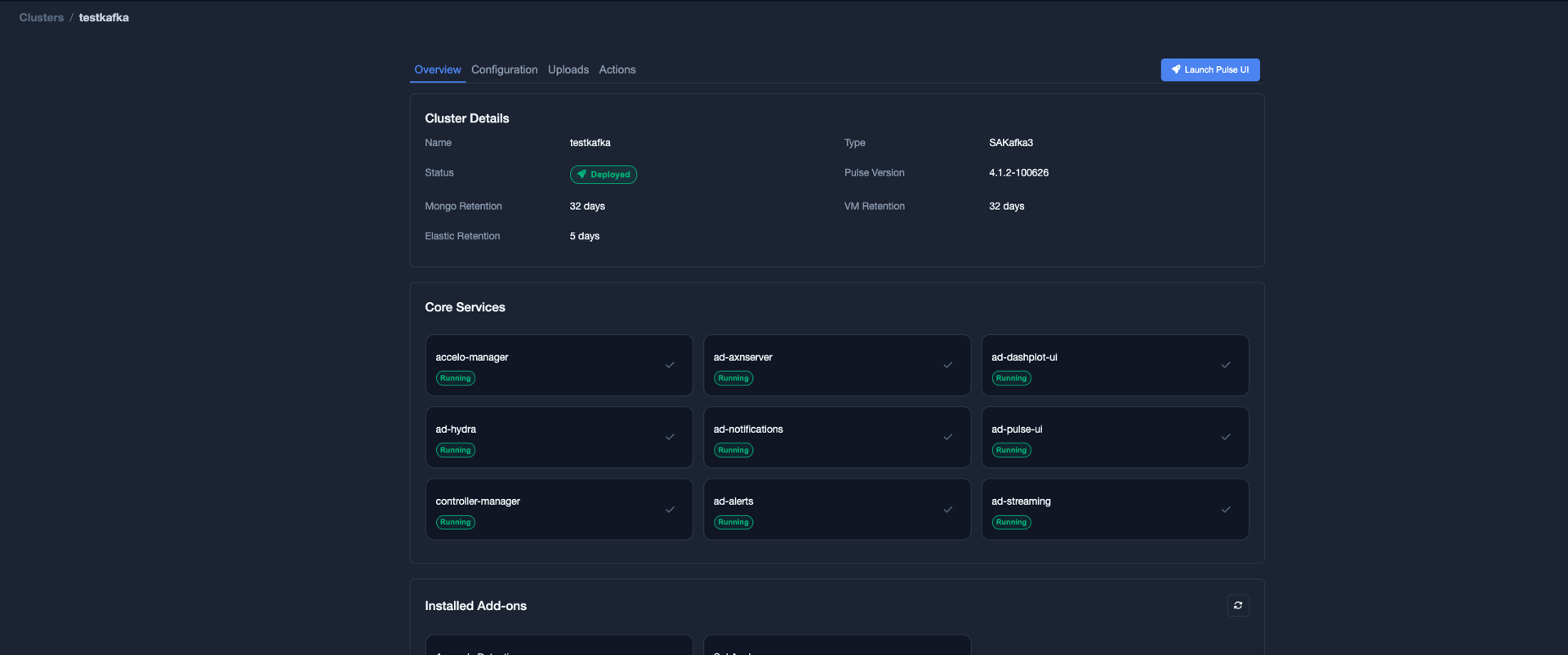
Select the Uploads tab.
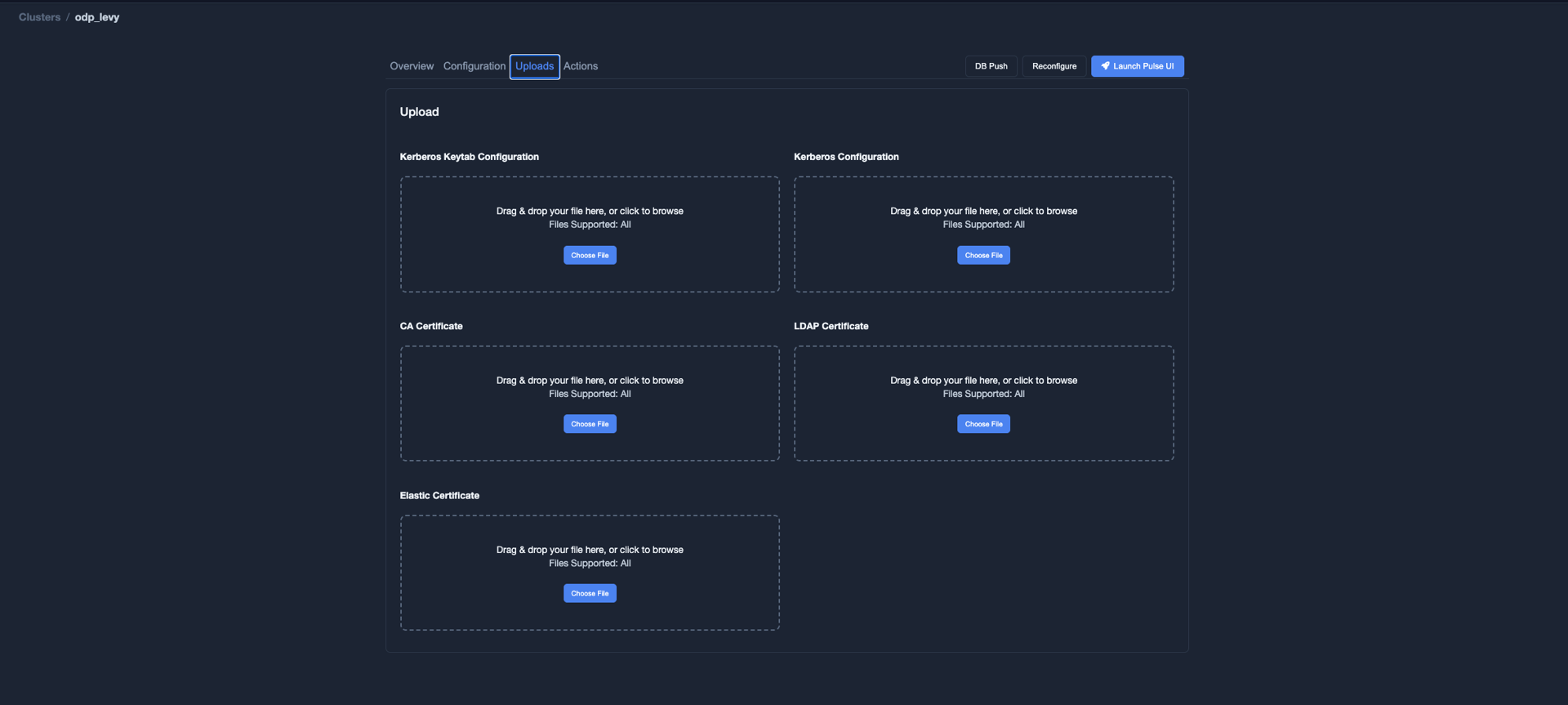
Upload the required CA certificate file.
Configure the CA certificate password
If the CA certificate file is password-protected:
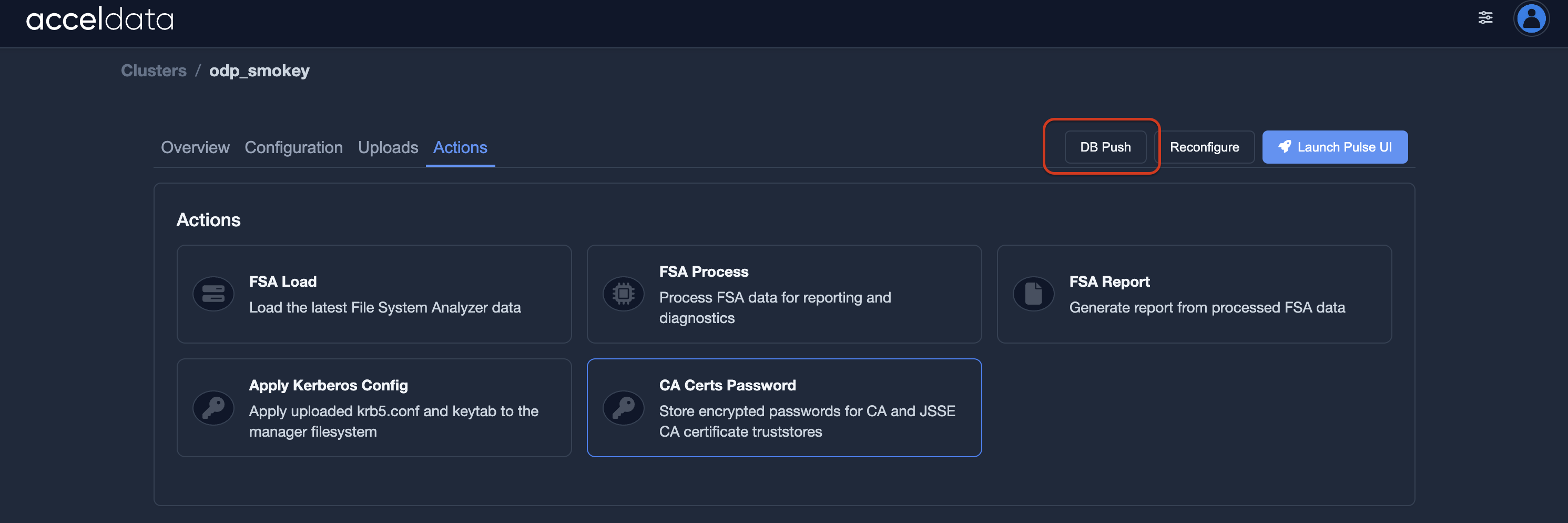
Select the Actions tab.

Select CA Certs Password.
Enter the password for the CA certificate file.
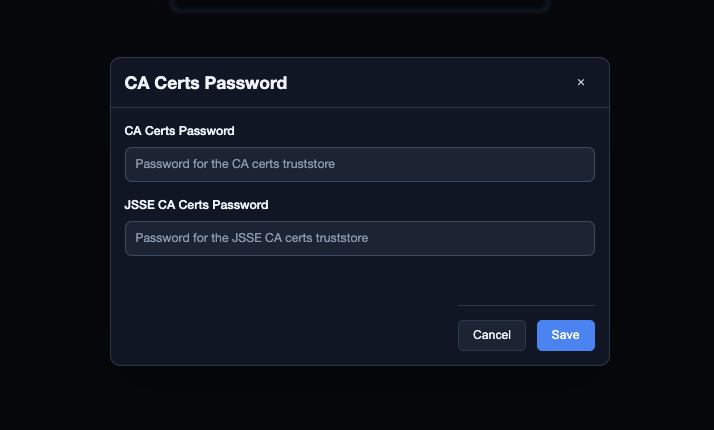
Select Save.
Push the database configuration
After saving the certificate configuration, perform a database push to update the data stored in MongoDB.
Restart the connector
Select the Overview tab.
Under Installed Addons, select the add-on that you want to restart.
Select Restart.
Was this page helpful?