Installation Guide
Pulse 4.1.x
Overview
Prerequisites
Installation
Advanced Installation
Admin UI (K8S only)
Pulse Administration
Upgrade
Advanced Feature Integrations
Developer Tools
Troubleshooting
Title
Message
Create new category
What is the title of your new category?
Edit page index title
What is the title of the page index?
Edit category
What is the new title of your category?
Edit link
What is the new title and URL of your link?
Upload and Configure Kerberos Keytabs After Cluster Configuration
Summarize Page
Copy Markdown
Open in ChatGPT
Open in Claude
Connect to Cursor
Connect to VS Code
Use this page to upload and apply Kerberos configuration files after a cluster has been configured.
Before You Begin
Ensure that you have the following files:
- Kerberos keytab file
krb5.conffile
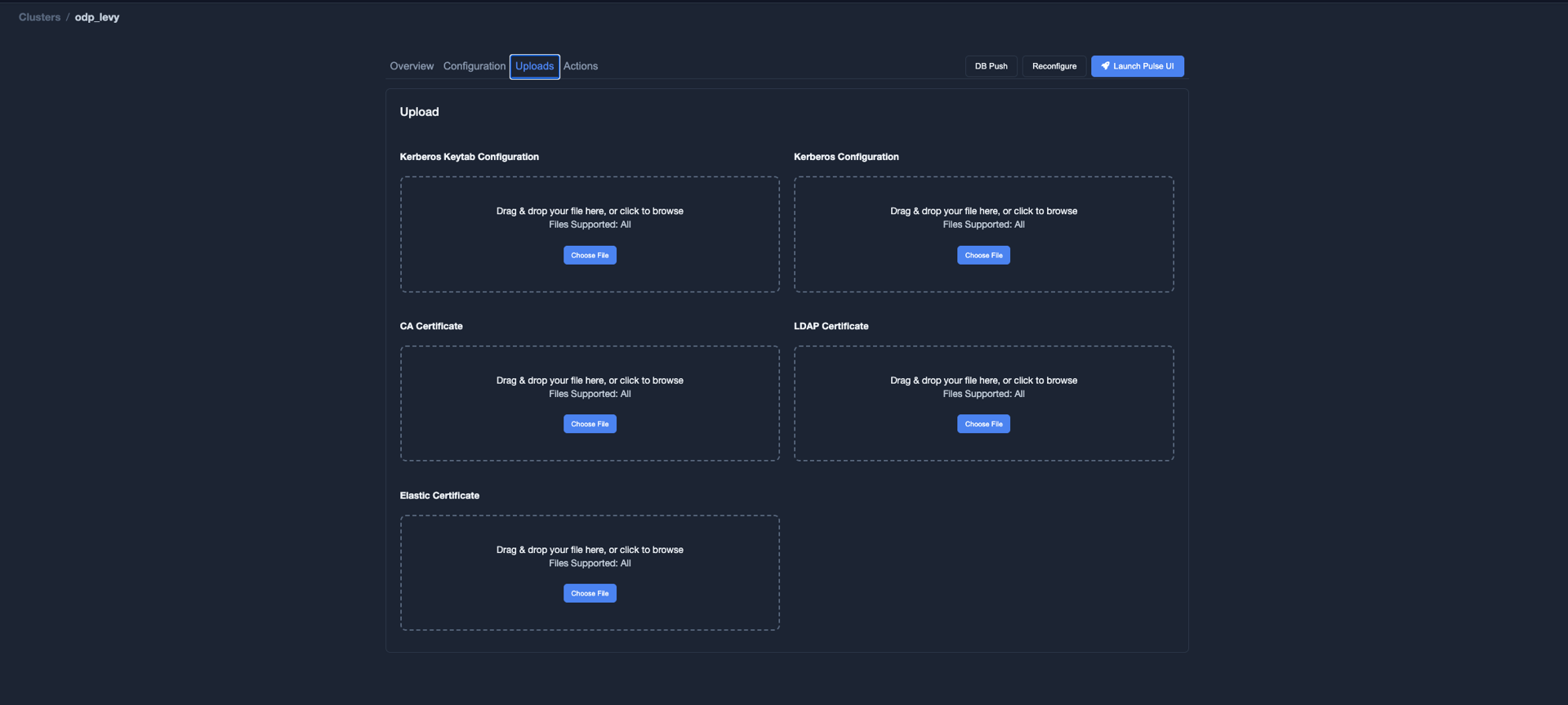
Upload Kerberos Files
- In the Pulse Admin UI, select the cluster for which you want to configure Kerberos authentication.
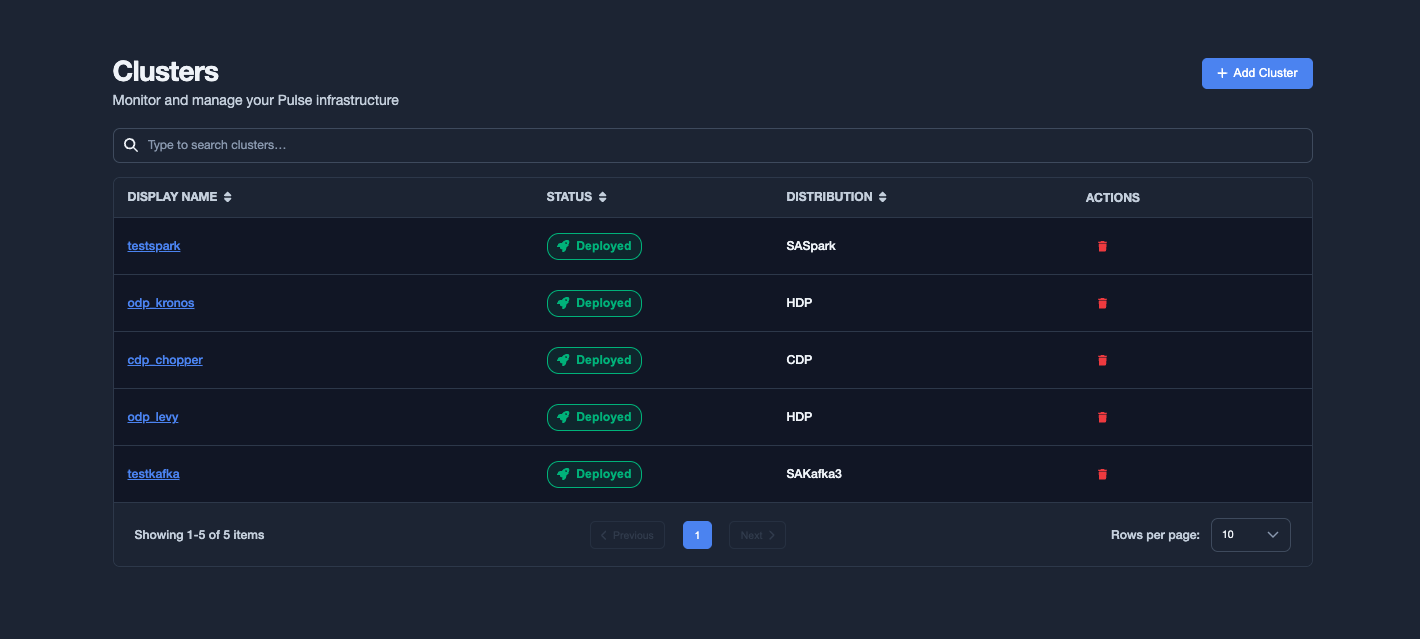
- Click Upload.

- Upload the Kerberos keytab file and the
krb5.conffile.
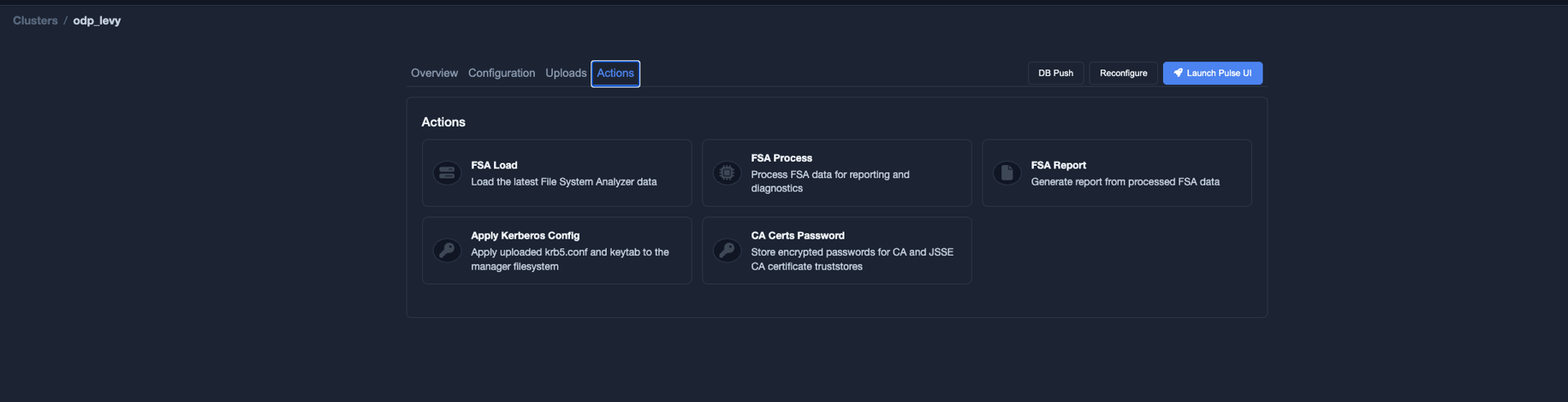
Apply the Kerberos Configuration
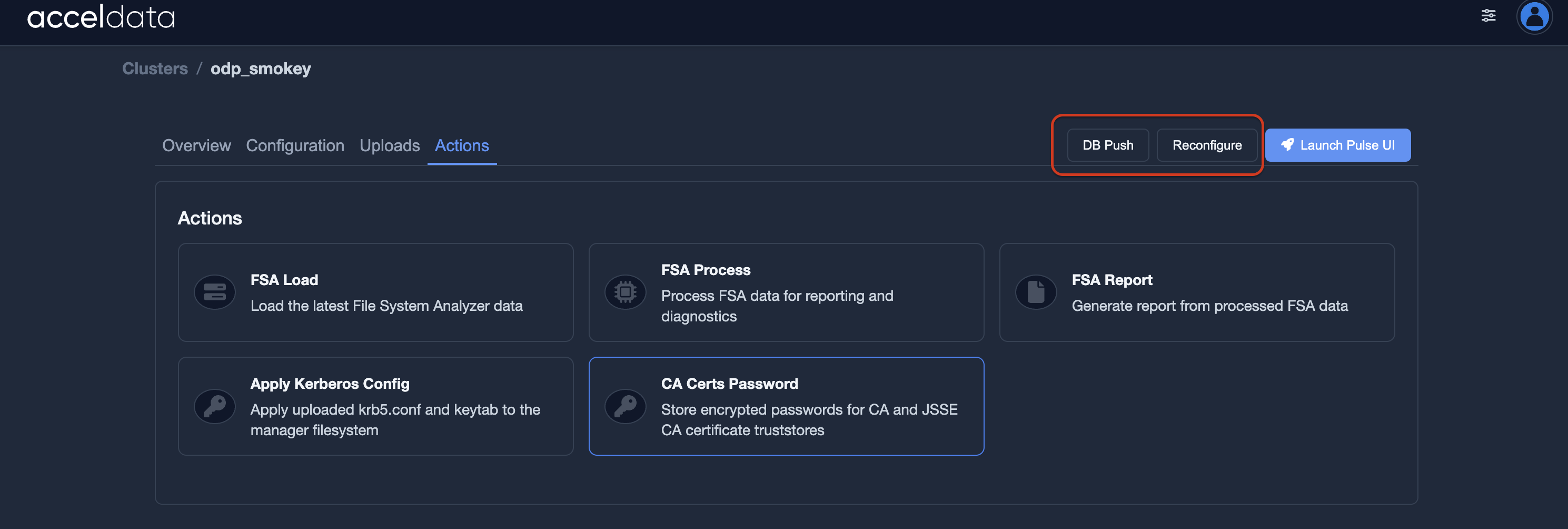
- Click Actions.

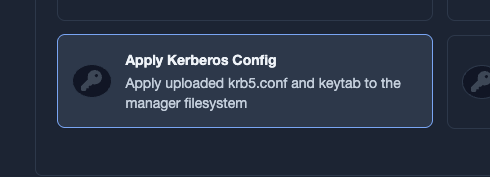
- Select Apply Kerberos Config.

- Wait for the operation to complete successfully.
Push the Configuration to the Database and Agents
- Click DB Push to update the configuration in databases.
- Click Reconfigure to propagate the updated Kerberos configuration to agents.
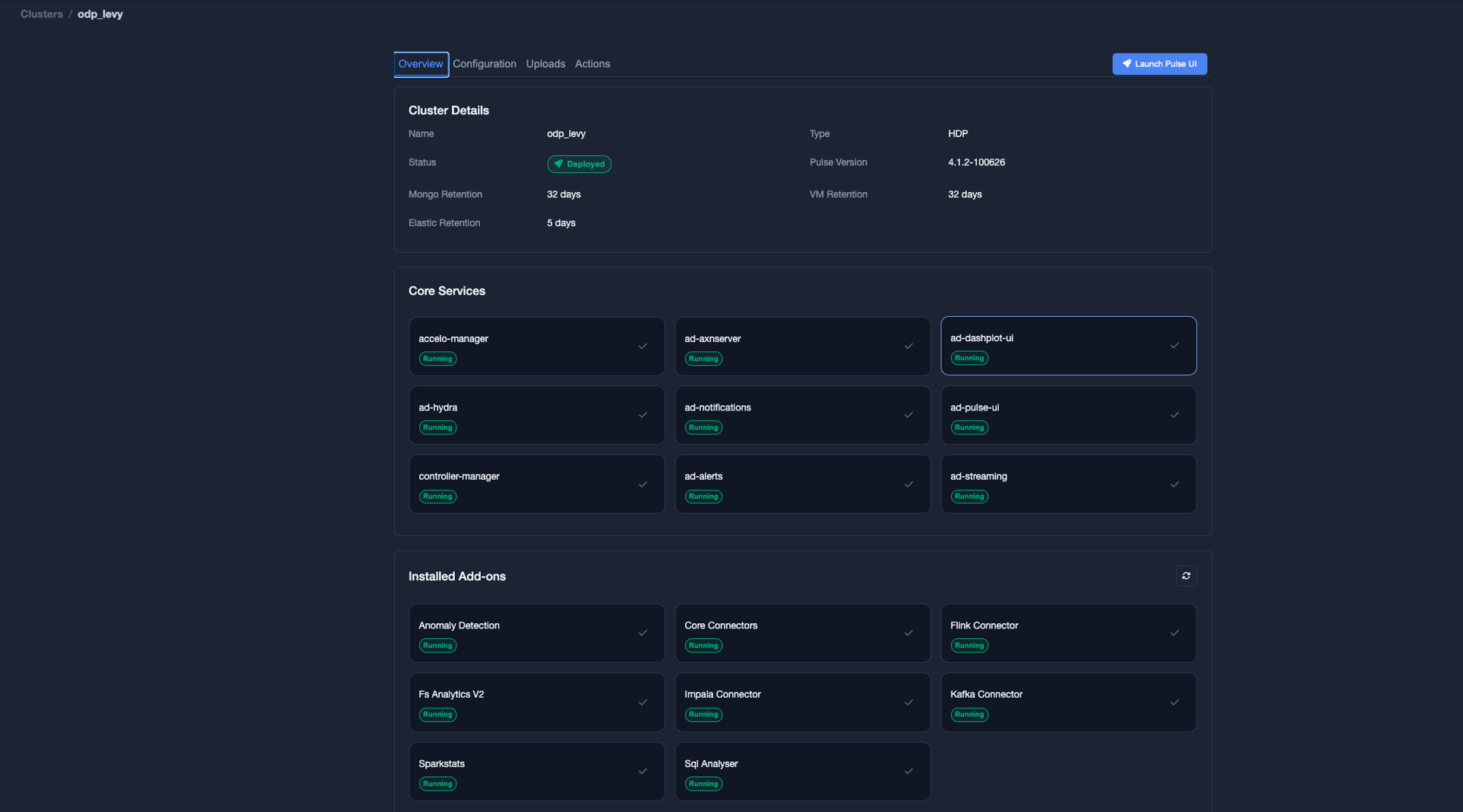
Restart Add-on Services
- Navigate to Overview.

- In the Installed Addons list, select the add-on services that require the updated Kerberos configuration.
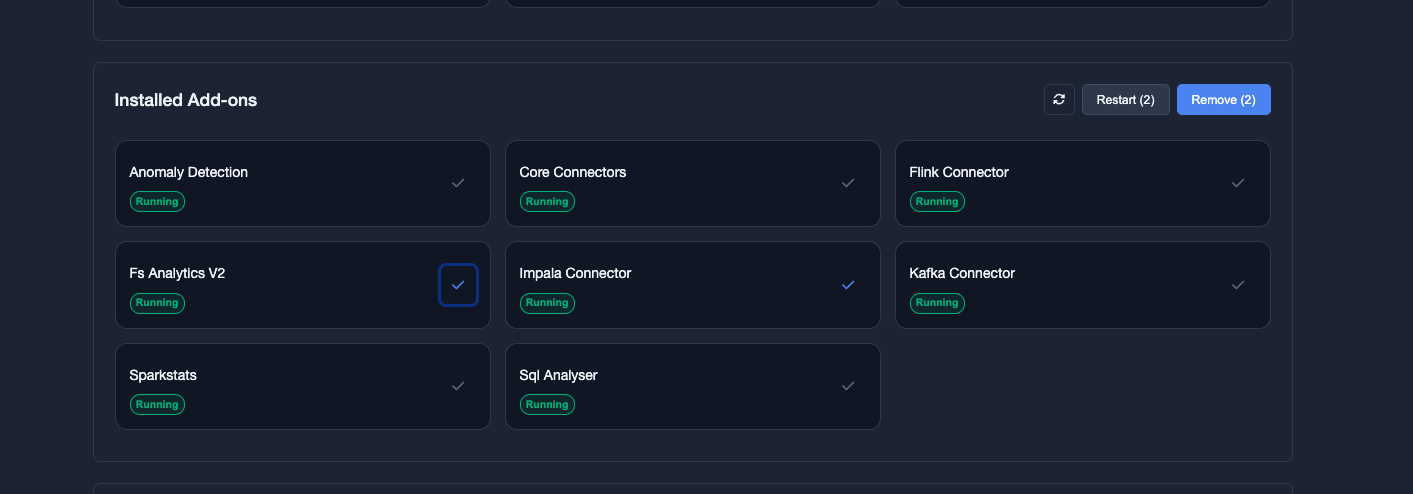
- Click Restart.
The restarted services load the updated Kerberos keytab and configuration files.
VariableType to search · ESC to discard
GlossaryType to search · ESC to discard
InsertType to search · ESC to discard
No matches
Last updated on
Was this page helpful?
Next to read:
Manage Configuration FilesFor additional help, contact www.acceldata.force.com OR call our service desk +1 844 9433282
Copyright © 2026
Discard Changes
Do you want to discard your current changes and overwrite with the template?
Archive Synced Block
Message
Create new Template
What is this template's title?
Delete Template
Message