
Search
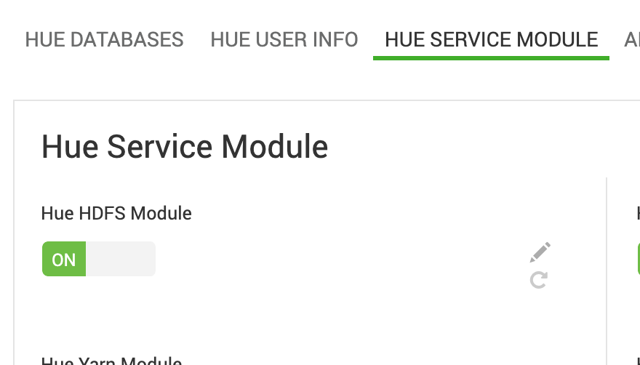
The Hue Hdfs Module is enabled by default.
Enable HDFS integration
In the Ambari UI, go to the Hue configuration page.
Verify that Hue Hdfs Module is set to ON.
Save the configuration if you make any changes.
Customize the HDFS configuration
To specify additional HDFS configuration:
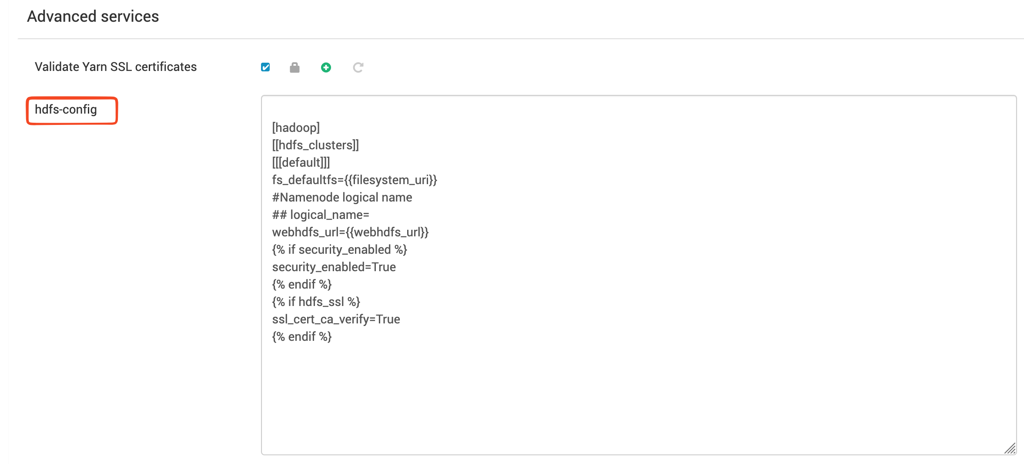
Go to Advanced services.
Modify the
hdfs-configproperty.
Configure HDFS high availability
If HDFS high availability (HA) is enabled, you must install and enable HTTPFS.
HTTPFS is available as a separate mpack. Without HTTPFS, Hue can't enable HDFS integration in an HDFS HA environment.
After you install and enable HTTPFS, no additional Hue configuration is required.
Was this page helpful?