
Enable xObserve integration on an xCompute cluster to collect observability data and stream it to xObserve.
About xCompute
XCompute is the compute layer of xDP that runs data processing workloads, queries, and pipelines using engines such as:
Apache Spark
Apache Airflow
Trino
JupyterHub
When xObserve integration is enabled, xDP deploys the following observability components on the xCompute data plane:
Actions Agent
Node Monitor
Log Collector
Steps
In the xDP UI, navigate to Infrastructure.
Select xCompute.
Locate the cluster that you want to monitor and click Edit.
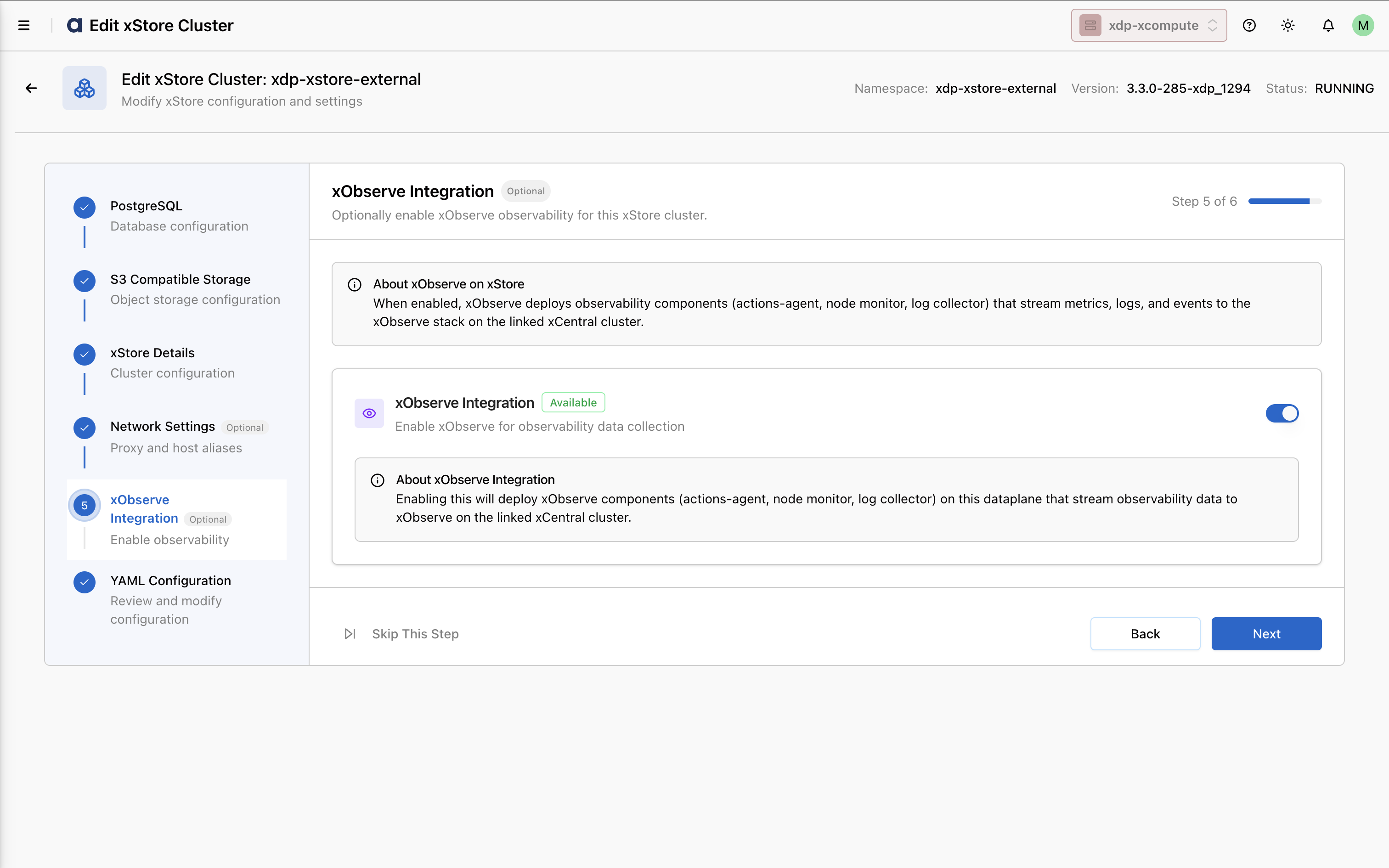
In the left navigation pane, select xObserve Integration.
Enable the xObserve Integration toggle.
The required observability components are deployed automatically and configured to send telemetry data to xObserve on the linked xCentral cluster.
Verify the Configuration
After enabling xObserve integration:
Verify that the observability components are successfully deployed on the xCompute cluster.
Open the xObserve UI.
Confirm that metrics, logs, and cluster health information are being received and displayed for the selected xCompute cluster.